how to get a transcript of any YouTube video Welcome to another gauging gadgets YouTube tutorial video in this video I'm going to show you how to get a transcript of any video on YouTube for free so if you're trying to get a transcript of what was spoken in a YouTube video and this tutorial I'll show you how to easily get that all right so to get started the first thing we need to do is simply open up a YouTube video on YouTube once the video loads scroll down to where you can see the title of
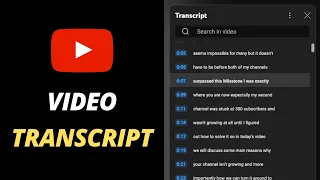
the video as well as the like and dislike we want to do is Select this little circle right here with three horizontal dots once you select that go down and select show transcript that will bring up the transcript for that video and depending on the video it'll be either auto-generated or submitted by the creator of the video so now you can see a transcript of that video in order to copy this all we need to do is select the three vertical dots right here next to the X and select toggle timestamp now those timestamps will
disappear now we need to do is Select right here and drag it down to the bottom of the transcript then right click and select copy and then we can paste that anywhere we want and we now have a transcript of that video all right so that's how you get a transcript of any video on YouTube if you have any questions about this leave a comment below I'll get back to you as soon as I can if you'd like to see more YouTube tips and tutorials check the links in the description if this video helped you
give it a thumbs up and please consider subscribing to my channel gauging gadgets for more Gadget reviews and Tech tutorials thank you so much for watching