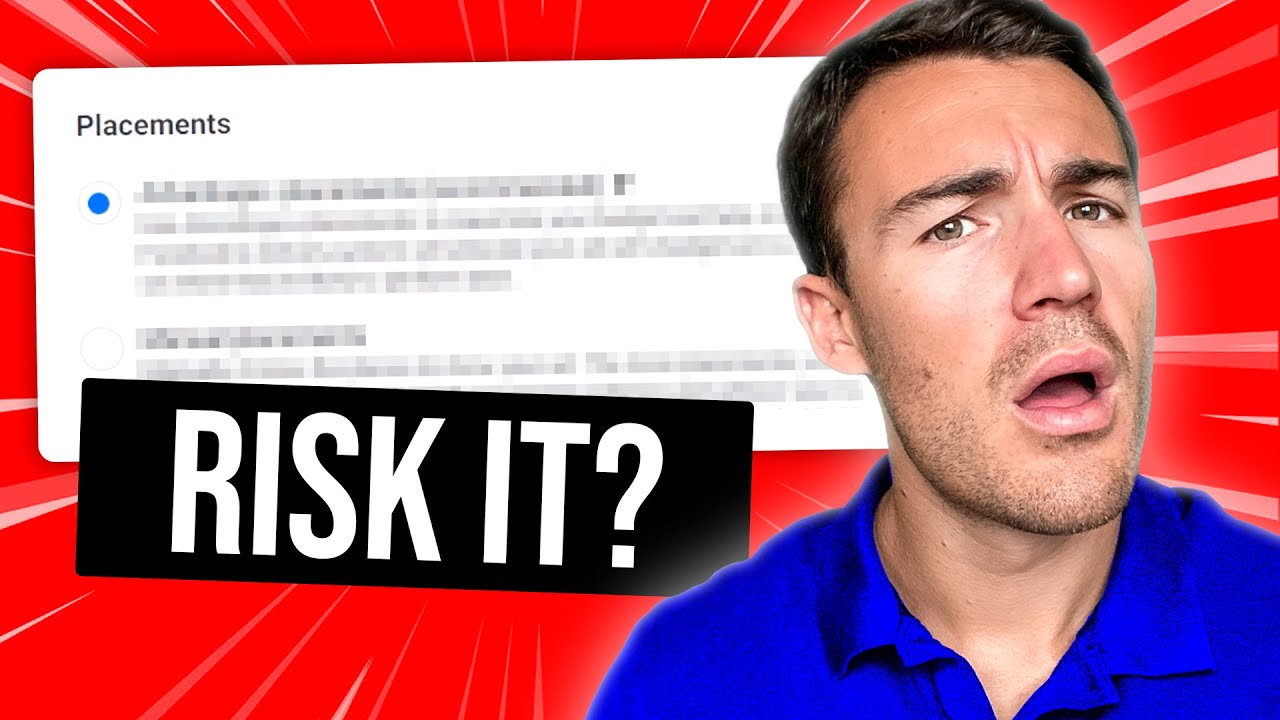
hello Facebook C people I'm gados and today we're going to discuss about one setting that most of you are avoiding and you're not using when you're doing ads with post IDs so a little bit of theory before we go into my PC uh in order to explain to you what we're going to discuss today basically uh when you're using a post ID let's say that it's a post ID from your feed on Instagram most of the times people are not changing the creative on the different placements and uh they don't even know that they can
do that and we will discuss in a little bit about the post and what is happening with this hi guys I would like to interrupt this video in order to talk to you about my new mentorship programs and uh I would love if you go to the website you're going to find the link in the description or you can find it in the menu of my website and over there you're going to be able to see the different mentorship programs that I have you can find the one that's going to fit better your needs and
I will hope to see you there so first thing first when you're using a post ID you using a creative which is one by one on the fit placement but maybe it's not suitable for the stories and a lot of times I have seen post ideas that they're not doing really well they are just going to keep working well on the feed while when the actual ad has been created and then it became a post ID that you are using because it went well it was created as an ad which was having a different creative
on uh feed uh a different creative on uh Instagram uh stories and reals and and all of that so over there we are having the Paradox that we are starting with different creatives on different placements the ad is doing well and then we take one of these creatives from the placements and we're using it as post ID the biggest question here is what is going to happen with engagement because that's the whole reason that we are actually uh using the post ID whatever change you're going to do from the ones that I'm going to propose
to you then you're losing all the engagement because it's like a new post ID is being created there are two things and we have some bugs recently with the meta platform which I don't know if they're going to exist when uh this video you're going to see this video two things first of all when you are taking a post ID from Facebook feed you're not going to have this engagement transferred also to Instagram so this is one thing secondly most of the times when you're taking a post ID which is a Facebook feed post ID
depending on which ID you are getting and I know that a lot of people are going to ask how am I getting my post ID there are no clear paths on how you can take it most probably you have to isolate it from the comments or from um uh previewing or from other ways and take it from the URL it's not so easy to find the actual post ID this is why we are actually proposing most of the times if you have uh something that is working really well to go and post it into your
page so that you can use it forever but if it's if it has been created through ads it's very difficult to locate the post ID but if you locate the post ID most of the times the comments the likes and everything is not being actually uh transferred from the feed to the reals sometimes there are but for sure they are not being transferred from Facebook to Instagram so if you have engagement on Facebook you're not going to be able to see this engagement on the Instagram side when you're going to use it as a post
ID from Facebook and why I'm saying all of this because now in the setting that I'm going to show you on the different placement on uh you to change or change the copy or whatever you may want to change each change that you make it's going to be accounted from Facebook as a new post ID which means that it's going to lose all the engagement so my proposal and what I am doing is that if I have a very strong uh post ID which is a real I use it on a real and I use
another creative uh on my uh feed uh if I have a very strong creative on um let's say um feed I'm going to use another creative uh on uh 9 by 16 dimensions for stories and reals so that I can have also good results on stories instead of limiting myself on having good results only on the feed of course all of this is just uh a video for you to test something that it has been working for me and you can uh test it again and again uh to see if it's going to work for
you the only reason that I'm posting this is because I have seen people not doing that having different creative for the different uh placements uh secondly not knowing that it's completely different if you're going to use it h and if you're going to know it of course and the third thing the third thing is that I have seen post IDs which are doing really well being used and fail but when you do that they are decent I'm not saying that they are crazy good but they're decent at least okay let's go to my PC to
show you this setting and we'll take it from there okay so I opened one post ID because most of the times people uh neglect this uh setting you can see already of course I'm going to hide everything uh except from this here that says 1.5k likes 30 comments 55 shares so this is how you want to to see a post ID so we're using it this one is coming from an actual post that was done in a page after seeing that we have done well in ads uh so now we are using it like this
so that we're never going to uh lose it that's the whole purpose of it of course this is a brand which is operating for years so they have also Community uh with which is uh fueling all of these posts uh really easy now first thing that I want to say here is that primary text a lot of times people go and they have for example let's say for example that you have one creative and you have uh posted it on Black Friday and they change the copy if you do that you are losing all of
the engagement the engagement is not going to stay there it's going to start from zero because it's actually a new post ID okay so you're using you're using this post ID as a base but basically you're having another post ID imagine that if the if you could do that basically there were a lot of people that they were going to post something make it viral and then change completely the message to something else and by this ad becoming viral maybe they could sell even um even uh weapons I guess okay so uh it doesn't go
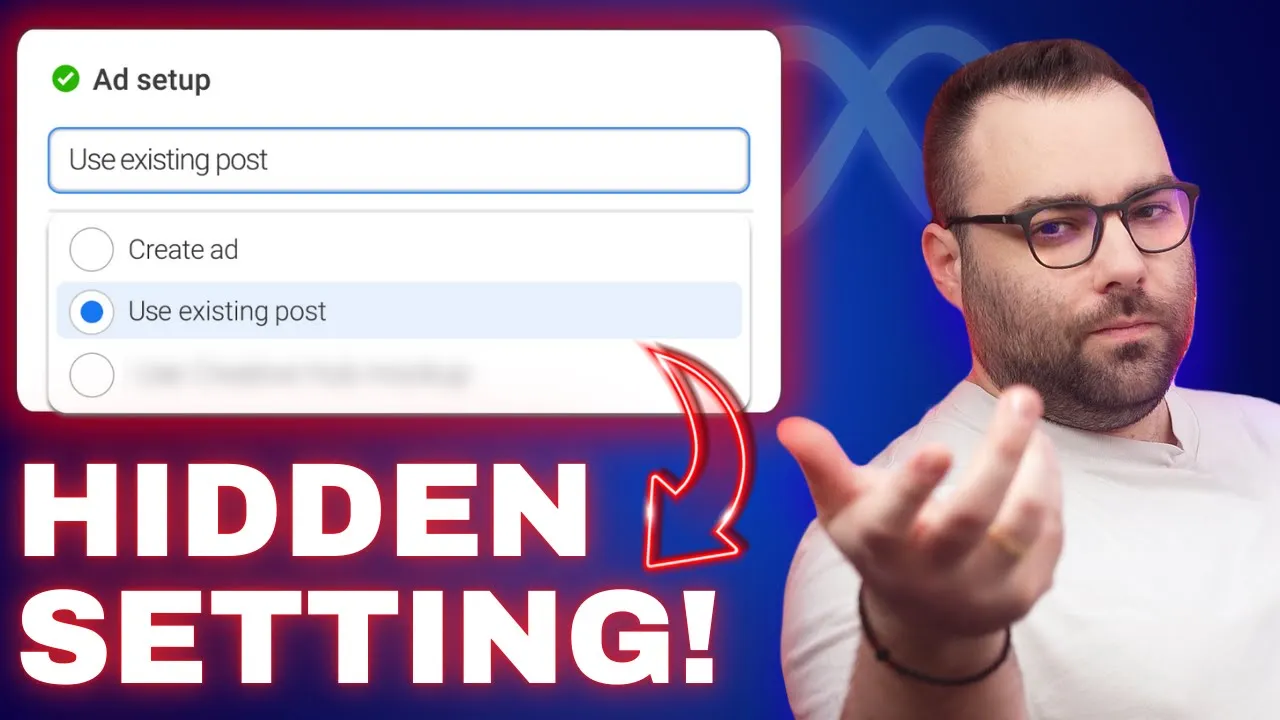
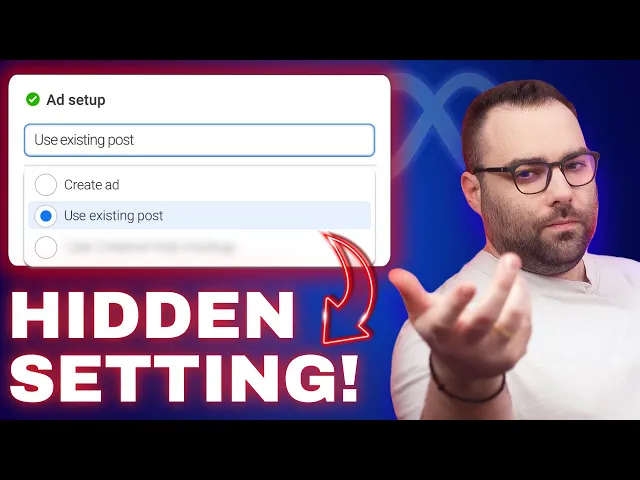
like this it's going to be a completely new one and you have the option for the add more text and stuff if you do that it's not a post ID anymore it's it's a new post ID but it's not a viral post ID let's say anymore another thing though that I'm doing a lot and I want to mention is this hidden setting over here okay which is basically let's say as we said you're going to take one uh post which is a feed from Instagram these comments are not going to be transferred on the Facebook
site so maybe you can use another creative as you can see here we have Instagram feed Instagram stories Instagram explore you can use creatives for uh all of that and a lot of times the mistake that I see that people do is that they do believe that this post ID now is going to have all the comments and the engagement to all of the placements and to all of the platforms this is not true that way you can actually put the even even the same creative but with the right dimensions to the different placements over
here and let me tell you also that uh first of all if you do that again you are losing all of the engagement it's a new post ID but at least you have a decent ad so you're focusing mostly on the post ID as a post ID for the placement that is actually having all of the engagement and on the others you're putting decent ads that maybe they are going to work don't forget that you're having better chances on uh getting sales if you start with a strong uh initial base which is your uh first
ID another thing which I want to show you is that if we click for example let's go to the feed for example okay let's go to Facebook feed over here we have again the luxury of cropping of changing the creative of uh having another primary Tex of having another headline of having another destination even okay even have uh product uh tags over here for the shop so you're having different options here last thing and super important whatever settings you are having here these are the settings that Facebook is going to take for the different placements
so you might have another copy over here on the primary text and the another one over here Facebook is going to respect the one that you said on the different placements because this is what you're asking to override the main settings which is this one so a lot of times even when you do Advanced plus campaigns you mind end up seeing other copies you have to check inside the placements if you have other uh copies uh over there and uh of course if you override uh with uh changes there it's going to be another post
ID and it's going to lose uh all of the uh engagement don't forget you're taking a post ID from Facebook feed it's going to have 100% the engagement there but sometimes it's taking it also to the uh stories and reals on Facebook but not on Instagram and on Instagram Instagram feed and Instagram stories and the opposite so be careful with that you can do these kind of changes you can make your post IDs a little bit more planned care a little bit more for them because most of the times we just throw the post ID
and we run the ads there are more things that you can do in order for you uh to have uh better results that's all I had this is what I wanted to show you today which I find that it's interesting at least it helped me in a way of um sometimes you know you have a very uh strong post you run it again with other ads and it's not working and it's really disappointing and I'm mostly referring not to posts that they have been posted on the pages because these are almost always working I'm talking
about posts that we that you have found that and they have been created through the ads manager and as an ad on these ones I have seen better results by touching the different placements and doing changes and just keeping only the one that has uh the engagement without any change so that I'm not going to lose all of the comments posts uh comments uh the likes and the shares so that's all I had for you I hope that you're going to test it that it's going to help you that's uh what this is all about
testing and uh and let me know if it worked for you don't forget that if you want to learn more you can check my book my course and my website of course and until we me again be creative and be consistent [Music]
![I Replaced ALL my ADOBE APPS with these [free or cheaper] Alternatives!](https://img.youtube.com/vi/5EfqHg49kMk/maxresdefault.jpg)