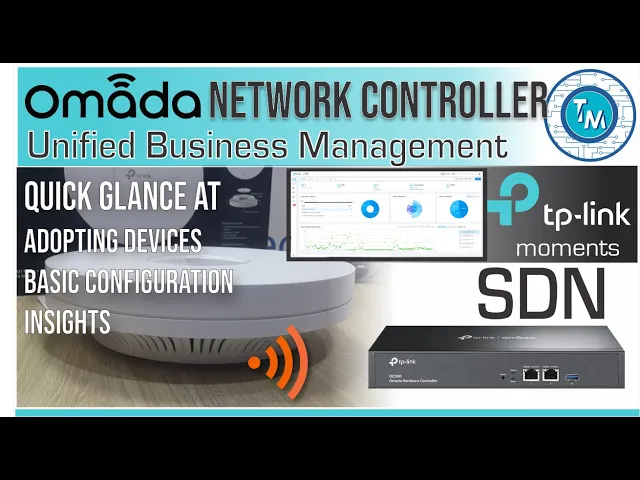
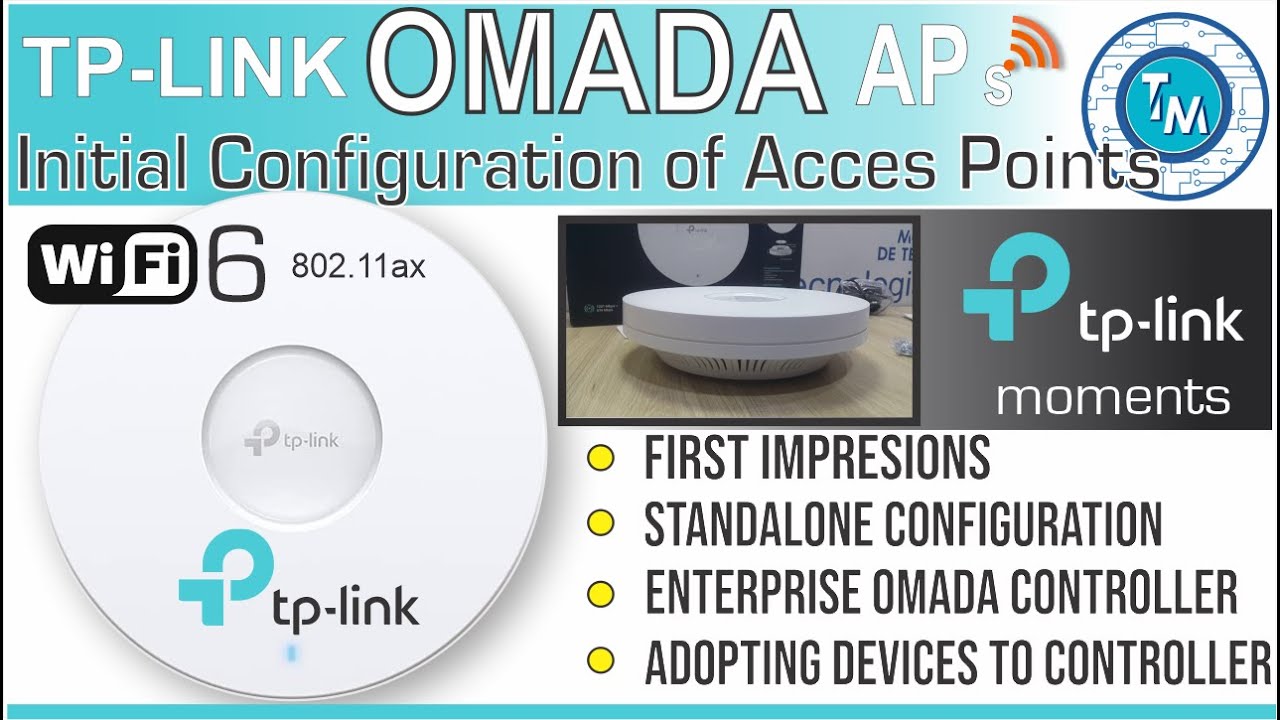
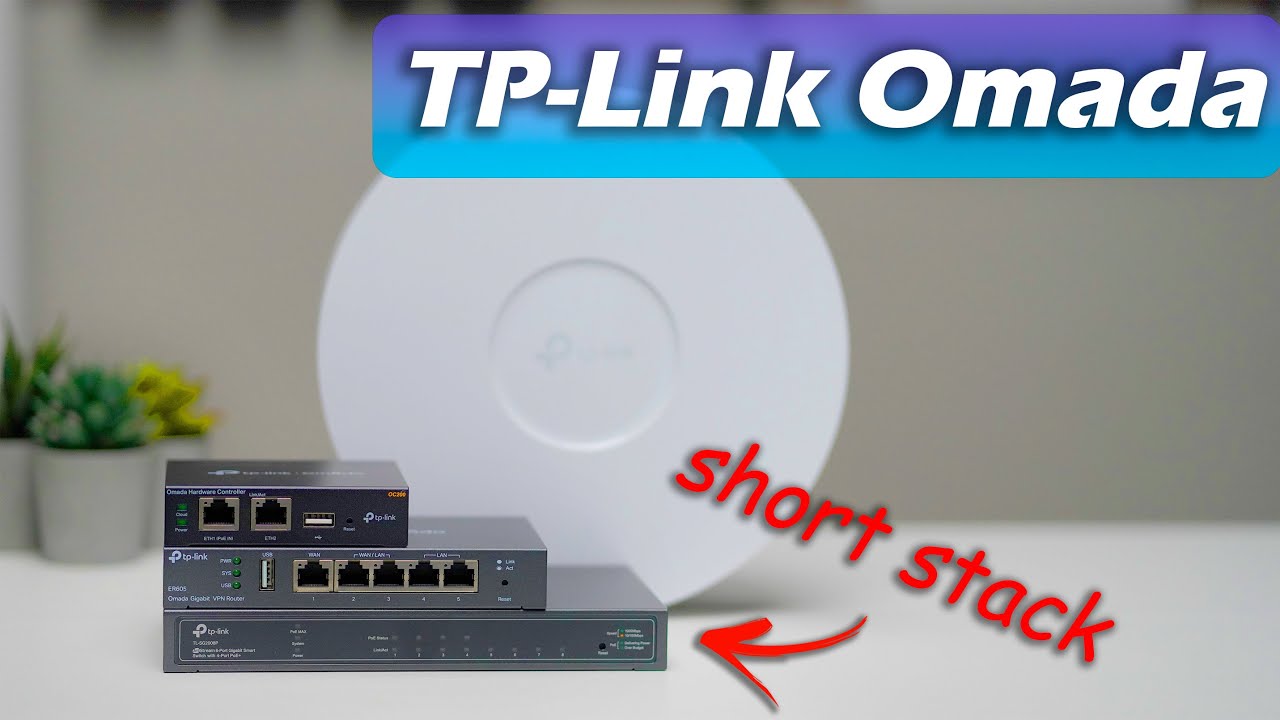
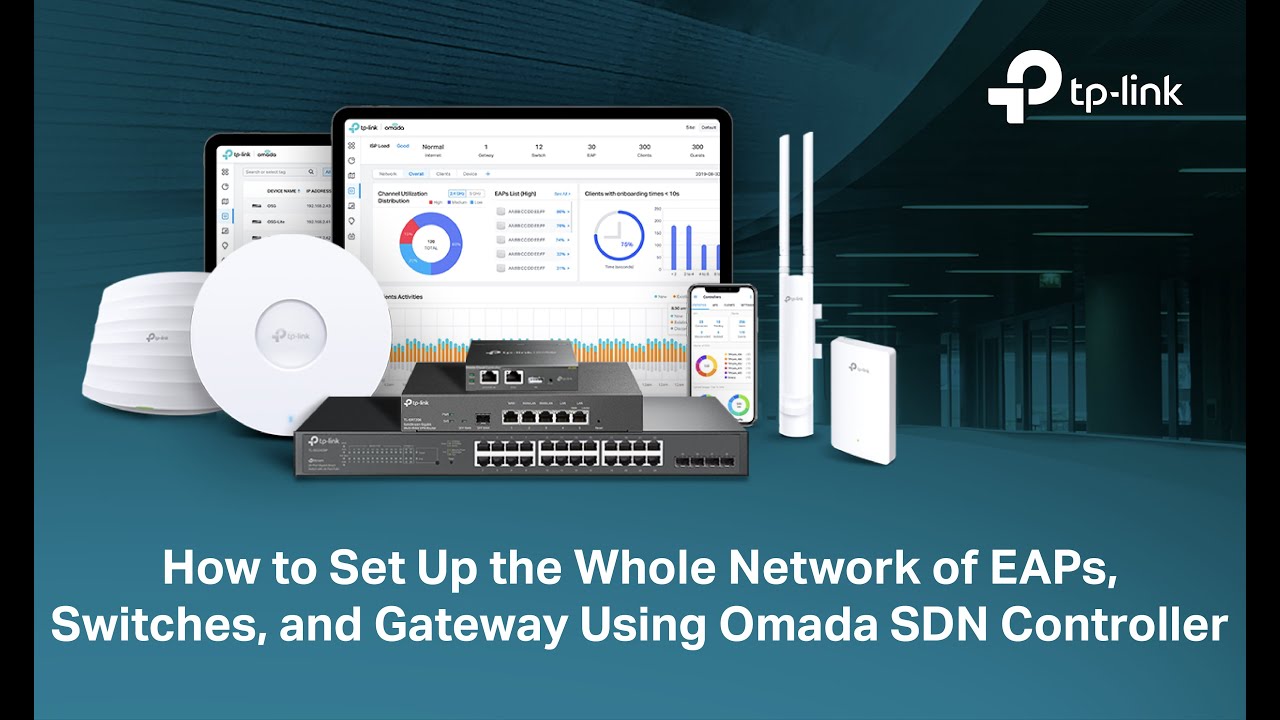
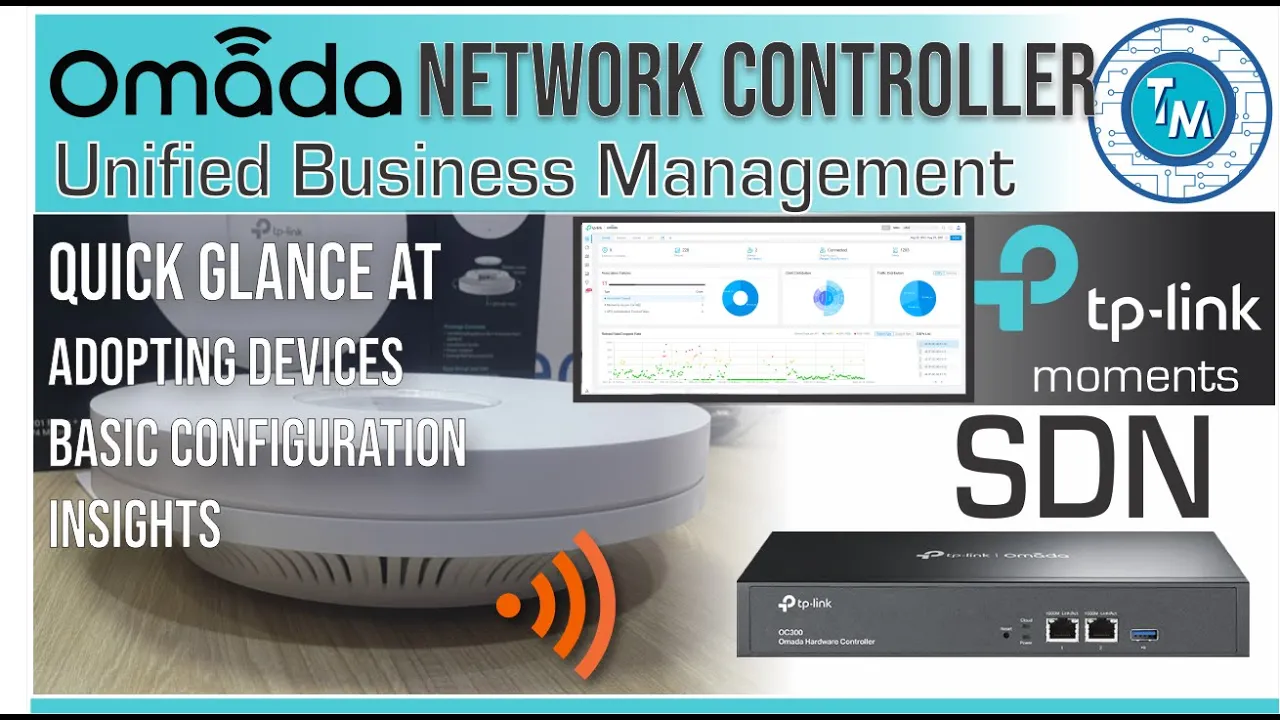
hello everyone my name is alan welcome to this new video of technology moments and today a very quick video of something that many of you were wondering or that you were thinking of implementing and need some more information or experiences to do it or to make a decision we're talking about the tp-links omata and it's omada network controllers how does it work what similarities does it have with unified systems like unify of which so many videos we have published to date and this changes very quickly due to the intention that typic link has to expand
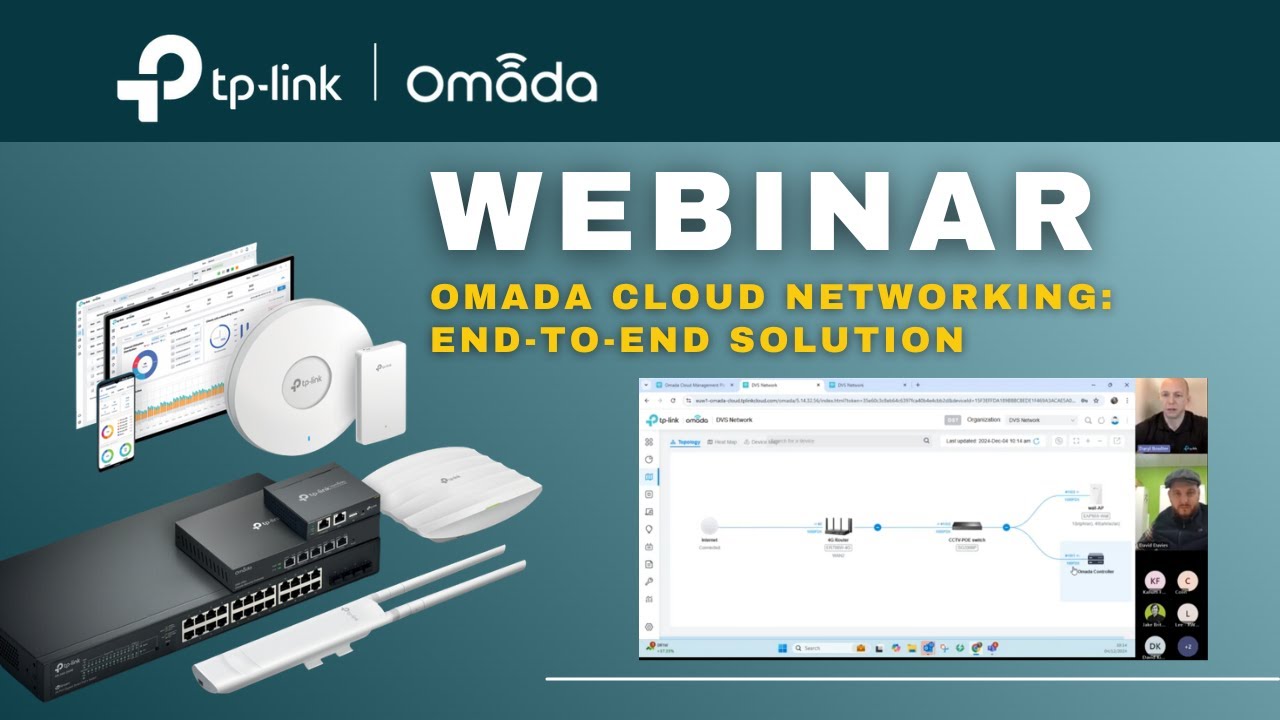
this line of products they will have this unified system to manage omada access points uh switches and gateways or routers unifying and centralizing their management uh in this controller first we need to tell you that we're very happy with these tests that we have conducted of this system we've started with the business line of omada the eap 600 series of aps which have proven to have a very good stability and excellent energy consumption and an outstanding range with all the wireless standards they support but since the objective of this video is to show you what
the omata software controller is and how the unified centralized management system works that is precisely what we'll do in this fast video and we invite you to watch also our video of the wi-fi 6 on the access point omata the eap610 and we'll tell you what its performance and our experience was for those of you who have used unifi well you'll feel extremely confident to make implementations in almata especially since version 4 of the controller software is so similar to unifi well in principle it seems like a carbon copy of what we can do in
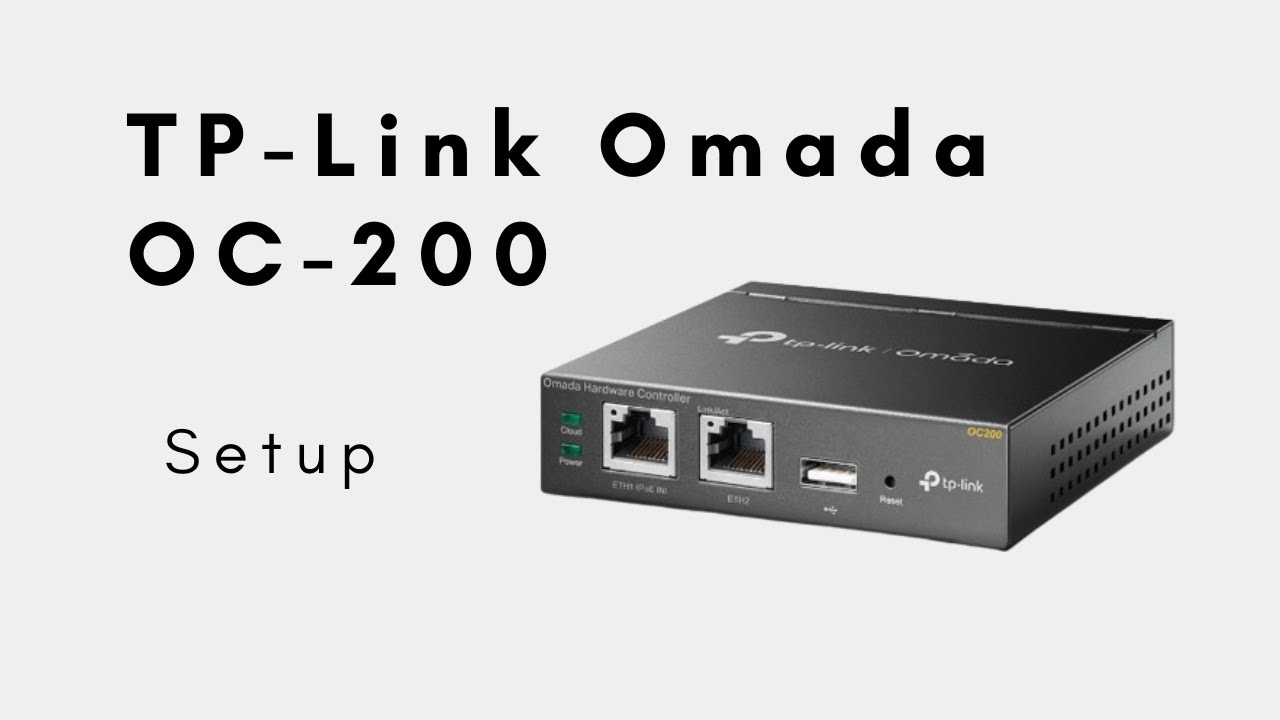
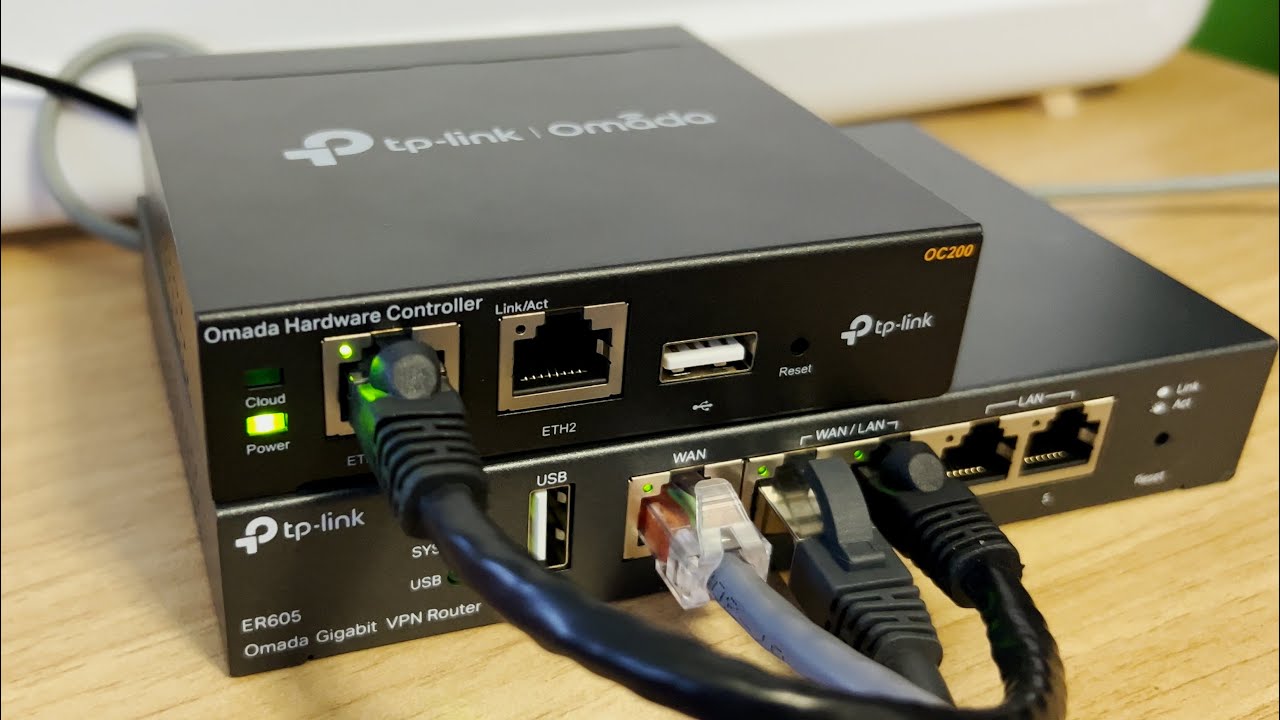
the unifi network application formerly known as the network controller or network controller from unifi before starting this version that we analyzed in this video is the version for computers that run windows it is version 4 but at the time of releasing this video version 5 was already available very few changes though if you wish you can use the dedicated devices for this purpose called the omata controllers such as the oc 200 and the oc 300 that will allow you to run this service with no dedicated computers hands-on the controller installing it is as simple as
downloading it from the tp-link page that ironically it's easier to find it in google verify that you have installed some version of java or otherwise install it during the setup process follow a few short steps to define some parameters on the network particularly the access credentials and the default wireless network that you will have broadcasting we take note of the passwords and the summary it gives us maybe captured the screen and that's all for the installation in our desktop there will be a shortcut that if for any reason it doesn't start automatically we can tweak
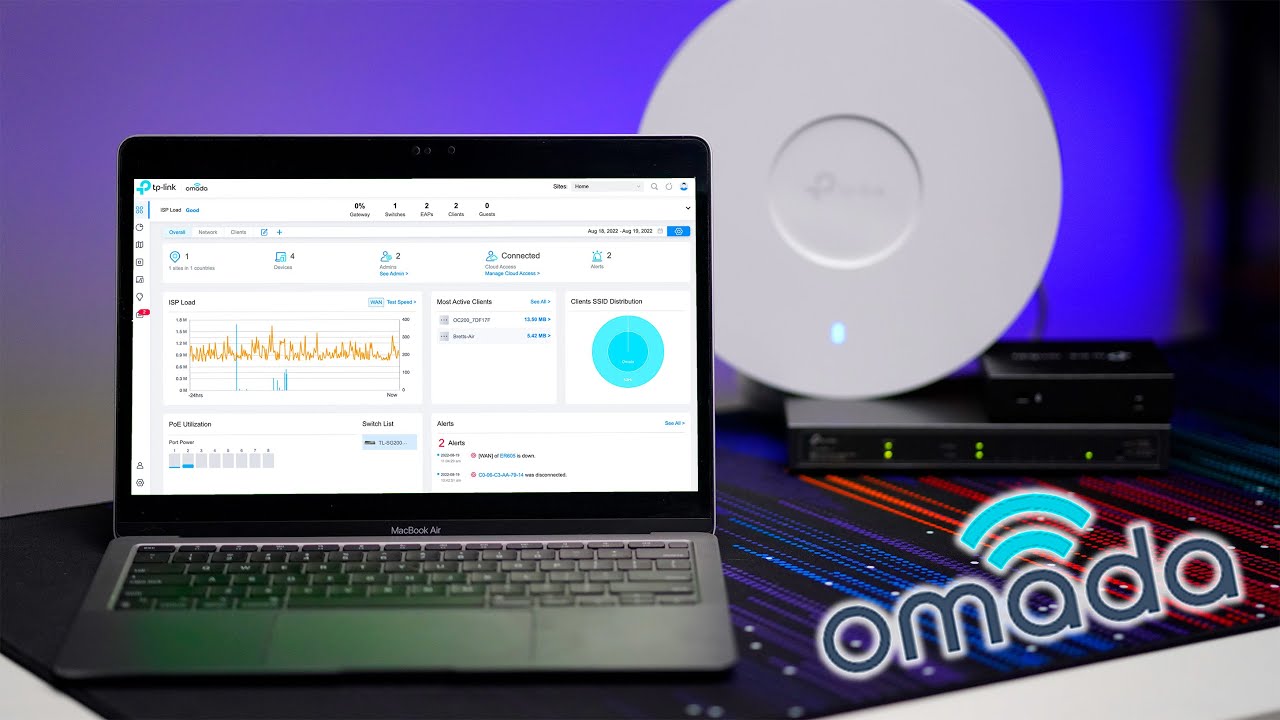
it to startly by using the command shell startup drag it to that window and that's it remember that the very first time we started it can take longer than usual and could even give you a startup error that we can safely ignore close and restart the application and you'll be good to go it'll open our default browser and after authenticating it'll take us to the panel or dashboard where just by seeing it we can get an idea of all the devices we have in our network again remember that the advantage of using this software is
that it will allow you from this control panel to configure and provision all the equipment in your network facilitating not only the management but allowing users who starting these tasks to do so without having much experience and without risking to make a catastrophic error statistics map device and clients the categories that we'll probably use the most because they allow us to find quick information not only for our hardware but for the client computers connected to our network insights just like at unifi will allow us to dig a little deeper into the information we've collected from
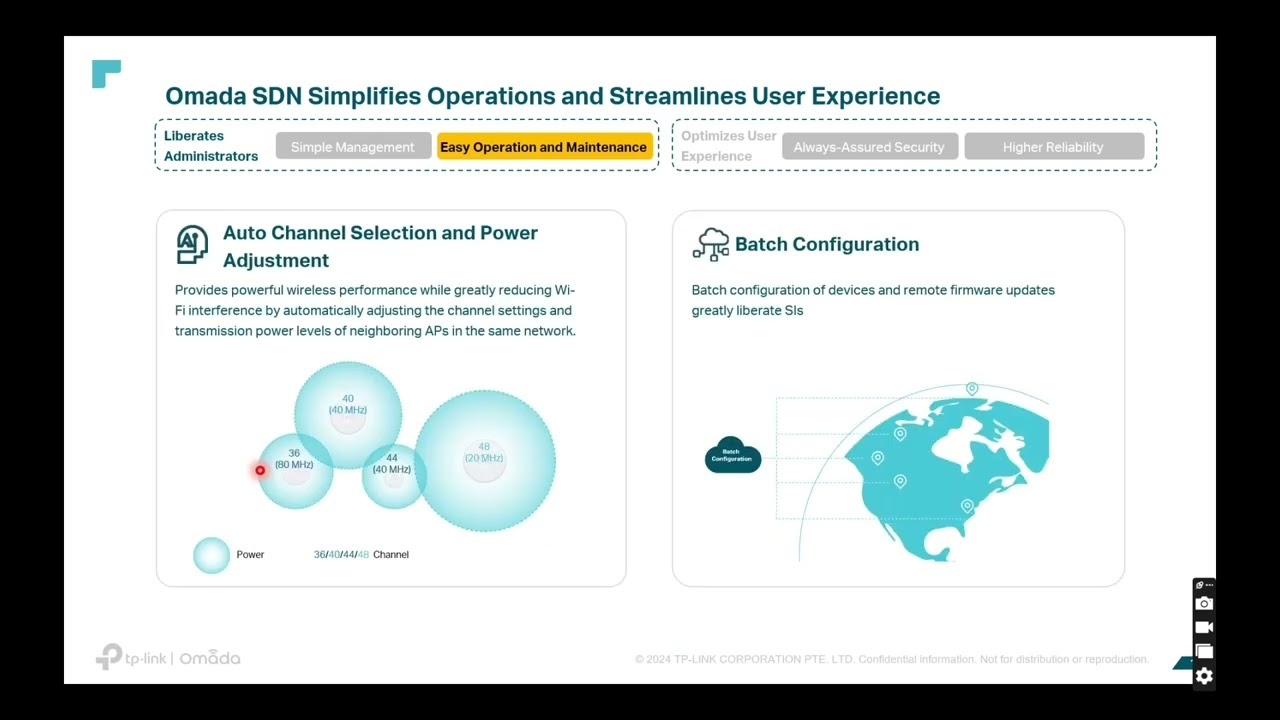
an internal client or device to make changes to our networks we must go to settings at the bottom left of the screen to set new parameters and change how we interact with our users and our hardware we can also monitor their traffic and maintain security very quickly you can change and configure the wireless networks changing passwords and managing the technology that they use within minutes either for one or 100 access points you'll be able also to manage the firewall for which of course we need to have the necessary compatible hardware which we'll see in our
next videos establish virtual private networks or vpns and many more tasks configuration of the controller itself for which we highly recommend setting up an smtp server that will facilitate the password recovery process link your account with cloud management which we highly recommend but as we have seen with unifi we must be aware of vulnerabilities of our provider as today attacks are increasing at an alarming rate keep changing your passwords for non-existent words or phrases finally the migration and backup tools that we must always not only configure but also test for scenarios in which we encounter
critical failures of critical element and must use our manual or automatically created backups we will look in detail many of these topics the important thing is to understand the scope of the management that we can reach by using the tp-link omada network controller okay guys that was all for today you support us by subscribing to our channel and liking this video sharing our experience is our main objective we invite you to do just that see you next time [Music] you