You're using ChatGPT wrong, but it's not your fault. Whenever a new feature gets released, self-proclaimed experts share their best practices to capitalize on the hype. That's all fine and well, except at that point, most of their advice hasn't gone through enough testing to produce consistently good results.
Let's take custom instructions, for example, a powerful feature available for both paid and free users. You might have heard it's best to be as specific as possible. Include your values and principles, your learning style, the city you live in, and the apps you prefer to use.
This is terrible advice because custom instructions act like an umbrella that should cover all of your use cases. For example, if my custom instructions were super specific and optimized for writing YouTube scripts, the relevancy of the ChatGPT outputs for my work and personal life would actually decrease. Here's what to do instead: for the first box up top, keep it simple with three sentences.
First, a snapshot of who I am professionally: I'm a product marketing manager in tech. Second, insert your secondary persona: who are you outside of work? In my spare time, I create online content on these topics.
Third, my personality and my interests: I'm all about efficiency, productivity, and self-improvement. That's it! The bottom field is extremely important, and here's a hack: find an online creator who's articulate, smart, capable, charming, charismatic—basically, someone you respect, admire, and want to emulate.
Let's go with Ali Abdaal. Head on over to his newsletter page and open up the last two links. Then head on back to ChatGPT, start a new chat, and input this prompt: "I'm going to share two blog posts written by Ali Abdaal.
Analyze the blog posts and give me a set of instructions I can use to write in exactly the same tone, writing style, humor, reading level, and delivery. Here are the blog posts: Blog post one [paste] Blog post two [paste] and hit enter. " Obviously, it doesn't have to be a newsletter; it could be online articles, LinkedIn posts, or even speech transcripts from your favorite comedian.
You’ve got to hit the like and subscribe button if you're also a fan of Trevor Noah. By the way, if not, hit the dislike button twice. Now, instead of copy-pasting all of this into your custom instructions, pick and choose the ones you vibe with the most.
For example, use casual language, break your post into digestible sections—definitely good ones to include. Light sarcasm and cheeky remarks might not be for everyone, right? You get the idea.
Copy and paste the ones you select into the second custom instruction box down here. Now ChatGPT knows just enough about your background and preferences to provide relevant outputs for any and all of your use cases. Moving on, I'm 100% sure those of us with no coding experience have made the second mistake with ChatGPT: not writing code to automate tasks.
To give some context, I studied business in college, and the closest I've ever gotten to writing code is typing in cheat codes in Warcraft 3—not that I cheat; I needed to cheat to win! I was a pro. That was great.
Yet, with the help of ChatGPT, I've written a script that allows me to click a button in Google Docs to generate a new page before every single one-on-one meeting I have with my manager, and I have no idea what any of this code means! All you have to do is tell ChatGPT: "Hey, write a Google Apps script for my one-on-one meeting notes in Google Docs that does the following: add a new page with heading 2 that says 'Date: today's date'; add a heading 3 'Notes' followed by three bullet points; add a heading 3 'Action Items' followed by a numbered list; create a button I can click before every meeting to generate this new page. " Not only will ChatGPT generate the entire script without you having to make any edits, but it will also provide step-by-step instructions on how to implement this for yourself.
I won't bore you with the details, but basically, within most Google applications, you can click on the "Extensions" menu to open up the Apps Script, copy and paste the code ChatGPT generated, rename it, click save, and run the script. It's that easy! Pro tip: you can even make simple tweaks yourself.
For example, this script outputs a date whenever you click on the button in this long date format (month, date, year). I can change this to a shorter month, date, year format, save it, and run it. We can now all apply for software engineer roles at Google!
You're welcome. Jokes aside, we're now only limited by our imagination. For example, I also created a button in Google Slides that standardizes the font and font size for all speaker notes since different colleagues might copy and paste their slides into one presentation.
Super handy, by the way! This video is not sponsored, but it is supported by those of you who subscribe to my paid productivity newsletter on Google tips (link in the description to learn more). The third way we're using ChatGPT wrong is falling into the first try fallacy: this is the unrealistic expectation that we get perfect answers from ChatGPT after just our initial prompt.
Yes, Jeff, I know we should follow up, but it takes so much time, and there's no standardized framework for following up with ChatGPT—it's just too much extra effort. Good news! Instead of all that extra effort, all you have to do is add this sentence at the end of your prompts: "Ask me five questions that would improve the response you'll be giving me.
" For example, as a marketing manager, I pay my vendors in a variety of currencies, and I keep track of. . .
All these payments in Google Sheets. I ask Chachi BT, "Is there a way for me to automate tracking so that even if I input the amount in its original currency, there will be a column that automatically converts the amount to US Dollars (USD)? " Ask me five questions that would improve the response you'll be giving me instead of responding to my request immediately.
Chachi clarifies his understanding by asking me questions like, "Hey, are you cool with using App Script? If yes, I'll write you a script, you no-code genius. If not, we'll stick with formulas, you lowly peasant," or other questions like, "Do you need real-time currency conversion?
If yes, we'll use option A; if not, then option B. " After I provide the secondary round of input, ChatGPT gives me an extremely relevant response. If you don't believe me, try using the same prompt without the "hey, ask me five questions" sentence and compare the results.
The fourth mistake I see is what I call the "summary-only shortfall," where the majority of users are still only using ChatGPT to summarize information instead of distilling actionable insights. For example, let's say you come across this article on holiday shopping insights. You can select all text, copy it, ask ChatGPT to summarize the article, paste, and it'll do a fine job.
But there are two small changes you can make to get exponentially better outputs. First, to get personalized insights that are specific to you, try this: I'll share an article below on holiday shopping insights, "How does the information in this article apply to a [insert your role, paid media marketing manager responsible for increasing brand awareness]? " Here is the article, and you paste the article.
I'm now provided with actionable next steps, like focusing on Gen Z shoppers using YouTube because more than half of Gen Z use YouTube for holiday shopping. Wow, I guess that's not too surprising. Pro tip: instead of copying and pasting, paid users can upload a PDF onto ChatGPT directly, and the prompts work in the exact same way.
Use case number two is my favorite; it saved me so much time, and it's to have a dedicated Q&A session with the written content. Type this into ChatGPT: "Assume the role of a senior business analyst with over 20 years of experience. For the rest of this conversation, I'd like to engage in a Q&A session where you'll provide insights, analyses, and answers based on the uploaded report in PDF format.
If you understand, please respond with 'yes. ' Great! " Now, instead of spending 30 to 40 minutes reading this entire report by LinkedIn, I can simply ask targeted questions.
"Hey, does the report provide any evidence of layoffs because of AI? " ChatGPT responds, citing what it has read in the report. I can even stress test this by asking for something I know is not included in the report.
"Hey, does the report mention AI tools like Google Bard or Perplexity AI? " Since LinkedIn is owned by Microsoft, I highly doubt those two tools will be mentioned. And here we see that, uh, yes, the report focuses on the impact of ChatGPT, but the report does not specifically mention Google Bard or Perplexity.
The fifth mistake I see people making is the "prompt overload paradox," where we consume a lot of ChatGPT-related content, save them offline somewhere, but forget to optimize or even use those prompts in our daily tasks. Here's a simple solution, and no, it's not to click out of this video—you've got to keep watching. Step one: tell ChatGPT to assume the role of an experienced prompt engineer with over 20 years of experience.
"I am a [insert your role] working on [insert your responsibility] with the goal of [your objective]. Give me 10 ChatGPT prompts that will help me become more productive in my job. " Step two: pick a maximum of three prompts you can see yourself using every day at work.
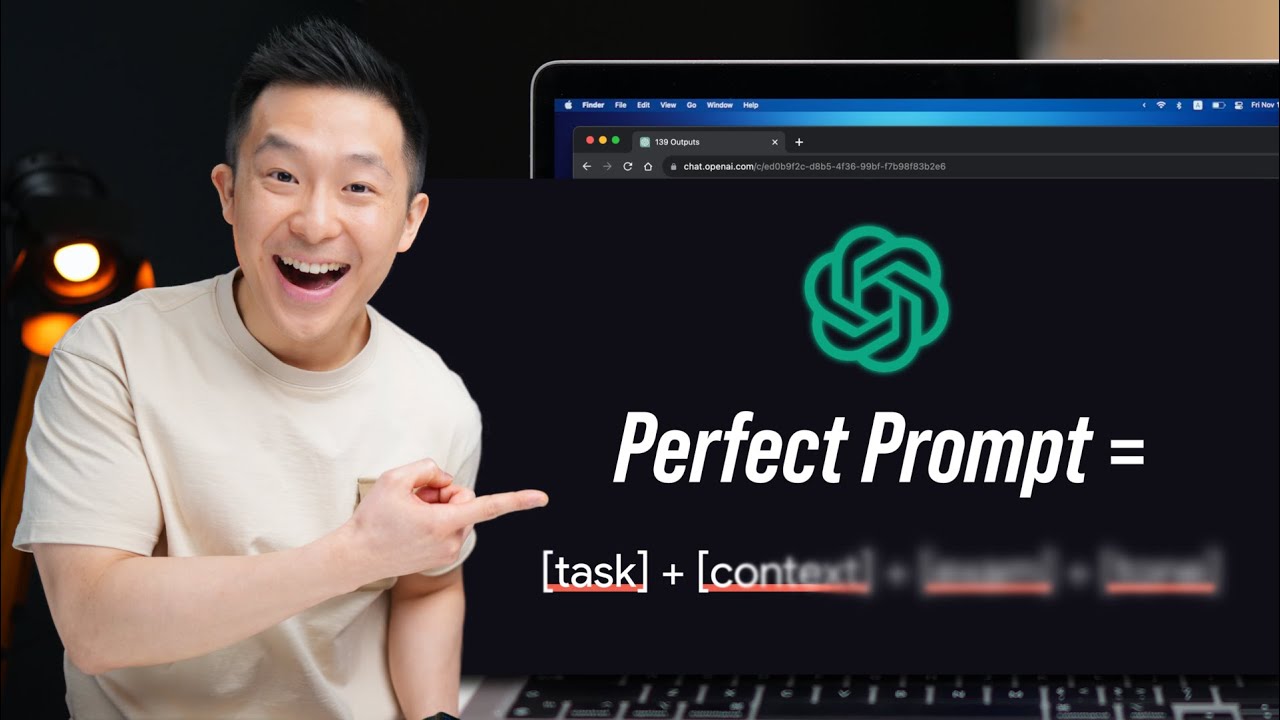
For me, that would be this competitor analysis one for sure, this audience insight one, and this creating a survey to get feedback from my audience. Then focus on using those three prompts at work for two weeks and refine them using the perfect prompt formula I made. I have an entire video here so that you can actually become more productive.
See you in the next video! In the meantime, have a great one!

![Master the NEW Perfect ChatGPT Prompt Formula [2024]](https://img.youtube.com/vi/rYi6xLCsidw/maxresdefault.jpg)