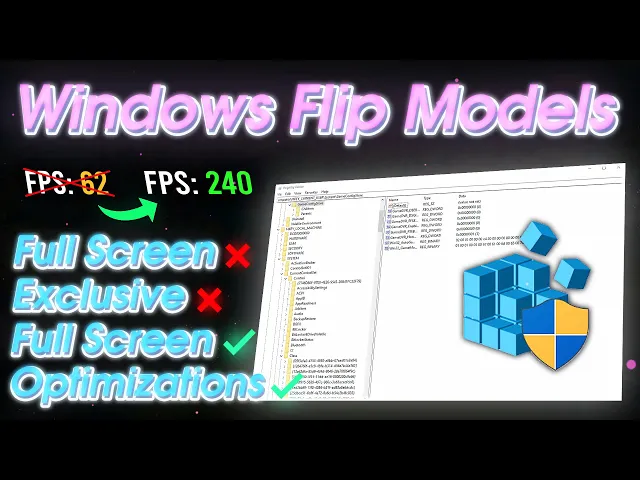
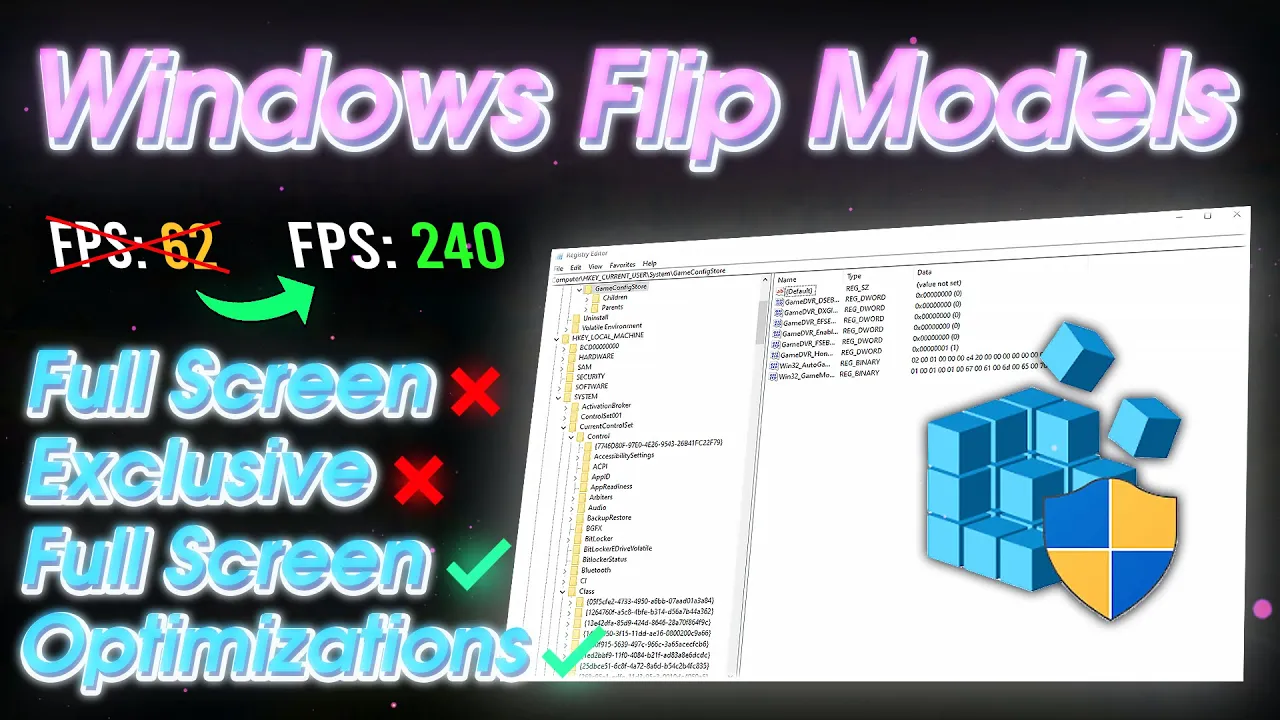
hey guys in today's video I'll be talking to you about the different flip modes window no SS which includes full screen exclusive and full screen optimizations FSC and fso I'll be telling you guys what's the best one for gaming because there's a lot of outdated knowledge out there that misguides people so I'll be telling you what you should do and what like you should set for your system if you enjoy this video make sure to like And subscribe as I will be posting more videos like this at Saturday 1 p.m. e but [Music] yeah so
the first we going to do is see1 flipping mode we have on currently to get into a present mod just join the Discord server which will be linked in the description below then head over to programs and then in here you'll see the GitHub link that's the one without the overlay and then the overlay version is the Intel link if you're using the Intel link and you want to use the overlay you just make sure you have your game open and it's set in the process right here set your overlay hog key to enable it
and then you want to click edit right here and just make sure present mode is on one of these because that's where you're going to be looking that and then you want to open your game and if you don't have the overlay just press your overlay hot key and then it should pop up for me my present mode is on Hardware independent flip yours might say Legacy Flip or Hardware composed flip if you can't use this overlay for some reason then you could just use the non overlay version which is this you just run it
like normal and then if your game doesn't show up you just want to open your game and close it real quick and then in here you should see your flipping mode okay now that you know what flipping mode you have you have to understand what it is if you have Legacy flip that is basically full screen exclusive what happens is the GPU renders the frame and then it sends it to dwm to composite the frame and then presents it on your screen whereas fso just renders the frame and presents it on your screen directly which
bypasses dwm thus like reducing latency another thing too is fso is newer technology so games and newer Hardware is more built for FS whereas FSC is kind of outdated and deprecated so we would like to have fso instead which would be Hardware independent Flip or Hardware composed independent flip it's better if you could use Hardware composed independent flip which all you have to do is just enable no to actually enable no and fso by the way you just want to join the Discord server which will be linked in the description below then head over to
resources and then the enable M and fso batch should be right here you want to download it and then just run it as administrator it's going to ask you if you're on Windows 10 or 11 you're going to select like one or two depending on what you're on I'm on Windows 10 so I'm just going to press one and then enter it should do a couple things and and then say press any key to continue just press any key and then it's done restart your PC and then it should be set now another thing too
you just want to make sure and check is that you don't have the simple full screen optimizations on for whatever game you play what you want to do is just find the wind shipping.exe or the exe for the game and should should be in like your regular drive and it may be in like program files let me try to find a one for fortnite it should be in program files epic games fortnite fortnite game binaries 164 then in here this is the main exe that fortnite uses you want to right click it click properties compatibility
and you just want to make sure that this is not checked so you would go into change High DPI settings and if it's still grade out for you if it isn't grade out then you can just uncheck and click okay and then click apply on okay and you'll be fine if it's gr out for you like this you want to click change settings for all users uncheck disable full screen optimizations this could stay checked it doesn't really matter click apply okay and then it should be unchecked and then you just click okay right here and
you would do this for any game basically just to make sure that you don't disable full screen optimizations for it same thing with like valerin too if you enjoy this video and you want more videos like this just make sure to like And subscribe as I will be posting more videos like this if you have any suggestions on what type of content you want to see just join my Discord server and let me know in the chat what you want to see yeah see you in the next one