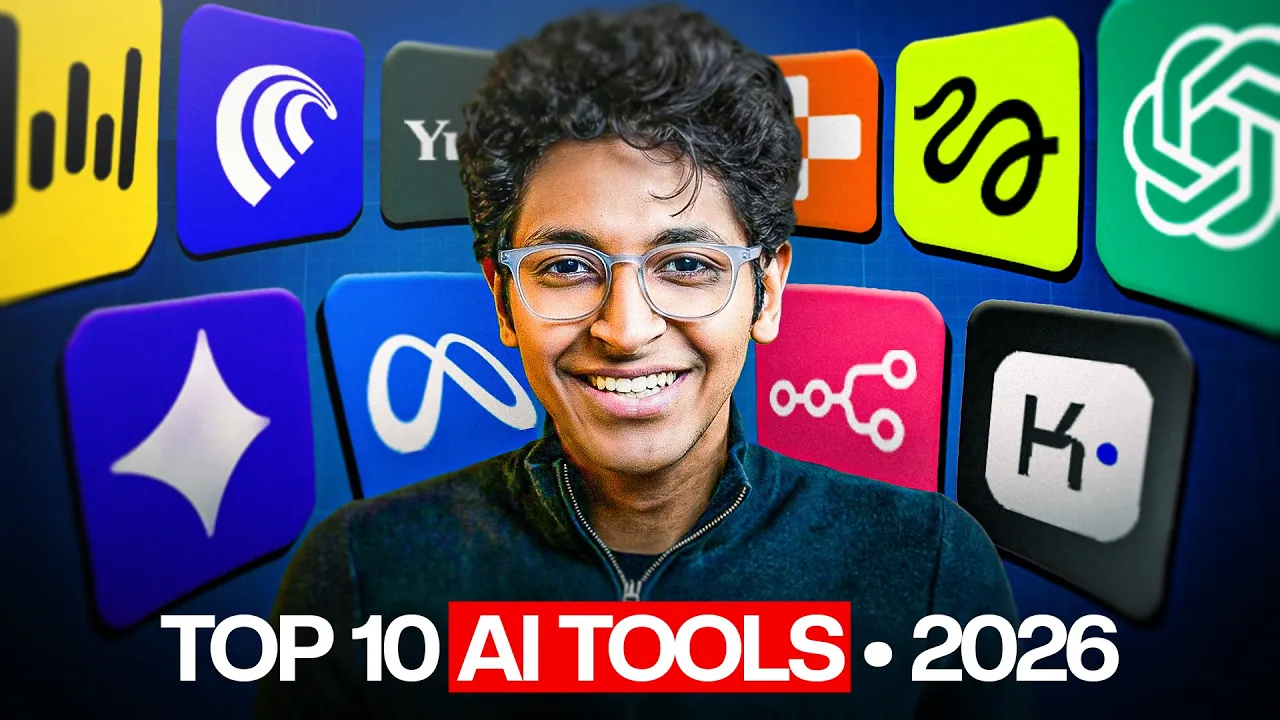
I have to be honest with this video. I've tried hundreds of AI tools in the last 4 years. Ever since Child GPT came out, there has been a humongous wave of AI tools being launched every single day.
So, I put them to test by trying them all out and seeing if it's actually usable. And I'll be honest, there are only 10 AI tools that I end up using every single day. I'll share what these tools are, how they work, and how you can use them to be more productive, to make more money, and to become irreplaceable in 2026.
Make sure that you hit that like button, and the first AI tool will help you write faster than ever before. Imagine you're on your laptop, you're typing on your phone, you're always interacting with a keyboard. Most people have a writing speed of 40 words per minute.
While most of us can speak at 120 to 140 words per minute and whisper flow is an incredible AI tool that will replace your keyboard by just allowing you to communicate with voice to any device you are using. Be it your laptop, be it your iPhone, just speak what you want to type. But what's cool in that?
Well, you don't need to always say the right thing. You can communicate the way you're talking to a friend. You can make mistakes.
You can have your ums and a you can make corrections that hey uh let's meet at 7 no let's meet at 9:30 p. m. Let's meet at Starbucks.
No, let's meet at Nagarjuna in Bangaluru. And it will understand that. It understands context, not just what you're speaking, but what does that really mean at the end of the day?
And it types that in your emails, in your WhatsApp replies, in your messages, in any place that you're typing stuff. Say you're on chat GPT and you want to write faster, just open up Whisper Flow and start communicating with voice and it will write down your entire prompt and hit enter. Flow AI just understands what you want to say and writes it for you just the way you want it.
The second AI tool is a browser for the AI era. It's called Comet by Plexity and it will completely change the way you do work. Comet is a AI browser which will do tasks on your behalf.
You can simply go onto any website and ask it to do the task that you want it to do. For example, replying to people in their comments, adding items to your cart, finding that coupon code to get discounts, comparing two items in different tabs, and getting the best one to buy. You can ask it to fill forms, write up sheets, create formulas, do any of the work that you've been doing which was boring for you can now be automated all thanks to comet.
The third AI tool will research the web for you automatically. It's called scouts and you can basically give it your interests. The exact topic that you want to know about and it will scan the internet every single day for those topics and give you the latest news about it in your inbox every morning.
Think about that. How cool would it be if you can get the top news about the thing that you're interested in. Could be AI, could be finance, could be business, could be a particular stock.
Let's say you want to know more about what is happening in the Tatastel stock. You can ask it to track that and it will give you all the news around it every single day without you having to search the internet. That is the power of scouts.
It's available on this platform called UTOI and I will give all the links of these AI tools in the description of this video if you're interested to try them out yourself. Again, these are all free tools to try out. They have their paid versions available as well, but you can start using them for completely free.
If you're liking this video so far, hit the like button and let's move on to the fourth AI tool. And this is all about design. If you've been building websites with AI, you know how weird and how boring those websites are.
Like you can just tell this is made by AI. But not anymore. Gemini 3 was recently launched and with it came its ability to create incredible looking designs and one company took the best advantage of it.
I'm talking about Replet and Replet design can completely change the way you create websites. Say you want to build your own personal website. You can literally go to replet design and ask it to create that website, create all the components, create the UI that you want and it will do it for you on your behalf.
It creates incredible designs and once you love the design of the website, you can convert it into a full-fledged app and then you can publish it to get the link that you can share with anyone on the internet for them to open your website. You can create a landing page for your app. You can create your own personal portfolio.
You can create any app that you want to and you will be amazed to see the designs. Just look at the type of designs you can create with it. This was all made by simply explaining what you want and it will just do the magic on your behalf in minutes.
In less than 2 to 3 minutes, you will get the entire design ready for you and if you like it, you can convert it into a full app. Replet is honestly the most goated vibe coding app right now. The next tool is going to make you an AI filmmaker.
You know, this is a real profession now. People are creating incredible movies all thanks to AI tools. I was recently in 1 billion follower summit and someone won a million dollars by creating a movie called Lily by Google Gemini.
They used V3 for creating this movie and they got a million dollars for it. Just imagine the opportunity that you have with you today. And if you want to start creating amazing AI films and short videos, you can start trying Higsfield.
Higsfield AI is an incredible suite. It's a studio that you can access and create any type of video that you want to. You have cling, VO3, and the other top video models.
But you can also pick the angle from which you want to shoot it. You can tell it which lens do you want the camera to use. You can tell it in great detail about how do you want the video to look like, how do you want the frame to move.
You can describe it in as much detail as possible and get amazing videos as an output. Google also has its own version called Flow which has V3 built-in, but Higsfield gives you access to all the popular video models. So, you can use them all and build incredible stuff with it.
The next AI tool that I'm talking about is great for using AI models. See, you can either use Chad GPT, you can either use Gemini, you can either use Claude, but what if I tell you that there is a way for you to get access to all of these models and get their intelligence for the single prompt that you've entered. I'm talking about AI LLM council.
This is a new concept created by Andre Karpati on Twitter and the idea is very simple. All of these models have their strengths and weaknesses, but you don't know which model to use for what use case. So what if we ask each of those models to generate an output for your question?
Then we will ask each of those models to rate the other models answers out of five or out of 10. Then we will have a leader of this council who will pick the best answer and will combine all the pros and cons of the output and give you the final output. This is an incredible way to use the top models of this world and get the best result from it.
It's available for free. You can try it out right now on hugging face and you can see just how amazing the output ends up being. One model can just do the best work that it can.
But when you have three, four different models, they will all brainstorm. They will all understand each other's perspective. They will rate each other's perspective and then they will combine the answer and give you the best answer suited for your question.
That is the power of AI LLM Council. We've talked about websites. We've talked about videos.
But what about pictures? See, if you want to generate incredible looking pictures, yes, you can try out Midjourney. But if you want to just get started by just a single line of prompt, the best way to create images with AI today is Nano Banana Pro on Gemini.
You can literally go onto it, type a very simple prompt for the image that you want and you can get amazing outputs with it. You can pick the aspect ratio. You can change the design of it.
You can ask it to make changes on it later. And it's really great at keeping a design consistent while making small changes in the entire image. That is the best part about it.
People are creating their profile pictures. People are creating mock-ups for websites. They are even creating comic books.
And there is literally no end to the stuff that you can create. Infographics is a great use case for Nanobana Pro. The sky is the limit.
You just need to know what prompt you need to write, what style you need to pick, and what aspect ratio are you looking for. All right. Now, the next AI tool is really special because it was launched by Meta very recently.
It's called SAM audio segment anything model, and you basically upload any audio clip to it and you can get any type of track from it that you want. Let's say I'm talking to you and we are in a busy coffee shop. It can give you my audio track without any disturbances from the background.
Let's say there's someone playing guitar in the background. I can ask it to just give me that audio of the guitar and it will pick that while muting everything else. It is exceptionally great at taking audio and cutting it down into various different tracks.
And I think it's definitely worth using if you are someone who creates podcasts, if you are someone who deals with audios a lot. You can even add different audio effects into SAM audio itself and you can export your audio. You can use it for any purpose that you want to.
All right, the next AI tool is a great way for you to start making money with AI and I'm talking about NAT. NAN is a drag and drop automation builder. You can use it to create various workflows.
You can use it to create AI agents and you can start deploying these agents in real world companies and help them save costs and thereby start making money from them. It's an exceptional way for you to take different apps, join them together, and create workflows that can automate tons and tons of tasks that were previously done by people and can now save up time for them. Try it out yourself.
I made a in-depth video about how to use Enit to create your first workflow. You'll find it over here and start creating your first workflow on Niten itself. The last tool on this, you know, list was a really hard one and I was researching the best slides generator.
I had GMA, I had uh Manis, I also had Canva AI, but I had to pick the winner. And the winner for this particular contest turned out to be Kimmy. Kimmy slides is an exceptional way for you to create dense slides which were previously created by consultants, by business analysts.
These can now be automated. You can generate in-depth slides which have pie charts, which have bars. You can literally go in as much depth as possible and create amazing slides that look like this.
Just look at the design element. Just look at how much depth in which it is going to explain you the particular topic. I think it's honestly the best of all the other slide generators.
Of course, you can use gamma as well. It is a great allrounder. But if you want dense slides which have a lot of data in them, maybe you are trying to present it to people in your own company, you want data to be represented in various formats on your slide deck, then Kim Slides is going to help you with that.
And that was the video. These were the 10 AI tools that you should master in 2026 to become irreplaceable and make some money with AI. That was all from me today.
If you have any questions, let me know below in the comment section. I will see you all in the next video. If you're still watching till the very end, write in the comment section, I was till the very end.
I'll see you in the next one. Bye-bye.