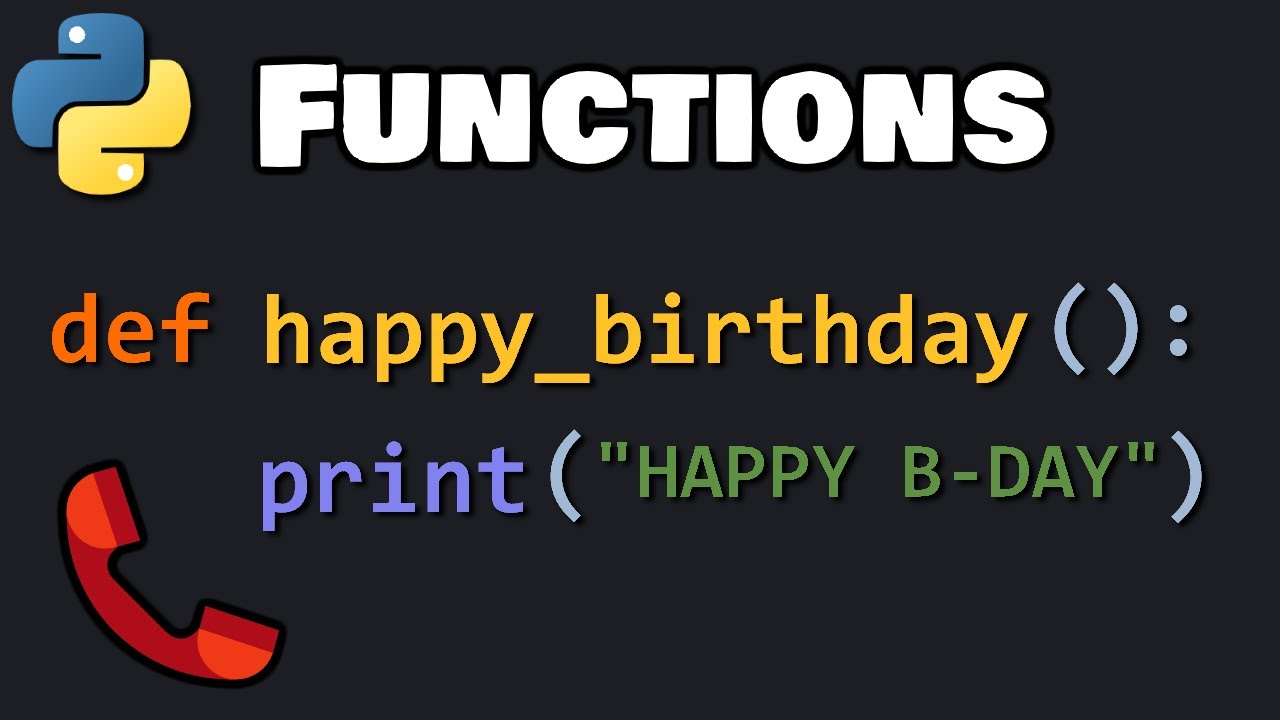
hello everybody today we're gonna be taking a look at functions in python a function is a block of code which is only run when you call it so right here we're defining our function and then this is our body of code that when we actually call it is going to be ran so right here we have our function call and all we're doing is putting the function with the parentheses that is basically us calling that function and then we have our output throughout this video i'm going to show you how to write a function as well as pass arguments to that function and then a few other things like arbitrary arguments keyword arguments and arbitrary keyword arguments all these things are really important to know when you're using functions so let's get started by writing our very first function together we're going to start off by saying def that is the key word for defining a function then we can actually name our function and for this one we're just going to do first underscore function and then we do an open parenthesis and then we'll put a colon we'll hit enter and it'll automatically indent for us and this is where our body of code is going to go now within our body of code we can write just about anything and in this video i'm not going to get super advanced we're just going to walk through the basics to make sure that you understand how to use functions so for right now all we're going to say is print we'll do an open parentheses we'll do an apostrophe and we'll say we did it and now we're going to hit shift enter and this is not going to do anything at least you won't see any output from this if we want to see the output or we actually want to run that function and some functions don't have outputs but if we want to run that function what we have to do is just copy this and put it right down here and now we're going to actually call our function so let's go ahead and click shift enter and now we've successfully called our first function this function is about as simple as it could possibly be but now let's take it up a notch and start looking at arguments so let's go right down here and we're going to say define number underscore squared we'll do a parenthesis and our colon as well now really quickly when you're naming your function it's kind of like naming a variable you can use something like x or y but i tend to like to be a little bit more descriptive but now let's take a look at passing an argument into a function the argument is going to be passed right here in the parentheses so for us i'm just going to call it a number and then we're going to hit enter and now we'll write our body of code and all we're going to do for this is type print and open parentheses and we'll say number and we'll do two stars at least that's what i call it a star and a two and what this is going to do is it's going to take the number that we pass into our function it's going to put it right here in our body of code and then for what we're doing it's going to put it to the power of 2. and so when the user or you run this and call this function this number is something that you can specify it's an argument that you can input that will then be run in this body of code so let's copy this right here and then put it right down here into this next cell and we'll say five and so this five is going to be passed through into this function and be called right here for this print statement let's run it and it should come out as i believe 25. that is my fault i forgot to actually run this block of code so i'm going to hit shift enter so now we've defined our function up here and now we can actually call it so now we'll hit shift enter and we got our output of 25.
now in this function we only called one argument but you can basically call as many arguments as you want you just have to separate them by commas so let's copy this and we'll put it right down here now we'll say number squared underscore custom and then we'll do number and then we'll do our so now we can specify our number as well as the power that we want to raise it to so instead of having two which is what you call hard-coded we can now customize that and we'll have power and now when we call this function we can specify the number and the power and both of those will go into this body of code and be run and we can customize those numbers so let's copy this and we'll say 5 to the power of 3. and let's make sure i ran this so let's do shift enter and now we will call our function and let's hit shift enter and we got 5 to the power of 3 which is 125. and just one last thing to mention is if you have two arguments within your function and you are calling it right here you have to pass in two arguments you can't just have one so if we have a five right here it's going to error out we have to specify both arguments for it to work now let's take a look at arbitrary arguments now arbitrary arguments are really interesting because if you don't know how many arguments you want to pass through if you don't know if it's a 1 a 2 or a 3 you can specify that later when you're calling the argument so you don't have to do it up front and know that information ahead of time so let's define our function so we're going to say define and then we're going to say number underscore args and we'll do an open parenthesis and a colon now within our argument right here typically we would just specify here's what our argument will be it will be number or it will be a word right but what we're going to do is something called an arbitrary argument so it's unknown so we're going to put star and then we'll say args now you will see something exactly like this typically if you're looking at tutorials they'll have star args in there or if you're looking at just a generic piece of code this is what it will look like but for us we're going to actually put number so again we have the star and then we have our arbitrary argument right here and then we'll hit enter and we're going to say print open parentheses and this is where it's going to get a little bit different so we're going to say number and then we're gonna do an open bracket and let's say zero and then we'll do that times and then we'll say number again with a bracket of one so in a little bit once we run this and then we call this number args function right here we're gonna need to specify the number zero and the number one that's going to be called so let's go ahead and run this and then we are going to call it and let's say five comma six comma one 2 8.
so right up here we did not know how many arguments we were going to pass through it could be five it could be a thousand we could also call in a tuple and that's what this is right here we're calling it a tuple so what it's going to do now is when it calls this number it's going to call the very first within that tuple which will be that 5 and then it'll also call in this number which will be the first position which is the 6. so let's hit shift enter and it's going to multiply these numbers together so 5 times 6 is equal to 30.