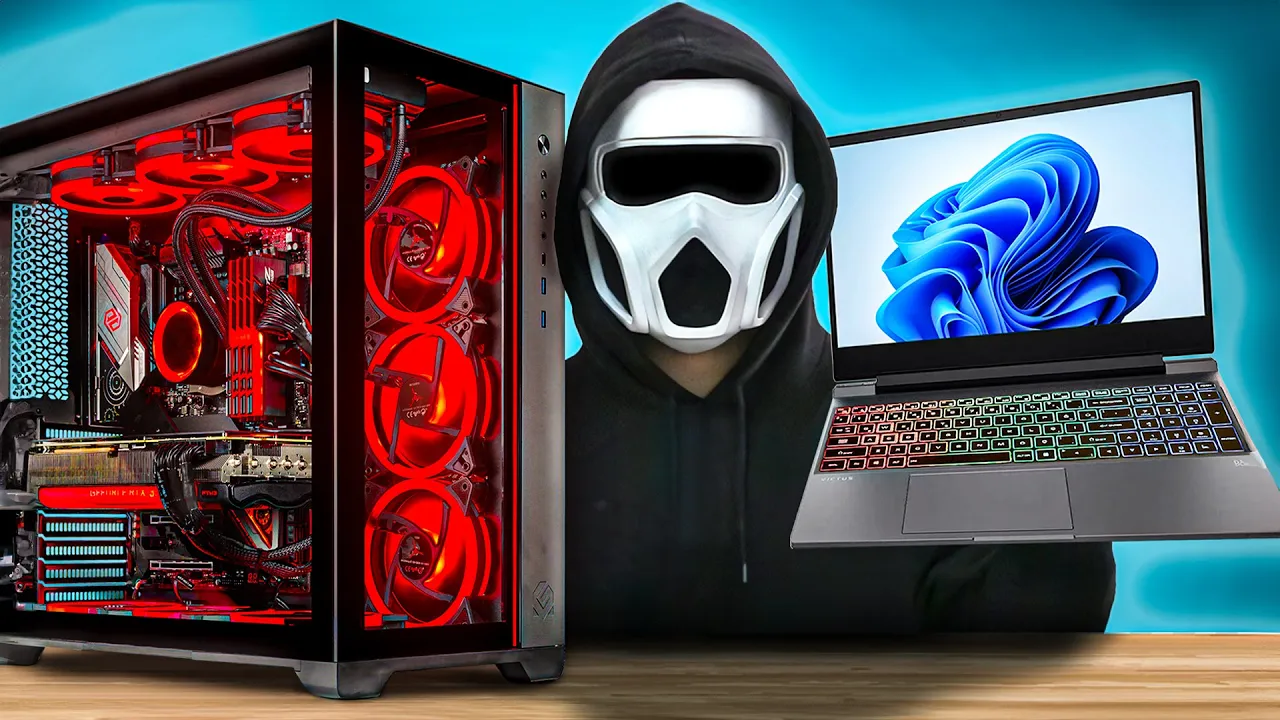
[Music] if you're trying to decide between getting a desktop or a laptop I'm going to quickly explain everything you need to know so listen carefully if you're ready let's begin difference in power with a few exceptions desktop graphics cards and processors are always more powerful than the models produced for laptops the reason for this is that desktops due to their design can reach higher power limits since laptops are focused on portability they cannot reach as high power limits as desktops for example if we have a desktop and a laptop with an RTX 480 graphics card
the performance of the 480 in the desktop will always be higher therefore if your priority is high performance a desktop would be a better choice for you which one should we choose based on the use case first you need to determine your use cases for example will you be working on tasks like 3D modeling or video editing or if you're going to play games will you be doing it professionally are you going to stream let's start by talking about 3D modeling and rendering in these types of tasks while the modeling phase might not be too
demanding during the rendering phase the computer has to run for long hours at high temperatures video editing is quite similar to this although these tasks can be done with a laptop a desktop is a better choice because its cooling system is much more capable a desktop is more suitable for working at high temperatures for extended periods if you're involved in such tasks try to opt for for a desktop as much as possible however for lighter tasks like music production and office work a laptop would be a much better choice because in tasks like music production
you're not even using the device at full performance these kinds of programs don't require high performance and you might even benefit having a portable setup which makes a laptop a better choice for such areas now let's talk about gaming common statements like games are not played on laptops they should be played on desktops are definitely wrong games can be played very well on a laptop as long as the cooling system is good however I need to point this out for example if you compare the Nvidia RTX 4000 series laptop and desktop gpus you'll see a
significant performance difference in all models except the RTX 460 so understand that desktop gpus are much more powerful than laptop gpus although this statement is incorrect there is a bit of truth to it I think you understand that now let's look at this topic from a different perspective are you a professional gamer for example let's say you play valerant professionally to compete with other professional players you will need a 24 in 360 HZ monitor so forget about using the laptop screen the only thing you can do is to use the laptop just like a desktop
by connecting an external monitor in this case there's no point in getting a laptop it's more sensible to use a desktop rather than using a laptop like a desktop right additionally if you want to get 360 HZ refresh rate from your monitor your laptop needs to have a USBC display port connection you can check this in the laptop's technical specifications if your laptop doesn't have a display port you'll have to use HDMI which will only allow you to get a maximum of 240 HZ refresh rate as most monitors don't support 360 HZ over HDMI you'll
need to use display port so if you're considering professional gaming you should definitely avoid laptops however if you're a Casual Gamer you can still play games quite well on laptops with good cooling system whether you're buying a laptop or a desktop you need a good web browser for your PC my recommendation is Opera Opera's features like tab Islands lighten my workload while researching on the web and make it easier to track the details of the topics I'm working on as you can see I can group different tabs on different islands and even attach an emoji
to them for easier access it helps me complete my tasks quickly and efficiently Opera is an effective browser that offers a powerful AI based feature like AR Arya saves me time by providing real-time information and answers to all my questions but also helps with translations and summarizing large texts it's quick and easily accessible right in the command line another feature I love is its ability to analyze an image I provide in detail I also really enjoy its image generation feature which allows me to design my thumbnails faster after finishing my work quickly when I want
to listen to music or relax by browsing social media Opera's ability to provide access to these services within the same window is one of the main reasons I've been using it for a long time you can try Opera browser for free using the link below to experience these features yourself now let's continue from where we left off difference in pricing another advantage of desktops compared to laptops is that they offer Better Price performance no matter what your budget is the desktop you build will be more powerful than the laptop you buy one of the reasons
for this is the design difference I mentioned earlier desktop Hardware can be designed to be more powerful additionally there's another downside to this design difference for laptops since laptops are redesigned every generation R&D costs are reflected in the price tag so when you buy a laptop you're not only paying for the components but also for the R&D work difference in cooling system as you might expect it's much more difficult for a laptop running at 300 WTS to dissipate the heat from its chassis compared to a desktop operating within the same power range the lack of
sufficient cooling space prevents laptops from staying cool which in turn limits their top performance Additionally the fact that laptop fans are much smaller and run at higher speeds makes laptops much noisier as a result when you try to play games on a laptop the fan noise can become really annoying there are laptop models that use effective cooling solutions to lower the noise level I could test and show you the fan noise levels of laptops and desktops but unfortunately I don't have any samples for comparison upgrade limitations on laptops another area where laptops fall behind desktops
is that upgrades are much more limited since laptop components are designed to be more portable the designed components can only be used within that specific generation however desktop components can use similar connections or operate within similar Power Ranges across multiple Generations this allows components like the motherboard case and PSU to be used across multiple Generations in laptops on the other hand a motherboard design is used for only one product line so upgrades are not possible in other words when you buy a laptop it's very difficult to change or upgrade components other than RAM and storage
keep this in mind the insufficiency of laptop screens this topic isn't one where desktops are vastly superior but they do hold an advantage desktop monitors usually offer much higher image quality compared to laptop screens only high-end laptops feature screens with high color accuracy in mid-range and entry-level models the screen quality is insufficient for tasks like photo and video editing therefore if you're working in areas that require High color accuracy you'll either need to opt for expensive laptops with high-end displays or use a desktop monitor during these tasks this will affect your workflow the limitation of
ports on laptops while this isn't the case for every model the number of ports and connections on most laptops might be insufficient for some users the app absence of a display port a full-size SD card slot or having only a few USB ports on laptops might require you to carry a hub or dock with you so if you've already added a laptop to your cart you might want to add a hub as well of course as I'll mention shortly when portability is the priority desktops can't even be compared to laptops portability we've arrived at the
most cliche most boring topic don't worry I'll explain it quickly portability is the biggest advantage of laptops a laptop is always ready to move and doesn't require you to stay in one place additionally with each new generation battery performance improves further increasing laptops advantage in this area the most portable and performance focused desktop build is an ITX build and even those don't include peripherals like a keyboard or monitor on a laptop however everything is contained in a single device so in conclusion if portability is important to you a laptop is the best choice be very
careful while choosing a laptop model I've already made a video where you can learn everything about this topic from start to finish but I want you to know this you need to be very careful when deciding on a laptop model with a desktop if you're not happy with any component you have the option to upgrade it later so you don't have to worry too much but when choosing a laptop you need to find the model that best suits your needs during its active use upgrading or replacing components in laptops is much more difficult for example
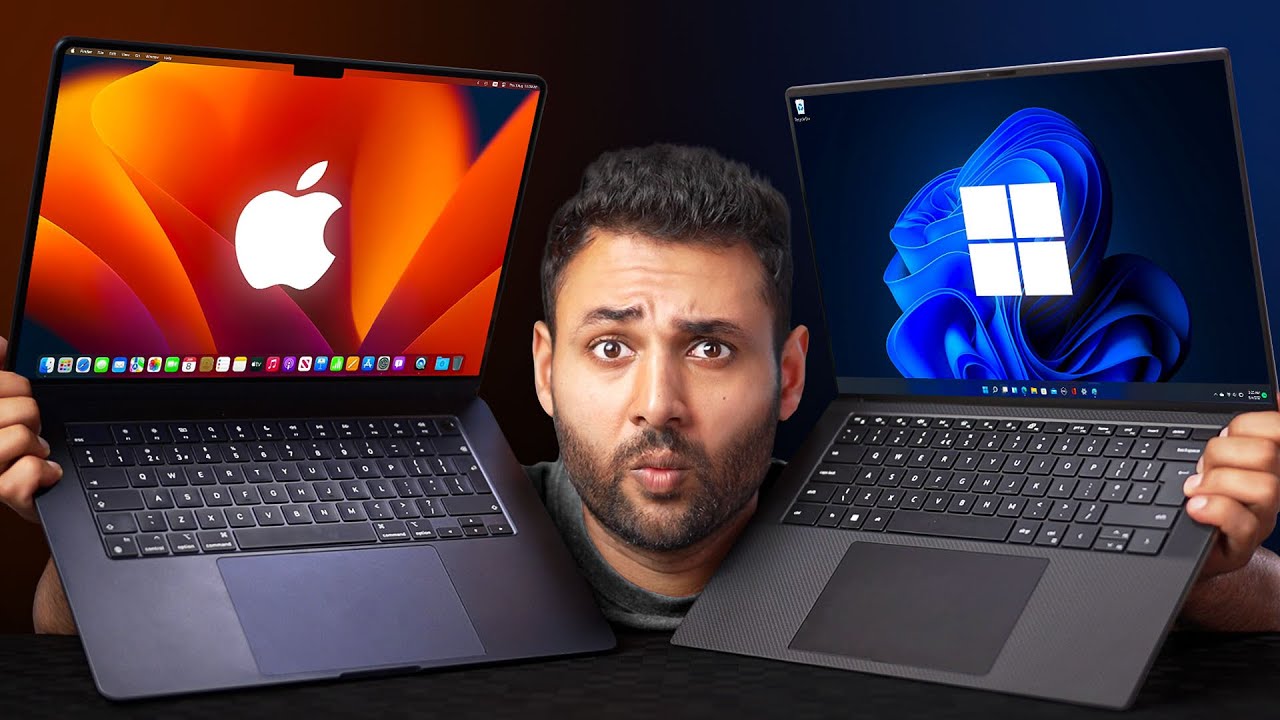
in the latest MacBooks you can't change any components if the MacBook you bought has 8 GB of RAM and 256 GB of storage and you're not happy with that you can't upgrade these components and we'll have to use it with configuration in Windows laptops we're not as restricted we can upgrade the RAM and the storage but still upgrading components like CPU or GPU is impossible because of the design limitations that I've mentioned before so don't rush when deciding on a laptop model don't have unrealistic expectations if you think you'll be able to sit with your
laptop on your lap and play games after buying it you're greatly mistaken if you're going to play games I don't think you'll choose a Macbook however except for arm laptops like the new MacBooks if you want to get full performance from a laptop you need to keep it plugged in if you try to use it on battery the processor and GPU will reduce their performance to save power which will lead to stuttering and freezes in mid to high Lev games the same applies to rendering if you try to render on battery expect long render times
however you probably won't need to worry because your battery will likely die before the render finishes additionally there's an issue with battery health that no one talks about if you don't keep your laptop plugged in the battery health will decrease rapidly over time you'll notice that you're not getting the same battery performance when you see the battery health percentage dropping quickly you'll probably feel disappointed to slow down the decrease in battery health you'll try to keep your laptop plugged in but then the main advantage of having a laptop diminishes it becomes a weird cycle in
short I recommend being as realistic as possible when deciding between a laptop and a desktop it's best not to have wild expectations but to have a decision based on your needs priorities and budget all right let's finish the video slowly if you like the video don't forget to hit the like button if not feel free to dislike stay mysterious until the next video take care and bye [Music]





![How to Build a Gaming PC in Under 15 Minutes! 🛠️ [An Easy Beginner's Guide]](https://img.youtube.com/vi/4CpQsFqgirI/maxresdefault.jpg)