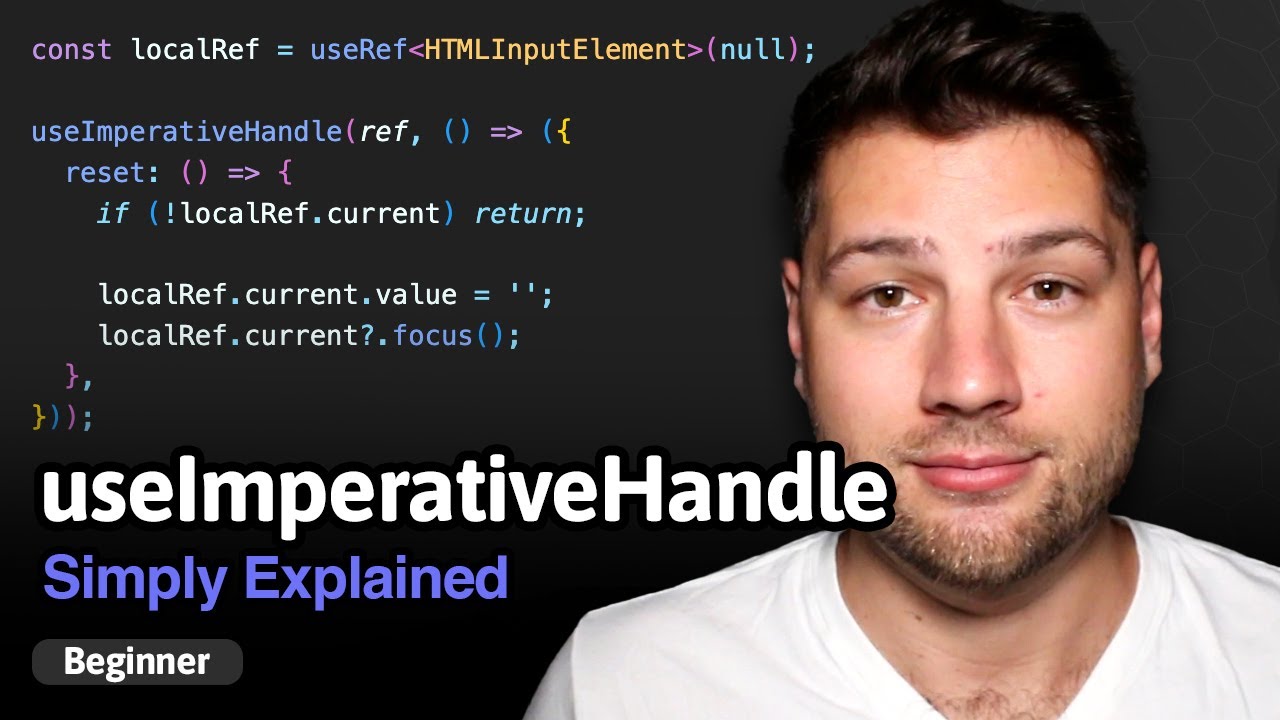
if you're confused by how the heck the use imperative handle hook works then you've clicked on the Right video in this video I'm going to go over two different examples of how this hook works the first is going to be a really simple example that's going to explain exactly what the hook does and the second example is going to be a real world example of where you would want to use this welcome back to web dev simplified my name is Kyle and my job is to simplify the web for you so you can start building
your dream project sooner and in order to understand use imperative handle we need to really well understand how used ref works and how it works with custom components now if you're unfamiliar with the used ref hook or any other hook out there I have a completely free react hooks course it covers every single hook you're ever going to need to know it's linked down in the description below completely free just go there and sign up for it now to dive into this use ref problem with functional components we just have a really simple app component
here we you're storing some State and that state is tied to this input component over here we have an input ref which is pointing to our custom input here and then we're just you know updating the value and changing it when we change our input really basic stuff then down here we have a button which is using this input ref to actually focus on the element itself and this works perfectly fine if we're using a normal input so if I change this custom input here to a normal input and now you can see it's our
normal input if I click Focus you can see it focuses me inside of that input that's working great but when we change to our custom input and I click Focus it's not actually putting my focus inside of the input when I type it does nothing so this is the problem we need to to get around and we don't even need use imperative handle for this but we need to understand how this works to see how use imperative handle can change this so to see what's going on here if I inspect I just go to our
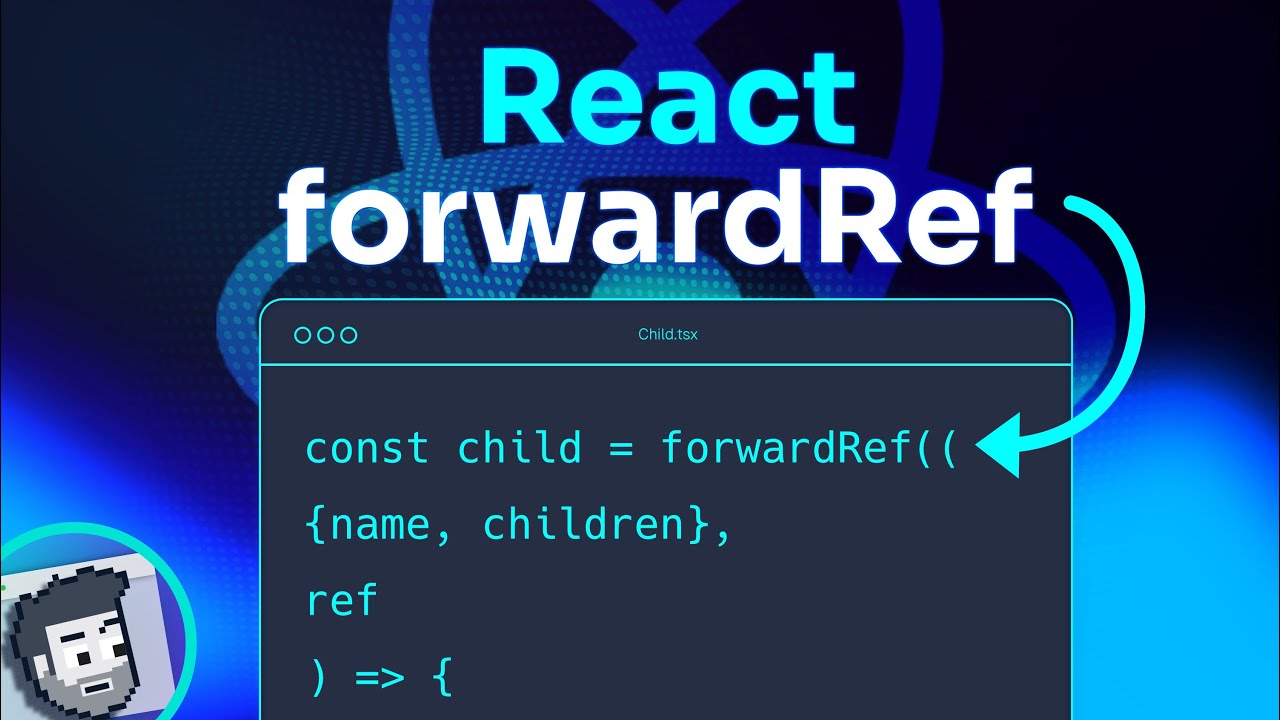
console cook I'm going to scroll up to the very top and you'll see we get this error that says warning function components cannot be given refs attempt to access this ref will fail did you mean to use react forward ref and that pretty much tells us the problem if we go to our custom input we need to make sure that we're handling the ref properly by forwarding it so in order to do that what you need to do is just wrap your you know name of your component whatever your component is inside of react. forre
so we can import that we can just say import react from react and then down here we can say react. forward ref and now just by doing that alone that'll get rid of the error but we still don't have this working if I click Focus it's not going to focus my input and that's because we need to tell react where our ref actually points so to do that our custom input here is now going to take a second property which is a ref and then we just need to tell react what that ref is pointing
to so we can on here just say ref is equal to ref by doing that one single little bit of code we're now just telling react okay we're forwarding the ref that gets passed into our custom input we're taking that ref and we're forwarding it to this input right here so now when I click Focus you can see it's focusing my input up here this is working great and this is perfectly fine if all you need to do is pass one ref directly to a single element inside of a component but what if you actually
want to completely change how the ref works you want to have your own custom ref that's not related to a component but it's actually just a custom ref entirely that is where use imperative handle comes in we're going to import that hook right here by saying oops use imperative handle and this Hook is really simple it takes three different properties what we can do is we can just call use imperative handle the first property is our ref so we're saying hey this is the ref that we want to completely override and we now no longer
need to pass that to our input at all and then what we need to do inside of here is pass it a function and this function is going to return a single value and that turn value is our new value for our ref so for example what I could do inside of here is just pass alert value or I'll just say alert high and what this is going to do it is a function that is just going to alert the text high so this is what I am returning let me make sure I do this
correctly there we go so now we just have a function called alert high which is just alerting the text High super straightforward so now my ref actually is this object right here now the third parameter that we can pass is an array of dependencies if you pass nothing it's going to refresh this value every render empty array is going to refresh it once and then we could also say like props value for example to refresh us every time our value changes this is something that you could do for example if you alert the value inside
of here you may want to only refresh it when the value changes so that works just like use effect for example we're just going to go back though to where this said hi we're going to use an empty array cuz it's never changing so now when we save our ref now only has this one value of alert high so inside of here what let's just change this to say alert high so now when I click this Focus button you can see it calls that function and it's giving us that alert high so it's saying high
right there now this right here is a bit of a contrived example because honestly if you wanted to have a ref pointing to your input which is most likely what you want you would just do that with forward ref but when you want to change your ref to be something entirely different that is what use imperative handles for and in the next example we're going to look at I'm going to show you a component that actually really takes advantage of use imperative handle now in this example I essentially have an open button that's going to
open a modal and then I have three buttons for focusing different things inside that model so when I click open you can see it opens our modal down here which has a yes button which is our confirm a Deni button which says no and then we have a closed button which is this x up here when I click on these buttons Focus close Focus confirm and focus deny I want to focus each individual element inside of our model that may sound really easy to do but it's difficult to do because these Focus buttons are in
my app component while all of the buttons I want to focus are inside my confirmation modal component so they're kind of disconnected from one another and accessing them is very difficult to do you may think okay we're just going to do this with props we're going to pass like a focus close prop and we'll have like a focus you know confirm prop or whatever deny and you could pass all those in but doing that doesn't really make sense because then you need to handle all the focus State inside react which is kind of a pain
to do since the browser does it all for you automatically this is just not a good solution instead what you want to do is you want to expose a new ref and this new ref is going to have a function for focusing these three different buttons and that's all it's going to do so now you're going to have one ref which references all three of the buttons you care about this is probably one of the more common use cases you're going to have for when you need to do a custom ref with use imperative handle
when you need to access multiple elements inside of a custom component outside of that component where props just don't make sense so already so far I'm passing down our ref which is called motor ref and in here I'm already doing all of the react forward ref stuff that we need to do and all we're going to do is handle what would happen with the use imperative handle so I'm going to come in here with our use imperative handle hook we're going to say use imperative handle make sure it's imported up here and we're also going
to need the use ref handle because we need to create references to these different buttons that we want to focus so we're going to have a ref here which is our close ref and we're going to do the same thing down here for our confirm and our deny so we're going to say confirm and down here we're going to say deny and then I'm going to create those refs here so we're going to say const close ref equals use ref I'm just going to copy that down for deny and confirm so now I have access
to all three of our buttons inside these refs and in our use imperative handle I can pass the ref for my custom component this confirmation model here I can pass it our function which is going to return to us an object that has three functions on it we're going to have a focus close button and then we're going to have the exact same function essentially for the confirm and the deny button and all we're going to do is we're going to take our close ref we're going to get the current value and we're going to
call the focus function so I'm just going to copy this down for our deny and I'm going to do it for our confirm and in here I want this to be Deni I want this to be confirm so there we go I've created a new reference and this new reference only has three functions we have a focus for close deny and confirm now I can use those three functions out ins side of this confirmation model so if I save this nothing's changed which is good now if I go over to our app here on Focus
close I can just say on click what I want to do is I want to take my modal ref I want to get the current value and I want to call that Focus close button function and I'll call it and we're going to see if this works and we'll just do just like that so now if I click Focus close you can see it focused that close button on our screen let's do the same thing with our other buttons as well we're going to come in here we're going to have our deny and this is
going to be for confirm and now when I click Focus confirm you can see it highlighted that yes button same thing with deny and same thing with close so by doing this I can essentially change how my ref works I'm saying you know what these are the things that I want the ref to do the ref has functions for doing these three separate things cuz that's all I care about they don't make sense to do with props so instead I'm going to be using this use imperative handle ref combination to handle this and then all
I did is just put references for those different elements inside my HTML and I could use those up in this use imperative handle also what I could do inside here is put the empty brackets in because again this doesn't depend on values changing it's still going to work just fine now one important thing to take away from this video is that use imperative handle is something you should not use very often at all there are only very specific use cases where you should use it now if you enjoyed this video you're definitely going to want
to check out my completely free react hooks course it has no ads or anything like that it's going to be linked down in the description below it's completely free and covers every single react hook you need to know with that said thank you very much for watching and have a good day