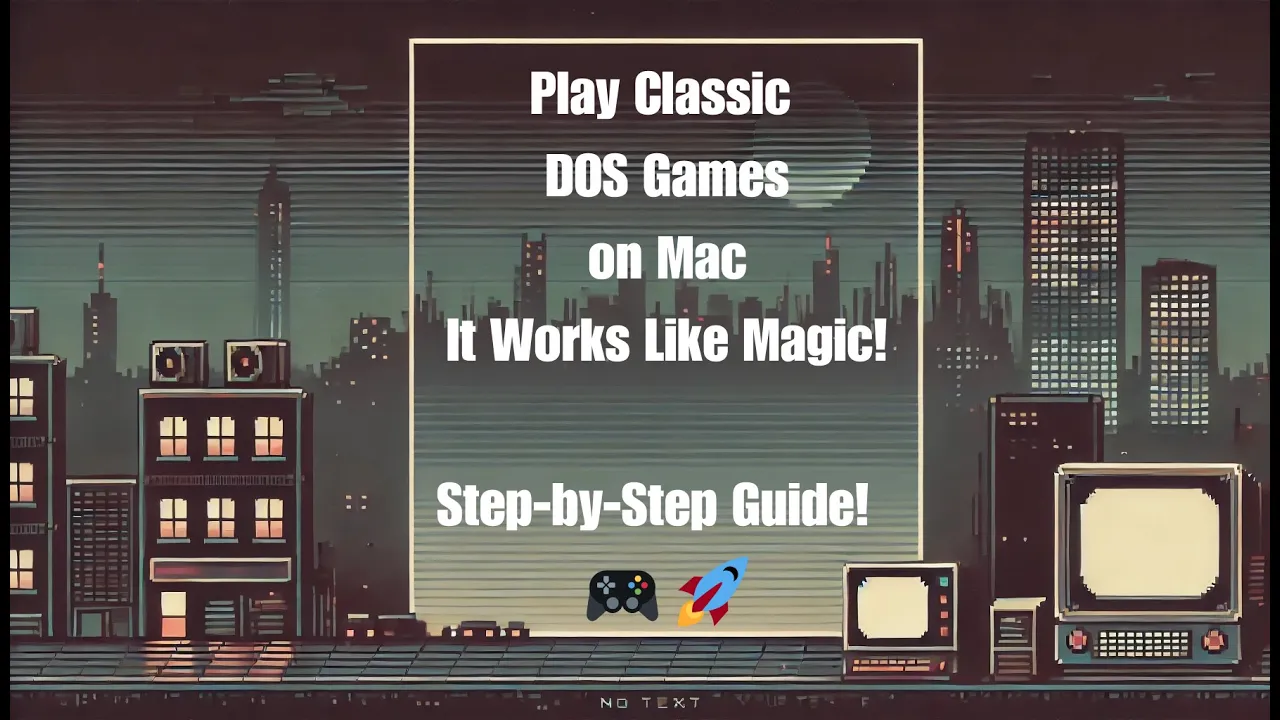
old dose games on a Mac and it works great I tested dos box staging on my MacBook Air M2 with Mac OS Sequoia and Prince of Persia runs smoothly in full screen want to try it yourself I'll show you how in a step-by-step guide let's bring back the Golden Era of gaming let's start to install dos box staging on a MacBook it's available in 48 languages operating system Mac OS 10.15 Catalina or new Hardware supports both intel-based Max and apple silicon M1 M2 M3 with Native armed 64 support go to the official website of Dos
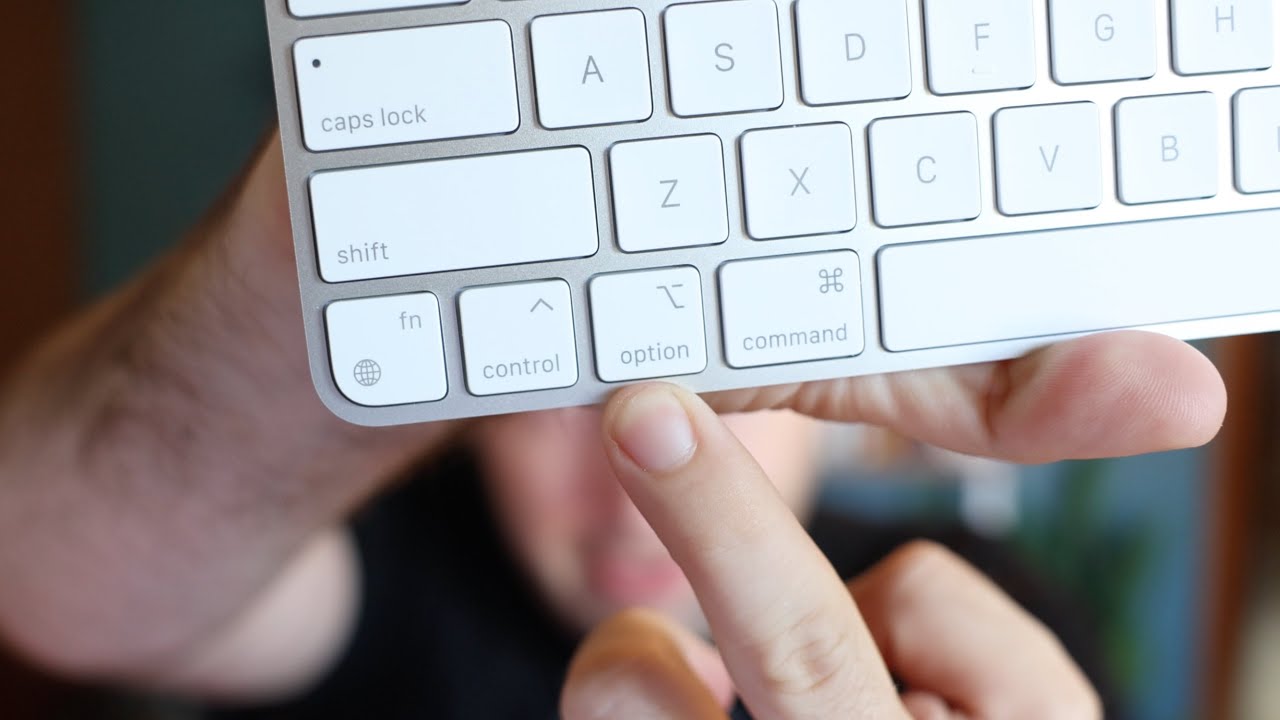
box staging and get the latest version and save the dosbox staging Mac OS version 082.0 DMG file here in the folder download double click on the DMG file and drag the Dos box icon to the application folder click the Dos box icon to start the program click open to confirm the dose program says welcome to dose here are some additional details about do box staging remember dose had no mouse or touchpad so here's an important command CMD plus FN plus F10 this lets you exit dos box and return to your Mac as usual some special
keys to navigate the Dos box keyboard layout for more details on how to mount your C drive type intro mount in the dose command prompt press CMD plus FN plus F10 to leave dos box with your cursor or press CMD plus FN plus F9 to quit dos box load your favorite dose games on your drive download your dose games such as Prince of Persia from a trusted Source like the internet archive or Doos games.com the files are zip files unzip them and store the contents in your home directory the folder is named dos boxor pop
and contains all the necessary files for the game prins of Persia additional keyboard commands toggle full screen op plus enter pause game ESC exit Game CMD plus Q exit do box CMD plus FN plus F9 you can make changes such as language settings by editing the Dos box staging con file you can find the file here for example you can edit it using the text edit editor by default the language setting is blank which means dos box staging will use the system language of your computer do box supports languages like BR D NS s f
FR it NL place and Rue this setting also determines the keyboard layout used by do box staging so ensure it matches your preferred layout for optimal gameplay before you start playing you need to mount your local game folder as a virtual Drive in DOS box staging using the mount command Mount your home directory as the C drive using the command Mount C Tilda then switch to the C drive by typing C finally start Prince of Persia by entering Prince for the full gaming experience enable full screen mode by pressing opt plus enter enjoy the game
if you enjoyed this tutorial don't forget to like And subscribe to my channel for more content