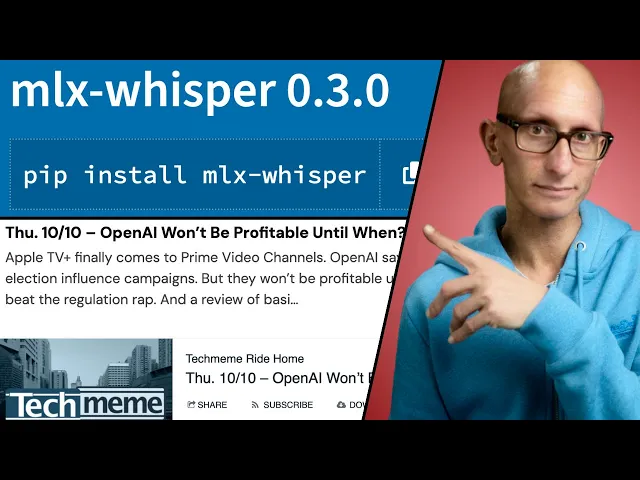
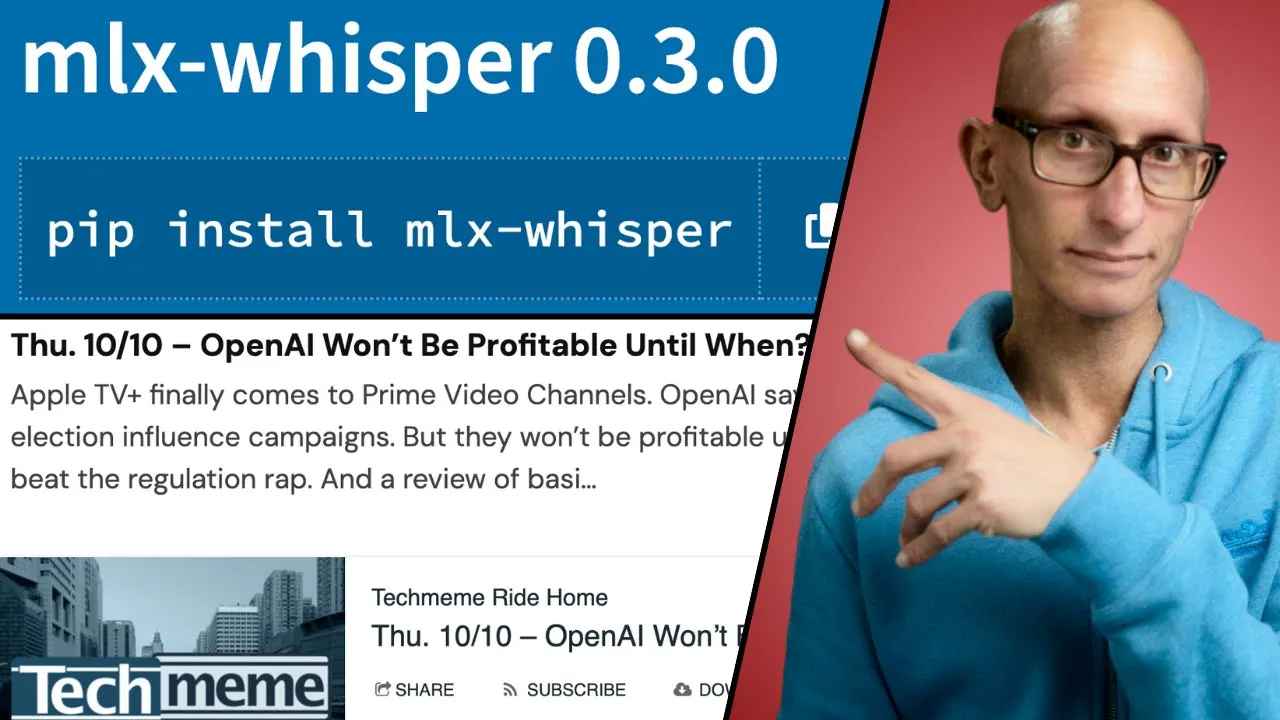
I was wrong I thought insanely fast whisper was the fastest way to run open ai's whisper turbo automatic speech recognition model on a Mac it turns out there's an even better tool it's called mlx whisper and it's based on Apple's mlx framework for machine learning research in this video we're going to try it out on my 2021 M1 Max with an MP3 file containing an episode of the popular Tech meme ride home podcast so let's start by calling mlx whisper we're going to be using the UV package manager and we'll call the help command so
you can see we need to pass in a model now that model needs to have been converted to work with the mlx framework lucky for us there's a hugging face page which has a list of all the available models we then can specify an output directory for the transcript and we can specify what format we want so we can do text we can do SRT we can do Json or we can do all of them and then we can CH some other options as well so we're going to update that we're going to use the
whisper turbo model we're going to tell it to write the output to the transcripts folder and we'll do all the output formats and then we're going to pass in that Tech meme MP3 file so we'll give it a few seconds to start and we can see it's transcribing you can see it's running through this quite quickly and we could stop it from printing its progress I.E printing all the stuff that it's transcribing by setting theose to false we'll speed it up a little bit and you can see it takes just over 40 seconds to transcribe
just under 20 minutes of audio it's a bit quicker than this when I'm not recording the screen at the same time we can then have a look at the different transcripts we'll start with the text version so you can see this one has just the transcription which starts with Apple TV being available on Prime and then if we come down a bit it moves on to a story about open AI we can also look at the Json format so starting with the keys you can see this has a language segments and text it's got a
bit more stuff than the text version now the text property in there is exactly the same as the text format and the language says e n so let's have a look at segments so you can see in the segments we also have a start and an end time and then we've got tokens and then there are some other properties as well let's have a look at one more so SRT stands for subp subtitle file which is a popular subtitle file format so for example when you create a YouTube video you could choose to upload an
SRT file with your own version of the transcript and you can see this one has an index and then it's got the start and end times and then it's got the text underneath okay now we're going to ask a question of the transcript to an llm we're going to be using Simon Willis's llm tool so we're going to call UV we're going to say we want llm and we're going to use llm Al llama we're then going to call llm passing in the Llama 3.2 model we need to increase the context size to 20,000 because
there's 20,000 characters in this transcript then we're going to ask it to summarize the transcript in three to five points and you can see it identifies the apple and Prime news open AI detecting deceptive use the Google antitrust case and the new Garmin phone just released oh and it identifies the outro where the host asks people to subscribe which you could totally do as well on this video now I've run this on a bunch of different podcasts and you can see that the different times there on the length column and then how long it took
with insanely fast whisper and then next to it how long it took with mlx whisper and you can see it's sort of two to three times faster with mlx whisper so this looks like it's definitely the way to go so I'll put links to everything that we've shown in this video in the description below and if you want to learn more about Open AI whisper turbo check out this video next