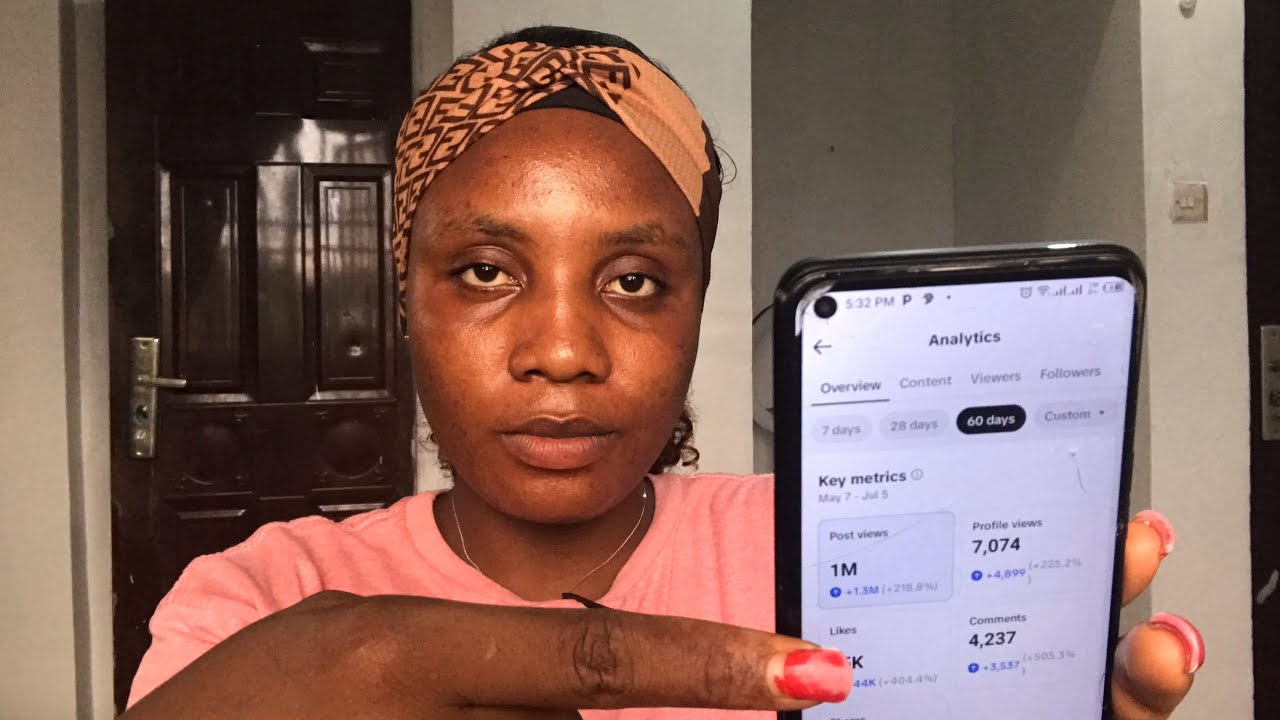
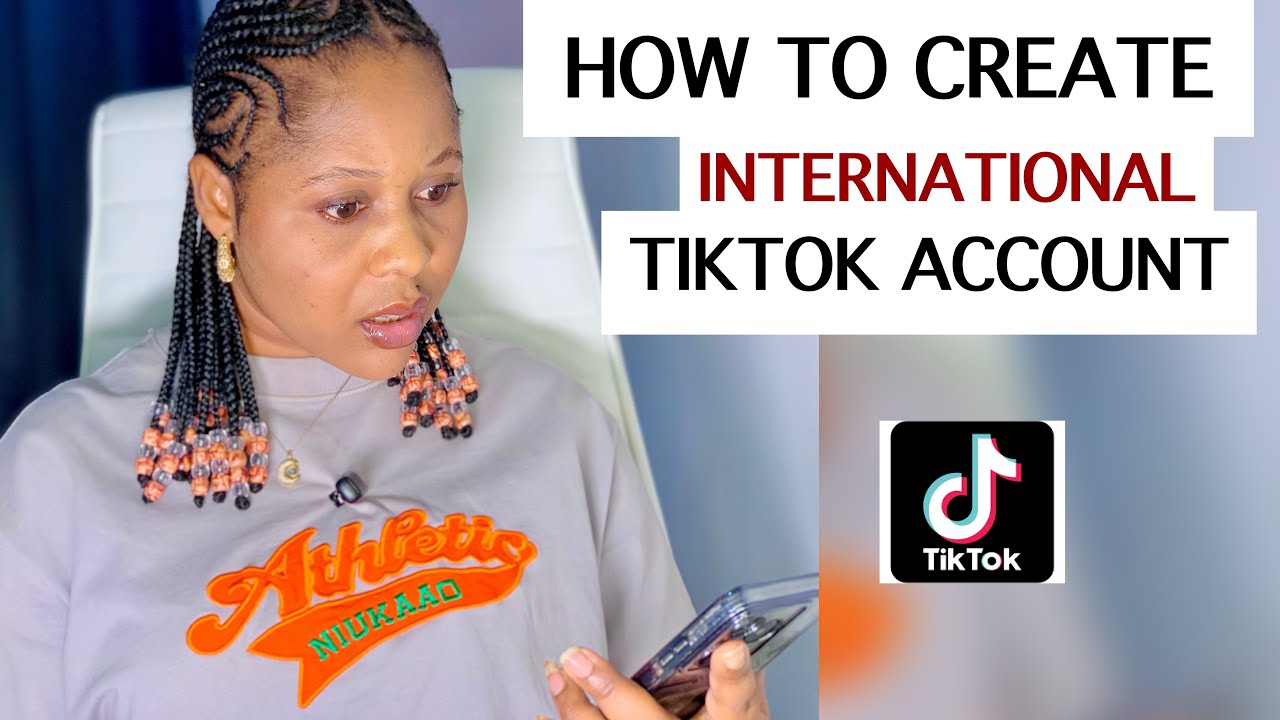
YouTube is not the only platform where you can earn money do you know that you can actually end on Tik Tok yes YouTube is not the only platform where you can earn money you can also earn money from Tik Tok just like YouTube you get paid for your video views a lot of you have very good content on Tik Tok with lots of engagements but you're not getting a dime for your content this is because you're not in the creators reward program for you to start ending on Tik Tok you have to apply for the
creators reward program and there are rules and regulations to this for you to be able to have access to the crator program on Tik Tok firstly your the Tik Tok you'll be using should be created in one of the eligible countries either UK US Spain South Korea Japan e and Brazil these are the seven countries that eligible for monetization so if you have a sister a brother a friend in any of those countries you can beg them to please open a Tik Tok account for you and send you the login so you can log in
here and start creating content now if you are one of those persons that do not have anybody abroad in all the countries I mentioned to open this International Tik Tok accounts for you and you do not have money to pay creators to open these accounts for you because some creators on Tik Tok collect money to create this account so this is your lucky day because I'll be teaching you how to create an international account with your phone by yourself without VPN I repeat without VPN you don't need VPN to create this account you're going to
to create this account on the Tik Tok app and you're going to have access to all the monetization features of the international Tik Tok account so if this is something you interested in don't forget to hit the Subscribe button like this video and leave a comment so that the AUM can push you to more presents without further Ado let's get right into the video as I show you how to create your own International Tik Tok account without using VPN let's go so I'm going to be showing you how I did this using my phone I'm
not going to use a screen record so you click on the drop down menu and click on add account so once it loads it comes to the interface you click on Nigeria then you type one of the eligible countries I decided to use United Kingdom so once to type on that you click on United Kingdom so this is me just changing my region okay now you're going to click on the first option use phone or email so once you click on it you're not going to use phone you're going to use email all right but
before then you're going to imput your date of birth make sure you are 18 years and above so after imputing your data of you click on next Once you click on next it takes you to the interface you're going to be adding your email address so you add your email address your Nigerian email address you didn't anybody to create an email address for you just add your Nigerian email address you click on get trending content so you mark it once you're done click continue next is to inut your password right so once you're done click
on next so we have everything set and we are in the next thing you want to do is pleas add your username always pick a username that is unique to you that nobody else has so you don't drag name with somebody so pick your username so I used Untold Tales because I want to use this as an AI story page so once I'm done click on confirm now the account has been created you want to go back to your email on your phone to verify your email so over here you just click on accept so
now what you want to do now is check if this is so you cck on your profile you click on the lines at the top there and then you click on creators tools so once the interface opens go over to monetization you're going to see the Creator Rewards program which shows you that it is an international Tik Tok account you have the creators Marketplace you have the creators Academy now another way for you to know is to go back go back to your profile click on the three dots again then click on balance this time
now your balance if it's a Nigerian account it's going to be showing Nara but if it is an international account like the UK it's going to come in pounds all right so let's check this as you can see you see the E there that is the pounds um symbol so this is pounds another way to know is you go to your settings and privacy and you're going to click on account they you're going to find your Tik Tok shop for seller okay so these are all the features for you to know that your account account
is an international Tik Tok account so your plan now is to create valuable content so you can monetize this page see you guys in my next video don't forget to subscribe [Music]