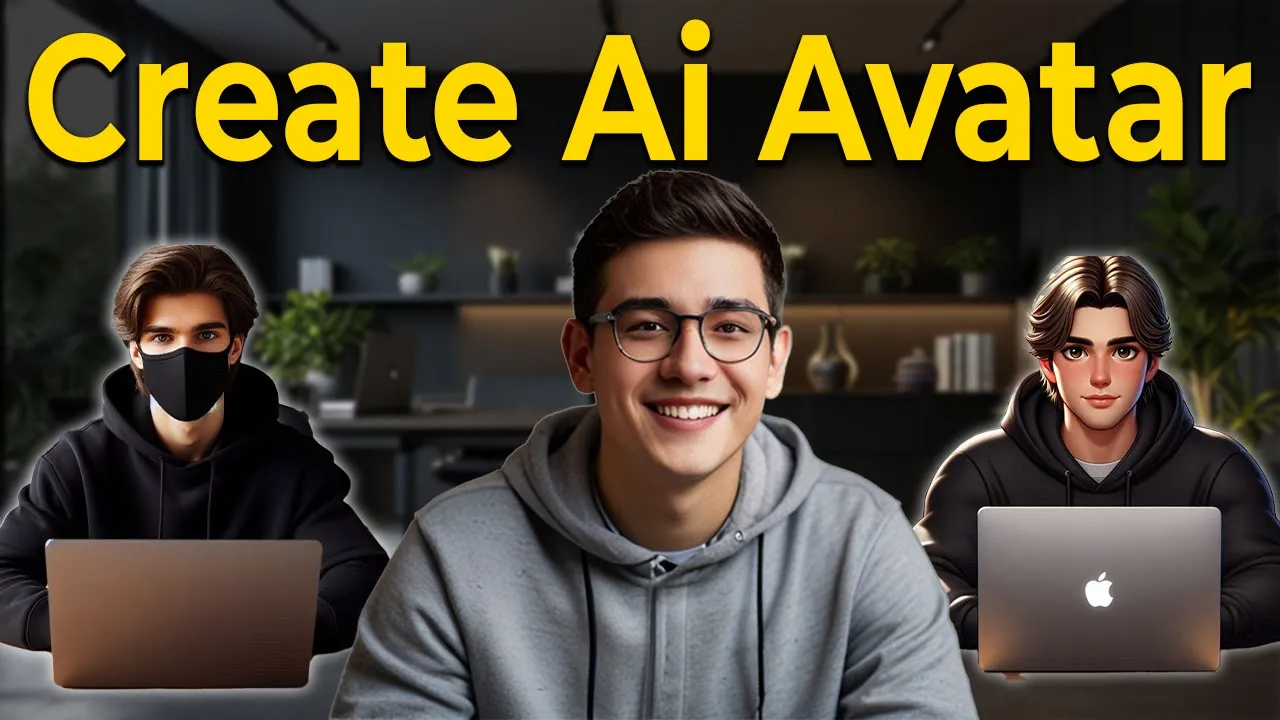
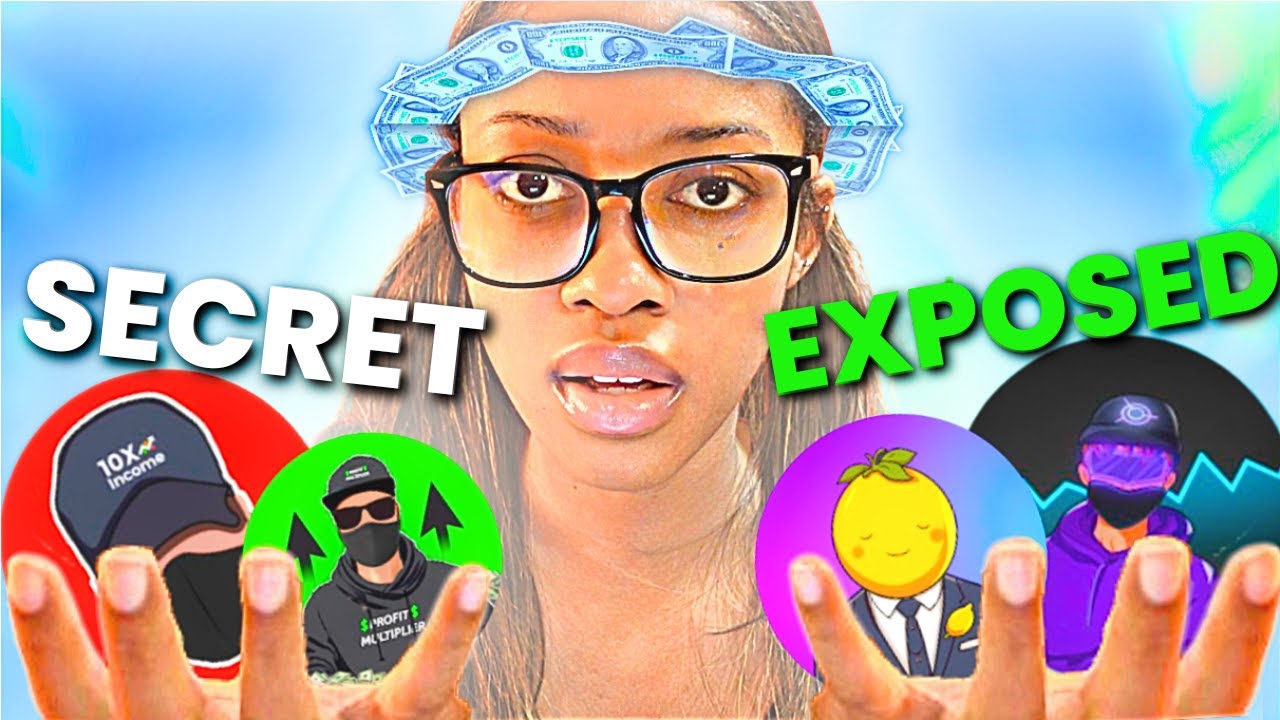
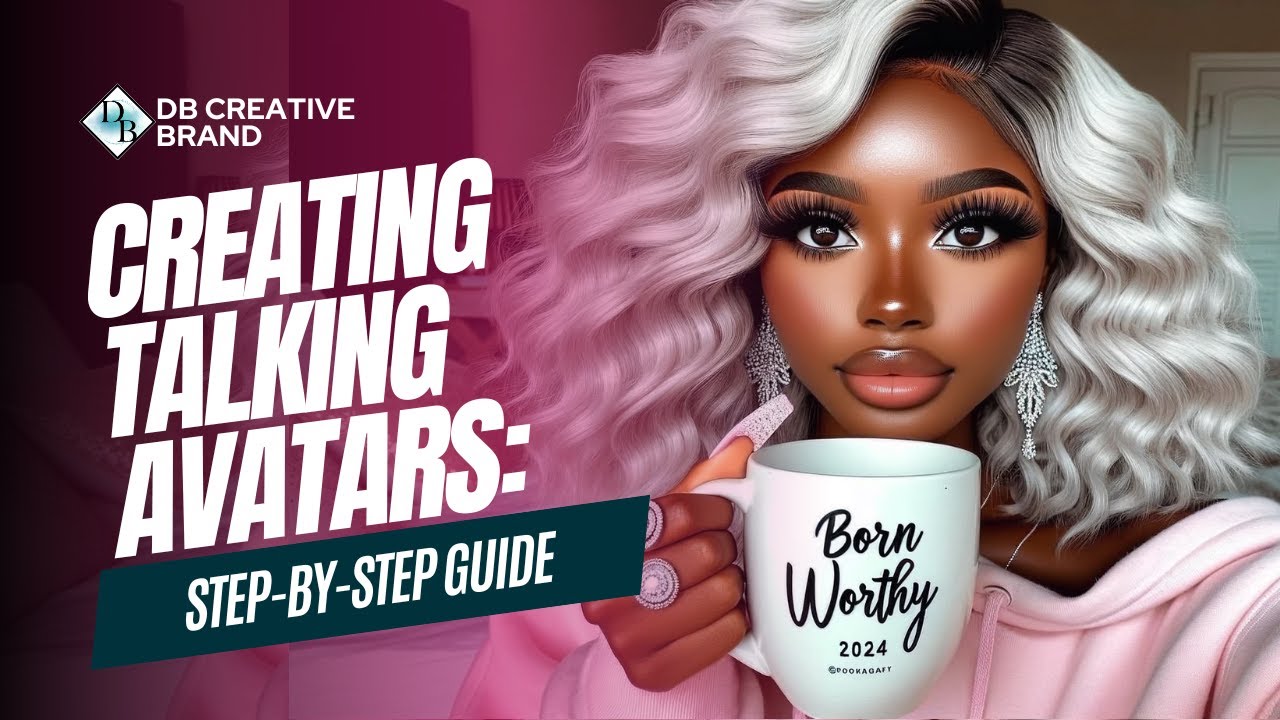
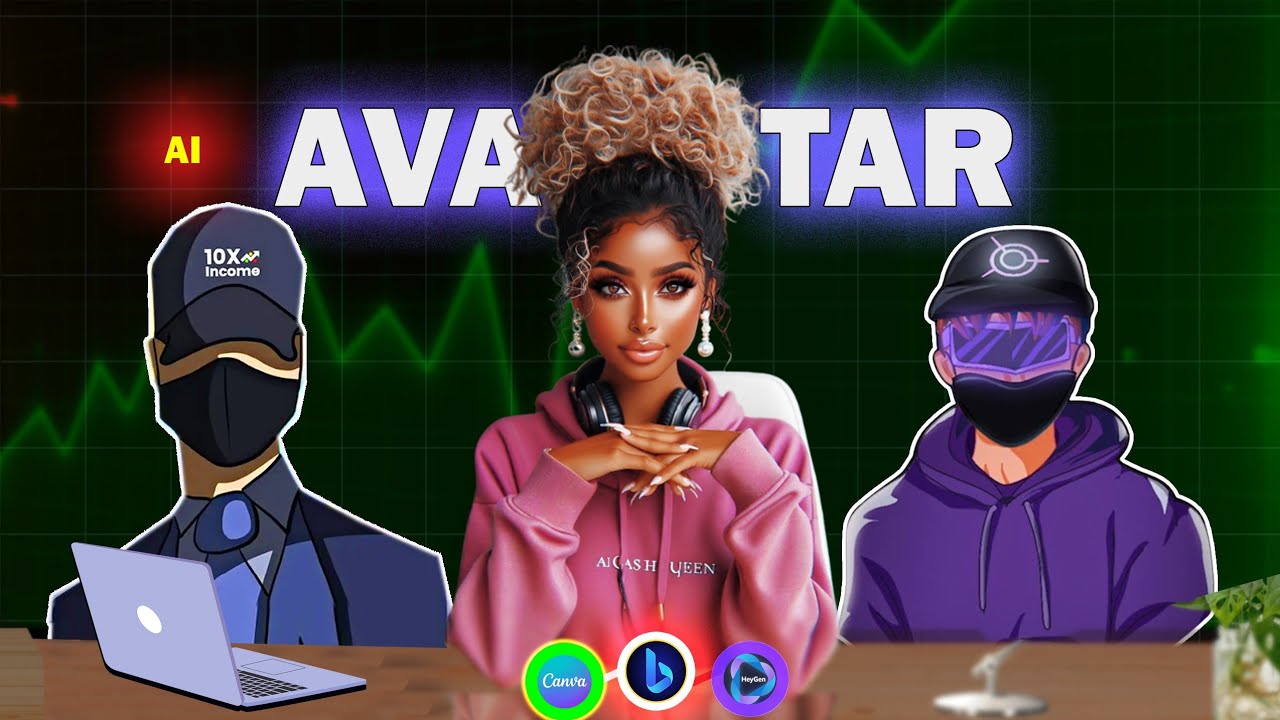
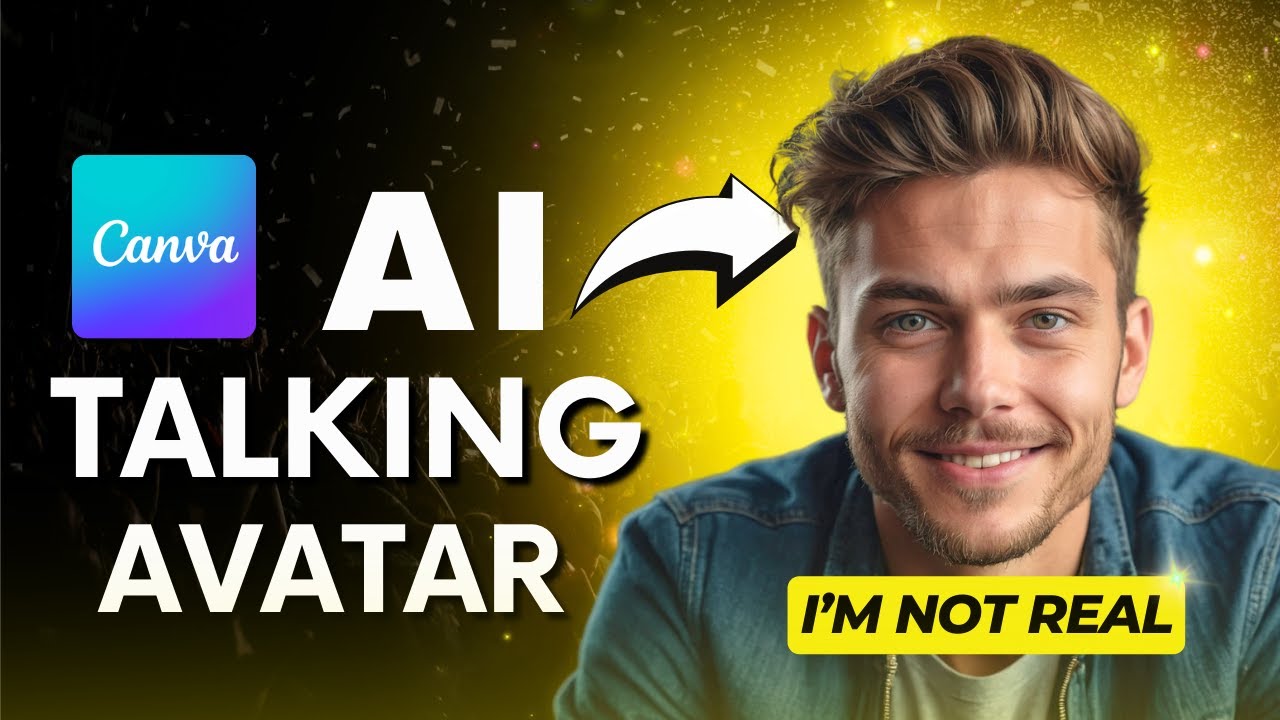
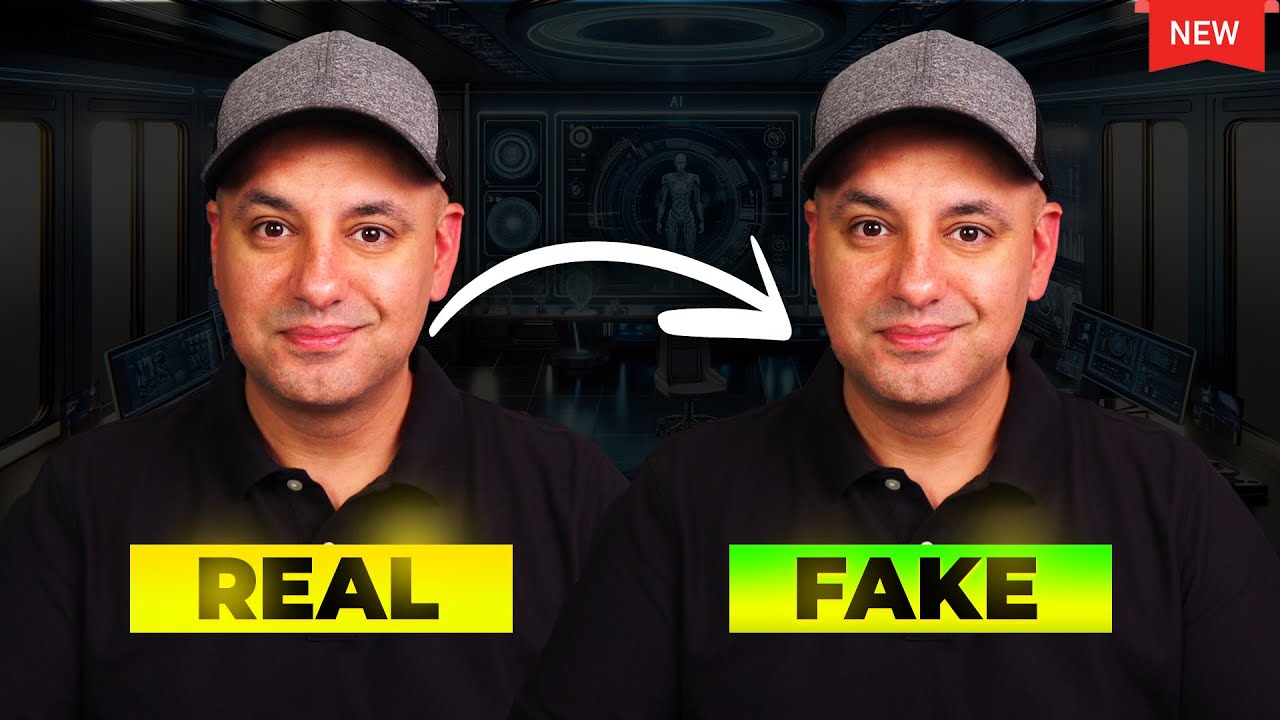
I'm sure you have noticed those cool animated AI avatars all over YouTube channels like 10x income and many others use these avatars to really engage Their audience this leads to higher retention rates and more subscribers by the end of today's video you will learn how to create your very own AI talking Avatar whether you prefer a masked or unmasked Avatar I'll create both for you completely free without further Ado let's dive in first open your browser and search for Bing AI or if you are using Microsoft Edge click on this co-pilot button right here this
is the Bing AI also known as co-pilot once you are signed up your interface should look like this now you will need a prompt to create your character don't worry I have included The Prompt in the description for you specify the character's age clothing hairstyle and even what's on the table you can change anything in the prompt like if you don't want dread hair you can replace it with silky hair click on submit and in just a few seconds your AI Avatar will be ready if you're not happy with the first result you can tweak
The Prompt until you get the Perfect Image once you have your image click on it I will go with this one download your fantastic new Avatar to your laptop after that open a new tab and search for photopia click on the first link then click on new project choose the YouTube thumbnail resolution and click on create then this interface will appear in front of you open your file explorer and drag and drop any random image into photo P just like this then drag and drop your avatar image here adjust its size like this why we
have to do this I will tell you later click on file come to export as and choose PNG then click on Save open a new tab and search for Adobe Firefly open the first link sign up with your Google account scroll down click on this generative fill option upload the image we created in photopia select insert and increase the brush size make sure to brush thoroughly over the entire background photo excluding the Avatar image once done click on the generate button it will create three options for you choose anyone which is perfect I will keep
this one after that decrease the brush size and brush these ugly edges again click on generate and choose the best option download the image from here again come back to photo drag the image downloaded from Firefly adjust its size like this and Export it as PNG if you think the image quality is down open a new tab and search for image enhancer open any image enhancer and upload your image once it is done download your enhanced image as you can see the quality is much better now then open a new tab and search for artflow
open the first website an interface like this will appear in front of you click on this video Studio option from the left side menu it will ask you to sign up simply click on sign in with Google once your account is created an interface like this will appear click on create new video from scratch at the first sign up it will give you 100 free credits click on upload and upload your avatar once uploaded click on your avatar to detect the face it is done without any problem or error now type out what you want
your character to say copy your script and paste it here you can check the preview of The Voice from here click on export and animate give your video a title and hit export video wait for it to process once it is done download your video you might notice a huge watermark on the video Let's remove it open a tab search for 123 apps on Google and select the first result scroll down to remove logo from video upload your video draw a rectangle over the watermark and click apply once the watermark is removed save and Export
your video we are not done yet as you can see the watermark has been removed but the video quality is is much lower if you want to improve the video's resolution go to Google and search for vmake video enhancer click on the first result upload your video and let it enhance the quality download the enhanced video and check out the results hey there I'm sure you've noticed those cool as you can see now the quality is much better than our previous video now we have to create an avatar without a mask let's begin open the
co-pilot and paste The Prompt in the text bar and hit enter I will give this prompt also in the description below below once the images are generated you have to choose the best avatar for your upcoming videos I will go with this one so I will download it the next process is the same guys if you want to leave this video you can go after downloading come to photo again delete this photo bring your new Avatar adjust the size and Export it after that come to Firefly upload your image select all the empty areas click
on generate and choose any option you want I will keep this one remove this Edge once done download the image drag this image to photo P adjust it and Export it after that come to artflow click on create video from scratch upload your avatar and click on it to detect the face after that paste the script here click on export give it a name and Export the video once it is done click on it and download it if you want to export this video with captions click on download with CC option after downloading remove the
watermark using 123 apps hey there I'm sure you've noticed those cool animated as you can see the watermark is gone let's enhance the video quality open your browser and search for cap cut video enhancer this is totally free guys upload your video it will ask you to sign up just continue with your Google account click on this upscale button and wait for some time once it is done download your video let me show you the final result hey there I'm sure you've noticed those cool animated AI avatars all over YouTube channels like 10x income and
many others use these avatars to really engage Their audience this leads to higher retention rates and more subscribers by the end of today's video you'll learn how to create your very own AI talking Avatar I think it's a great Avatar video all right friends I'll wrap up our video now before I go I would love to hear about your experience with creating Avatar videos share your thoughts and results in the comments below if you found this video helpful please like it and subscribe to our channel for more tutorials like this one thank you so much
for watching and until next time happy creating [Music] a

![I Replaced ALL my ADOBE APPS with these [free or cheaper] Alternatives!](https://img.youtube.com/vi/5EfqHg49kMk/maxresdefault.jpg)