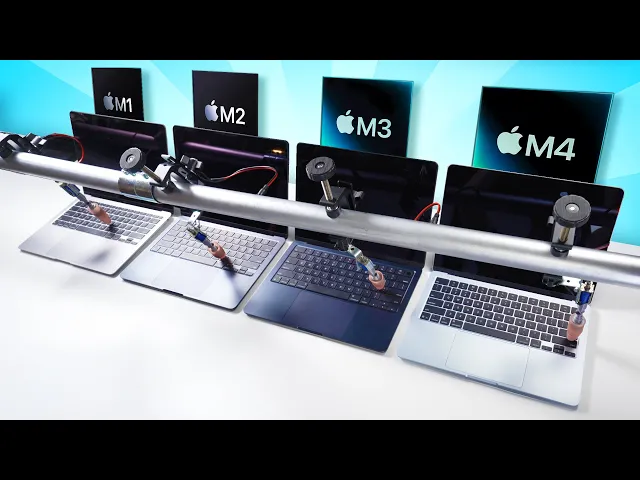
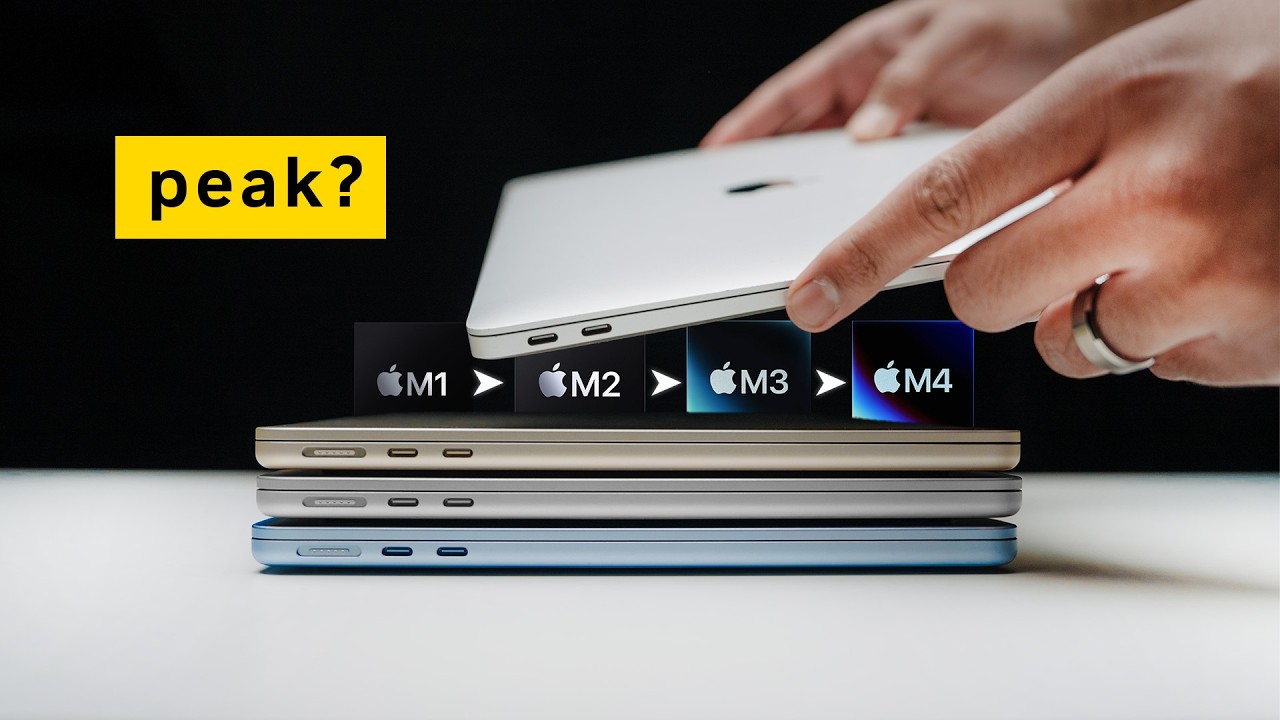
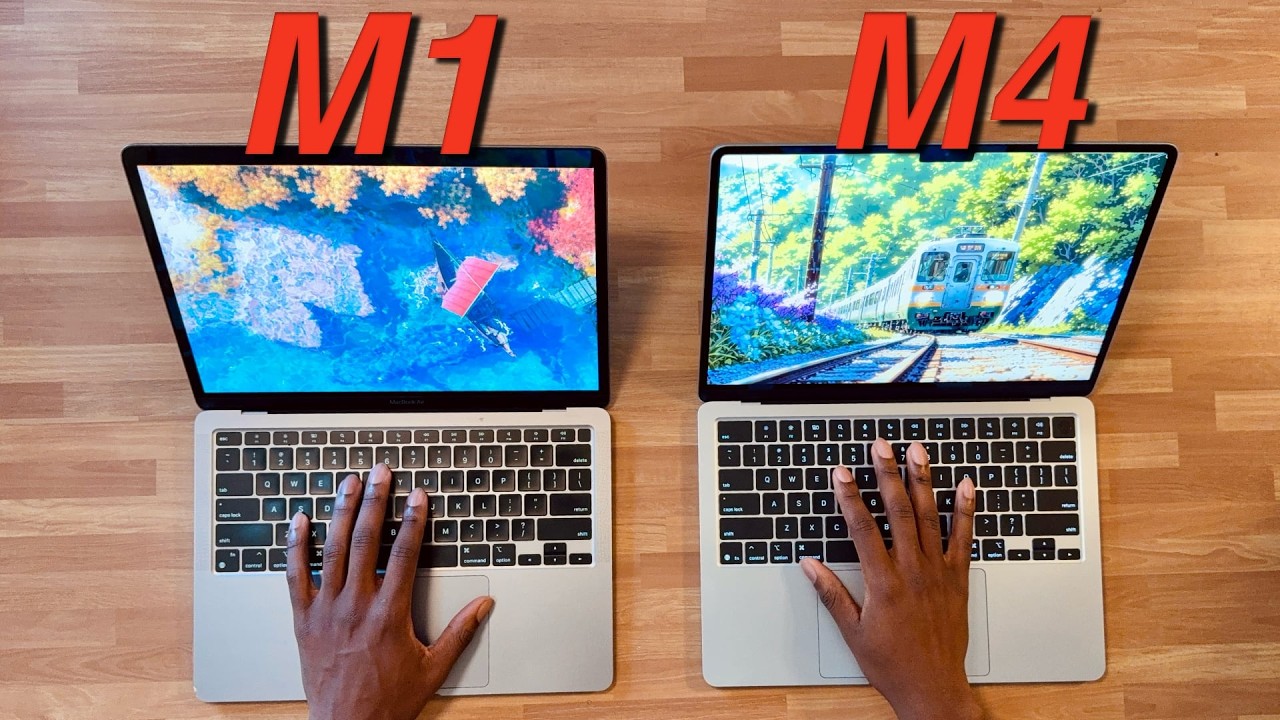
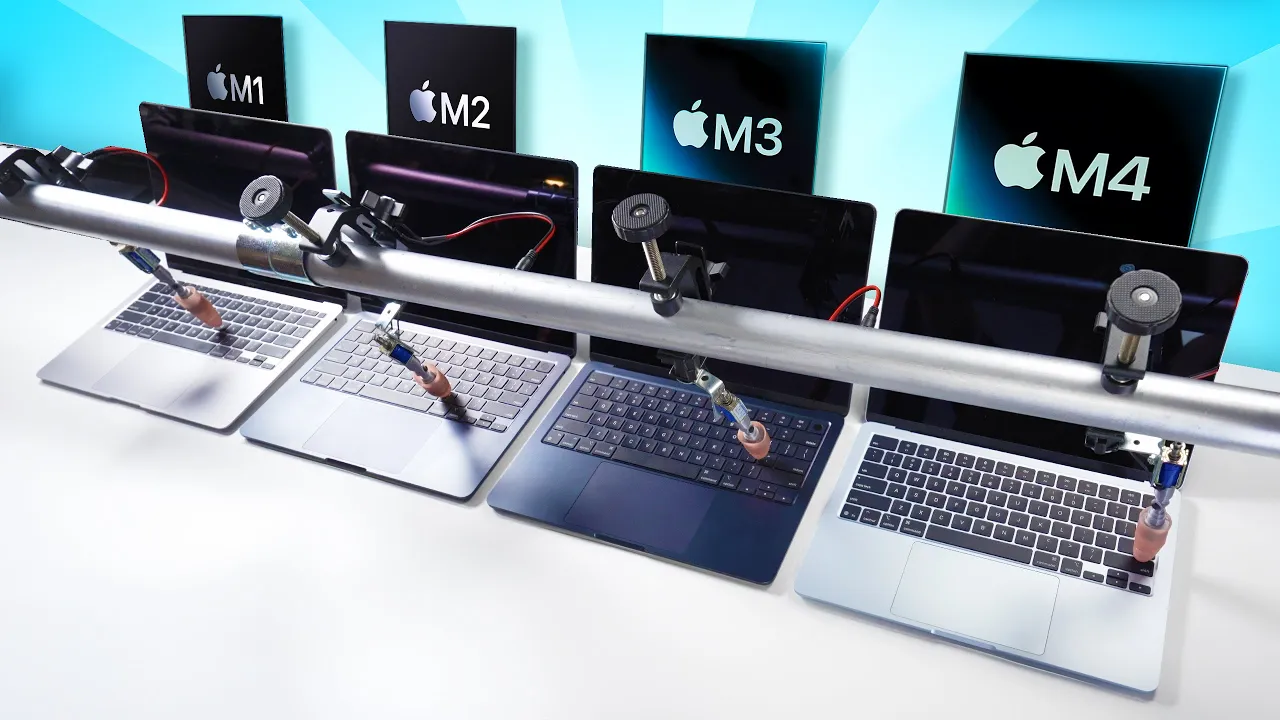
The M4 is a lot warmer, huh? The M4 MacBook Air has finally come out. M1 MacBook Air, M2 MacBook Air, M3 MacBook Air, and M4 MacBook Air.
So, the tests I'm doing today are going to be not very memory bound. Just so that we're clear because the base models that are older came with 8 gigs of RAM and now we've got 16 as the minimum. I will be doing the comparison between the MacBook Air 4 with maximum specs against the base model.
Stay tuned for that in another video. Today we're doing a bunch of software development related tasks and seeing how things have progressed from generation to generation. If you've been around for a few years, you might have seen my videos on this, but things change.
There's new operating systems. There's new versions of development tools. So, you can't really do it apples to apples unless you do them all at the same time.
The design is the same. It's exactly the same as the 3 years before that. The only thing we got is the new color almost.
The ports are different. These ports are Thunderbolt 4. Got a couple of monitors hooked up to a dock here.
Let's take a look at the M1. Now, this should pop up on screen over here. Oh, I got one.
So, we're talking about one screen here and a second screen there. Extended screen. So, this allows one extended monitor.
I have two of them hooked up here. So, the other one would have popped up if it allowed that. Now, if I close the lid, nothing.
So, only one external monitor even if the lid is closed. If you want two displays total, you open that lid and you work with those two displays. Fine for most cases.
Let's go to the next one. M2. We've got one external monitor popped up.
Now, if I close the lid, we still have the one external monitor. So, nothing better there as far as support. Let's go to M3.
Okay, one external monitor. And when I close the lid, ah, now we have a difference. Now, we have two external monitors that you can use with the lid closed.
This is something new as of last year with the M3s. So, you can have your MacBook docked and use two large monitors. Nice.
Useful. What about the M4? Does that change anything?
A look at this. Now, we see a difference. Now, we can use two external displays together with the internal display.
So, we can have up to three displays now with the M4. Welcome change. I bet you're wondering what would happen if I close that lid.
Is it going to show me three monitors externally for a total of three, or they're going to make us wait till the M5? So, I've rewired this a little bit and now I have two monitors driven by one port and another monitor driven by the other port. And if I unplug one of these, you can see that this is going to switch to these two.
Yep, there they are. So, it's these two plus the internal monitor. And if I plug this in and shut the lid, we get nothing.
And how do I know? Well, if I unplug this while the lid is closed, we're still going to get two displays there. They're different displays, but only two.
So, two external displays. They're not giving us that third one externally, even if the lid is shut. But it's an improvement still.
Figured we'd do that test since nobody showed it yet. How's that SSD in there? Is it faster?
So on the M1, we're at about 3,000 right and read. So that was really good, especially for 2020. Now here, M2, we're getting slower reads and writes.
And you remember what happened with these? Instead of the two chips, now they were one chip. That's why there was a slowdown with the M2s.
M3s still not as impressive as the M1's. Apple really outdid themselves with the M1's. That's why they're still around.
And the M4s, the M1 wins out of all four of these. And I got nothing plugged into these. These are all 5 GBTE tests, as you can see.
I kind of expected a little bit more from the uh latest M4s, but that's what you get, I guess. Now, none of these are Thunderbolt 5, but I do have a Thunderbolt 5 external drive. Let's see how disk speed is affected by that Thunderbolt interface with different generations of Thunderbolt.
And this is even faster than the internal drive just by a little bit. We're getting faster speeds than the internal drive on the M2. M3 pretty decent.
About the same. A little bit slower on the right. It's really weird how that happens.
These little small changes, huh? Most people using the MacBook Air are probably not going to notice that. Finally, the M4.
This one has the updated Thunderbolt 4 ports. And let's go. Okay, it is the fastest read speed out of these, but they're all turning out to be actually about the same.
Hey, now you know. We had to know. Of course, this is nowhere close to Thunderbolt 5 ports, which I tested in another video.
I link to that down below. Let's move on to some tests that are going to be touching software development people. Uh, I shouldn't have said it like that.
Uh, I mean affecting you. First one is going to be Speedometer 3. 0.
And why is this test relevant? This is a browserbased test and this has a bunch of to-do applications written in different frameworks. Probably Angular is in there, React is in there, jQuery's in there.
I see a bunch popping by. JavaScript is singlethreaded by nature. So this will test the single core performance of all these machines.
What does this tell you? Well, it tells you when you're developing apps how these apps will respond to you as you're testing them, as you're developing them. And if you're developing front-end apps, they're going to be deployed to user base.
Your user base will also be affected by these. They're using the M1 versus the M4. There's a big difference.
And this one's showing a clear difference in how the scores grew over time. So, here's M1. This is the Chrome browser, by the way.
And this is actually faster now than the Safari browser with the latest iterations of Chrome. So, 32. 1 is the score on the M1, 39.
6 on the M2, 45. 6 6 on the M3 and finally 49. 3.
I think I broke 50 one time, but we're around that on the M4s. We're going to start off with a C++ sorting algorithm and we're going to do a single core and a multi-core one. The single core algorithm I'm using is quick sort here and we're sorting what is that 10 million integers.
Look at all the cores of all these machines. Here's the M1. We got total of eight cores here.
Everything is pretty calm. same four efficiency, four performance core breakdown for a total of eight on the M2. M3 is the same kind of breakdown, but the M4s, this is different.
We have 10 cores here now. Six efficiency and four performance. And look at those efficiency cores go.
Right now, I'm not doing anything on this machine, but they are active. So, if we take a look at activity monitor, we'll see that the MDS stores process is pretty active with the MD workers and they're all using the efficiency cores in the background on brand new machines because Spotlight search is on spotlight indexing. It's a it's a feature of Mac OS that allows you to find things easily.
Basically, it's indexing, right? This machine is kind of new. only had it for a couple days, so it's still doing the indexing.
And it's doing that using efficiency, which is a good time for me to test this out to see how it behaves with efficiency versus when I turn the spotlight indexing off to see the performance there. I'm going to run the single core process. And these should be executing on the performance cores.
Anyway, it's running right now. You can see that there it is right there on the performance core. and sometimes it swaps the cores but most of the time it's just operating on one core at a time for this particular algorithm.
Notice the efficiency cores are still working because this process the uh C++ sort is only running on the performance core. Now while this is running it's interesting what happens with the temperature. Here's MacBook Air M1 32° and on the M2 we're up to 35.
on the M3. 36 almost. Oh, 38.
Wow. 39 and 40. Even 41.
All the other ones are still working. This one is done. The M4.
Well, I started it earlier. 2 minutes and 34 seconds for that particular run. But let's turn off Spotlight and see if that helps us out.
I'm also going to turn off Siri and Apple Intelligence cuz I only want useful features on my devices. And I've turned off Spotlight. And look at that.
Suddenly, we have all the efficiency cores available to do stuff. 2 minutes and 34 seconds. Let's run this again and see if that helps out.
I used to sit in a chair that never really had my back, leaving me sore after a few hours. And I've been looking for a real solution that truly supports my lower back and stays comfortable all day. That's where the Habata E3 Pro comes in.
It's not only extremely comfortable, but it also gives off some serious futuristic vibes. Perfect for vibe coding. The original floating wing lumbar support rotates to keep your waist constantly wrapped.
You basically won't feel sore in any posture after a long day. It also moves forward, backwards, up, and down. That's perfect for those marathon coding sessions when you have to fix your broken AI generated code.
The 4D headrest adjusts in every direction. It fits different heights and sitting postures to relieve the pressure on your neck. And the 6D armrest will help you find that sweet spot whether you're typing or switching between monitors or you're testing your mobile app out on your phone.
Add in the breathable mesh and you'll stay cool even when your code is running hot. Right now, Habata has amazing discounts from March 25th to March 31st. Don't miss it.
Check out the link in the description. Grab your Habata E3 Pro and give your posture and your productivity a serious boost. 2 minutes and 36 seconds.
As you can see, barely any effect. Efficiency cores are doing their own thing. Performance cores are doing the sort that I asked them to do.
Everybody's happy. Let's compare this. 236 on the M4 versus two, no, 3 minutes on the M3 versus 3 minutes and 44 seconds on the M2 and 4 minutes on the M1.
So, we've come a long way. We've shaved the time almost down by two from the first generation to the fourth. Not a huge jump between the M1 and the M2 and not a huge jump between the M3 and the M4, but still a continuous growth in performance.
Let's do the multi-core C++ sort. Now, this is my favorite sort and this is the merge sort. I love this sort.
And let's go. Now, I've asked it to sort what is that 1 billion integers using mult all the cores available. This should definitely go to the M4s because the M4 is using all 10 cores that are available.
even the efficiency cores. Now, if we check the temperature now, 35 on the M1, we got up to 38 on the M2, 39. We're over here at 38, 39 on the M3, and oh, 43 on the M4.
Oh, up to up to 45 and 46. I saw the M4 is a lot warmer, huh, we're approaching the legal limit of 50. By the way, I did notice this when I started using the M4 initially.
When I touched this part right here, it felt warm. For the first time, out of all the MacBook Airs that I've had, all these have felt pretty cool. While the M3 is a little bit warmer now, but the M4 was immediately noticeable when I first started using it and touching this part right here.
This is the part that you're going to rest your palms on. It's not terrible, but it's warm. And this one is done sorting all those integers.
2 minutes and 31 seconds total. Everybody else is still busy working. 3 minutes 20 seconds on the M3.
That's a big difference between the M3 and the M4. 3 minutes 39 seconds on the M2 and 3 minutes 41 seconds on the M1. Not a big difference between the M1 and the M2 there, but a pretty big difference compared to the M4 on the end.
Now, who thinks these are more fun than Geekbench single core multi-core scores? I do. Raise your hands in the comments if you do.
Let's move on. The next test is kind of a staple on this channel. We're going to be doing the Mandlero algorithm in Python.
And we have a visitor. It's a device that shall rename nameless from now on. It's named after a famous movie actor and governor.
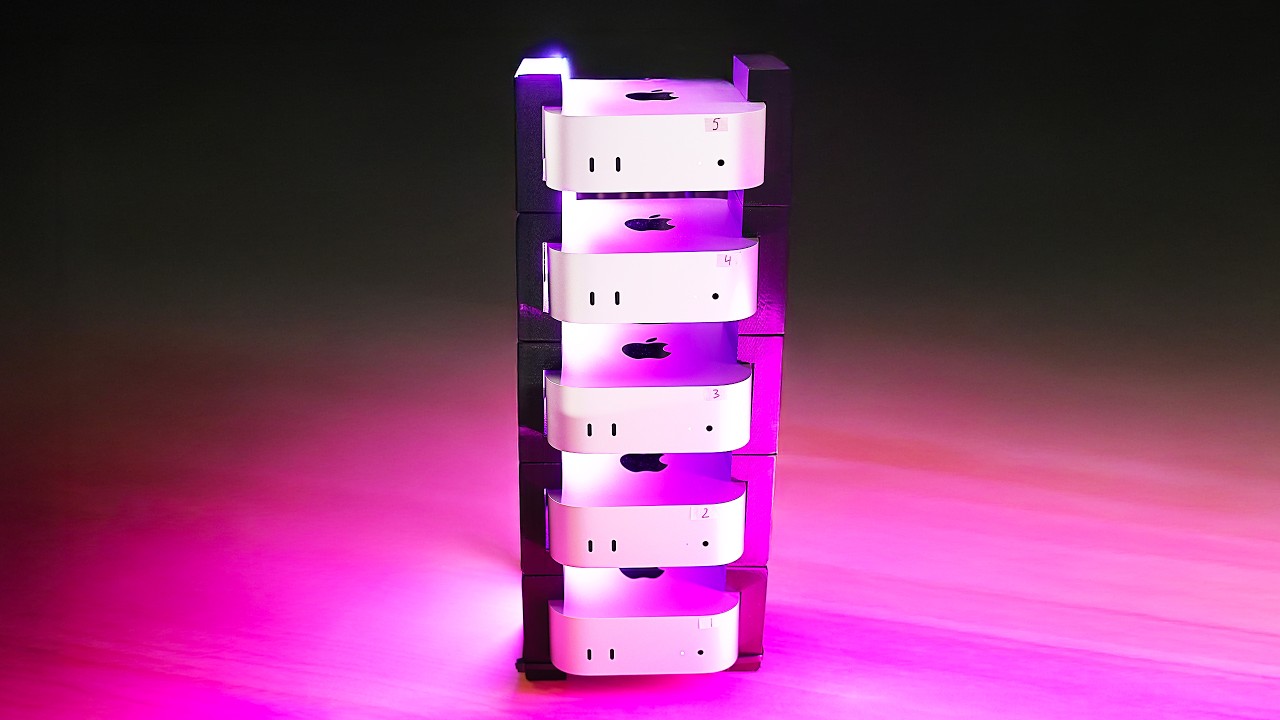
That's your only hint. And it allows me to press the enter key at the same time on all these machines. Why?
Because it's fun and it's a race. So, we've got the time command. Python main.
That's the manro algorithm. I'll link to that down below if you want to check out the code. And we're ready.
Let's go. There they go. I'm going to start that over because usually I send this to dev null so that we're not seeing all that output printed out.
We want to see everything that happens without it printing out the results. But I get to start it twice. Boom.
Now, this is another one of those tests that's really intense on the CPU. All the CPUs are pretty much pegged right there. And this one done.
It's done. Oh, wow. Slightly different results here because now there's a big difference between the M1 and the M2.
57 seconds on the M1. We've got 51. 2 seconds on the M2.
Not a big difference here between the M2 and the M3 this time around. 49 seconds. And here is a big jump.
34 seconds on the M4. Again, we're seeing that big effect of having more cores. So definitely makes a difference whether you're running interpreted code like Python or you're running pre-ompiled code like C++, C and so on.
Now there's a test that's been around for many many years and it's called the stream benchmark and this tests memory bandwidth. Now yes Apple publishes the official memory bandwidth specs but they're not always the same in reality and that's what we're doing here, right? Testing how it actually behaves, how these systems actually act.
Why do we care about memory bandwidth? This is very important when it comes to machine learning tasks. For example, if you're running a large language model locally and you want to use it for inference, you're generating something on the fly.
That's what most people are typically doing on their machines, not training. You want to pay attention to the memory bandwidth because that has a direct impact on how quickly how many tokens per second you're going to get spit out. The latest M3 Ultra has the highest memory bandwidth in the Apple ecosystem.
This is 819 gigabytes per second. I have another video coming out on this doing some comparisons with LLM specifically because that's what that machine is really for. But that doesn't mean you wouldn't be doing anything like that on the airs.
You still can. It's just going to give you a much lower memory bandwidth because this has the lowest chip out of, you know, the M4 versus the M4 Pro versus the M4 Max. Although it would be interesting to get an Air with a Pro chip in it.
I wonder if that would No, that doesn't make sense. In order for this to work, you have to compile stream locally on your machine. You can also install it with homebrew, but I like to compile my own.
The M1 has the lowest memory bandwidth. I'm going to talk about copy here because that's the most common one to talk about, but here are scale add, and triad for your reference, too, in case you want to really get nerdy about it. Copy is much higher here on the M2 at 77 megabytes per second.
77,000 megabytes. Sorry, we're talking about 77 gigabytes per second at this point. 96 gigabytes per second on the M3 or thereabout.
And finally, on the M4, we got up to 112. The biggest jump I saw was from the M1 going to the M2. The other ones were a pretty consistent rise, but not a huge jump.
I would have expected the M4 to have higher memory bandwidth than this. The M3 is listed at 100 and 96 comes pretty close to that. Now, running an LLM is not as simple as just comparing memory bandwidth.
And of course, the size of the memory matters a lot. So, that's why because some of these are 8 GB machines, we have to run a very small model. Typically, you'd want to run a larger model so that you get better results, but we're dealing with a small model.
And I'm going to run DeepSeek R1 1. 5 billion. I know, I know.
Don't laugh at me, okay? It's a small model. What can I say?
But I'm going to use it. Well, we're just getting a comparison across these machines. It's not about getting good results here.
Write a JavaScript function to find a prime number. Let's see if I can copy this prompt across the machines. Yes.
And let's go. There they go. Oh, look at this one.
That one is just going really fast. And compared to the M1, huge difference there, right? Wow.
M2, M3, M4. And I think I may have gotten lucky because this model is so stupid that uh it's just gonna keep looping. So, we can actually get uh some footage of this.
That's pretty amazing. Well, one of them stopped. This one stopped.
But the other ones are all looping, which is ridiculous. I'm going to stop this. And if they keep looping, I'm just going to give it a different prompt cuz that's ridiculous.
We got a result for the M4. We got a result for the M1. Now we're just waiting for the M2.
Wait, no. Let's think. Oh, come on.
Really? You're thinking too much. I shouldn't have run R1.
That's a thinking model. I should have just went with llama. You're thinking.
The thing about these is it doesn't really matter what prompt you give them. It's going to output the tokens at the speed that it outputs tokens. So that's why even me changing the prompt a little bit is not going to affect the speed.
Wow. Okay. 30 tokens per second on the M1, 55 tokens per second on the M2, 53 tokens per second on the M3.
That was my wow. Why is the M3 slower than the M2? Interesting.
And finally, 63 tokens per second on the M4. Of course, much better on that one. I'm going to check the battery since they all started at 100% and I've done the exact same stuff on all these.
We're at 82% on the M4, 85% on the M3. Pretty good. 82% on the M2.
And this one's down quite a lot. This one is at 53% for the M1. So, the M3 has the most battery left.
Not by much, but that powerful chip in the M4 is using up a lot of battery. Of course, that one has the biggest battery out of all these. That's it for this one, folks.
I think you'd like this video next. Thanks for watching and I'll see you next time.