act like you know [Music] hey y'all welcome back today I'm going to introduce you to Dynamic chain our new 3D physics component and effect house but don't be scared this isn't going to be anything like the class you took in high school it's much more simple than that and there are no equations involved so anyway let's get into it so here you'll see I've already created four basic spheres right here in my hierarchy I've also linked them together in a chain next I'm simply going to add components 3D physics and then Dynamic chain now we've
applied our chain physics to our object and we can move it around like this we can change different presets too making this more springy or more loose depending on what we're feeling for the object which is actually pretty dope really easy to add Dynamics uh to the dynamic chain now I want to show you guys how to add some hair now before I place stylus I'm going to go ahead and add a head tracker to my scene to do that I'll go AR tracker head tracker like that now I can see the head tracker in
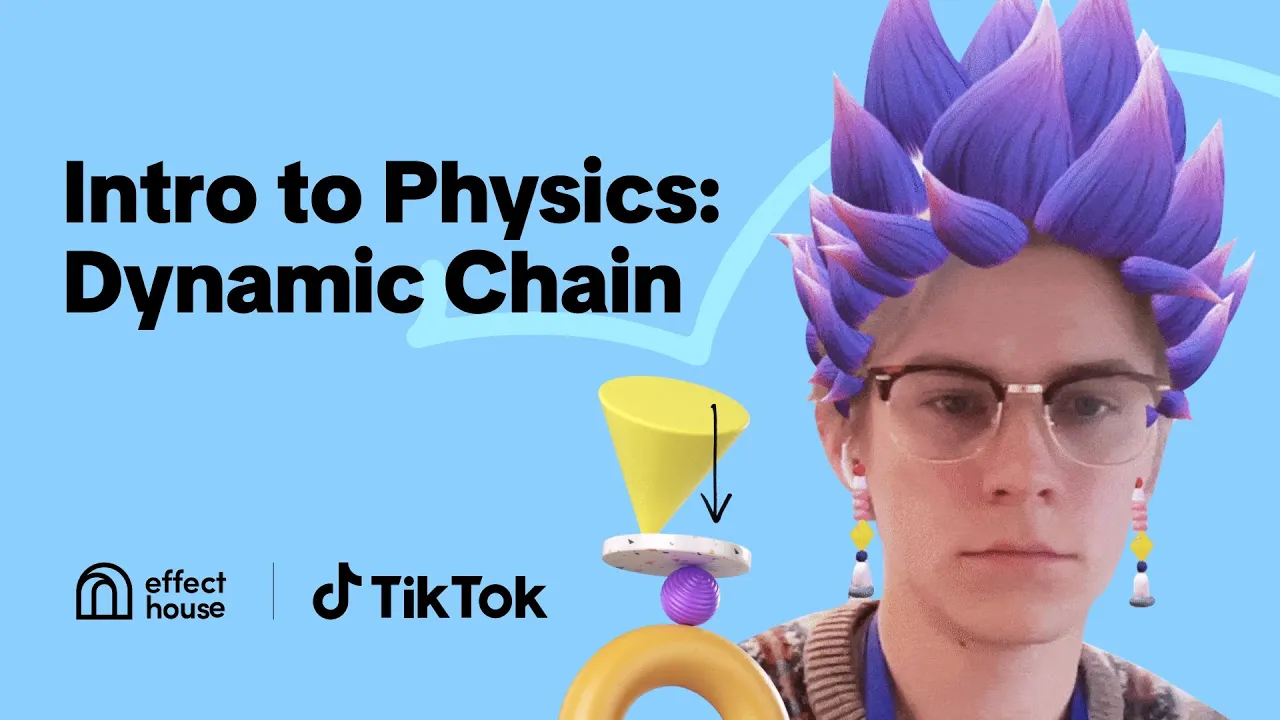
my scene so I've already got some hair imported I'm gonna go ahead and click and drag that onto my head tracker right here I'm going to change this to a preview of the person turning their head so that we can sort of see the physics happen better right now this doesn't look very much like hair but if I go to the root node of the hair here joint hair roots and I press add component once again there's the 3D physics Dynamic chain okay now this looks crazy yeah this looks way too crazy okay so what
I'm gonna do is go ahead and add a preset and make it rigid okay that's definitely way less crazy but I want the tips of the hair to sway a little bit warm now I'm going to open this hierarchy on the left hand side and I'm going to add another Dynamic chain to the link I'll press Dynamic chain here so now you can see the tops of the hair are much more Wiggly than the connecting ones so you can play around with this make it more damped or elastic or even stiff if you like that
look I know I don't and you can add multiple different Dynamic chains on one chain now we've got a full head of beautiful hair which is pretty cool for me because I can't even do my own hair in real life okay so that's it guys this is basic introduction to the dynamic chain I hope you enjoyed this tutorial and learn from it and I'll see you in the next video for more information about Dynamic chain be sure to check out our documentation at effecthouse.ticktock.com [Music]