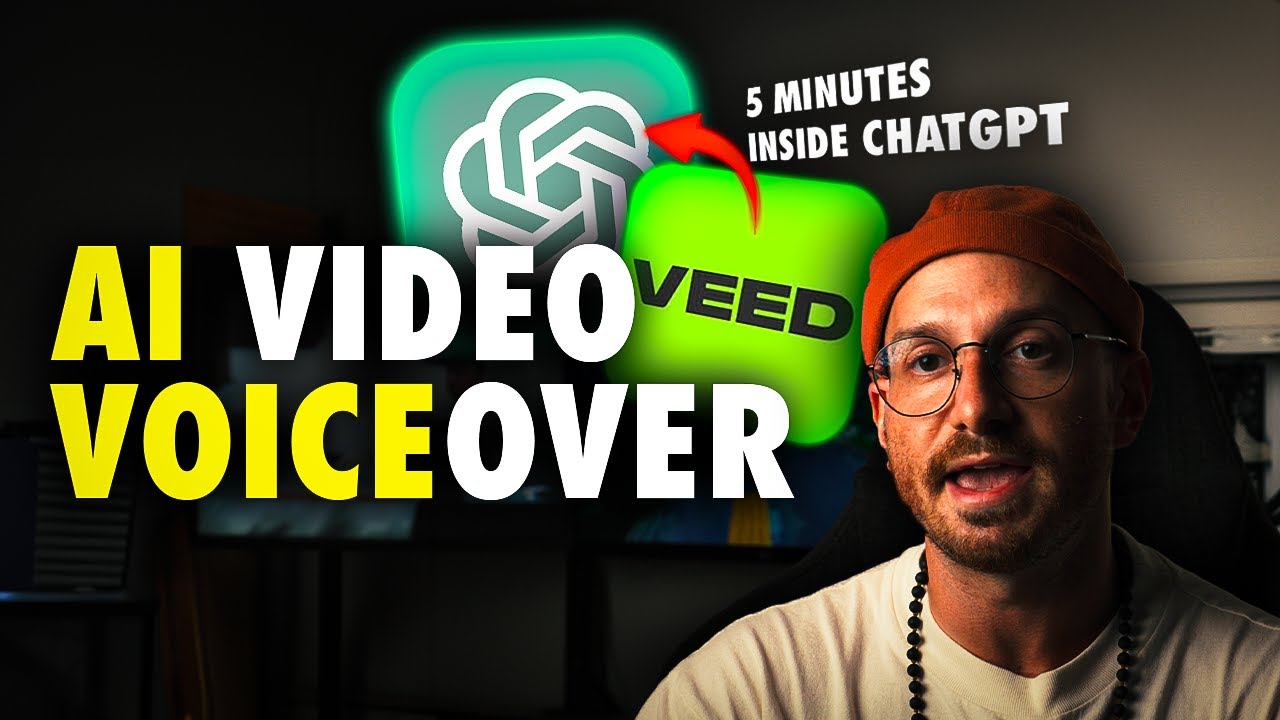
guys you can now generate videos directly from CAD GPT so you might have seen that CAD GPT released gpts which allows people to integrate their product into the tool for more streamlined AI experience and thanks to our amazing team at Ved we're happy to present you video GPT by Ved how it works is you simply describe to the tool in text what video you would like to make and video GPT will do the rest as it will automatically generate a fully edited video for you completely based on your prompt and what's really cool is that
it even comes with a fully fletched video editor in which you're able to tweak every single element you see in your AI generated video to further make it to your liking hey everyone my name is Tim and today I'm going to show you how you can turn text to video in seconds using video GPT to get started you can head over to v. i/v video GPT or click on the first link in the description oh and in order to use gpts make sure you have a Plus account on the website so I've got my video
GPT opened and I'm ready to describe the video that I want to make to get started we're going to click on a button that says let's create a video as you can see it instantly starts interacting and it asks me to share what the theme or topic is for the video now you can put any video idea down that you want to generate you can think of a history video about the Eiffel Tower or an onboarding video for business employees or how about a skateboard tutorial how to do an Oli in short feel free to
get creative in my case I'm going to make a beginner's guide to meditation video so I'm going to Simply type it out and submit it as a response I see that video GPT likes my idea and Dives a little bit deeper into the specifics of this video such as what the target audience key points and visuals would be so what I do is simply answer the questions and give it the directions it needs to craft a video I have in mind with Precision next it gives me a nice concept outline of my video that's about
to be generated based on all the input I gave it just know you can always ask to change add or remove specifics by expressing it to the tool however if it aligns with your vision you can type and submit the word continue which will initiate the process of generating your video and that's it after just a simple text conversation video GPT generated a fully edited video for me now when I click on the video it opens as an editable video project from Ved in which I can watch my AI generated video ourselves can be a
challenge but meditation is here to help start by finding a quiet place get comfortable and take a deep breath from here I can choose to instantly export the video or and that's what I'm going to do make a few tweaks in this editor for instance I just want to replace this clip it assembl for me very easy I just simply right click on the layer in the bottom timeline and replace the footage by uploading my own footage or using vs build-in video stock Library I'm going to use the library and search and find another meditation
related clip which will instantly replace it for the existing clip super easy and as you see this editor comes with more helpful tools to adjust anything in this video in just a few clicks for example you can use the bottom timeline to trim or reposition the files by clicking and dragging the layers or I can even change the voice over of my video by clicking on the voice over layer and adjusting the script or changing the AI voice and what I really like here is that V's editor has a voice clone option I can regenerate
the entire voice over in my cloned voice while it narrates the script that video GPT made for me embrace the present moment practicing mindfulness remember it's okay if your mind wonders Additionally you can use the options in the sidebar menus to further spice up your video with animated stickers icons audio visualizers text animated subtitles and much more as you see this editor makes it very convenient to take your AI generated video to the next level before exporting it through done in the right top corner so you can easily download and share the video for the
world to see so video GPT is out now you can try it out for yourself if you have a Plus account on CAD GPT I highly recommend it again if you want to try it out click on the first link in the description for now thank you so much for watching good luck and see you next time