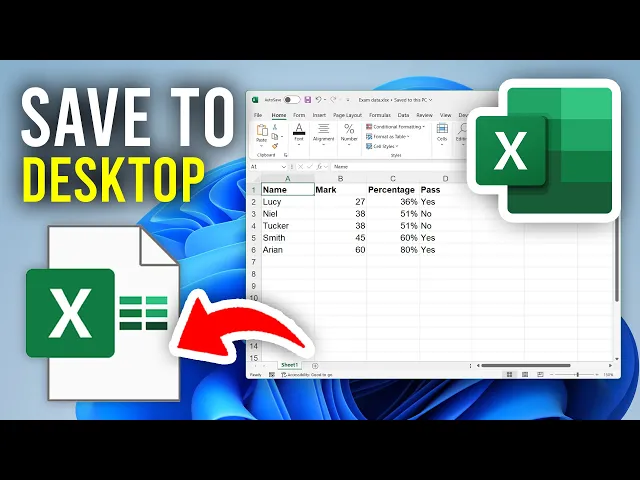
we'll guide you through how to save an Excel file to your desktop if you find this useful then please consider subscribing and liking the video first of all go and open up the Excel file you want to do this with that's what I've gone and done now maybe you want it on your desktop so you can easily go and access it as you can easy just double click it there or alternatively you may want it there so you can easy go and share it or there may be another reason let's go and get right into
this so first of all you need to head to the top left of Excel and you can go and click on file come down on the left here and select save as then come over to the right and you can click on browse now what you need to do is go to your desktop to do this come over to the left here and you can go and scroll up or potentially down depending upon where you are and go and find the option for desktop click it and here we are then what you can do is
go and click on save like so change the name if you wish and that's it we've now saved it I can close it and I can go and see it here so I can then open it up and here we are it's that simple if you found this useful and you want to see more then leave a like








![[🔴LIVE] BLOX FRUITS DRAGON FRUIT GIVEAWAY LIVE! | | ROBLOX UPDATE](https://img.youtube.com/vi/bnqtJqF8mZI/maxresdefault.jpg)