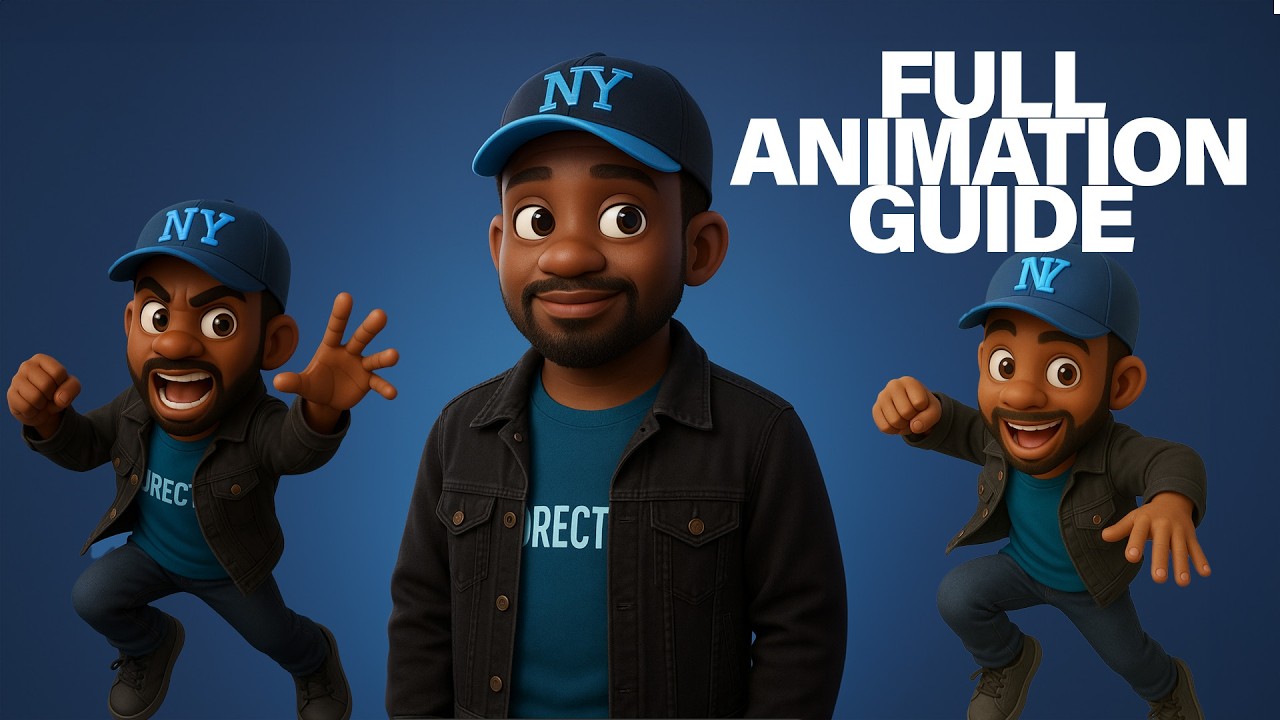
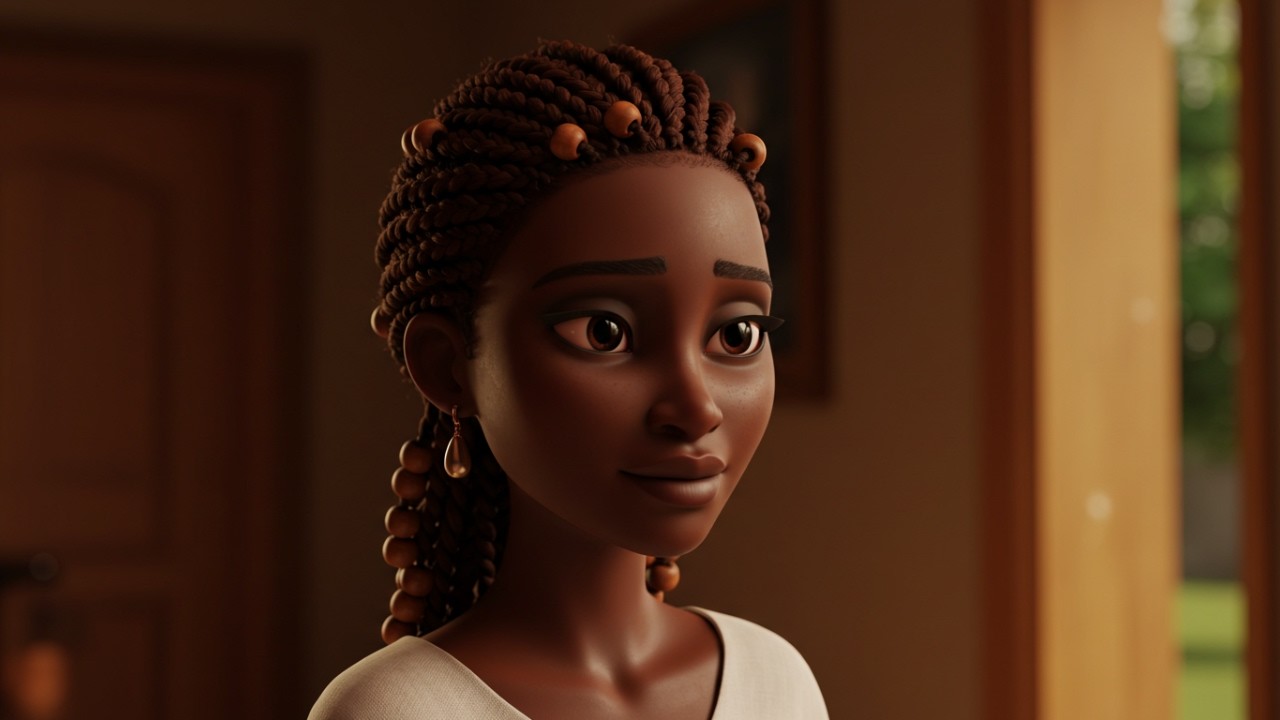
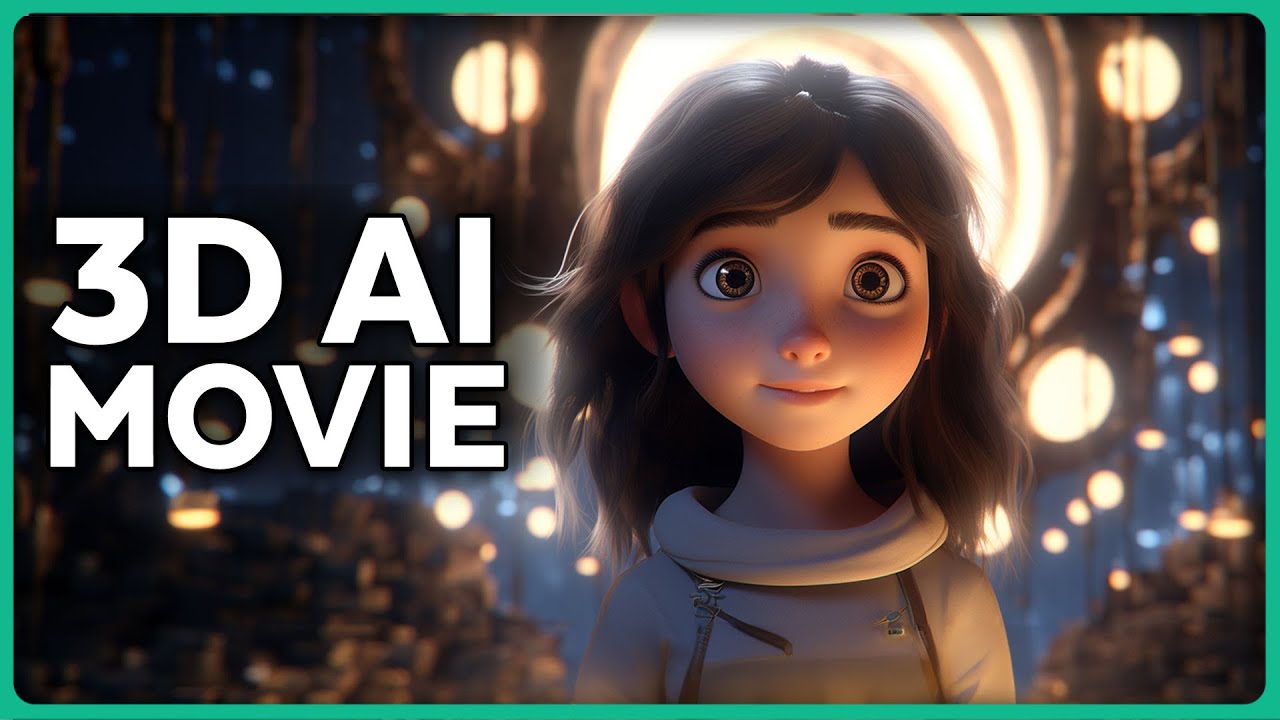
take a look at this 3D animation that I made using AI at 30 Sam's world was cubicles one night fed up he filmed himself fixing a squeaky chair adding humor and posted it people loved it suddenly Sam's nights were filled with videos getting views and growing I did this without having any 3D animation experience using six different AI tools from free to page so let me show you how to make a 3D animation like this in just five simple steps first if you're wondering if you could be successful with this on YouTube this channel here
called Bible in a nutshell is getting 1.4 million views to last 30 days and making anywhere from1 to $177,000 per month you can see that most of the videos are fully AI generated and they're actually super high quality which is obviously why people want to watch so can we make something like this ourself let's begin with step number one I'm going to go to Chachi and ask it to give me ideas and I'll make sure that I'm going to use the Chachi b 40 with canvas now let's do some brainstorming let's write make a short
22nd Underdog Story this first one talks about climbing I'm going to ask it to make it more Pixar style now about a small squirrel named Pip this one about Leo wanting to become the greatest kite flyer all right I found this one going from 9 to5 job to being a content creator it might be a little bit more relatable to more people so this is my favorite version so far but the ending is not so good so I can just highlight it since we're in the canvas and I'll ask it to change it there we
go I think we got a short script to start off with but now we obviously need to go to step number two make the images I'm going to go to ca. a and click on generate images this is one of the best ways to use flux but also I need to make sure that the the script itself we split it into multiple different parts so I'm going to change it up and write some prompts so we can actually get the visuals here all I need to do is to click on this button edit or explain
I'm going to prompt it add a visual prompt that I can use for image generation in Brackets I'll just keep doing this for multiple of them there we have all the scenes bracketed out so we can actually create cool images to add to our video I'm just going to copy this and paste it directly into flux I'll make sure to add the aspect ratio 16x 9 because this will be important for us later also because we want a 3D animation style to be consistent throughout the entire video I'm going to go to Styles and I'm
searching for something that looks like 3D animation I'm not sure if this is what we want this style would be really cool actually let's test it out let's click click on generate that's definitely not what we want I'm just going to try to prompt it by adding in the end in the style of pixr 3D animation and yeah there we have a lot better result to make it even more consistent I'll make sure to add Sam a 30-year-old man with brown hair let's try one more time yep all of these are really good I just
wanted more cubicle like this is getting better I really like this one so yeah I'm just going to keep going and download a bunch of them okay I'm just going to do the next prompt one of the main issues I'm finding is the consistency of character as you can see this guy is gray haired he looks a lot older than 30 this guy even got like a balloon nose there we go fixing a chair yeah we got the camera out what is this guy going to do with the chair so now it's just getting more
and more of these images trying to get some close-up shots as well I'm pretty impressed by the images so far and I can't wait to turn them into actual AI videos so stick with me for the next [Music] steps so I now have around 30 images here that I can't wait to put into an AI video generator to see how they turn out but before that make sure that you subscribe to the channel also comment down below AI I video if you want me to make more videos around AI video generation but before we actually
get to make videos out of this we have to go to step number three create the voiceover I'm going to go to 11 laabs doio because this is the best AI voiceover tool that I know of I'll take the script that we have before just copy paste in here make sure to delete all the brackets now that we have the script I'm going to go to the voices tab in the bottom and click on find more voices here we have hundreds if not thousands of voices that you can use so let's listen to one of
them right now the Boston mayor who grew up in Riv was aware that not that one looking for a conversational real New Yorker whoa this one German I'm kind of looking for a masculine male voice over story time I have a smooth and sexy voice that can be used for well well look what we have here caught off his guard that is actually really good failure doesn't mean you are a failure it just means you haven't succeeded yet genius is 1% inspiration and 99% perspiration let's try that one let's bring out Tom at 30 Sam's
world was cubicles gray and dull one night fed up he filmed himself fixing a squeaky chair adding humor and posted it people loved it I want to see what happens if we do a girl voice at 30 Sam's world was cubicles gray and dull one night Fed Up he filmed himself fixing a squeaky chair adding humor and posted it people loved it it sounds like a news story or something at 30 Sam's world was cubicles gray and dull all right perfect let's download and jump right into step number four AI video generation so I'm going
to be using Runway ML and I'm also going to be using cling AI these are the two best AI video generators that I tested amongst seven of the best ones you can get a new career earning you $92,000 a year without any degree all you need to do is to take this online certification it's called data analytics professional certificate by corsera which is an online course provider offering certificates from 275 plus leading universities as you can see this course is taught by Google and it comes with a certificate currently 2.3 million people have already enrolled
with over 141,000 reviews it's beginner friendly so you don't need any prior experience or education to get started but what's most important is that it's flexible and self-paced so you can fit it around your busy lifestyle and in just 6 months you can get job ready skills for entrylevel roles in data analytics what's even cooler is that completing it gives you access to Google's hiring Consortium of over 150 employers which means you're much more likely to be seen by a potential employer Scott here learning from the US said that he successfully transitioned out of education
and secured a full-time position in data analytics this man from India said that he's so grateful to have discovered corsera and thankful to Google for creating such a great informative program Maria said it provided me with the knowledge needed to acquire a data analyst position and you can get access to this course for Just 4 $9 a month so if you're ready to invest in your future corsera now offers a 7day free trial it's your chance to get access to premium content and resources that will Propel your career forward so don't miss out and join
millions of Learners worldwide today by clicking the link in the description down below thanks to corera for sponsoring this section of the video and jump right into step number four AI video generation so I'm going to be using Runway ML and I'm also going to be using Ling AI these are the two best AI video generators that I tested amongst seven of the best ones and I basically just placed all the best images that I had directly in here and I made videos out of them on both Runway and on cling so I just want
to show them back to back and we can decide which one is better first let's check out Runway here zooming in closer and the face getting more and more worried really good establishing shot there this is how it turned out on cling it does seem a little bit more alive and a lot of more facial expressions here's the next shot from Runway here having a smile looking at the chair very good shot cling with the exact same image you can see more of a going to the left side with the camera and also looking more
down on the hands I actually like this shot a little bit more remember same prompt and same image for both both of them this one I found really cool from Runway here just social media likes popping up in front of him here is the variation from cling oh wow even better do you like this one better or the previous one I don't know there is something about the warping and stuff like that from the hearts but I like that there's so many popping up I think I like cling better on this one here's a simple
zooming shot into the YouTube app he's uploading it his first video here is the same from cing and you can see that it actually opens an app the YouTube logo is not really that great so clling not winning on this one rather use Runway only a few more shots here is the holding a box of all my things from Runway and yeah I like it a lot let's check out cing here from the beginning you can see that he's talking a lot more and the movement is a lot different in comparison with Runway I don't
like this one as much as Runway next one he's back and filming videos living his dream life as a Creator here's the cling version yeah just a lot more Dynamic a lot more focused so I like that there's a lot more motion going on here and the Expressions on the face are just beautiful almost the last one now working on something small on the bench from Runway here jeez I love how minimal movement there is here is the same generation from cling a lot more movement things happening in the hand not sure about this one
and we have the final I am a Creator shot from Runway here he is in love the exact same from cling here he's more shocked and does not seem to be as good so yeah all in all both of them doing a fantastic job I do like the movements and creativity of the camera Motion in cling a little bit more than Runway both of them do have camera slow push in and Dolly Zoom even camera Parallax effect on some of the prompts so now we have the videos and all that's left is Step number five
putting it all together I'm going to use the Vinci resolve 19 because this is the best free video editor that I know of just make a new project take the audio from 11 Labs download all the videos from cling and Runway and drag them all into the Vinci I'll start by dragging the audio to the timeline I'll do all the cling videos first and I'll put the runway ones on top now I'm just going to do a little editing time lapse [Music] all right I made a quick edit here and it's looking really good but
to really sell it I need to add some music so I'm going to go to pixabay.com and let's listen to a couple of [Music] them okay I think we found one I'm going to download it and remember this is all copyright free so you won't get any copyright strikes let's drag it into Da Vinci lastly I'm going to add subtitles by clicking on timeline and create subtitles from audio I'll do a maximum of 30 characters per line and click on create now I'm going to make him stand out a little bit more by clicking track
then add a drop shadow offsetting it a tiny bit and making it a lot blacker now after making these subtitles I think we are finished I could do a lot more effects and transitions between the scenes but they fit so well so let's take a look at the final result at 30 Sam's world was cubicles one night fed up he filmed himself fixing a squeaky chair adding humor and posted it people loved it suddenly Sam's nights were filled with videos getting views and growing Sam left his 9 to5 behind now his days were vibrant filled
with creativity passion and making others smile so there you have it everyone we just made a full 3D animation using AI tools don't forget to drop a like on this video also check the description if you're interested in AI tools to get work done faster thank you so much for watching and I'll see you in the next one