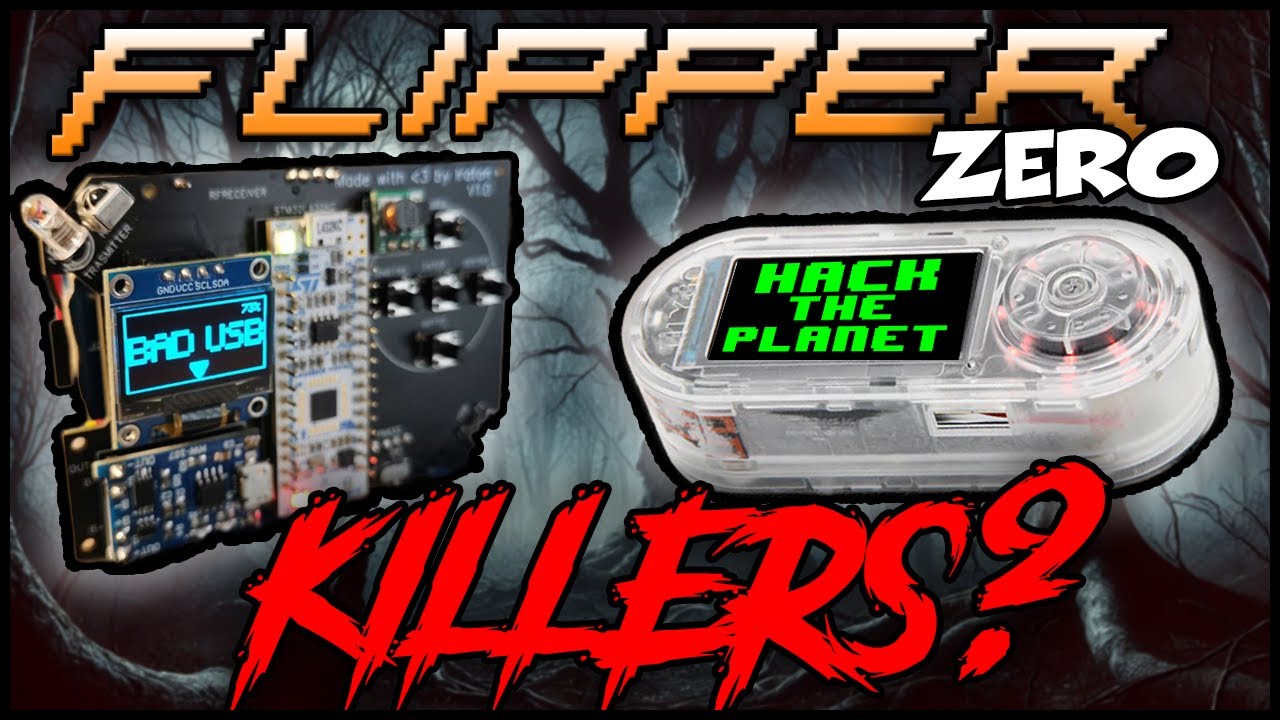
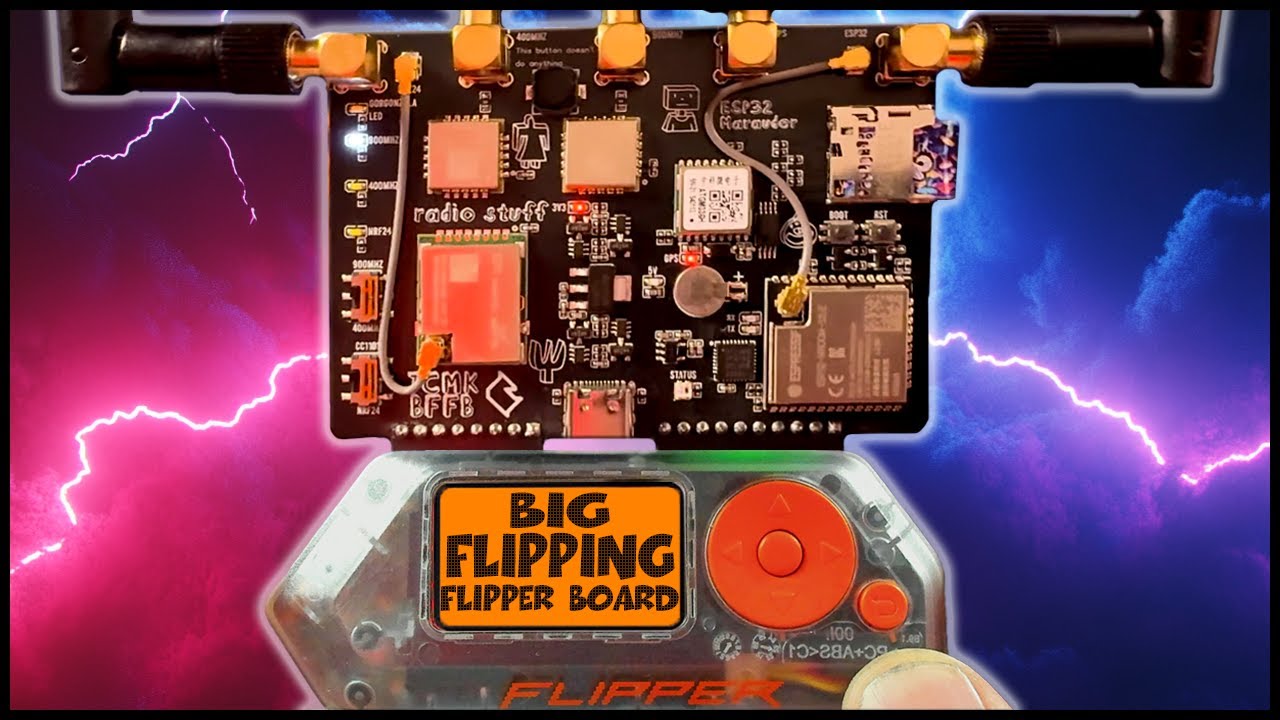
today we'll be learning how to remotely control any computers with this tool right here now before we go any further remember hacking is illegal and you have to ask your mom for permission first before you start hacking now here are the steps to make this heck happen so the first thing we need is either a USB rubber ducky or a flipper zero which is the one that I showed you earlier and within it that is this feature or function called Bat USB that will allow us to load code of scripts and execute on them once
it is plucked into the USB of the device whether it is a laptop or whether it is a desktop as long Ed it has USB once we plug it in and executes onto this code and the code that we want to write can be one to download an executable into the target machine and then executing on it or directly executing on some code that is available in the machine itself natively that can allow us to remotely control it and before we run this code before we plug it right in we need to ensure that we
set up our coli Linux listener that is listening for connections so once it's been downloaded executed over here this give us remot control of the machine so basically it's game over so you can see right here we have this flipper zero which is a tamag GOI looking kind line of device and within it if you click right in the the center or the middle button and if you scroll down further there is this feature called bad USB just click onto it and there are several you can see here we have many different example code that
you can run like instore Q Flipper on gome Mac OS Windows demo Chrome OS demo gome Mac OS and windows so it works for a lot of all this different operating system and and I have written a couple more scripts that we can use to run it directly against the target machine so what I'm going to do now is to demo to you how this bad USB work so the first thing you need is of course the computer you can see in a backdrop that is the computer and I have a USB cable over here
that I'm going to plug it in to the flipper zero so once I plug it in I'm going to show you the first demo for it which is pretty simple and straightforward and once it's plug in is secure you can see that it is a green light over here and I'm going to click onto the center button again all right and I have the demo for you so I'm going to use the one on Windows okay so this is the one that is by default out of the box that you can use so I clicked
onto it and it stays the following right and if you watch carefully if you watch carefully I'm going to click run and you see the following it's popping up lots of words running right now this is how it automatically inject tax open up notepad do lots of things directly against your computer and this is how the code looks like so if you see over here we have the following this is the default one which is demo windows so you have one remark so it wants to Target opening up the windows notepad and it delays a
th000 all right followed by Guy R which launches the Run all right then followed by notepad so it enter string notepad runs and enter okay and then that's how it's able to inject the following string as well into notepad and all so this is literally how the script looks like and how it works so it's pretty easy to understand what's going on and we can start writing our own code for it so I have an example code over here and what it does is that you can see the following we enter CMD and then we
navigate to this specific directory which is temporary photo and this is possibly a directory that can allow us to write more things and then we launch Powershell to download netcat which will give us a ability to execute and give us a remot shell from here okay so I got col Linux running over here on the left side and what I'm going to do is to go ahead and locate nc. exe all right so it's right here and I'm going to copy USR share Windows resources to binaries to nc. EXE super user do and I'm going
copy over to VAR HTML nc. exe he enter and that enter my password for hacker Loy so now we're going to host this NC netcat file inside colx machine so that the target machine can download it so what I'm going to do now is enter pseudo system CTR start a2. service hit enter on that and let's go ahead and check on the status whether it is up and running okay so it's up and running you can see right here active running so we're hosting the file right now and I can enter IP addr and you
can see this is the IP address of col Linux they'll be hosting this malicious fall or fall that we can then use to give us a reverse Shell through the execution and Target machine what I'm going to do next is to set up a listener so enter the following ncn lvp 4444 hit enter and that so now we're listening and all we need to do is plug in the USB to the Target machine execute on it and we get our reverse shell okay so right now we are back to flipper zero and this is bat
USB I'm going to go ahead and click onto it and remember earlier I was showing you the default one which is the demo windows and I was walking through the code with you on demo windows 2o so I'm going to click onto it and now there is one more click to run the script so if you watch carefully on the backdrop I'm going to click click and run if you watch carefully executing right now boom if you go over to the left of the screen you can see right here we now have connection so it's
game over we now have remot control of the entire computer so once again we have this example polish shell script that when we run it launches Firefox into Mr hacker loy's YouTube channel which of course is the most goodlooking hacker ever and we want to convert this into same script so that we can launch it too so this is an example of how we converted it and again we're just targeting with the open run dialogue which is Guy R And Then followed by delay and the reason why we need delays is because sometimes if you
just run the script or the string directly it is going to be way faster than the application can load so in this case we're introducing a little more delays and then with that you can see over here we're run the same instruction through the run power shell all right and then we hit enter on that and then boom we get access to hacker Lo's YouTube channel and to upload fall over into flipper zero it is pretty easy all you got to do is just download Q flipper and once you plug it right in you can
just click onto the file manager and over here on an SD card B USB just do a right click on this click upload file and I have this demo Windows 4 that was just showing to you how we converted it over into this script double clicked on it it's now uploaded and once you're ready just hit back over into flipper zero execute on it we're good to go you know the drill we're back here once again and this is flipper zero just click on the bad USB and now we got a new file which is
again demo Windows number four and once you're ready just click onto it so watch carefully once more click onto it or right click run again you see it launches it and then of course I got it onto my left screen over here so it's loading right now so boom once again Mr Hub Loy Mr Hackle Lo is right here on your desktop so let me know what other creative hacking things you want to see from Flipper zero





![[123] Flipper-Zero: Use ChatGPT to create Flipper Zero programs!](https://img.youtube.com/vi/5U26CU_j2tE/maxresdefault.jpg)