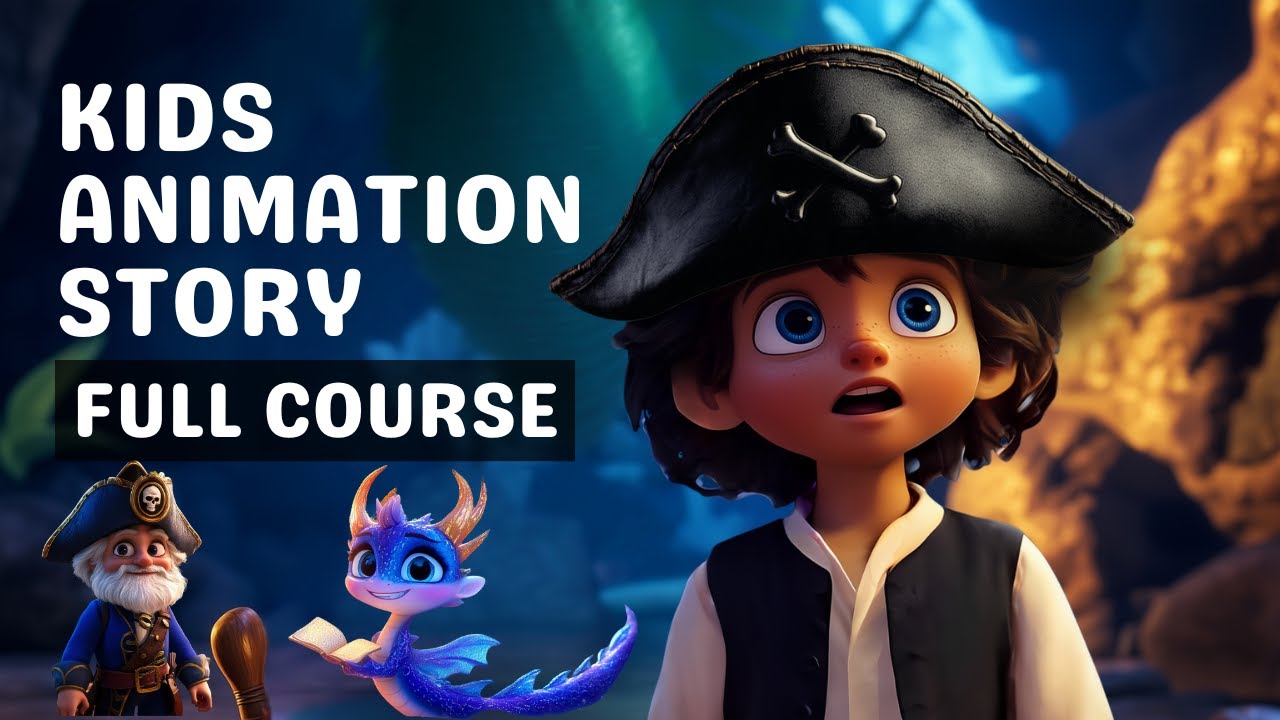
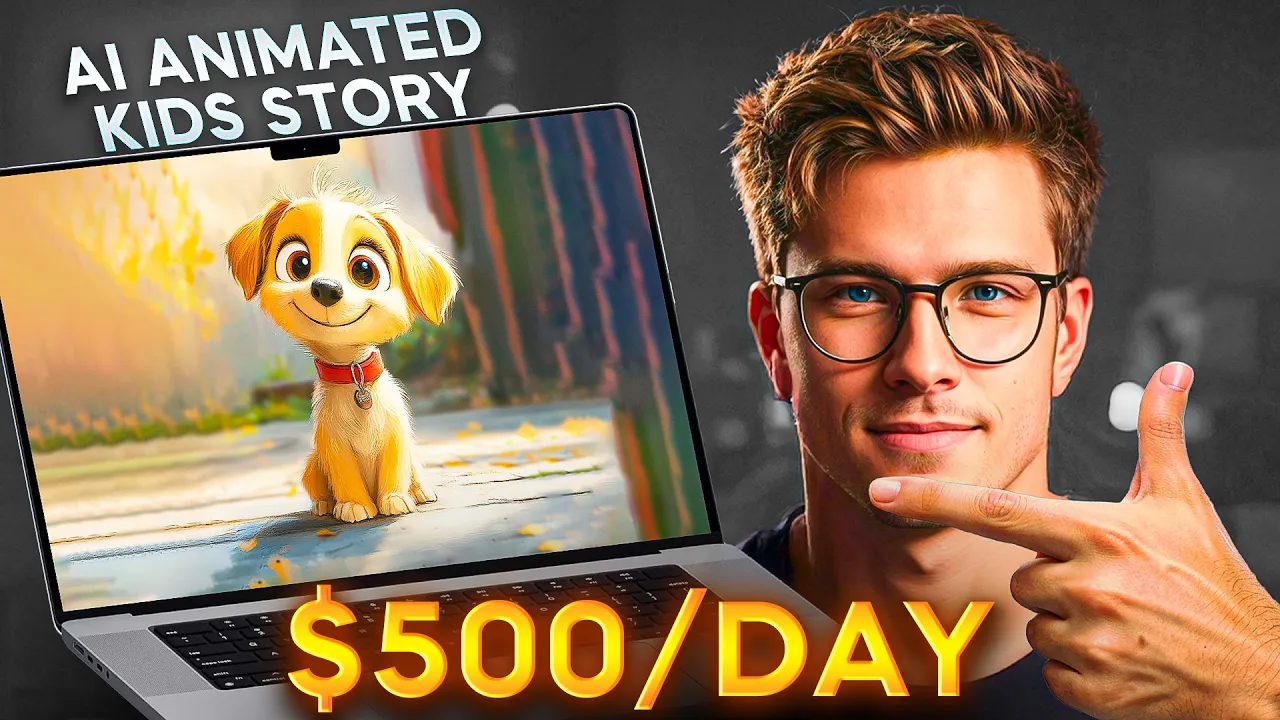
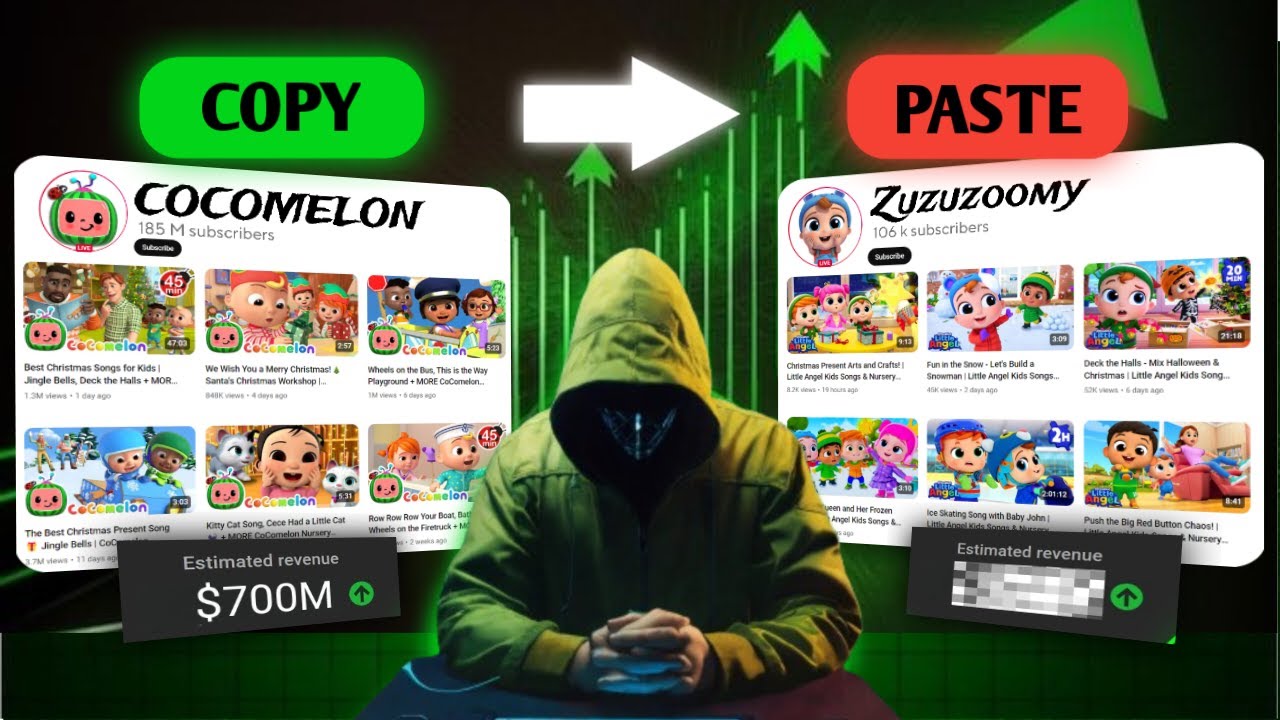
I don't know if you know this but these videos that kids binge watch on YouTube rack up millions and even billions of views and these channels are generating millions of dollars let me say this again these faceless kid videos are generating millions of dollars every single year for the owners just like this YouTube channel right here that creates animated content for kids it's literally racking up millions of views daily and according to Social blade they are making close to $2 million per year just from the views on a single YouTube channel this channel fairy tales
and stories for kids is another example of the same type of animated videos that are getting millions of views posting animated stories based on popular movies with a voiceover behind them according to Social blade this channel makes over $500,000 per year and this is the money That these channels are making just from the views I don't know if you guys know this but kids spend more time watching YouTube videos all day than even adults do and more views equals more money you can start making videos just like these without having any animation skills yourself without
showing your face and you can completely automate the this entire process in fact I'm going to show you how to create these cartoons using just one AI tool and that's exactly what today's video is all about now the first thing that I always do is I need to brainstorm however I am also a bit lazy so I will ask AI to do this for us I'm going to head over to chat GPT and I'm going to ask it give me some unique kid-friendly animated stories related topics to create YouTube videos for kids and now we
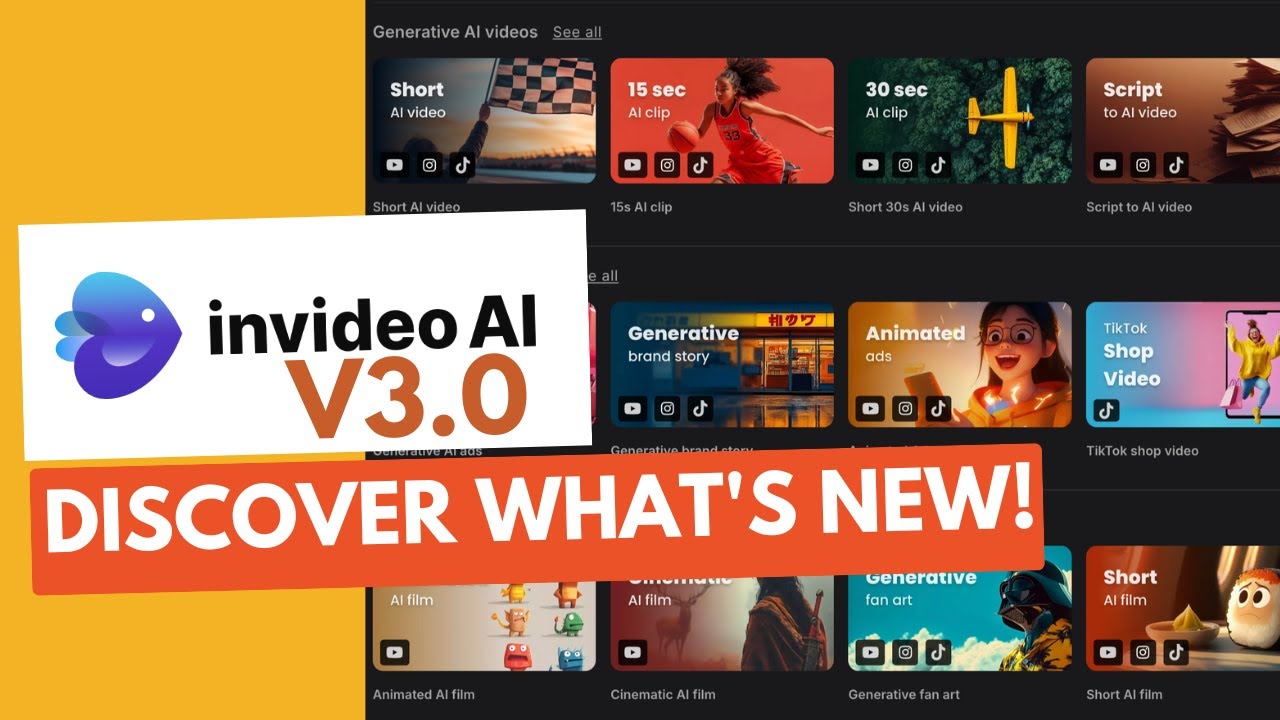
have tons of video topic ideas here so let's be more specific with the chat gpta aai and ask it give me some unique kid-friendly animated stories related topics to create YouTube videos for kids ages 4 to 7 so let's just look through these ideas pick the one you like and let's get into creating the video now let me show you the exact tool we're going to use to create these animated videos so what I did was I actually did some digging and found this AI tool called inv video Ai and what this does is you're
able to create unique animated videos in minutes by just typing in one simple text prompt and this AI will create a full-blown animated video for you in minutes this is actually a new animated feature that nid AI has that nobody else has on the market right now it's actually crazy how AI can actually now generate full videos for you all of these videos that you're seeing right now are completely generated by Ai and if you're wondering just how powerful this tool is I actually made an entire video about nid AI last month where I broke
down eight different ways to use it in your content creation from crafting cinematic ads to creating clips that look like they're out of a Hollywood Blockbuster all with zero technical hassle I'll link that video in the description below but today we're focusing specifically on how to use it for kids content so let me show you exactly how to do this start by creating an account within video if you don't have an account just yet the link is down below once you create an account the first thing that you're going to see is this box right
here that asks you to type in a topic and instructions into the box so now that we're here we're going to just copy and paste the chat GPT idea that we saved right here into this box I am personally going to go with this idea called Jungle Boogie Adventures we have our story concept here our theme target age which is 4 to 7 years old and I'm also just adding use high-pitched kid-friendly woman voiceover as well because I want this to sound like super kid-friendly and just like fun now this is important before we proceed
just make sure that you guys are on the generative ai3 option here because it is different than the usual invid AI format so now you will see that our video is being generated now you will see this menu with secondary options before actually generating it so I will choose one minute for just demonstrational purposes funky background and YouTube as the platform obviously and let's proceed so now that our video is done let's see what the AI made for us hi there little explorers I'm chirpy the jungle's bounciest bird oh boy oh boy do I have
a toet tapping tail for you welcome to our colorful jungle it's always dance time here look there's Ellie the Elephant stomping and Momo the monkey doing the Banana Boogie wow it is so crazy that the AI made this video so fast and so detailed and it's so adorable but anyway what's awesome about this is you can change anything you want about this video and what's even cooler is AI will even change it for you so if you see there's this edit command box underneath here you can make different types of edits just using one simple
command so let me just show you how this works for example you can ask for the voice to be higher pitched or more kid-friendly or even add your clone voice you can ask the AI to generate new animated Clips in the video and swap them out and you can even change the language of the video you know what let's actually edit something and see it in AC action so I will go in and just replace two random pieces of footage for something else additionally I will type in convert the video to Spanish to have our
voice over converted nid does offer more languages for you to choose from but I will go with Spanish and let's see the result looks awesome but anyway just make sure that you only use one language on your YouTube channel otherwise you are risking combining a bunch of different audiences on the same channel which is not necessarily a great thing not only that but you can actually generate a new clip and have it in the video so for instance let's replace this one click on it and then hover over to generate media right here now you
can type in a custom prompt or use these suggestions from Nvidia that will allow you to keep it all consistent so I will do that and hit generate and wow just look at how cool this elephant turned out but anyway once it's done click on replace and as you can see this clip is won a part of the video so now I will hit apply and then save changes to actually get it implemented additionally we can add subtitles yep also by simply typing in a command so do that and let's see how they [Music] look
when you're done with the video you can come up here and just click download and you can download and upload this video to YouTube now let's just talk about pricing really quick you can try nid AI but if you do want to use this new AI generative capability it does have a monthly fee so I actually bought the one that is $96 a month this is the plan that allows you to make these generative AI fully animated videos and if you're already using Nido AI for other projects that are not the AI animated ones you
can actually just go to the add-on section and get generative seconds here and as you guys know this is a little bit more expensive than the usual Nvidia AI features just because this is something that again nobody really has out on the market right now so it's super exclusive which really allows you guys to jump in and actually take advantage of this before it becomes more and more popular throughout other AI apps through the next year now we need to create a thumbnail set up our YouTube channel properly and optimize everything for maximum views and
while I could explain all of that right now I've actually covered everything in detail in my free YouTube automation course like I literally dropped a 25-hour course not that long ago so just go watch it next and prepare to be mind blown

![How I use AI to make $30K/MONTH with faceless Instagram theme pages [FULL COURSE]](https://img.youtube.com/vi/L9m3F9LhBME/maxresdefault.jpg)