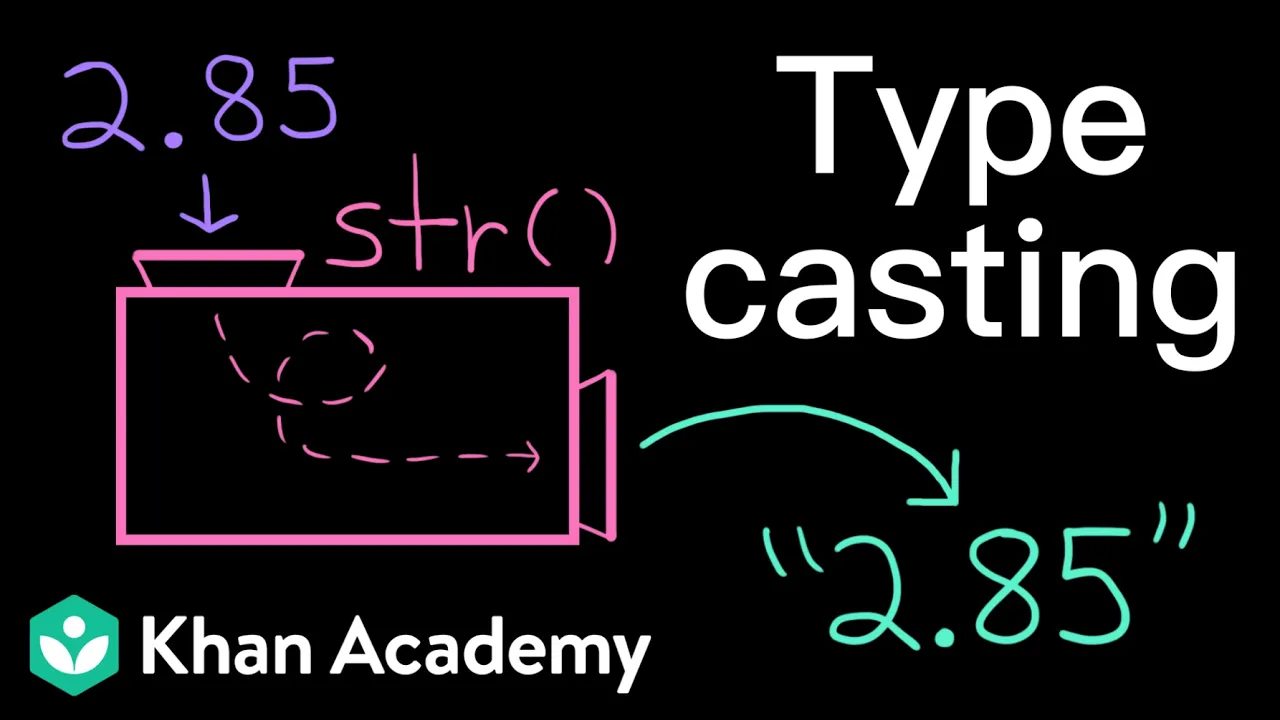
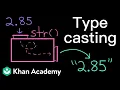
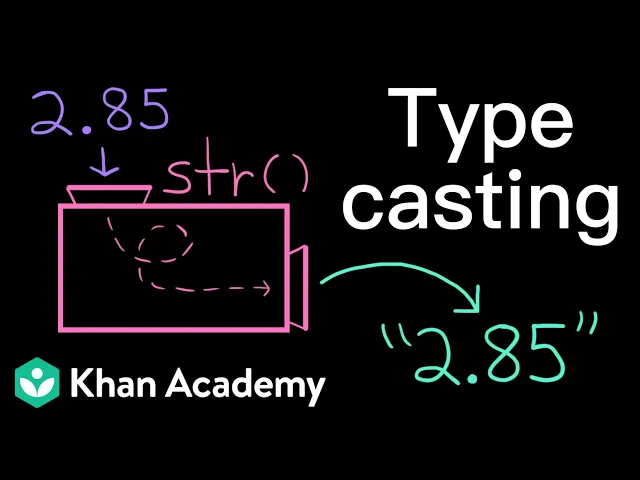
have you ever tried to make your print output a bit more descriptive like this only to get a type error why does that happen and how do we fix it let's put our debugging skills to work we saw that my program last worked when I was just printing the average score it's only when I tried to add this string at the front that I started getting an error this error message tells me the computer is having trouble concatenating a string with a float my average quiz score is a string and the variable average score contains the value 89. 5 which is a float and we know that computers can't add strings and floats together they can only concatenate strings and strings or add some combination of integers and floats okay so we know why we're getting that error but what can we do about it we as the programmers need to help the computer out here the computer is very stubborn about its data types matching and we can't change that but we can change our values to be different data types this is called type casting where we convert or cast a value from one data type to another data type to cast a value to a string we use the string function remember that a function takes in an input value performs some actions on it and then returns out an output value with the string function our input value is the value that we want to cast to a string and our output value is that input value as a string casting a float or an integer to a string is pretty straightforward it's just as if we put quotation marks around it back to our program all we have to do is call the string function on average score then that float value 89. 5 that the average score variable contains will be cast to the string 89.
5 if we ignore the variable for a second this is the same as saying plus 89. 5 which does give a type error versus string 89. 5 which doesn't give a type error once we have this expression with two strings the computer can just concatenate them what if I want to see how my next Quiz score will affect my average I might add an input prompt here to let me enter in different scores so I update my average score calculation to include that new score and now I'm getting a type error again that's because the output value that the input function returns is always a string even if what the user typed kind of looks like a number that means over here on the second line when I'm trying to add new score I'm once again adding floats and strings instead I want that quiz score to be an integer so I can do some math with it to cast a value to an integer we use the int function if I start with a string value like 89 and I cast it to an integer I'm effectively just removing the quotation marks around it so now I have 89 do you see any problems here well based on the previous quizzes it seems that we support half points like 89.
5 might be a quiz score and 89. 5 is a float not an integer if I enter 89. 5 at the prompt we get a value error because we're trying to cast the string 89.
5 to an integer this means that we probably shouldn't be casting to an integer instead we should cast to a float to cast a value to a float we use the float function we might also Move That typ cast up here so the value is already converted to a float before it's stored in the variable new score then we don't have to remember later to cast the value of new score to a float anytime we access it put that all together and we can cast values using the string function the int function and the float function also note there is a bull function that converts values to booleans if we try and cast values that just don't make sense as you saw we get a value error this is like if I tried to cast the string banana to an integer or the string 9. 9. 9 to a float it's just not possible in any meaningful way like what should banana be as an integer I don't know now what about casting a float to an integer it turns out this just chops the decimal portion off so 3.





![The moment we stopped understanding AI [AlexNet]](https://img.youtube.com/vi/UZDiGooFs54/maxresdefault.jpg)