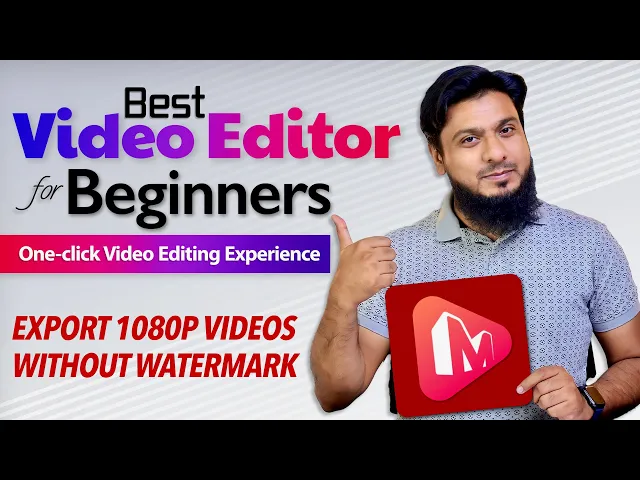
Intro, Asalamu Alikum! This is Faisal Shabbir. How are you all? Those of you who are beginners YouTubers And those who like to edit videos And those who want to edit video in easy and simple manners Want to learn, for those in today's video I'm going to tell simple and best video editing software This is such video editor in which your videos Save without watermark Support them, some tools and features are premium But in free it works best With some limitations So the software link is in description below When you click on it this software will
open in front of you Best video editing software for beginners MiniTool MovieMaker 5.1 It is available from windows 7 to windows 11 With many useful and free features With one click you can auto editing your video And you can save video in HD quality without watermark So download it from here After download install it By click on install now installation will start It's not a heavy software It's a light weight software and install in some moments Our software has install click on start now Our software is install, ready and is in front of us It's
very best and easy to use Here you find many professional tools For your work From new project import your video From which video you want to work After that click on plus your video in now in time line Our video has in timeline You can zoom in and zoom out as which you want for properly work Here you found video quality you should set basic setting It's color, contrast, rotate, speed setup, Audio settings Whatever setting you want just go to video property You can do this work If you add more clips then 1 in your
timeline So all settings you will apple at a time on all clip And then here on timeline you find tools If you want to cut or split your clip You can do this easily By click on split our clip will cut You can cut wherever you want After that on tool bar you find transitions, Effects, text, motion and elements In transition you find many transitions effects Just select your clip And click on transitions plus And your effect is instantly works, See this by play By this way you can easily put transitions After that you found
effects here You found ready made templates with different colors see this huge collections Use in your video free of cost Now let's go to text Her you find different types of lower thirds Just click on plus And it will add in your video See this by play it, by this way you add text You can add caption or subtitle You found credits and some title design Whatever you want, just add in your video and easily use it Now let's go to motion It's a very best thing apply any of your video by click on plus
And then see it's result Here auto motion add in your video And your video make best Your video become best by this motion effects You find a lot here use in your video which you want Now go to elements, many collection available here like arrow etc You should use in your video, see this From where you want, rotate it You can do this easily Now let's play it Look at this by this way you can use it You can find many elements here for business, emoji For nation, pets, travel For websites, YouTube subscribe button also
you find Just drag and drop And it will add in your video And set it where you want Now see it By this way you add subscribe button You can add text, elements And add transition This is very simple and easy video editor You should give background sound for your videos Want to add audio you can add If you want more track then you can also add After that you find templates here When you click on it then you find amazing things here You can play beautiful slide for your picture Like we take this click
on next add your pictures Then click on open Now see the beauty of it here, your images become auto slide Amazing type Look at this Use it as you want You find different slides and design By use it get rich benefits By this using templates you can make slides After that when you compeletly edit your video click on export here you also find various options here which format you like You can export Which size you want, you can export The resolution which you want And for which device you want to export For iPhone, Samsung and
Apple For which brand choose it and export Then your video is make for this quality So for after all settings when you click on export Then your video is exporting And after some moment it will in front of you Our video had export now when you click on it the folder will come in front of us in which folder it save Look at this I show you by play it See this your video without water mark It is save and export now All work is done that you do By this way using mini tool video
editor you can get benefit If you like this software and want to use it's premium features So you can purchase it It's not much costly With all effects, tools and elements With HD video quality it is totally free With some extra premium tools only o 13$ for month Like this if you want for a year So it is only on 36$ For lifetime it is only on 60$ So for new youtubers, creaters and makers It is the best software Use it's free version, download and install it Try it I hope you like this software The
link is in description below So that's it in this video Like and share this video Subscribe to the if you are new on it Or click on bell icon If there is a life we will meet again, Allah Hafiz!