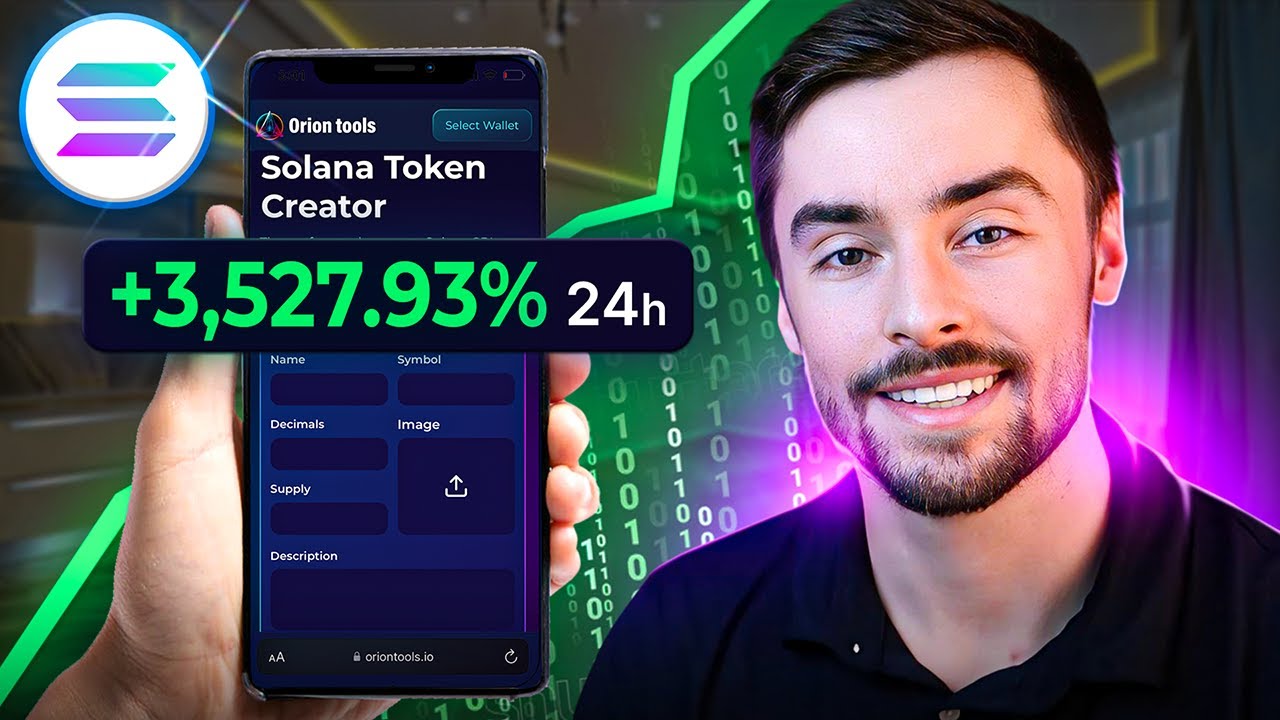
in the next 5 to 10 minutes I'm going to show you how you can create your very own salana token from start to finish meaning by the end of this video you'll have your own token in your wallet ready to be traded now I looked around a bit for some other Salon token creation guides and all of the other guides I found require some level of coding which I understand can be confusing so that's not going to be the case today in this video I'm going to make it super simple and easy to follow no coding required whatsoever that being said let me hop into my computer and let's begin all right so before we start you need to have a salana wallet I recommend Phantom if you don't have that download it if you do great we're ready to move on also you can do this on your phone or your computer I recommend you do it on your computer because it's just easier so the first thing we're going to do is head to Orion tools. let's connect our wallet to the site so we can begin now I'm going to walk you through this entire process like I said but you can see here on the right hand side they have their own step-by-step guide so you can follow that too if you want once we're connected it's really simple this is how we start first thing we need to do is have a name for our token so for this video I'm going to call this baby dino coin now we have the name of our token in the symbol the symbol is just a ticker symbol if you trade stocks it's the same thing just with a coin Amazon is amzn pretty straightforward now decimals we're going to do nine decimals the bigger your supply is the more decimals you want I recommend nine because most of the time you're going to have a big token with a lot of supply and the supply we're going to do something like uh we'll just do 50 1 2 3 4 5 6 50 million and then for our image we need to have an image of the token so I'm going to choose an image we have our image right here of the baby dino head 50 million Supply nine decimals baby dino coin BDC for short that's a ticker symbol and if you want to have a description now is where we can write it so baby Dino coin is the latest and greatest all right now we have our description and it's really that simple this is all you need to create your own token baby dino coin BDC nine decimals Supply 50 million you can do whatever Supply you want there are tokens to have trillions of Supply billions of Supply it really doesn't matter it could be a million it could be 100,000 whatever you want to set your supply at you can do once again this is all up to you but if you're trading a mcoin chances are you want to have a higher Supply because people can buy more even 50 million is kind of a small number sometimes people do 69 billion but this is just for show we're going to do 50 million 9 decimals baby dino coin and uh we'll just do that right there once we have all this all we need to do is Click create token and a transaction will pop up right here it costs about 0. 5 salana and then we will have 50 million of our token right here baby dino coin I'm going to click on confirm so just give it about a minute or two for it to populate in your wallet and then you'll be good to go okay so it's been about 1 or two minutes now if I click my Phantom wallet you can see right here that I have about 50 million baby dino coin I have my own token created it's in my wallet and we are good to go we just have a couple more steps before we can actually list this token and have our friends buy it so once we have our token created we're going to scroll down a little bit and this is what we need to do right here if we want to make our token publicly traded meaning that anybody can buy and sell our token we're going to need to create a liquidity pool and in order to do that we're going to need to go down here and revoke freeze Authority which basically just allows us to add liquidity to this token and create a pool so we going to go over here and click on select token if your coin doesn't show right away just refresh the page and it will show up so let me click this drop down menu right here and we can see we have our baby dino coin I'm going to select that and I'm going to revoke freeze Authority so let's click that transaction a new one will pop up I'm going to go over here and click on confirm and then the last thing we need to do on Orion tools is revoke mint authority meaning that we can't mint any more of these tokens more can't be created and it's a security thing so if you want to launch a token you definitely need to do this as well and it's the same exact process we're going to click this drop- down arrow baby dino coin and revoke mint Authority transaction will pop up click confirm wait about a minute or two for your transaction to complete and update you've officially created your coin you have the total Supply in your wallet now what we need to do is create our liquidity pool now that we've taken care of everything on Orion tools we can move over to radium and create our Market this is the first step in creating your liquidity pool making your token tradable I'll also have all the links to these pages in the description below this video so here on radium we're going to connect our wallet obviously all right we're connecting our wallet Phantom wallet connected and we're going to to select our token to select our token let's go to Phantom open up our wallet and then we're going to click on our token right here and then I'm going to go click these three dots and click on view on Soul scan it shows me the contract address right here so I can click this and copy and I'm going to go over here back to radium and click on base token and I'm going to paste now it asks us to put a symbol of this token we're going to do BDC for baby dino coin same thing make sure you're doing this all exactly how you created your token before input a name baby Dino coin all right and then we're going to click on add user token now you can see right here we have 50 million baby dino coin in our wallet it has detected our token and we are good to move to the next step so I'm going to tap that click on that for our first base token right here and then we're going to add a quote token so the quote token is the token that you're pairing your token with so if I want people to buy and sell my token with salana I'm going to use salana as my quote token if I want it to be usdt US dollars I will do that so I'm going to go over here and click on salana now we have have to add our minimum order size and our minimum price tick size so to do that I'm going to go over here to this one page and explain that really quickly to put this into simple terms if you have a large token Supply in the billions or hundreds of millions or trillions you want to have a higher minimum order size meaning that they can't just buy one of those tokens because if you're just buying one token out of a trillion Supply it's not going to do anything you want to set a minimum purchase amount for that token and if you have a smaller Supply you want to have the minimum order size obviously smaller you know if the supply is only 100 you want to be able to buy a fraction of that just like how you can buy .
001 Bitcoin this for example this token is 0. 0000 3252 so if somebody was to buy a dollar of this and you had the price sck only at 01 the price isn't going to change so because I have somewhat of a smaller Supply 50 million isn't a lot in the grand scheme of things compared to this token for example at 6942 billion um we're going to do a smaller tick size so I'm going to go over here and copy 10 paste 10 right there and then I'm going to go over here to the right hand side copy this and paste it underneath the minimum price tick size and then once we do that we're going to click create Market what we're doing is we're creating an open market for our token so once we do this make sure you have everything set how you want to have it set because it's going to cost you a little bit of salana right here it costs 2. 8 salana to do this so it's a onetime payment so you don't have to worry about paying that again but this is just to create the market for your token so you can then add liquidity so I'm going to go over here and click on confirm and the first transaction is going to confirm and the second transaction is also going to confirm once you've created your Market you will have your Market ID right here so I'm going to copy that you want to save that that's super super important don't lose that market ID um I'm going to put that in a different tab now once we do that we're going to go to this one page right here liquidity and we're going to click on liquidity and we're going to scroll down to create pool next thing we're going to do is paste our open book Market ID in this box down below and click confirm all right now we're going to create a price for our token this is also really important this is where we add liquidity to our token once we're done with this we're done and your token is able to be traded we have 50 million Supply we can add all of it if you want you can add less if you want so right now if I was to add the whole Mac Supply and then two salana which is about $160 you could buy half the supply for one salana so mess around with your price point here if you want it to be more expensive don't do the entire Supply unless you have a lot of salana to tie up to it we're going to do 20% of our supply in one salana and if you want to choose a start time when your pool is live you can also do that I'm just going to make it live immediately so right now 10 million baby dino coin equals one salana once I have that set I'm going to click on initialize liquidity pool and you can see right here there's one last charge of 68 salana and then you're good to go and your liquidity is set and your token is done and ready to be traded so you can see right here we're adding our one salana plus the fee we're giving them 10 million tokens out of our 50 million Supply and this right here is our liquidity pool so I'm going to click on confirm and and then once this transaction is complete once it's created you're all set you're done you've created your token you added a liquidity pool now anybody can go ahead and buy and sell your token now if we want to buy our token all we have to do is go down here to swap I'll have that as another Link in the description we want to buy with salana and then we're going to go down here and paste our contract of our token if you don't know what your token is you can just go to Phantom once again click your token three dots view on Soul scan and then you have your token address right here so I have my token address copied I'm going to copy that go to swap and I'm just going to do this again really quickly paste your token address right here and you can see BDC baby dino coin is right there we have 40 million I understand confirm and then now I can go ahead and buy and sell so for if I want to buy 0.
1 salono worth now one thing to keep in mind is after you create your liquidity pool it usually takes about 5 to 10 minutes before you can buy and sell your tokens all right so it's been about 3 to 5 minutes I I can now trade salana for baby dino coin so you can see right here if I put in 0. 1 salana I'll be getting 464,000 baby dino coin let's swap that swap anyway price impact is going to be high because it's a brand new coin so anybody buying it right now is getting the very best price and the price impact means it's going to change the price 6% so me buying 0. 1 salana of this token is going to increase the price of the token about 6% or so so I'm going to buy 0.






![How To Become A Memecoin Millionaire Step By Step 2025 [EASIEST Method]](https://img.youtube.com/vi/qPp3qsiV_Sk/maxresdefault.jpg)