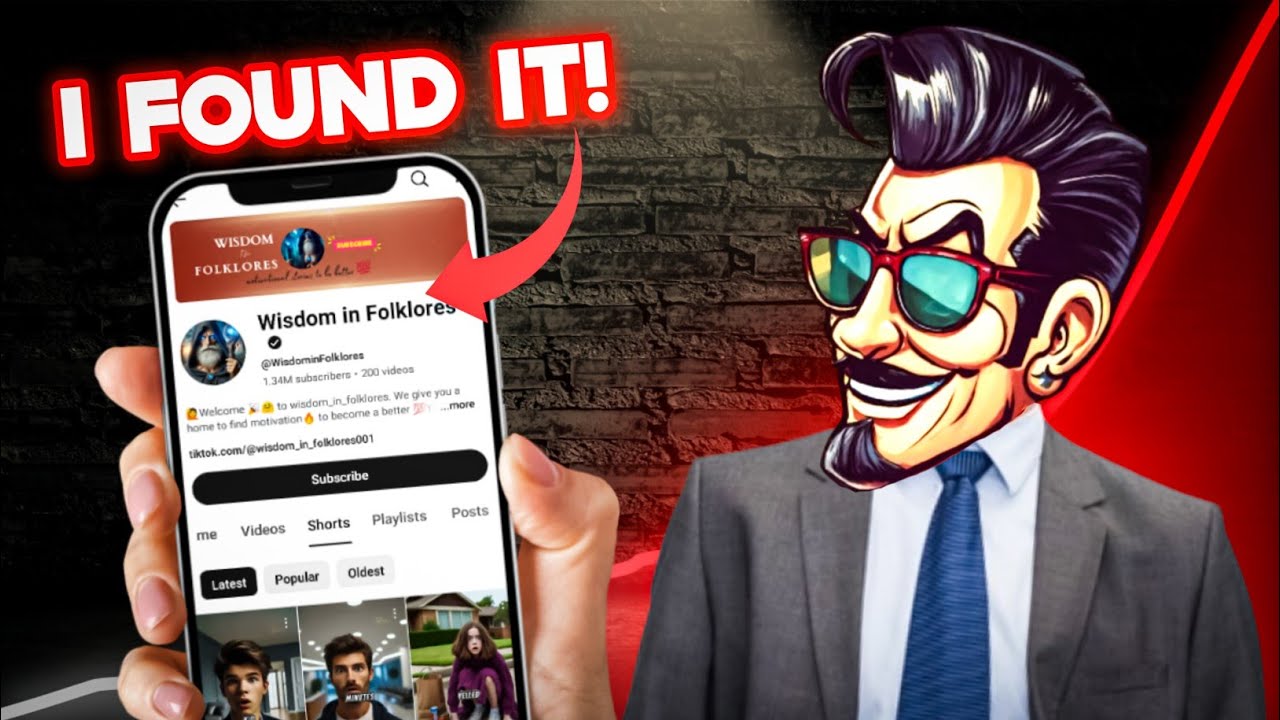
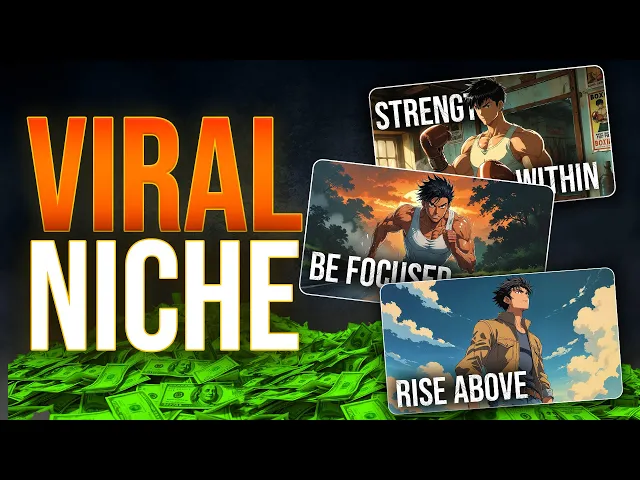
this YouTube channel has gained 209,000 subscribers with only 16 videos what's even crazier is that these 16 videos have gained 6.5 million views all of these videos are long videos let's do some calculations I'm sure it will blow your mind but this Niche has an RPM of around $2 to4 and let's take the average RPM as $2.5 for those who don't know what RPM is it's the amount that YouTube pays for every 1,000 views so let's multiply this value by the number of views after dividing it by 1,000 as you can see here they have
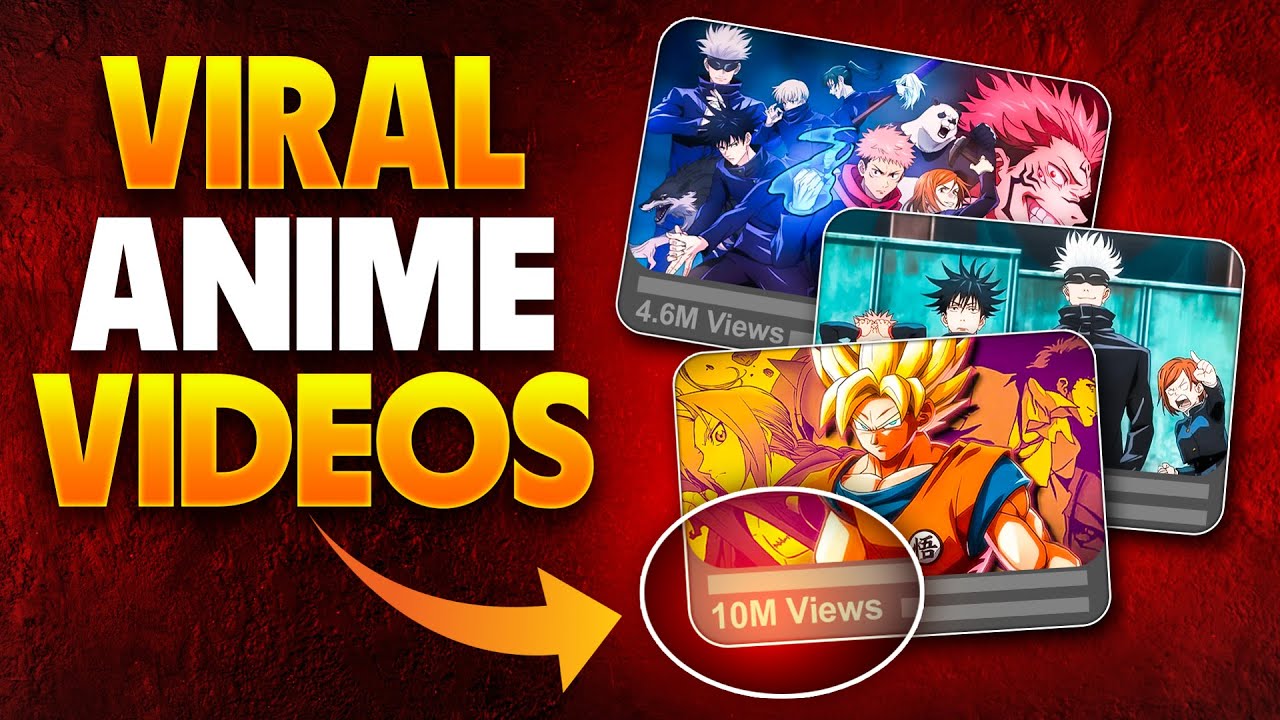
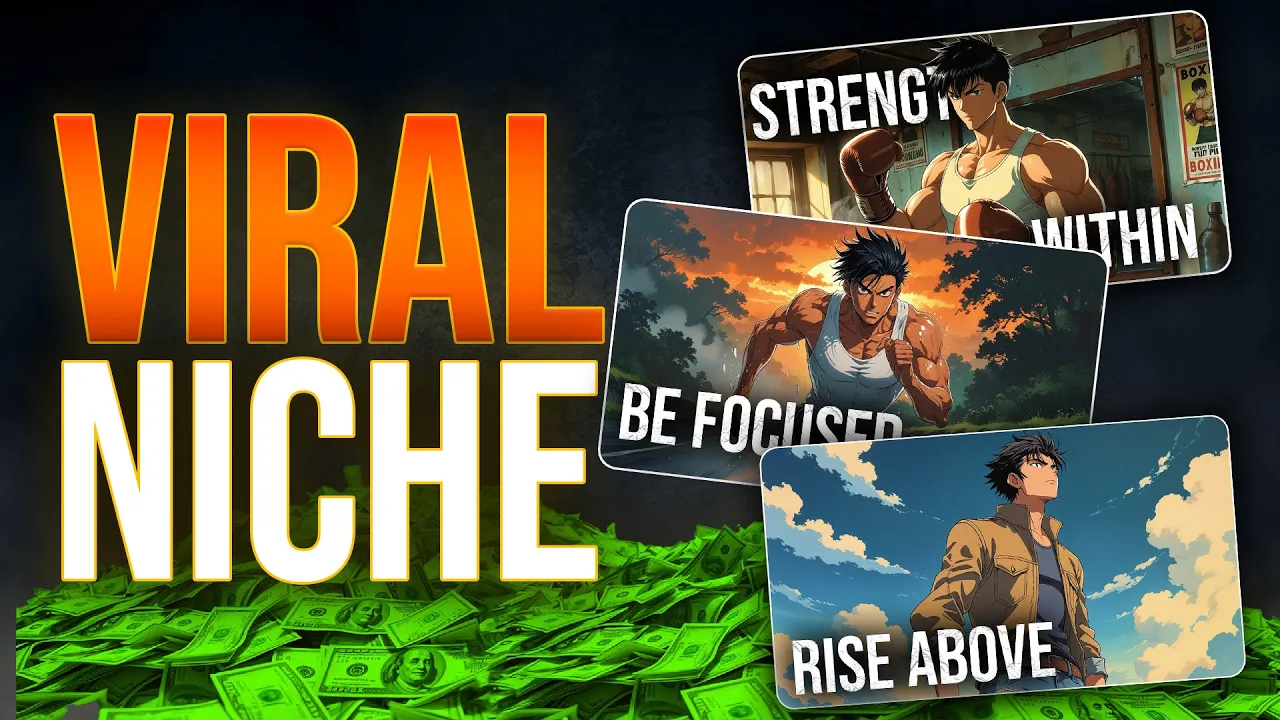
made more than $166,000 with these 16 videos these are two other channels that are doing extremely well in this Niche basically this Niche is about self-improvement and motivation but with anime style visuals and that's why these videos are different from random motivational videos but there is one problem there's a huge risk of getting a copyright claim on these videos because these anime clips are from popular anime shows so what should we do about it in this video I will show you how to make videos for this Niche without getting any copyright claims so start your
computer and let's start right now this is going to be a fun tutorial let me show you a video I created for this Niche have you ever found yourself scrolling through your phone for hours even though you told yourself you'd only check one notification or maybe you've promised to quit a habit whether it's smoking overeating or binge watching only only to fall back into it the moment stress hits for this process I'm going to use only three AI tools the first thing we must do is generate a video script these videos are normally not too
long it can be up to 5 minutes but the most important thing is the presenting style of the video that's why I created this unique prompt to generate a video script you can use this script on chat GPT or deep seek AI today I will use deep seek AI I would prefer deep seek AI rather than chat GPT what do you think however all you need to do is copy this prompt and change the title of the video to your title as you can see here it's generating an amazing script for this topic now make
sure to read it and if you want to change certain things you can do that I'm going to directly use this script without changing anything once you are done with the script you need to generate voice overs I'm going to go over to the 11 labs and create voiceovers for this Niche I would prefer to have a deep and energetic voice don't use soft voice because it's not going to match the energy of this script The Voice plays a huge part in the category so after doing some research I think I found the best voice
it's called adom not the famous voice atom this is another atom once you select it copy the whole script and generate the voiceovers okay half of the process is completed now we need to make visuals for this video that's where Domo AI comes in this is a Next Level AI video generator with various features such as video Generations image to video and more and I would like to thank Domo AI for sponsoring this video so let me show you how to use this tool to make visuals for our video Once you sign up you will
come to this page as you can see here we have several apps you can turn your videos into anime with this feature and you can convert your images to video and there are more features let's try a few of these first I'm going to try this image to video feature this dashboard looks cool I'm going to upload an AI image I generated this is a famous anime character looking at the phone now let's try to turn this into a video Once the image is uploaded you can edit these I'm going to select this v2.1 model
for this and you can select the duration time either 5 seconds or 10 seconds make sure to type a detailed prompt about what you need and you can select the suitable aspect ratio in this case it needs to be 16x9 ratio for YouTube long videos then click this generate button looks like our video is completed this looks absolutely perfect I think if we use a more detailed prompt it would improve this video more now I'm going to try this video feature with this feature you can convert existing video to anime videos and it's really simple
first upload the video you want to convert to an anime after that you need to select an anime style for it there are several Styles available some of these Styles look really cool so I'm going to select one of these Styles let's set the duration to 10 seconds I'm going to select the 16x 9 as the aspect ratio now make sure to enable this option to track lip movement of the video with the screen keys feature you can remove the background and use one of the colors as the background of this video Let's generate the
video this looks amazing we can simply turn these normal videos into anime style ones with this feature if you don't like the style you can always change it to a different anime style not only this we can even generate images with this tool to do so you need to go to the text to image feature this process is super easy first you need to select one of the image styles from these models I'm going to go with this cool anime style then if you have any reference images you can upload those to here let's select
this aspect ratio then you need to describe the image you want here it will only take like several seconds to generate the images as you can see here it only costs us one credit and we have four Images if you click this upscale option it will increase the quality of this image like this and if you click this vary option it will make similar images and we can use these anime images as visuals for our video before going into that process let me show you one last feature with this feature you can make sure the
character moves with a reference video let me show you so once you go to this dashboard you need to upload the reference video I'm going to go with this dancing video we previously used as the character I'm going to add this anime character just like before you need to select the AI model from here and I'm going to set the duration time to 10 seconds and I'm going to enter this prompt as well and let's generate the video okay this is the output this looks cool cool now let's make the visuals for our video let's
go back to our video script and I'm going to use this prompt to generate some images using this prompt I'm going to get image generating prompts for the entire videos as you can see here we have image prompts for each scene of the video now you can copy these prompts and generate images using those prompts I have generated some images as visuals now we need to convert these into videos you already know the process go to this feature upload the images and convert those to videos it's really simple after you complete that process we need
to put together all these clips and make the final video for that I'm going to use cap cut once you open your project make sure to select this 16 by ratio as the size of the video then you need to import all the voiceovers and video clips to this let's start with adding voiceovers to the timeline after that all you need to do is add the video clips to the suitable places it's not that complicated so I have added all the video clips to the timeline now I want you to go to this adjustment layer
and add a custom adjustment layer to the timeline you can expand it to fit the whole timeline like this now let's make some edits you can change the brightness contrast and color tone of the video you can just play with these settings and edit it I'm going to make it more like a vintage Vibe make sure to increase this ventti bar it will give this cool black Corners effect so if you go to this curves option you can adjust the brightness of the video so play with with these settings and make your video better after
that go to the text from the top menu and select the autoc caption feature with this feature you can automatically generate the captions it will only take several seconds now let's make these captions more visible by adding some effects you can change the size of the caption using the menu and I'm going to change the font as well now if you scroll down you can add some text effects I'm going to go with this white color effect with the black outline don't add fancy text styles to this video after that go to this animation and
select the caption animation option now you can add some cool caption animations to these subtitles finally you need to add the background music to the timeline and adjust the voice and that's all have you ever found yourself scrolling through your phone for hours even though you told yourself you'd only check one notification or maybe you've promised to quit a habit whether it's smoking overeating or binge watching only to fall back into it the moment stress hits why is it so hard to break free even when we know these habits are holding us back let's face
it addiction isn't just about substances like alcohol or drugs it's about anything that hijacks your brain's reward system leaving you trapped in a cycle of craving and regret this looks amazing and guys Domo AI made this process 100 times easier so you can use the link in the description and get a 10% discount and with that today's video has come to an end I will see you guys guys in the next video with a brand new niche
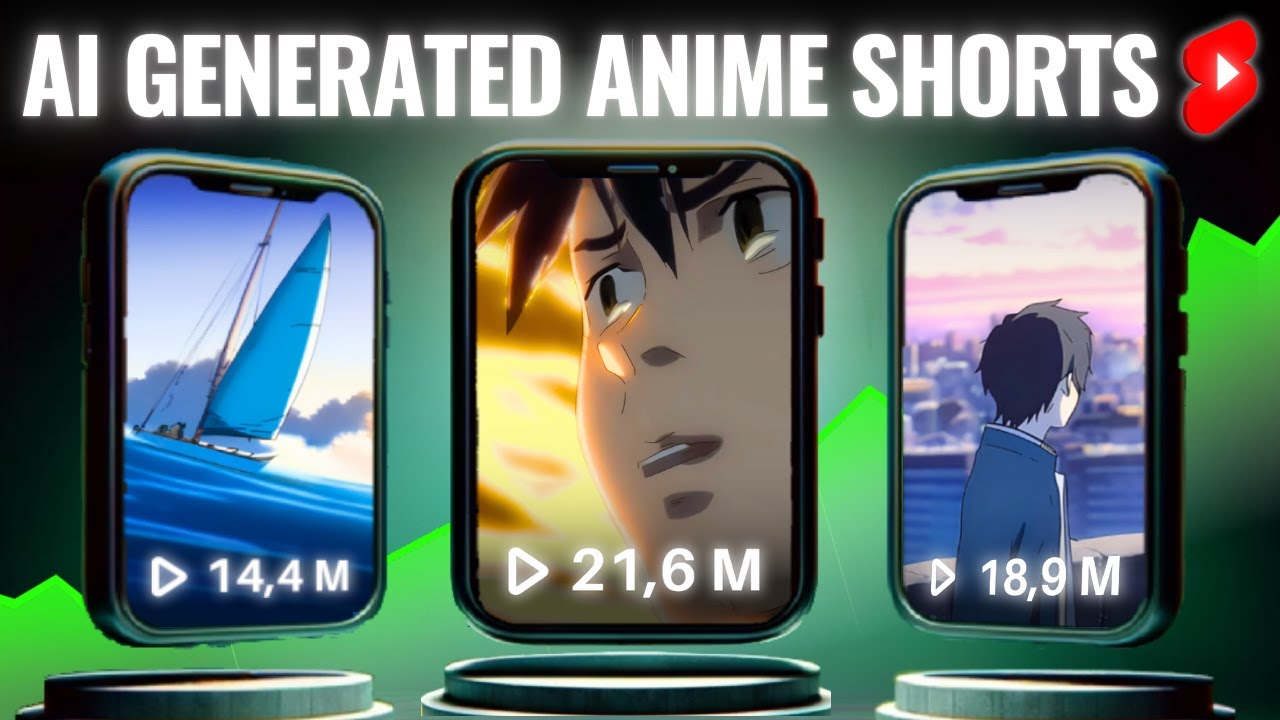
![How To Make a Faceless YouTube Shorts Channel Using Only AI [FULL COURSE]](https://img.youtube.com/vi/NQbCZFRAkSw/maxresdefault.jpg)
![How I make ORIGINAL YouTube Shorts with AI [FULL TUTORIAL]](https://img.youtube.com/vi/CICAugrOhmM/maxresdefault.jpg)