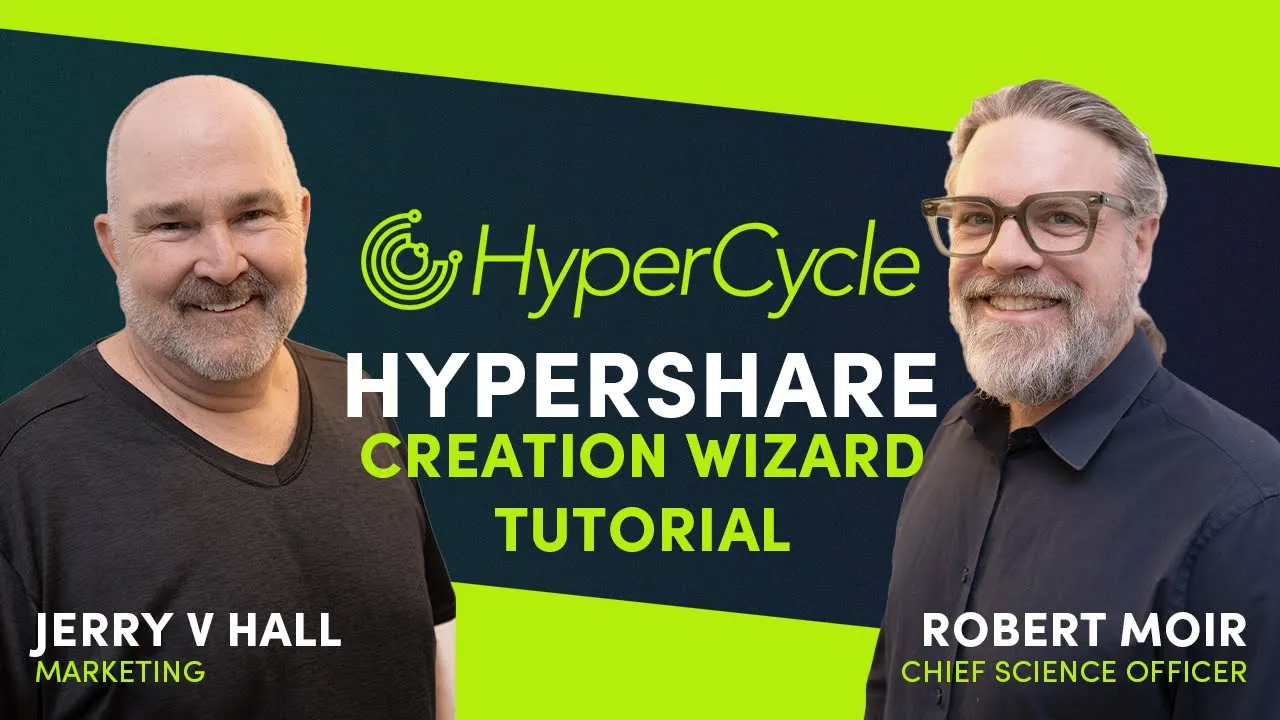
[Music] hello and welcome everyone my name is Jerry Hall I'm part of the hyper cycle core marketing team and happy to be presenting an hypercycle tutorial with me today is Dr Robert Moyer he is hyper Cycle's Chief science officer and will be forming this demonstration for us take it away Robert thanks so much Jerry uh so yeah I'm just going to give you a brief overview of uh our daps that we're releasing for you that'll allow you to manage your licenses uh and marry your licenses to your C to your hypc to create hypers shares
and then very soon you'll be able to then deploy your hypers share on the network uh also using the D so that's keep an eye out for that coming soon maybe I'll just start by giving a shout out to our amazing development team who's done tons of work putting this all together all the different pieces behind the scenes and uh producing this wizard uh for you that makes the process really easy okay so we start by uh connecting our wallet so I'm going to connect my metamask wallet uh so now you're seeing my address there
so that the wallet is connected uh then you can look go to the licenses appap and see the licenses that you have in in your wallet here I've got three level 10 uh licenses which are single node licenses and I need to marry each of them to activate it and so that it can you know do tilling on the network and require acquire reputation and increase in value uh with that this amount of hypc so 1024 hypc um to do that uh you need to convert the hypc erc20 tokens that you have on ethereum into
uh an ERC 721 nft and the reason for that is you're creating a representation of the Native token the hypc native token which is actually an nft uh and it's not on ethereum it's but but this is a representation that you can use on ethereum in order to create a hypers share on ethereum so that's what we're doing here ordinarily before we had this wizard you'd have to use this to explicitly this this app I'm showing you to explicitly do the conversion from hypc to chpc but we made that simpler by integrating it into the
share wizard which I'll show you right now ah so the hypers share you could think of as like the marriage certificate uh of your hypc and your license and that's what's uh acquires an identity on the network is that the marriage of the two and allows you to do uh the wealth creation and and the tilling uh is is what is making that happen so these are the shares that uh exist on on the DAP uh so yours will appear there after you've created it it'll be added to the the bottom of the list um
and then the creation of that is uses this wizard which makes the process really simple for you so uh I've you'll see your licenses appearing here those are the three level 10 licenses I have uh I'll show you this case which is the case where you don't you have enough hypc in your wallet but you haven't yet converted it to chpc so rather than using that D that I showed you you can actually just do it here incorporate it into the wizard so I click next with the license I want to marry uh it find
it discovers that I have enough hypc to do the conversion but I don't have a chyc token yet so it says I need a a token and it prompts me to do that conversion to convert hypc to chpc so you can't see my metamask unfortunately all I'm doing is approving uh the uh convert contract to uh accept my hybc so it can convert it into uh a cybc nft so now I'm confirming that I want to do the actual exchange and then once that happens this will update and I'll be able to select the CH
ypc that I've just created so just give it a moment to complete there we go uh so yeah CPC token obtained successfully you see that message up in the upper right hand corner and now I can select the chyc to marry to the license that I selected both at level 10 okay so now I'm actually interacting with a different contract behind the scenes and I want to marry my my license and my chyc so I need to approve uh the contract to accept both my license and my chbc token that I just created so I'm
doing the license approval first and then once that's so it's showing us on this step once that completes it'll show us on this step and it's license is approved approve the chyc now so I'm confirming that in metamask uh and then so we're on step two and then once that's completed we'll go over to the last step which is the actual marriage so once I've deposited the license and the ch PC I can marry them to create marry them together by creating a hypers share so that's what this third marriage step will be so marriage
Mar the license in cybc uh and again improving that on metamask uh and then once this transaction is done I'll have created my hypers share so just in a few a few clicks now it's possible to uh create your hypers share there we go share creat successfully so I click next congratulations you've successfully married the two so that already is now you've you've created an identity on uh or at least what's prepared to be an identity on the network it doesn't start tilling automatically it's something you have to do you have to deploy it to
a node and we'll be making that simple in the very near future but for now we're getting you to the step where you're all ready uh to to go the deployment step once that's ready excellent I just want to say a little bit about uh what the hypers share is and what it allows you to do Fair because along with your hypers share you get some new kinds of tokens so you get a certain number of what are called s tokens and these you have the same number of these as you did hypc that you
deposited to create the share uh and these represent the partial ownership of the hypers share so if you think of the hypers share as a little operation or business that you can run that'll accumulate value over time and and you know running a single node allows you to unlock more and more nodes over time to get 100 1,24 eventually um so if you want to be able to distribute ownership partial ownership to other parties you can do that by just transferring the S tokens so this makes that simple for you providing you an interface if
you put the the recipient's address in there and the number of tokens you want to transfer them you can do that already right here there's you don't have to do it here you can do that in the configuration or the management page but you have the op option of doing it here the second kind of token is called R tokens you can think of as Revenue tokens which are designed to do automatic Revenue distribution so when the node is running and eventually we'll be generating Revenue collecting Revenue periodically you want to distribute that Revenue to
all of the the stakeholders that are involved in running that node so that's what the r tokens are for uh and there's two ways of um having our tokens one is you sort of own them outright and that's the ones you have direct control over here is the 716 which is 70% of 1024 uh so these if you have a business partner that you want to have part of part of the revenue sort of on a permanent basis as part of the initial setup of this you would transfer them some proportion of the r tokens
that you agree on uh but there are other cases where you know you might have be working with an AI developer who uh you want to use that that individual's AI for for a period of time or a hardware manager then you want to use their hardware for a period of time but not permanently particularly as this thing evolves you might want to change what AI you're you're providing or what Hardware you're using so you you don't don't want to have them have permanent ownership of these tokens you want to be able to automatically so
give them it for a period of time and then retract that uh when you want to change so this 30% of the r tokens are retained in this manager contract and allows you to give temporary Revenue distribution to those parties that aren't sort of permanent players in the operation of your hypers share so that's that's the function of the S tokens and R tokens and why this number is different uh from that one thank you very much very insightful okay so good so then uh if you don't want to transfer which I don't WR now
I can skip this step and here's once it's available coming soon you'll be able to deploy uh your hypers share so that's what you were talking about uh so you the options you'll have coming in the next few weeks the ability to deploy to uh into the cloud so you can start telling uh your your your uh hypers share in the cloud and for those uh who have been tilling have had their licenses till tilling for a few months as soon as you do that once you actually start tilling your own that's when the sort
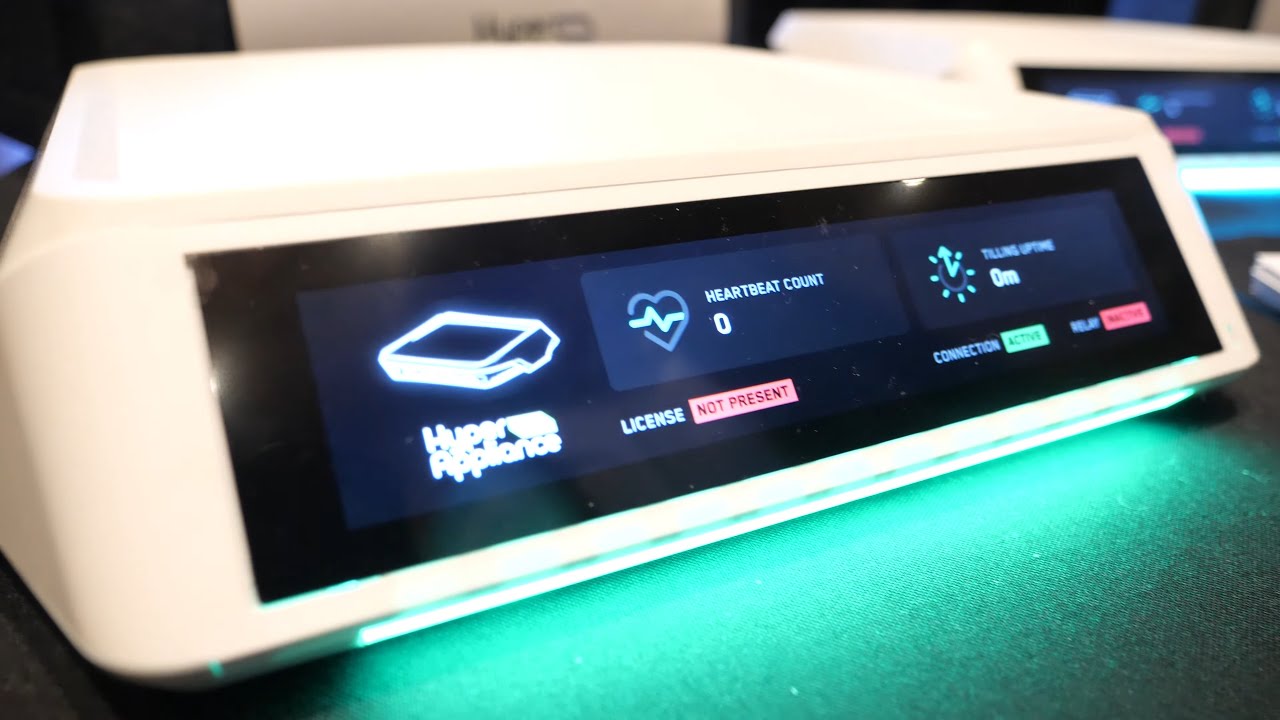
of History will be transferred and it will continue from there so it will automatically handle that preservation of the history you don't need to worry about that part excellent but if you've just bought the license and HPC and you did the marriage yourself and then you deploy it then then then the history starts from there so uh either way and uh Cloud won't be the only option you'll also if people are familiar with the hyper Appliance one of our partners uh there'll be an option coming up soon to actually uh till your node on those
hyper AI Boxes by simply putting in my serial number in the deploy function uh not sure exactly how the interface will work uh but it'll be something like that where you'll be able to you know select one or two that you want uh to use to because you might want to have redundancy so you might want to have a couple of different ones so one of them goes offline then you're ensure that some other one will will pick up the tilling and then between them you'll you won't have downtime so you'll have options to set
things up in the way that you want um and but more on that soon uh once I have a clear details to share I I'll I'll give you more information on that so for now uh we'll skip this and then that's uh basically the story and then you can click on here to take you to the management page uh which for now is just simple and we'll be adding more features but again that's that same transfer operation that you saw before you can also do here and coming soon more more more configurability for your share
that's already built into the contract but we're releasing this uh gradually to get people used to the idea not overwhelm you with too much detail so hopefully that helps you to understand what's going on and get started and and create your own hypers shares well it definitely helps me and one of the wonderful things that I can tell the community is obviously as we post this video as we will with other tutorials we invite your questions in the comments below if you haven't subscribed to the Channel please do so now and hit that notification Bell
so as these tutorials are being released you're in the know Robert I want to thank you so very much for your time I want to thank those of you that have tuned in and until the next one from Costa Rica thanks everybody [Music]