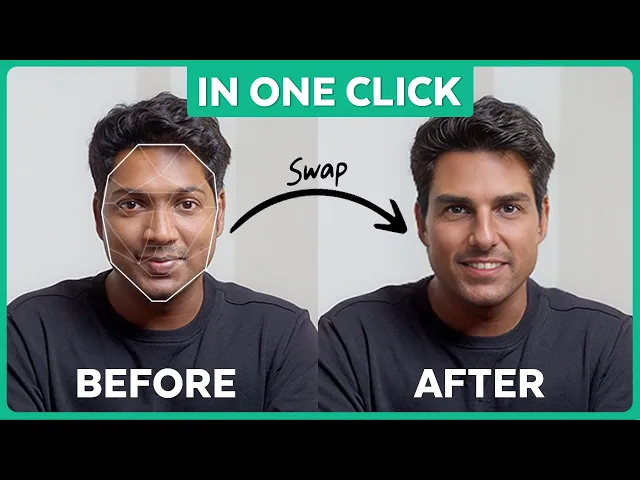
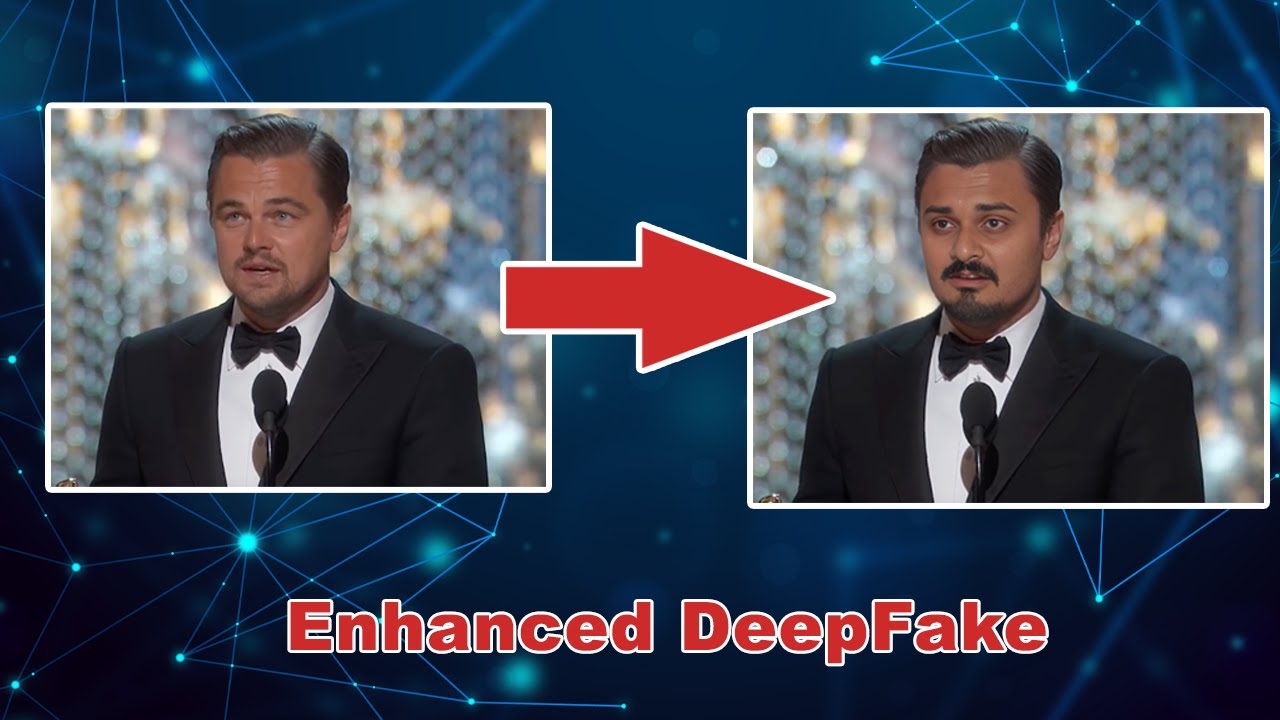
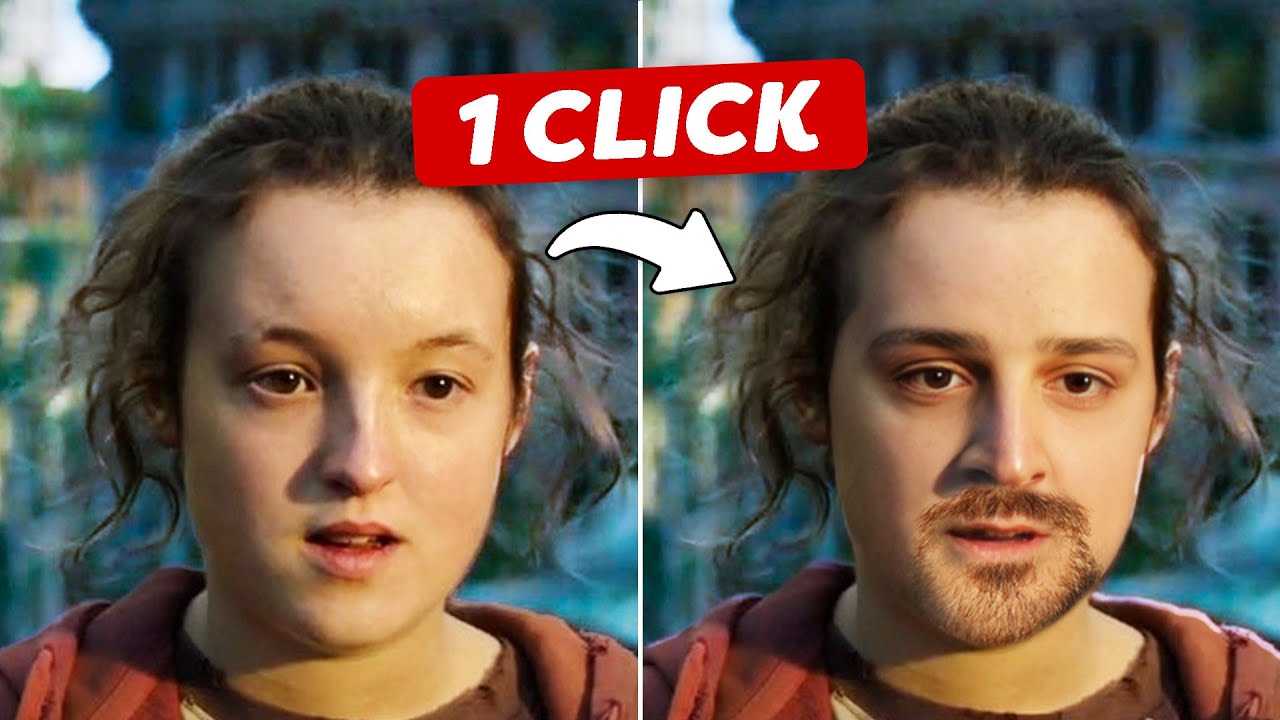
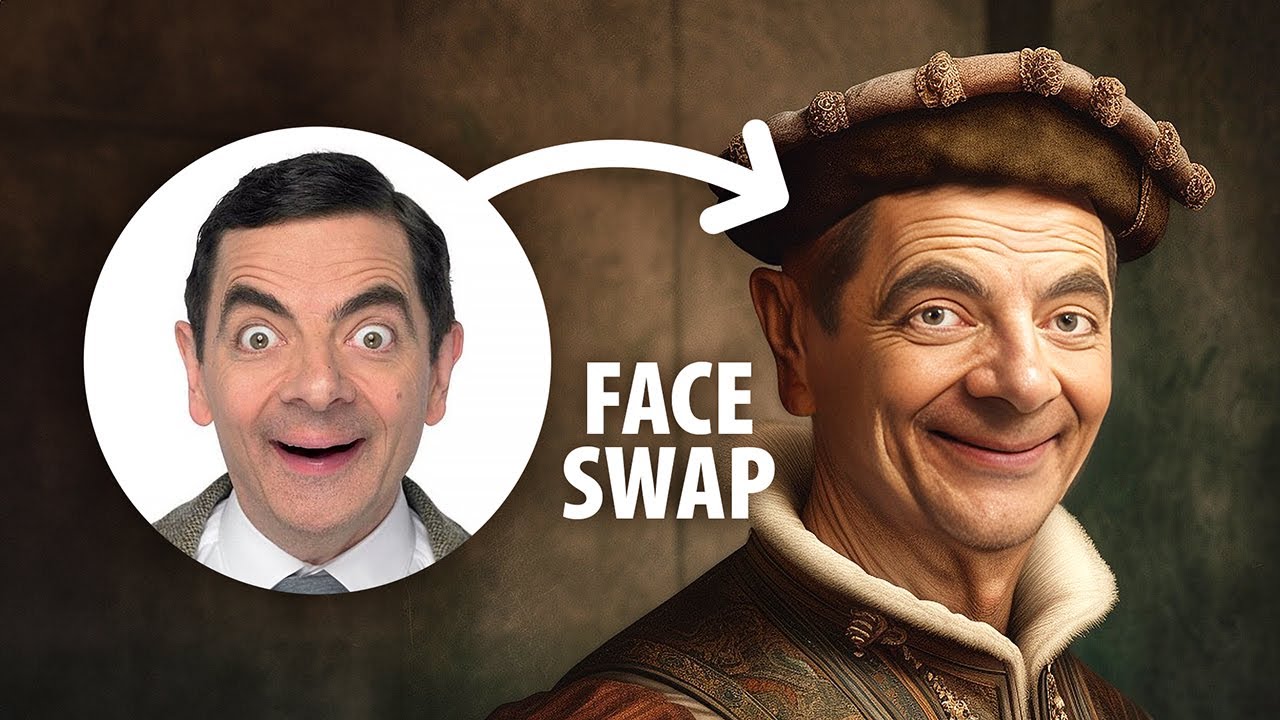
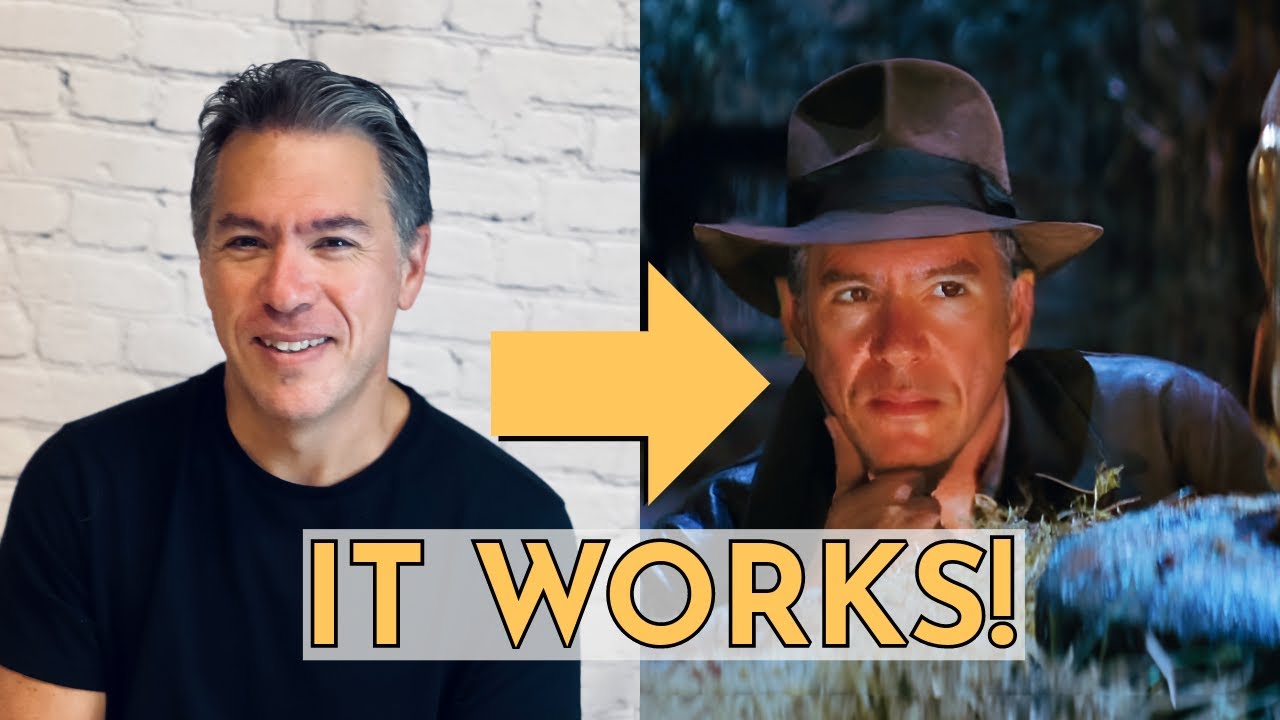
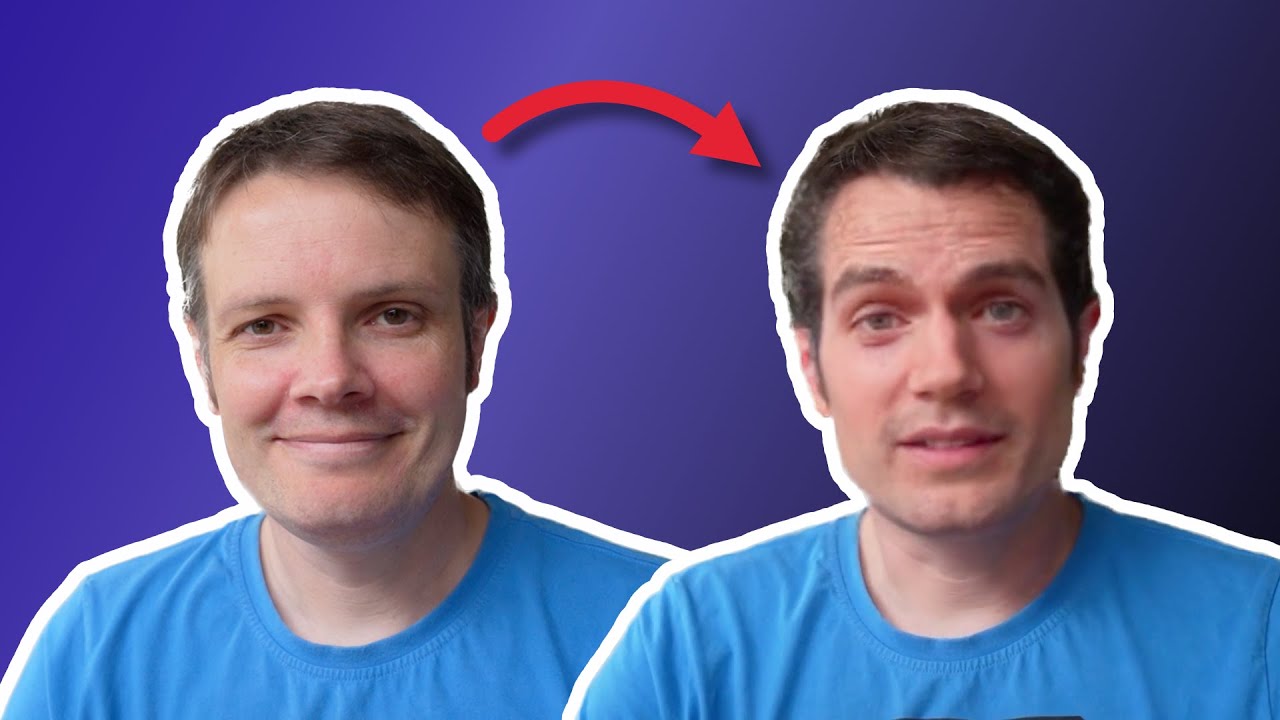
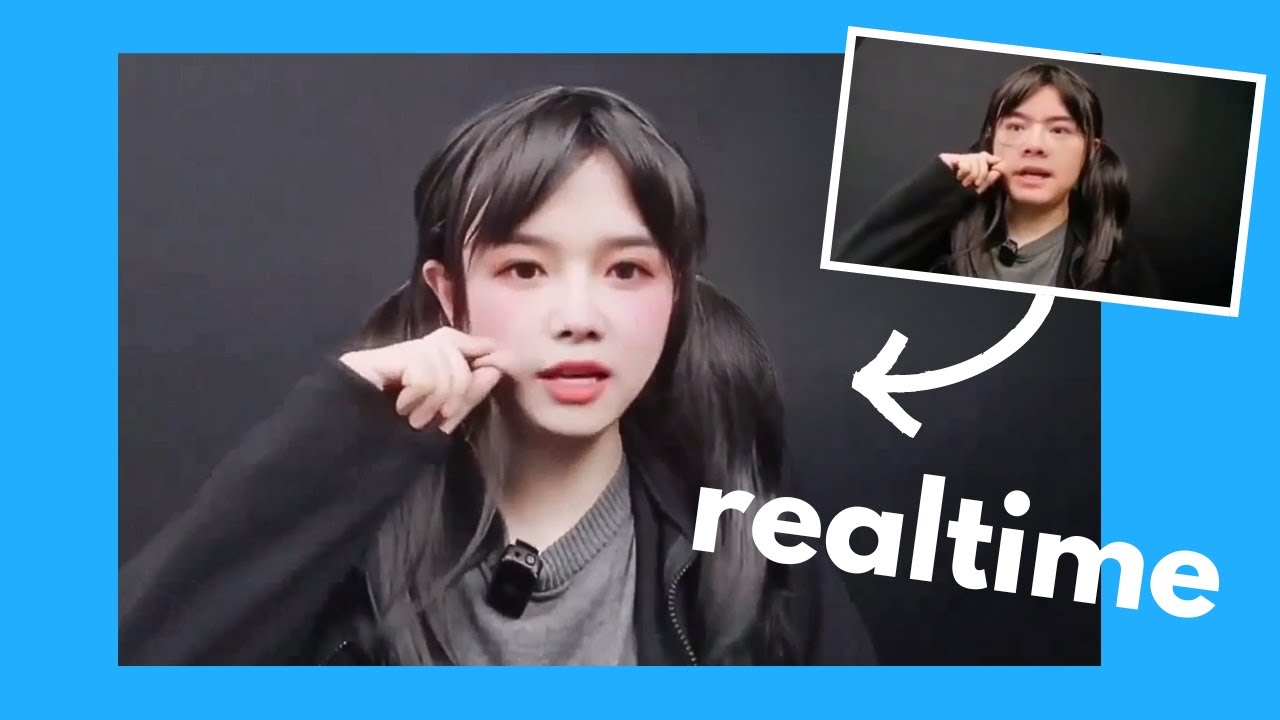
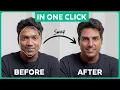
hi guys today I have a very interesting video where I'll show you how you can do this hi guys this is Leonardo DiCaprio at website learners for this cool videos mrtj and I'm at website learners for this cool video this is Sylvester Stallone and I'm happy to be a part of this video isn't that amazing imagine surprising your friends family or even your social media followers face swap videos the reactions you'll get will be Priceless so do you want to know how to do this let me show you but before we start this video is
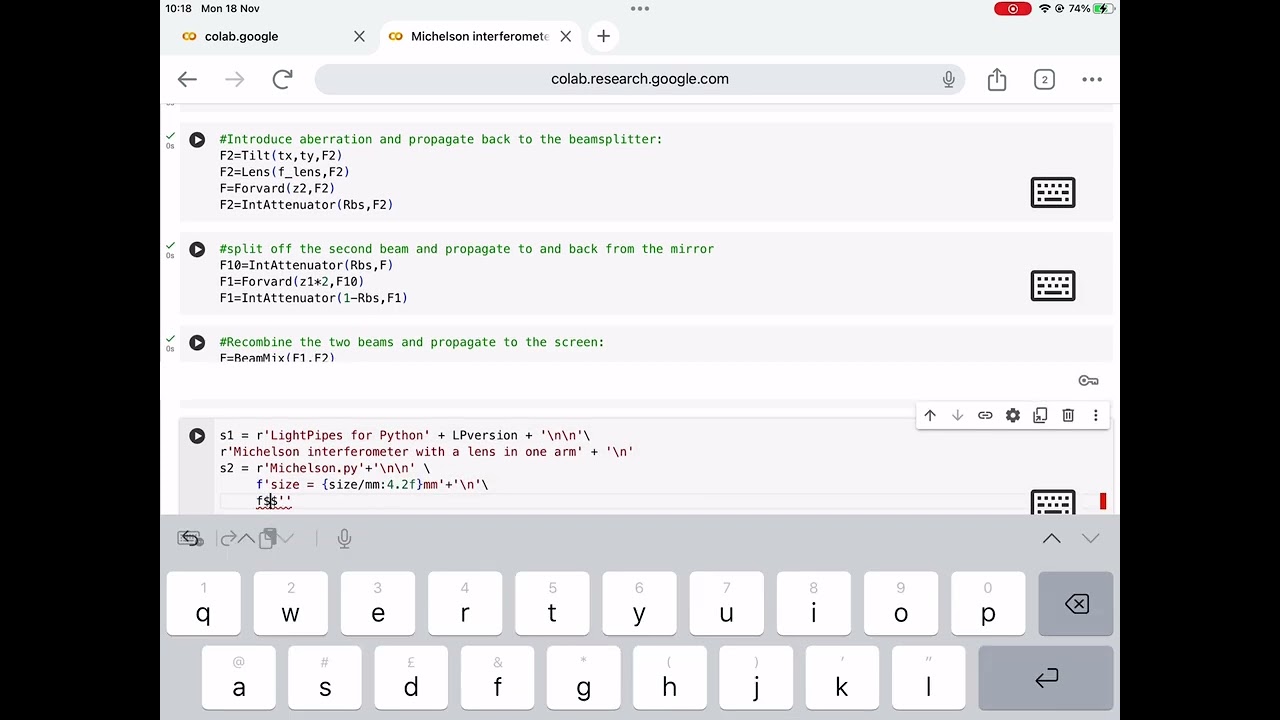
only meant to show the remarkable possibilities of weed editing however any misuse of the paste swap technique could get you into trouble so use it wisely alright let's get started just click the link in the description and you will get this page so to start with let's copy this file so that it will be saved in your drive and you can access it anytime once you've done that now we've connected to our computer so click guide here and then we need to run this file to do that just click the play button here scroll down
click play here and also here and that's all we're now ready to swap faces in the video now click this folder click here and upload the video for which you want to swap the face and you will get the video here now again click on this icon and upload the photo of the person with whom you want to swap your face with and your image will appear here okay now to start the process scroll down here and you will find this code now we need to add a video and image to this area but before
that make sure the name of your image and video file doesn't have any numbers or special characters or even spaces here I have numbers in the video file so let's rename it now to add the files first right click on the video file click copy path now select the portion and paste it here similarly copy the image file then select this portion and paste it finally click here to start the process it'll take a few seconds to generate the video you will get a new file called swapped now if you right click on it and
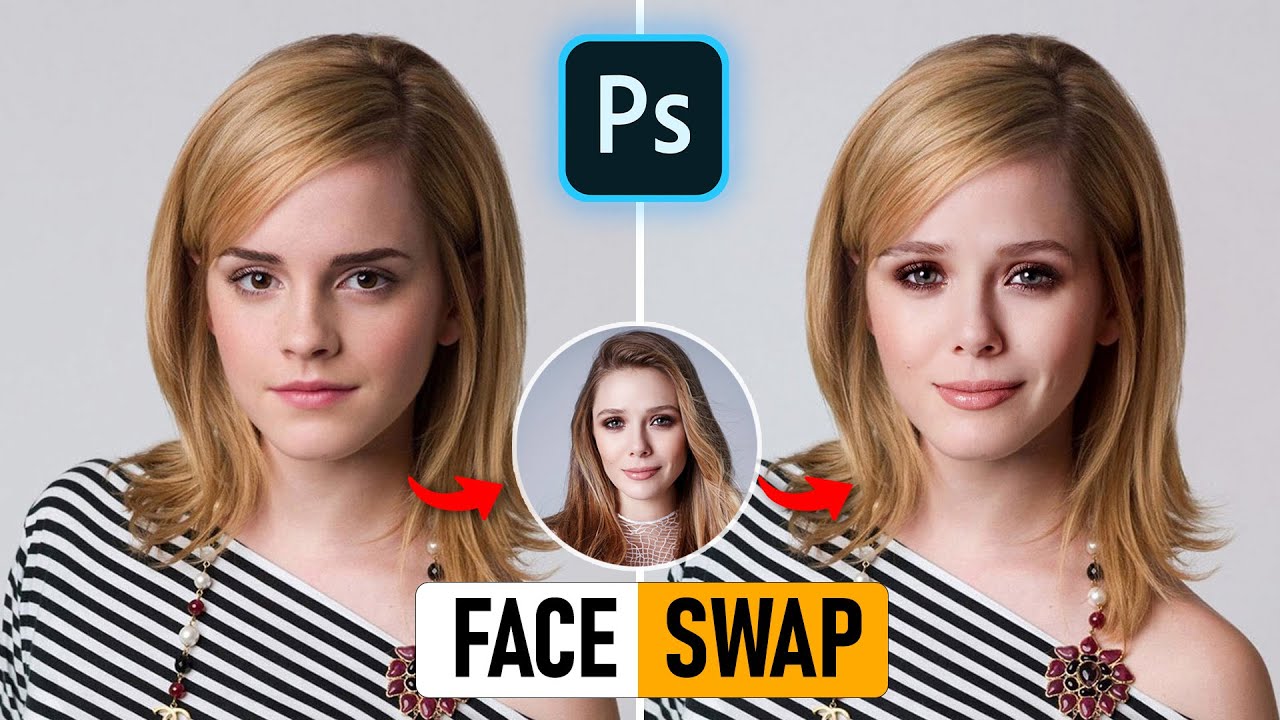
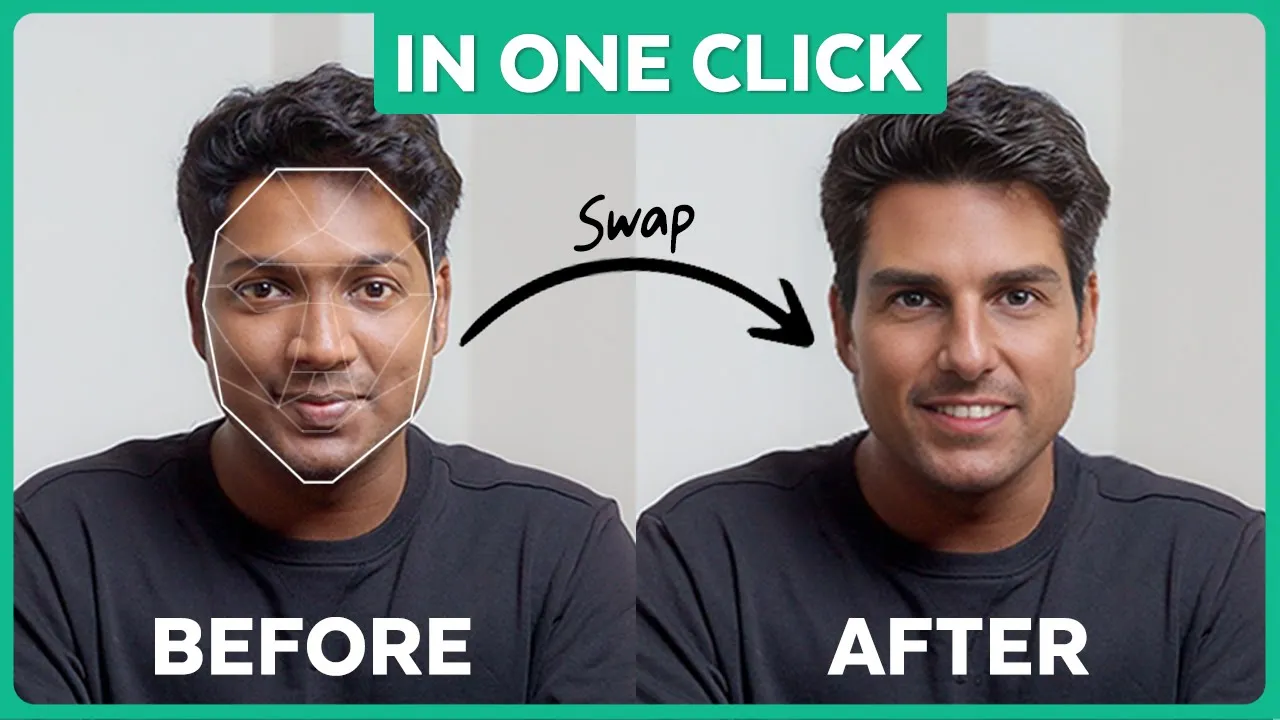
click download you will get a video downloaded to your PC so let's open it and this is actually me Brian with Tom Cruise's space on the output is actually pretty amazing right all right now we got a face swap with the video without any weird AI glitches or whatever and it's completely free to download too but that's not it you can also swap faces and pictures too let me show you how like we did before click this upload icon select the picture where you want to swap the face so here's my picture and let's upload
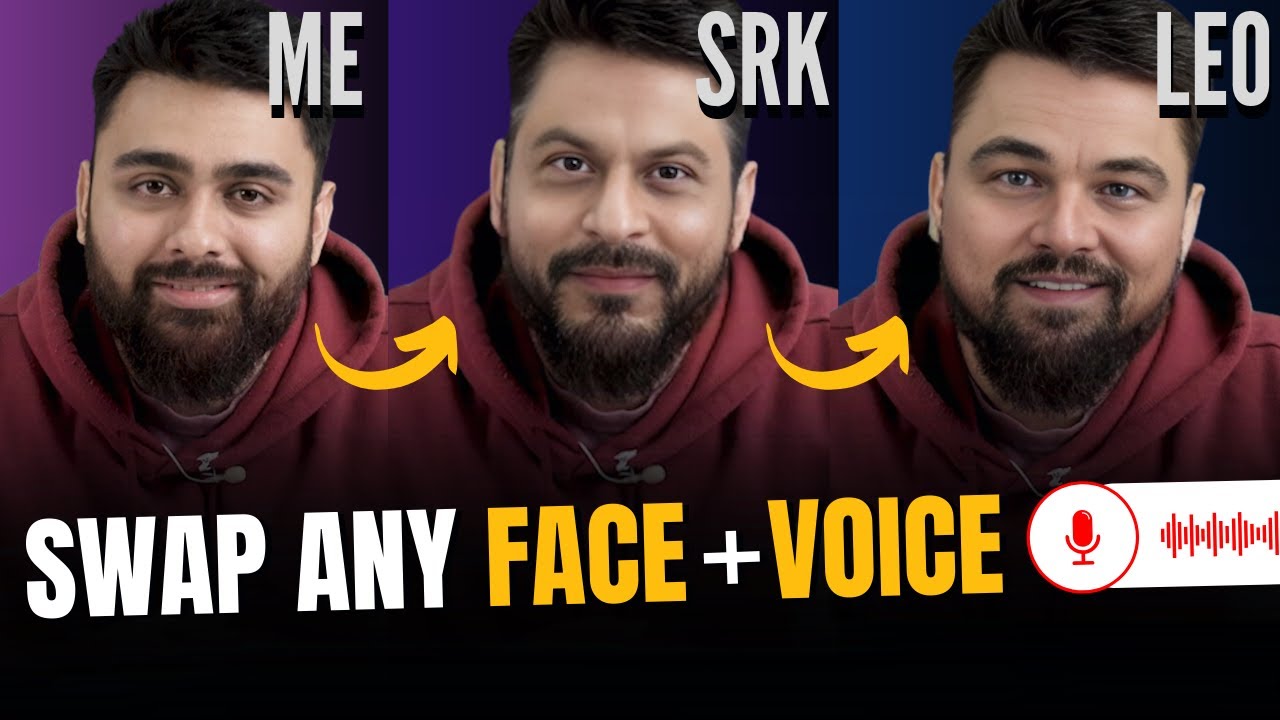
it alright again click the upload icon and select the picture with the face of the person that you want to swap with and I am swapping my face with Shahrukh Khan so let's upload it now close this let's right click and copy the path of my original photo click here remove this and paste it now let's do the same for Shahrukh Khan's photo then replace it here now since we want to Output as an image file make sure you change this extension to jpg format and finally click this icon now just wait for some time
all right here we have a new image let's download it and if we open it there you go a picture of me with Shahrukh Khan's face on it amazing right you can go ahead and impress your friends so that's it guys this is how you can swap faces with anyone now not just swapping faces if you also want to sound like any celebrity you want you can check out this video you can change your voice to anyone you want all right guys I gotta run so I'll see you in the next video Until then take
care bye bye