this Microsoft website with clerk login stripe for payments superbase user database and possibility to upload an image right a prompt and get a viral video was built within 47 minutes only with Ai No code tools and in this video I'll show you a step-by-step process how you can create your own MVP micro SAS website solo with Ai No code tools only without money without over engineering in without overwhelming on what to do and when to do and of course without experience let's go but before we start let me share with you why this website MVP
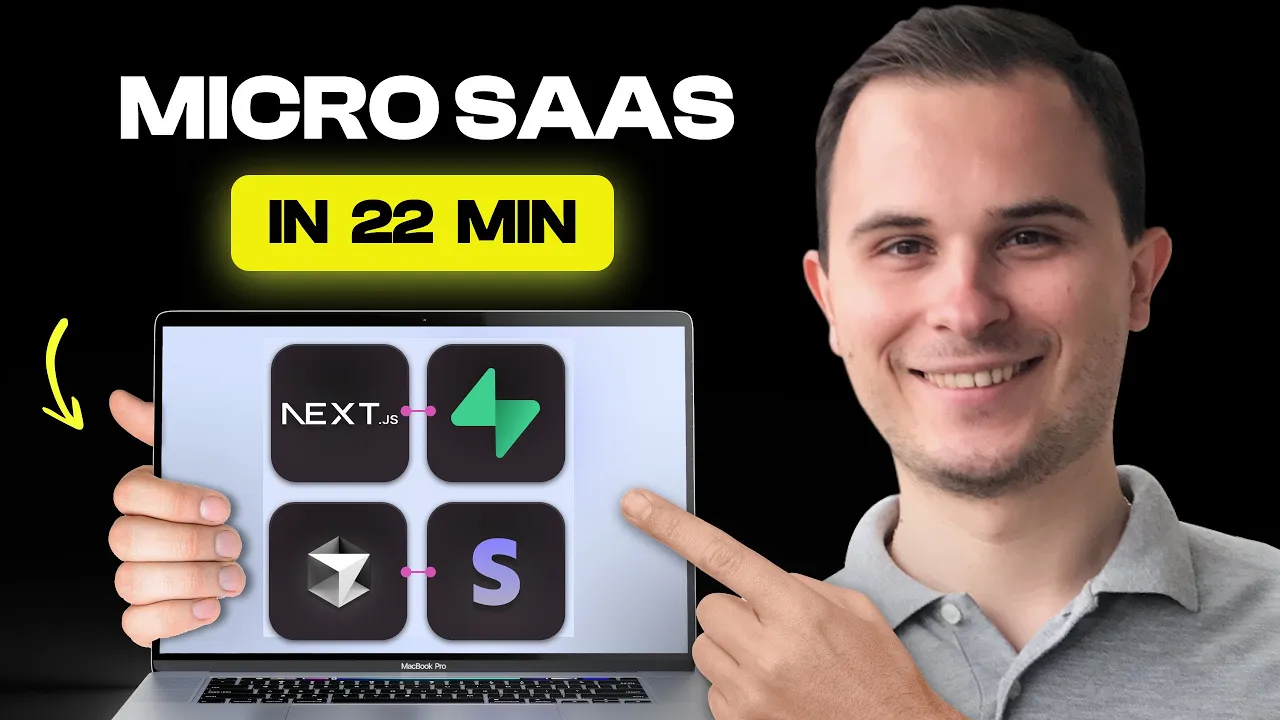
will be a money printing machine in the near future I'm sure you know Peter levels and his photo AI tool that generates him 120k monthly but when everyone is trying to copy Peter and fail we will make a step back and check this out according to Stanford World economic Forum McKenzie AI Trends and IMF we will see a huge evolution of AI video generation llms and this is where you can use existing models mix them like Peter and generate valuable videos for your users okay so our tax stack and infrastructure will look like AWS S3
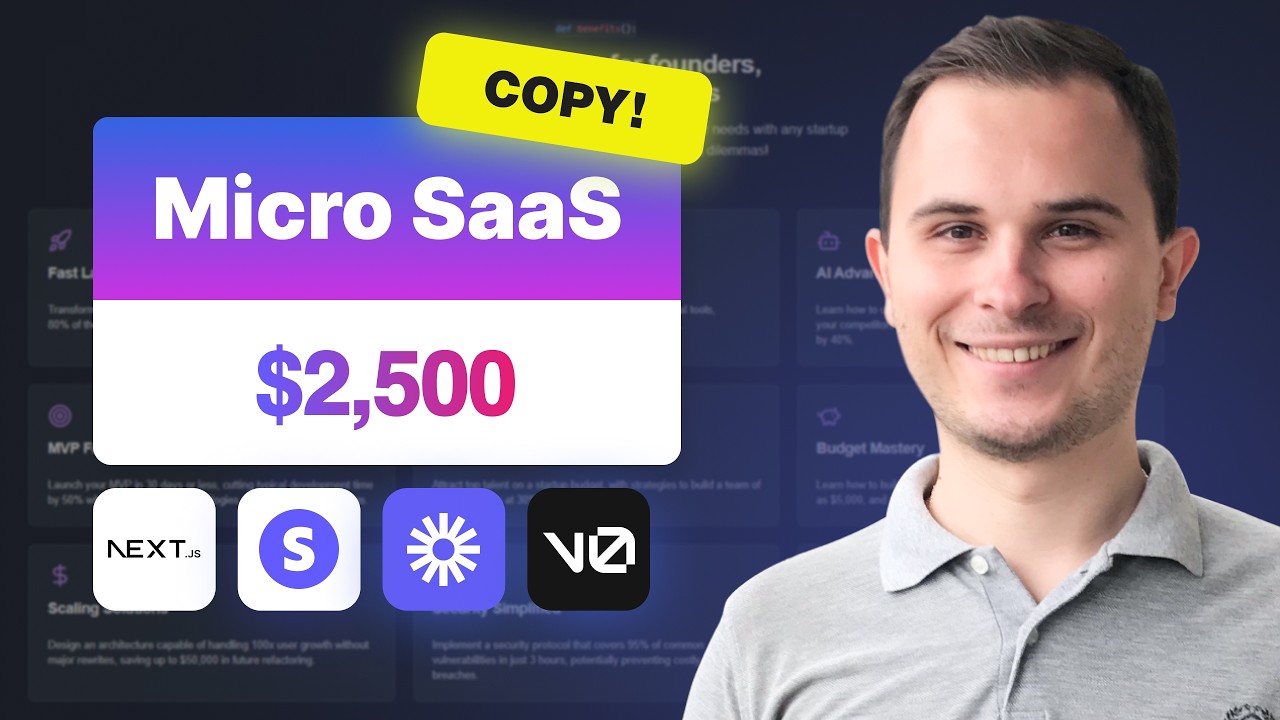
for video files clerk for Al super base plus postra plus Prisma for database stripe for payments by the way if stripe doesn't work in your country then you can open online a company in the US UK or Estonia and your stripe Associated to your new entity next Luma AI for video generation I analyzed many different video generation tools and choose the best one also we will use next GSS our framework to program front end and back end simultaneously tile wind CS SS and screenshots for design veral for fast and easy deployment and of course all
the magic will be done by cors or ai ai will write a code and we will do QA and troubleshooting on top of that I create a mini website where you can find all these llms instructions which you can copy and use to build your own micro SAS also on this website you can find list of most common problems and how to solve them when you are creating a code using no code EI editors link to this Hidden Gem in the description okay so first of all let's go to cursor Ai and download it then
when you uh download the cursor AI open it open a new Mt folder just go to your projects or something like that and create open it doesn't matter you can do anything with that it will be an empty project uh so after that what you have to do you have to click new terminal and run your terminal because we have to play with terminal a little bit it's not so scary Don't Be Afraid then we need to create a new nextjs project let's go to nextjs website and copy this command uh and then we do
not need latest because AI will hallucinate we need next gs14 after it's created you can uh create a new folder instructions and inside this folder create a file instructions MD this is the file that we will use uh to work with our AI this is basically what all project managers are doing before they starting a project so in our case it's a project uh with next GS with the database and description how it should look like how it should work with authentification with payment system how it should work with file management with EI functionality uh
with deployment settings uh with Pages Etc and other things that I took us my experience from previous projects um that you would be able to find on my website okay so let's start from uh and share this file to the AI so the AI knows what do we have right now and what we should do this is basic things what you should do when you planning to work with cors just give them the context and explain what they should do and what they shouldn't do and please ask uh work step by step and start from
the database yeah I know uh mostly most of the time starting from the landing page screenshot but in that case we can start from a database we are big boys right now okay so uh I'm skipping all these like eii generation too okay so the database then we need a super base just go to a superbase website and create a new project it's it's not very complicated is just name it I don't know like a uh I love bananas.com or something like that just generate a password or something like that and H create a new
project when your project is created it's will take some time just go to connect orms and all this is uh what you need to copy and insert into your EnV file EnV file it's uh if you not familiar with coding this is like a a tool that's creating a connection between your program and any kind of third party services this is where you will set up each and every different API key and all these kind of connections uh okay so this is done um there was no any issues with that now let's go uh back
to our cursor and create authentification uh with clerk it will always create this issue so we have to go to Clerk documentation copy uh the middleware and insert the middleware because eii do not know uh how to create it properly it will hallucinate so that's why when you're using Clark s use their documentation uh with the rest of things AI is handling pretty good but uh and as you see sometimes AI hallucinate and swix just npm I uh install swix and that's it I think you can run this simple and basic code comment in terminal
and within a few seconds everything will be working uh or AI can fix that like up to you but if it's issue with Imports it's pretty much easy to solve it okay so we need to add something to our EnV file something like clerk uh secret uh public key and so on let's go to dashboard let's create a new clerk project once again you can name it as you want uh pixel I love banana whatever not important okay so after the project is created just scroll down and here we go this is your API case
just go to your NV file and insert them that's it Clark is ready okay cool now let's go to the next step uh okay Al uhuh uh so sometimes you should Google the issue and with clerk uh this issue is appear and uh on stier flow they explaining how to fix this issue and this is where we just need to sometimes fix this manually or you can fix this with uh cursor AI it will take sometimes from 5 to 10 to 15 minutes just to fix this issue but AI will fix that I just do
not want to spend my time okay now let's go to stripe and copy secret key and Publishing key let's go to VB hooks create a new VAP hook and uh what do we need to do uhuh we need check out okay let's go and find check out session complete this is what we need yep continue uh we need to insert our existing URL um I will show you this later um okay and web hook secret we need to copy that and insert into into our EnV file as you see EnV file is becoming bigger and
bigger uh I'm sure it's it's not so scary uh so do not afraid you may think that the tool that we are build L is way too simple just house stripe and one API integration okay but please go to Indie hikers find this startup it's a PDF editor that makes 8K per month I created a clone by the way with AI within 3 hours or young Xiao a guy who created a toll that converts long video into shorts and within 7 months he got more than 5 million users but but you won't believe me that
create a clone is just 5 days of your work so let's move on uh okay now uh we can go with the next part of our task with for file management uh the thing is that we need to do that because uh if we're working with video we need to store it somewhere and for this reason we need awss 3 we can use different tools but in this video I will show okay we need a secret X SK Etc so let's go tos3 create a new bucket you once again you name it as you want
um scroll it down uh please choose what I'm choosing right now uh this is the fastest way I'm not saying that this is the best and the most secured way of creating the bucket um we need to change policy okay we need course let's go let's uh click edit and insert what AI is recommended us to do okay cool uh scroll down yep ready uh let's go to e um we need to create a user that would be able to connect to uh our bucket let's create a new user uh name it with your name
or nickname whatever uh we need to uh create a new policy so on this page we have to specify user permission and create policy yeah sometimes it take sometime yeah a is slow uh this policy generated by Claude uh I it's just a simple prompt about like how my user can create just do not forget to add here your bucket name and uh everything what's required here okay uh then uh you name your policy create uh okay yep policy is ready uh user is not created because we didn't finish that because we jumped into policy
creation uh search for your policy let's check this out y it's already attach it to your user and yep create uh let's go to user check ready okay great let's check this one um mhm yep and copy this one so all these things just insert it to your vfile and then let's go to a functionality this is by the way one of the best things what we will do because it's pretty much simple and straightforwards honestly because right now what we have to do uh we're just explaining that uh we will do there eii connection
and uh we just need to copy the page and uh give the URL to corsi and explain that on this page uh EI can find the documentation because you know we are lazy we don't want to do all these things by ourself copy paste and let's AI do the work do the magic uh then let's go to our AI create new AP key and add it to EnV file do not forget to fund it so it should be like a five bucks at least with that or something like that and it will work by the
way do you know why I'm showing you how to build a micros sass because only 5% of your startups will be successful take Taylor Swift for example only 5% of her songs are bangers same with Sabrina Carpenter just 5% or look at Peter levels he launched our 70 micro startups and guess what 5% success rate one another Banger I've analyzed over 100 solo entrepreneurs and I've seen completely stupid people making millions and super smart introverts making millions of dollars too so it doesn't matter if you have experience or not or whether you have technical knowledge
what matters most is taking action today to create your first micro startup and launch it that's why I'm giving you a super simple system to build your website my goal is show you and motivate you to take this first building action today then let's go to deploy we will do a deployment to versal uh once again uh the project should be prepared for deployment because right now ai will write a lot of issues with as link and all other things so please ask AI to fix that create a get ignore and all these things uh
after that uh you can start deployment of your product uh just do not forget to do what CI recommends you to do uh not from the first try you will do the deployment but like a two three four attempts sometimes you may need uh to do the deployment this is the reality I'm sorry yeah uh uh developers are doing exactly the same so like they're facing issues and they're fixing that so let's copy a g comment because we need to uh push that to our GitHub account okay so just create a new repository name it
make it private not public private guys and copy those comments uh that we need to do okay let's push to our main and this is our URL uh and get push mm an issue error okay cool um we have to fix that just once again copy the issue the error and insert it to Ai and AI will tell you what to do what comments you should run in terminal and within few commments let's check this out yep it's working great then we just need to go to versal updated choose our repository that we created Associated
of course find the repository and click import and insert our API case let's go to NV copy and insert that's it deploy uh within few minutes our project will be deployed and we would be able to use that let's check this out one of more AI startup ideas and Tech guides that's cool but building them seems overwhelming right that's why I share No code hacks to launch solo without money but you might miss the next gamechanging tip that's why hit like And subscribe let's build your startup together if this will be from the first try
or from a second try I do not know sometimes it takes some time and sometimes it drives you crazy yeah not from the first time once again we are like users just copy paste insert and U we have to redeploy once again uh because uh when the AI done some fixes we have to run these get commands once again and to redeploy our project to a GitHub repository uh okay okay so this is the issue this is the error once again this is a standard troubleshooting process I'm showing you that uh so you can do
exactly the same things uh again and again once again it's pretty simple pretty straightforward it's not rocket science click deploy once again and within the second attempt y looks like it's working yeah there great cool awesome so on this website uh we need to uh copy uh the uh design and let's explain to our AI that we want a similar design as we see right now on this page because it's pretty damn good not bad cool pretty pretty much and let's test it do not forget to test what you've done because if you're not doing
tests uh nothing going to fly this is a standardized process of the software development you're doing something you're testing you're doing something you're testing okay cool uh let's run our local host and let's check this out um mhm Library yep library is working we need to change the design to something like that uh uh yeah I will generate code you have to click run run run uh once again standardized process I'm not stopping on on that anymore because it's pretty much simple and straightforward and all the issues and all the errors you would be able
to find uh in Link in the description that I mentioned before so um sometimes you have to fix it manually a little bit but uh billing is working let's check this out uh okay so uh 25 let that's good let's go to stripe copy or just enter the user maail 42 42 42 okay the user will be Associated to our user cuz we did Association via clerk ID yep the credits are ready awesome okay and let's upload the image and let's explain that this guy should be running or not uh and let's see what we
got you know this moment of pending yep already okay cool let's let's see Yep looks like running like will SMI in love the AI tools and SAU ideas that's why I've shared even more on X but not just ideas exact prompts text tack no code tools action plans and real case studies of solo Founders who started without money follow me on X before you miss the next big opportunity okay so this is a great website where you can um find a beautiful animation and insert it to your project uh just copy the code from the
website and explain to AI that I want to use this code that's in this file and Associate it to a background AI will generate a code for you and then you can make a beauty Beauty beautiful things don't forget to run your local host and check if if it's working or not once again standard troubleshooting 3 step yep it's working okay let's add some kind of Animation like this um let's uhhuh uh good let's copy this command run it it in terminal because we need to install a shuten component uh it takes some time uh
when it's ready yep Ready great let's we have those two components uh then let's go to AI uh to the file where we need to do the magic yep for this title for header and subtitle and explain to AI that we need this type of Animation from that file that we already installed for our header and the AI will do the magic and you will have a really really beautiful website with great animations without Runing a single line of code yeah I really love that awesome just click run uh mhm yep standardized process of working
with cursor and launch your project and P R and let's go yep looks like we have something beautiful we created a beautiful baby here guys yep that's cool awesome you know what's killing most microsof startups information overwhelm that's why people get stuck before they even start but that's not even the worst part instead of building your actual product you waste months setting up stripe payments designing landing pages configuring emails optimizing SEO adding metax creating s Maps setting up blocks managing databases building user house designing user profiles and fixing infinitive buxs that's why most people give
up but I've been through this pain 15 times I spent hundreds of hours on these repetitive tasks but I knew there had to be a better way so I build a micro sess fast starter kit a complete s starter kit that helped me launch three successful projects making over 10K already that's why I'm sharing this with you now but here's a Twist you don't need to waste months building Basics feature that's already done and you don't need to spend weeks overwhelming about minimum features set for a quick launch one week with my ready to use
infrastructure and you can start making money from your microsof today keep in mind that you should never rely on one chick that's why your startups it's your chicks and you're the big Link in the description