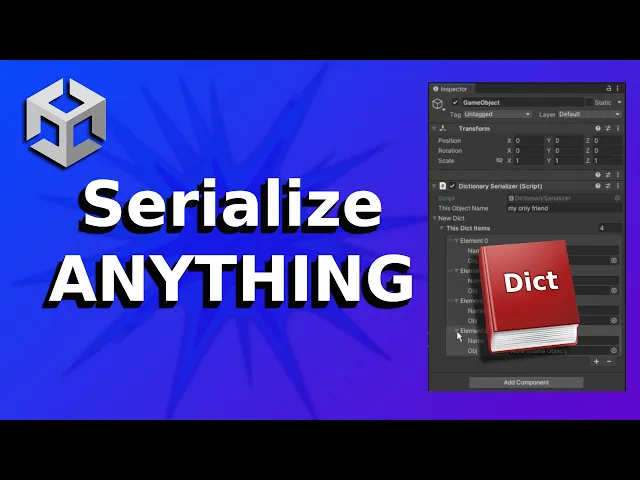
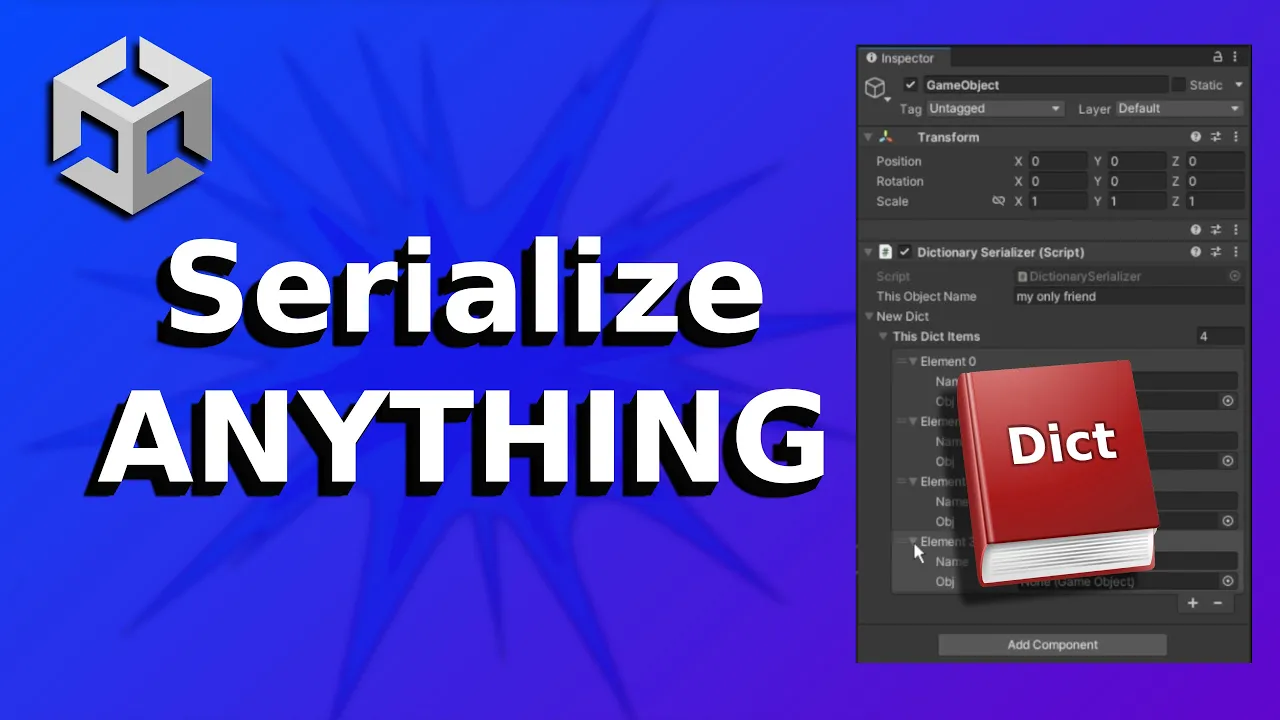
if you want to show object in the inspector it's pretty easy just use the serialized field attributes and to show it in the inspector but hey from some reason you see the string but you don't see the dictionary that is because you can see the dictionary but my friends we can do whatever we want with just few extra steps we will need to serialize a dictionary one item at the time so let's create a new class for the dictionary item inside the item class we want to get the string and the game object for us
to be able to serialize thing later we need to use the serialized attribute for each thing we want to use let's create a serialized fi for our dictionary item array so it will be our dictionary now we have an array of the items but we can see the fields inside the item that is because we didn't use serialized fi on those let's create another serializable class for a new dictionary class and put the array of the items in this class that way we can use the new dictionary class serialize it and use it as a
dictionary with all of the items inside so now we have a dictionary with a list of items but we can't use any of the dictionary functions on it so we'll create a function to convert this to a dictionary a very simple function that create a new dictionary then add all the items one by one to that dictionary and returns it just remember that we need the dictionary's item parameters to be public so we can use them in other places like in this function for example and on start we can just call this function and put
this in our dictionary and then use it as normal it's really important to learn how to serialize things properly so you can have a better workflow and work faster and more efficiently check those links to learn more about this see there bye