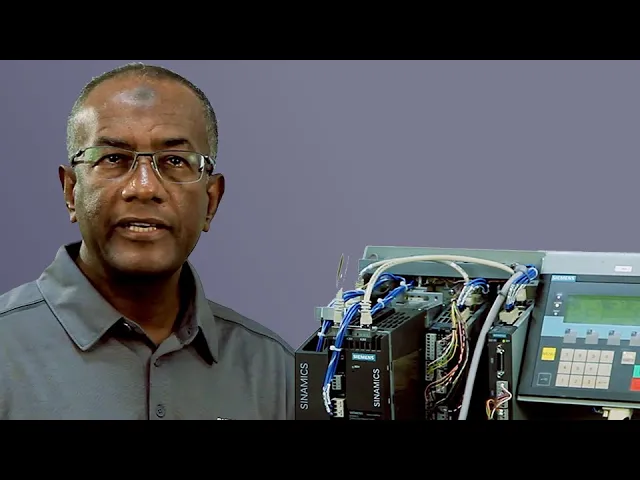
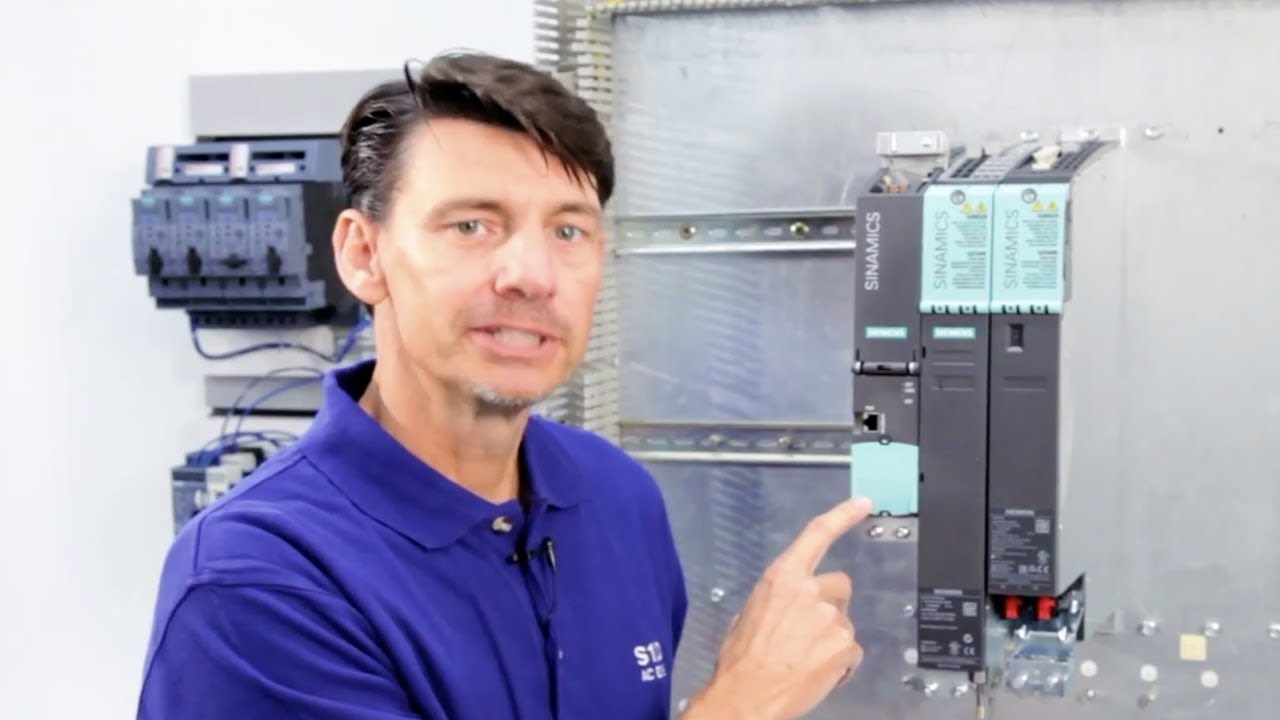
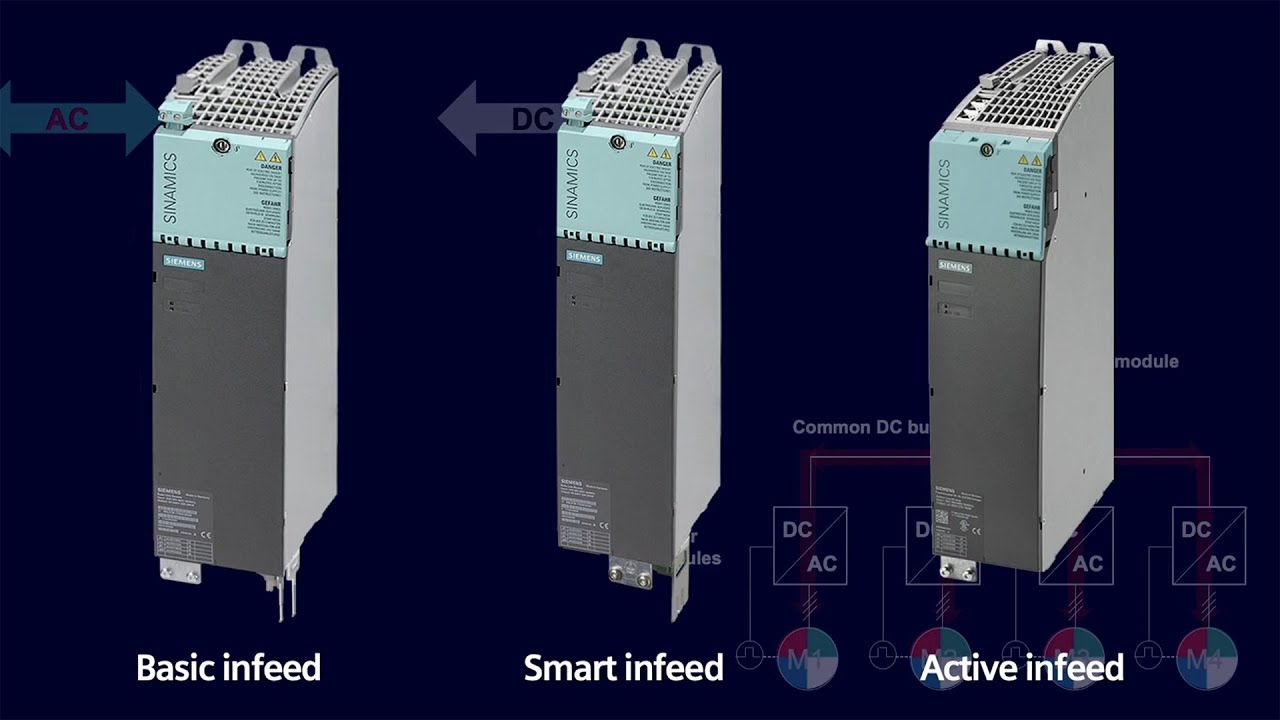
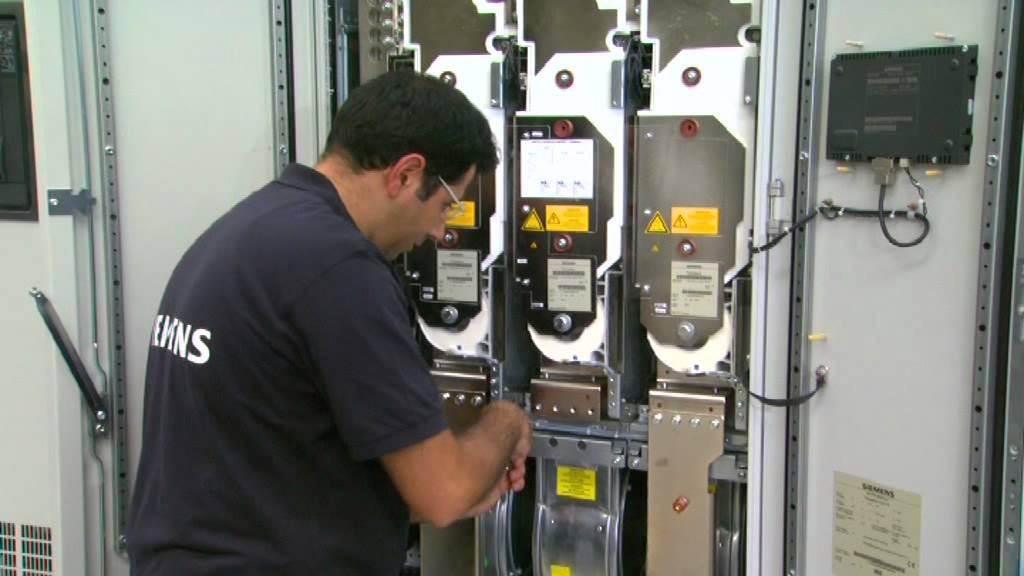
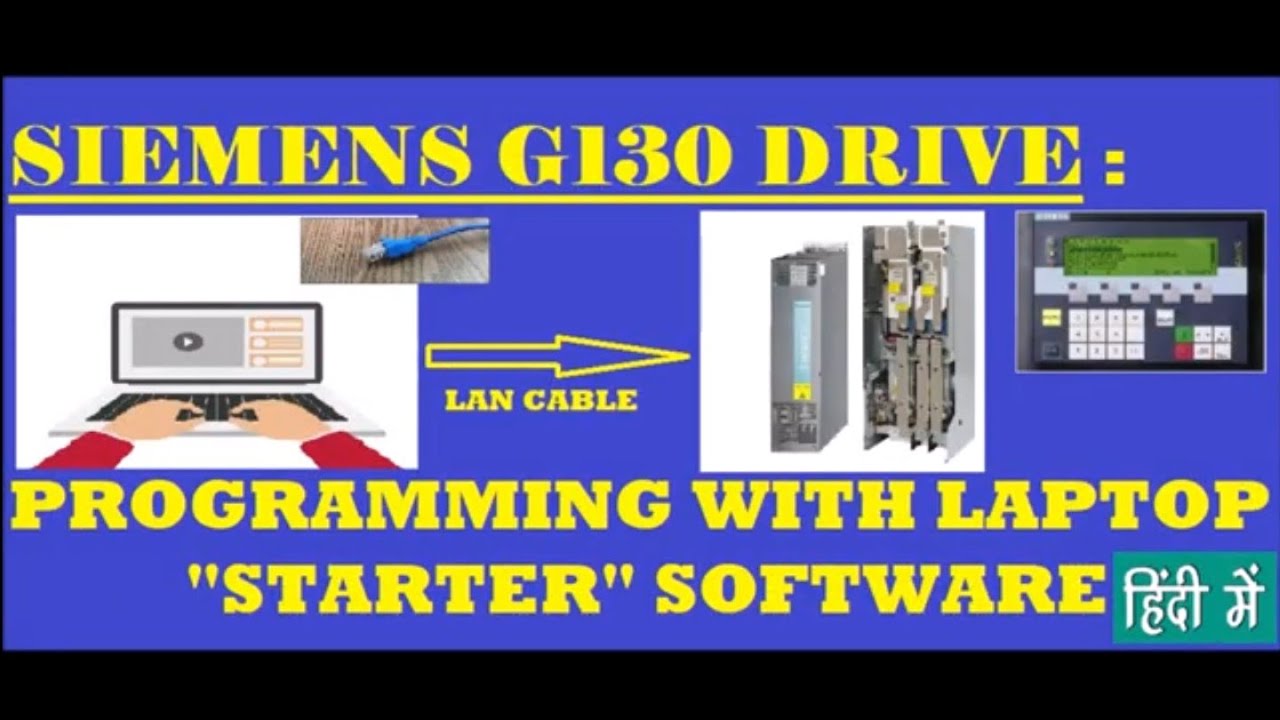
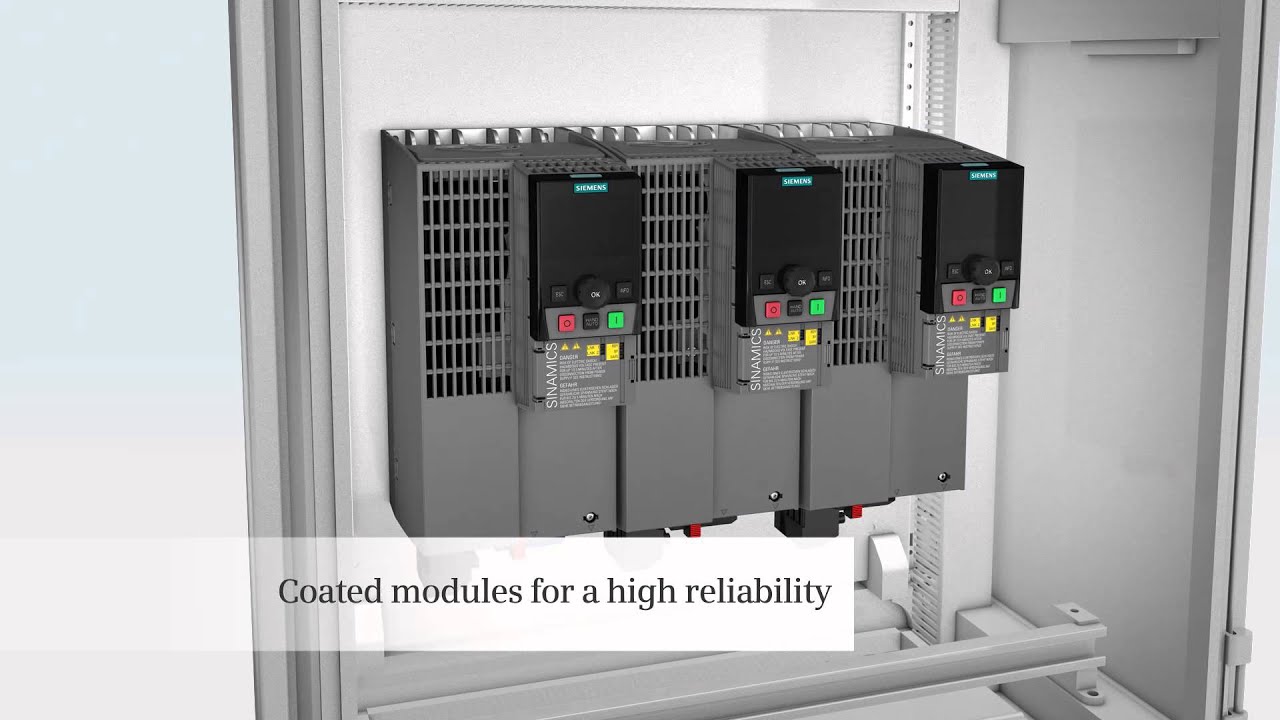
Hi, I m Sandi Hirschlein welcoming you to another Siemens How2Drve video with the goal of helping you better understand and work with Siemens variable frequency drives and related motion control products. In this How2Drve video, low voltage enclosed drives application engineer Amer Abubaker explains overload avoidance, a drive software function found in the Siemens SINAMICS G130 chassis mount drives and SINAMICS G150 enclosed cabinet drives. This is one of several features which help make these drive products the most reliable on the market with the least amount of downtime.
So with that, I ll turn it over to you, Amer Thanks, Sandi. The SINAMICS drives family leads the industry in developing the most extensive and intelligently conceived software functions. One of the most important functions to larger drive low voltage applications is an overload fault avoidance function.
This function is valuable for those applications where downtime can be very costly. For example, maybe there is a pump that is at the beginning of the process and if it stops it will stop all production lines. In these cases, it may be better to reduce the demand on the drive to avoid the overload.
The G130 and G150 can be setup to automatically take steps to avoid an overload. To setup the G130 and G150 for this functionality, the parameters are set on the AOP-30 advanced operator panel. To access the parameter to setup this overload avoidance, first select the yellow Menu button to access the main menu.
Using the arrow down key, select Parameterization and then hit ok . Next, we need to select All DO which means all Drve Objects and again hit ok . So now, we have a list of all parameters from all the drive objects.
Using the keypad, enter 290 and hit ok for parameter 290. Notice, the display shows PU Overload Response The Power Unit Overload Response , or Parameter 290, allows us to set the drive to respond with multiple preventative actions before an overload fault occurs. This parameter gives us different tactics to aid in avoiding the fault entirely and thus, it maintains consistent uptime.
Once you typed in 290, it will highlight the options available. Hit the change button to select from the possible settings. The drive will respond differently depending on which setting you pick.
If parameter 290 is set to 1 , no thermal overload avoidance action will be taken. Instead, the drive will be permitted to overheat until a fault occurs and then the drive will shut down to prevent damage However, if we set this parameter to 0 , the G130 or G150 drive will automatically reduce the output current or output frequency depending on the control algorithm. If the drive has been setup in volts/Hz mode for variable torque applications, then it makes sense that a reduction in the output frequency will result in lower thermal demand on the drive since the load varies with speed.
So, if parameter 290 is set to 0 and the drive is setup in V/Hz, the drive will lower the output frequency to avoid an overload. This is perfect for simple shaft-turners, such as fans and pumps. However, in a constant torque application where the application could require full torque at any speed, it does not make sense to limit the output frequency since this may not have any effect on the load and ultimately, the thermal demand on the drive.
Constant torque applications are typically setup in vector mode. Therefore, when parameter 290 is set at 0 and the drive is setup in vector mode, the drive will automatically lower the current limit to avoid a thermal overload. A common problem when using variable frequency drives are the loud noises transmitted from the attached motors.
The motors waveform does not match a perfect sine wave and therefore can cause audible discomfort to anyone standing near the operating motor for an extended period of time. While VFDs can often have their pulse frequency increased to make the waveform more sinusoidal and consequently have lower motor noise disturbance, the higher pulse frequency decreases the efficiency of the drive and allows overloads to occur more frequently. With parameter 290 set to 3, the drive will be able to run at a higher pulse frequency and therefore have lower audible noise until an overload fault is detected.
The drive will then automatically reduce the pulse frequency, with nearby personnel only experiencing the louder motor noise while the drive is avoiding an overload. This specific parameter is especially useful in applications like mixers, extruders, or conveyors where personnel or operators are working consistently near the motors. If we set parameter 290 to 2 , the drive will do a combination of lowering either output current or output frequency and lower the pulse frequency.
So setting parameter 290 to 2 will be a combination of both 0 and 3 . It is important to note that if the thermal demand of the power unit is not sufficiently reduced by the actions taken, the G130/G150 will always shut down. This means that the power unit is always protected irrespective of the setting of this parameter.
Thanks, Amer. If you d like more information on SINAMICS G130 drive units or G150 enclosed drives, a good place to start is usa. siemens.
com/sinamics-g130 or g150. Thank you for watching and please drive carefully!