Welcome! In this video, we'll guide you step-by-step on how to install and activate BotMaster software. First, disable your virus guard or Windows Defender to avoid any interruptions during installation.
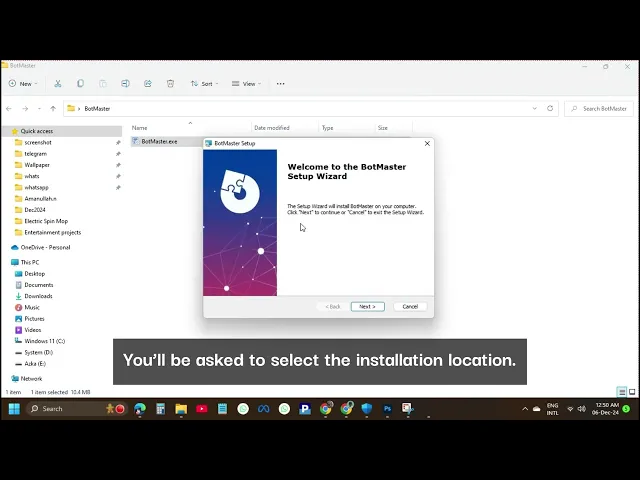
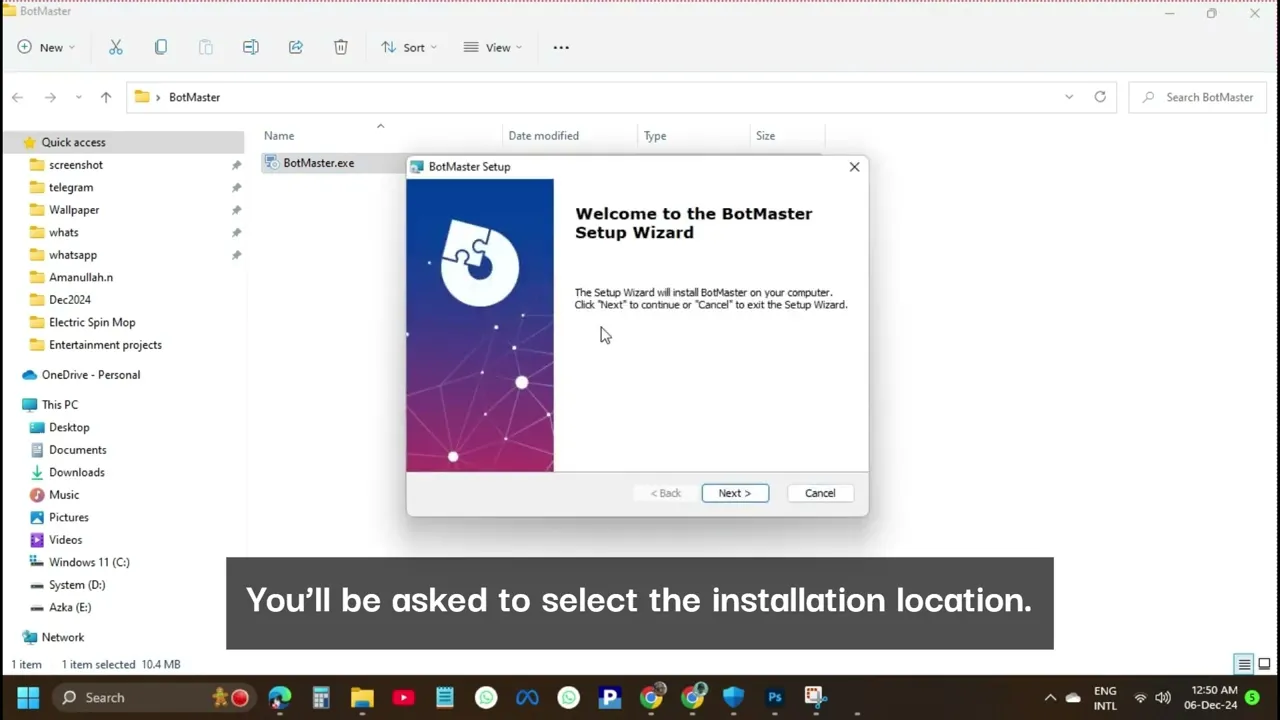
Next, unarchive the downloaded file. Now, open the folder where the files are located. Double-click the BotMaster.
exe file to start the installation process. You’ll be asked to select the installation location. You can use the default location, or in my case, I’ll select a different one.
Once the installation is complete, launch the application. The software will prompt you to enter an activation key. Now, copy the Hardware ID and Registration Name (your name or company name) that appear on the screen.
Send this information to us via WhatsApp, and we will send you your registration key. Once you receive the key, copy it and paste it into the registration field, then click the Register button. Congratulations!
Your BotMaster software is now successfully activated. And that’s it! You’re all set to start using BotMaster.
Thanks for watching! Welcome! In this video, we'll guide you step-by-step on how to install and activate BotMaster software.
First, disable your virus guard or Windows Defender to avoid any interruptions during installation. Next, unarchive the downloaded file. Now, open the folder where the files are located.
Double-click the BotMaster. exe file to start the installation process. You’ll be asked to select the installation location.
You can use the default location, or in my case, I’ll select a different one. Once the installation is complete, launch the application. The software will prompt you to enter an activation key.
Now, copy the Hardware ID and Registration Name (your name or company name) that appear on the screen. Send this information to us via WhatsApp, and we will send you your registration key. Once you receive the key, copy it and paste it into the registration field, then click the Register button.
Congratulations! Your BotMaster software is now successfully activated. And that’s it!
You’re all set to start using BotMaster. Thanks for watching!