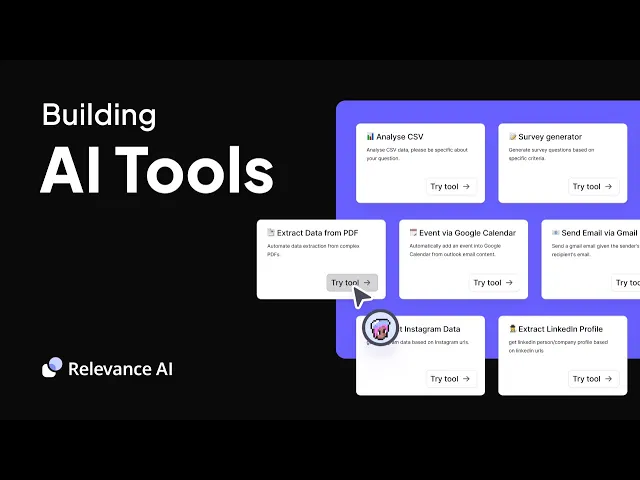
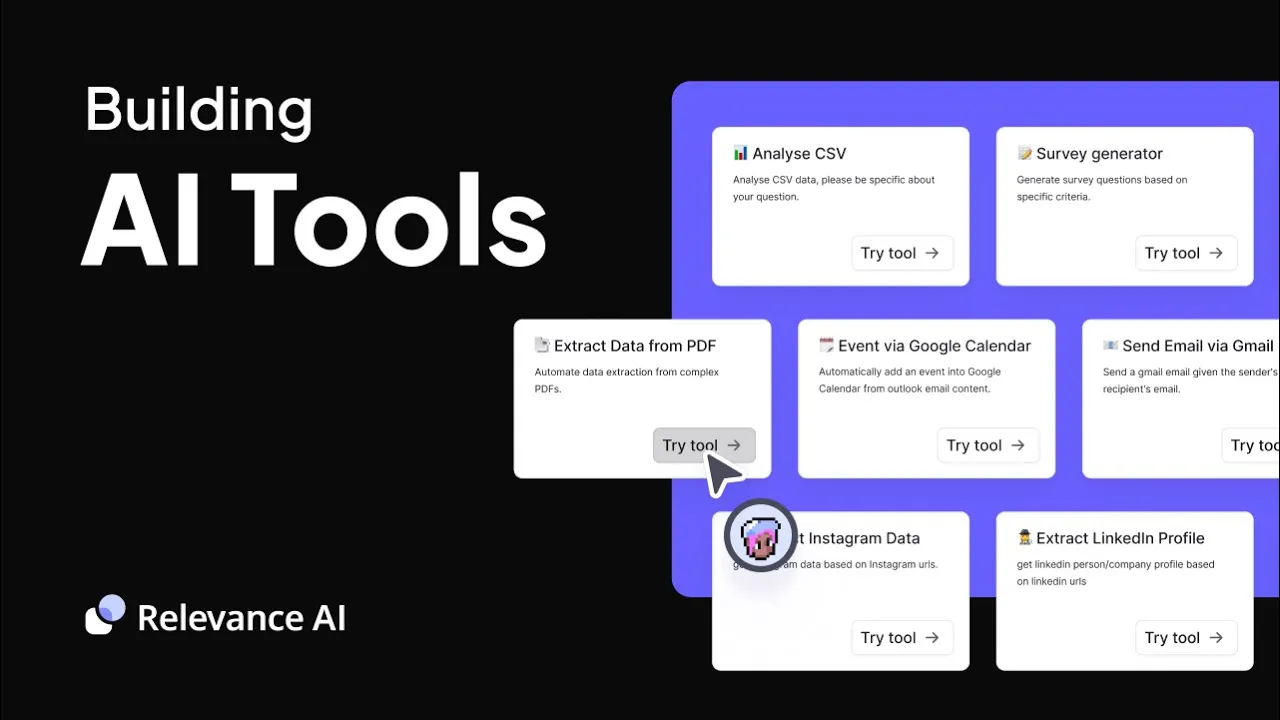
today we're going to get started building AI tools in the relevance platform relevance AI lets you build an AI Workforce that comprises of AI agents these agents complete work and in order to complete their work they need to be given tools relevance provides a library of many pre-built tools for your agents however we also have a no code Builder that you can use to build any tool that your agent needs to complete work with relevance AI tools you can build your own custom llm powered automation or even Integrations once you've built your tool you can
give it to your agent you can run it in bulk on data or you can even use it as a sharable app with no code you can access any API or you can use one of our large library of third party Integrations or even execute custom code in your tool if you can think of something that your agent needs to do you can build it in our tool Builder navigate to the tools tab in the homepage and click new which will bring you to this page you can check out some of the template tools here
and also modify them or you can click create tool to start from scratch in a tool you have three main components use build and logs use lets you run and interact with your tool build is where you create and configure your tool logs gives you a record of how your tool is being used click on build let's cover a few key Concepts to get started inputs specify the type of information that is received used processed and transformed in the steps of your AI tool these might be passed in by an agent using your tool or
a human using your app click on the add input button and choose the appropriate input type such as text input file the URL or even API key input to get started AI tool steps are the individual actions that your tool perform to achieve your workflow common steps are llm cores API requests or custom code to add a step click on the ad step button and make your selection variables are how you pass data around your tool between inputs and steps everything you do in a tool can be referenced by its variable knowledge helps you teach
any large language model your tool users about a new topic for example if you're building a tool to generate personalized sales emails your company's FAQ can be added as knowledge this way the llm can better understand the context and produce more relevant output you can either add knowledge here or add a tool step to retrieve knowledge which gives you more control let's take a look at an example of an AI tool we've already built this is the YouTube video to blog post tool in our first section you can see we have three inputs YouTube video
link Blog name and SEO keywords these are the inputs someone using your tool as an app would provide you can see how that would look here or which an AI agent would pass into the tool if using it to create these first two inputs we selected text input which is a string to create the SEO keywords input we selected the text list input which is an array the first tool we've added is a python code step this code takes a YouTube url as an input in our code step we call input prams and retrieves the
transcript using a llama Hub loader that fetches the text of YouTube videos using the YouTube transcript API python package The Next Step we've added is an llm step we started our prompt by supplying all the contextual information the llm needs by referencing our variables for example you can access the video transcript with python. transformed in KY brackets python is the variable name we gave our python step and transformed is the key on the python steps output where we can access the results of our executed code Blog name or accessible at Blog name is the second
variable we created in our inputs SEO keyword accessible with the variable keywords is the third variable we created in our inputs so you can see we've passed the L all the information it needs to generate a relevant blog post our prompt also gives the llm some context about its role and goal and what the ideal output should look like we can also easily toggle between different llm models all that's left to do now is test out our [Music] tool now imagine giving this tool to a marketing manager agent we might build it some more tools
maybe we build it an image generation tool or a publish the web flow tool all of these give your agents new abilities now bear in mind this YouTube to blog post tool is just one simple example of what you can create in relevance ai's tool Builder stringing custom python code into an llm step have a look at our templates page you can open up any template and go to the build tab to see how it's created and sort of reverse engineer some of the other techniques that you can use to create tools for your agents
in relevance really the possibilities are endless anything you dream up you can build with relevance AI