so we're going to create a facebook business page in order to do this i would go to facebook.com create you'll end up here and you can hit guest started on a build a business page type in your page name and the category that it would go in put in whatever is the appropriate address hit continue now you can upload a little bit of a profile picture perhaps it's your logo or just a small picture relating to your business mine's going to be a sandwich because it's a sandwich shop and then you can upload a cover
photo which is your bigger photo i'm going to use a deli and then here you can create kind of your username so people can find you more easily on facebook mine's the best sandwich shop ever and it makes it so that when people go to facebook.com they can do slash the best sandwich shop ever whatever your username is so you can pop in a little bit of a description about your business the category it might fall in for searchability you can add i think a few there i'm just gonna add a couple and then any
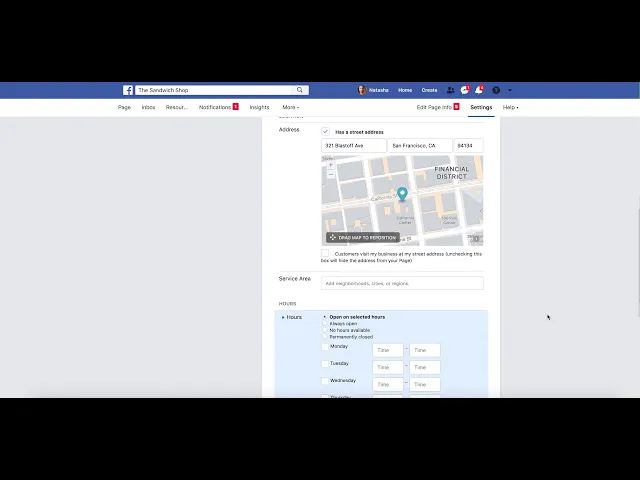
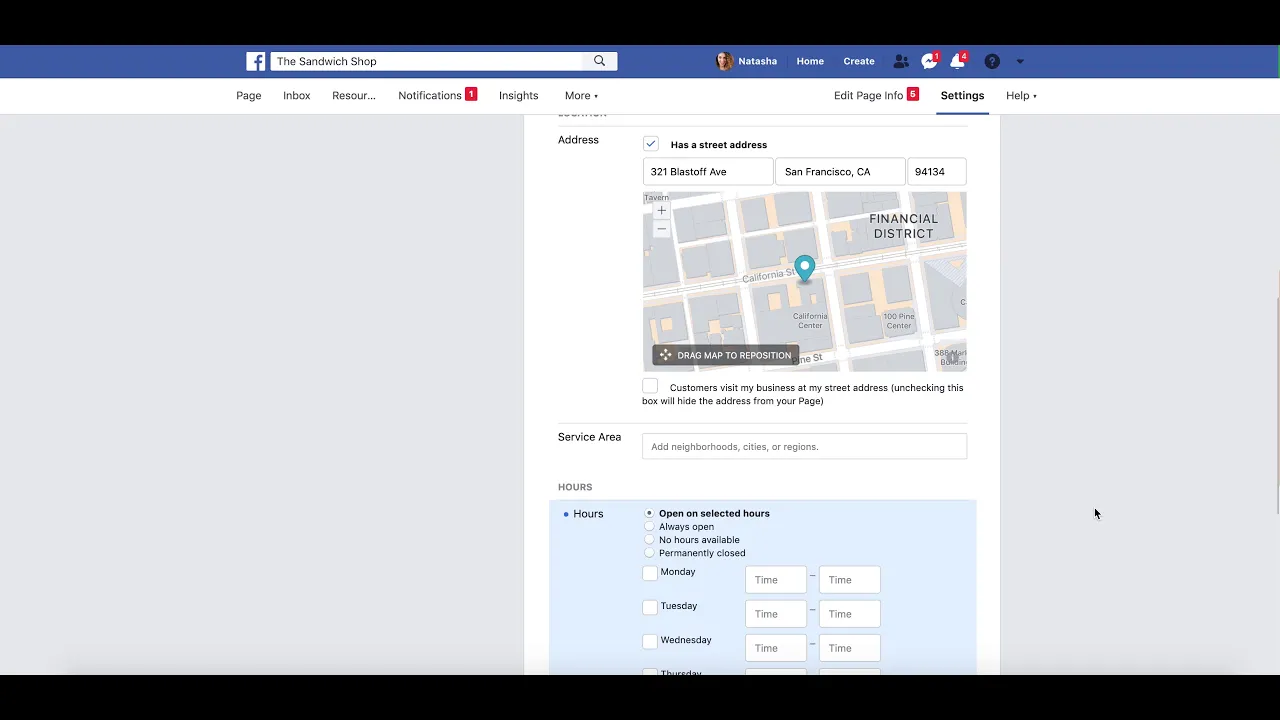
additional information you might want so maybe it's a phone number website or email um these will all be shown so people can actually look at these and get in touch with you through these avenues and then the area that you might be located and all of your business hours i'm just going to speed through this but whatever hours you are open and kind of any more information about your business especially if it's a brick and mortar one and then here in your about area you can um tell a little bit people a little bit more
about your business so i'm just going to write a quick entry about how great we are at sandwiches and we're very good at sandwiches and then you can write your first post uh your facebook page is ready to go you can share this page with people you know and ask them to like your page for more info on your business enjoy your new facebook page