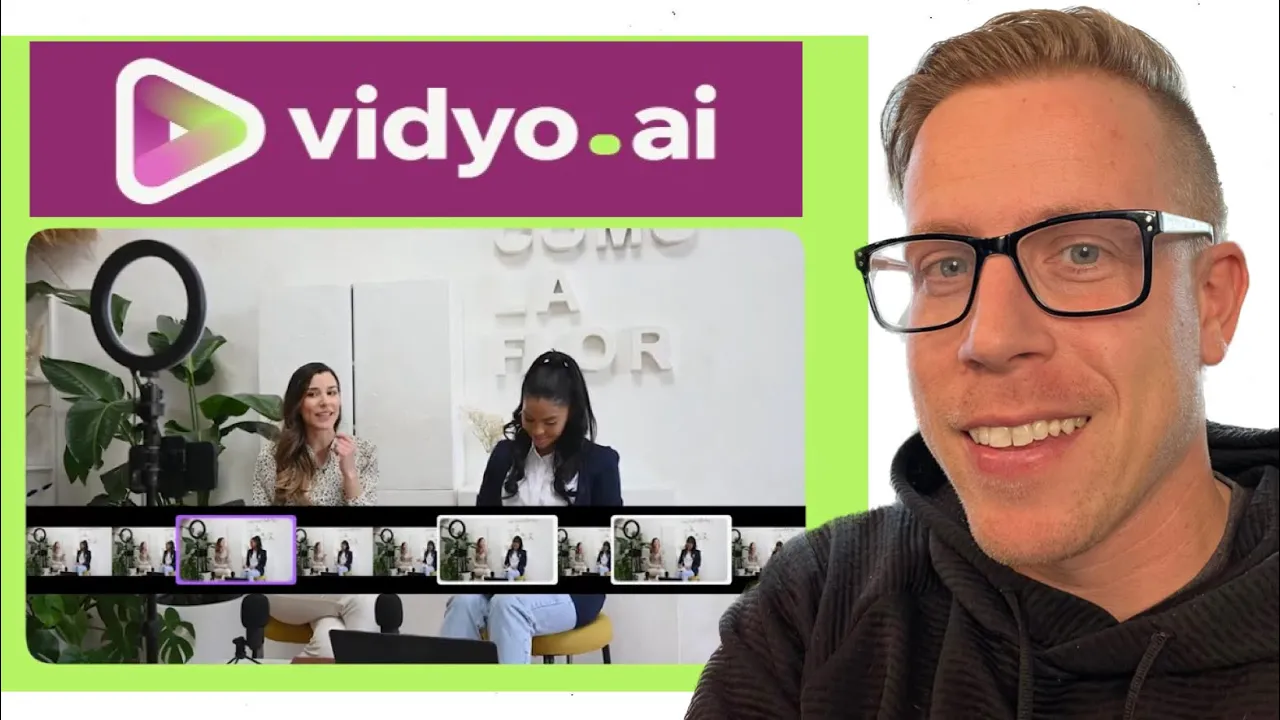
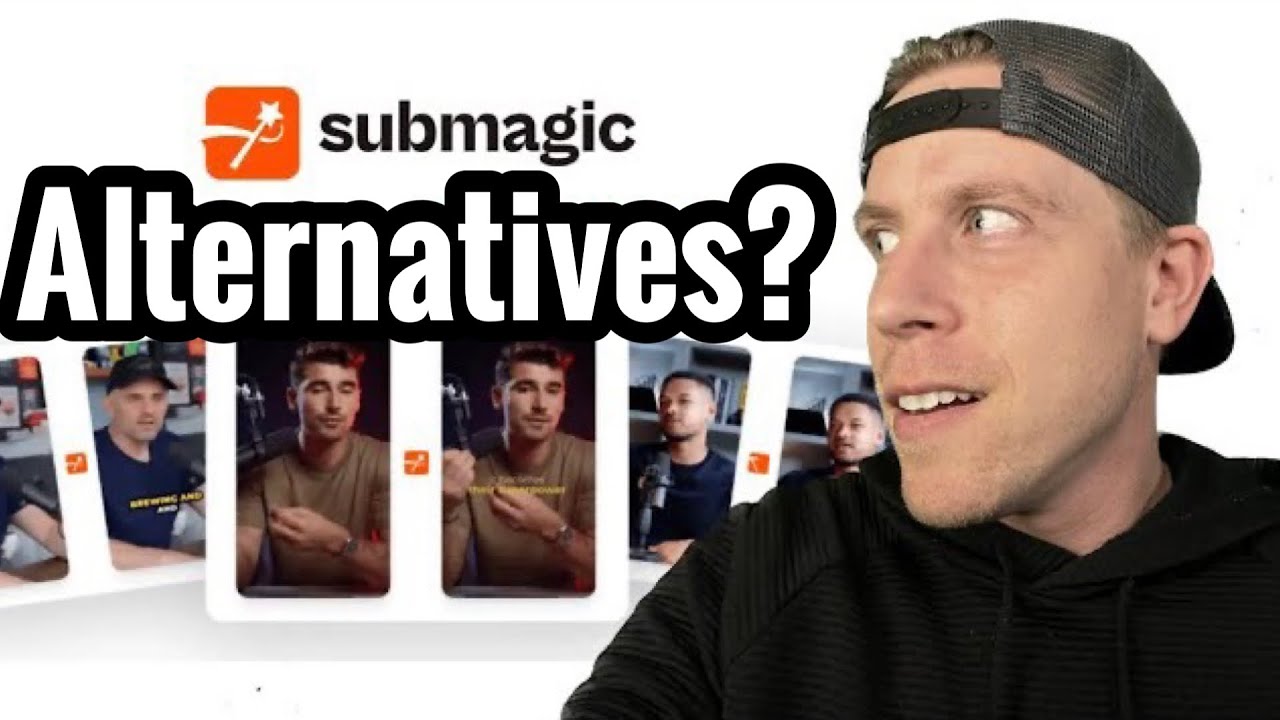
hey there guys in today's video I'm going to show you how to use video. I repeat this will be a full tutorial demo on how to use video. aai and please bear with me we are streaming this so this is the tool here video.
a and it's an alternative to Opus Clips which is very similar or get mch. com or clap. apppp and again at the end of this video when I'm done talking about how to use this tool I will talk about which tool I believe is the best and that might be in your better interest to know because I've been reviewing doing all these tools right so all you have to do here is sign up for video.
it's really easy to sign up and again you can get a free trial with this tool which is pretty cool and I'm still using the free trial points you can see here on the bottom left hand side it says you have 61 minutes left of 75 minutes so step number one to start with video. a is to click on new project and all you do is you paste your YouTube link here or you can upload it right here and then you just upload and then you click import and and it starts to create the video for you and essentially this is an AI video editor that does everything for you and it edits vertical reels for you to post on Instagram or Facebook or all the socials essentially so we can click here and it gives you an example of what they look like and again this one here and it did two reels from that five minute video I believe it is and this is what they look like yeah and they look decent right video. doeses a decent job and it automatically adds captions and it does a decent job right you can just download and save this and upload to the socials as you want right all right so to get to the fact of which tool is the best to use for this because in my personal opinion video.
is not the best not the crap on the tool it's decent but it just it when you use the other tools the alternatives to it you start to realize that um there's a tool that really stands out and so to talk about these tools we have video. we have clap. apppp we have gun.
com you've probably heard of this one as well and this is the one I want to talk about this is Opus clip and this is really easy to use and I believe it's $40 a month usually and you can see here it's you pay for the amount of time you edit so over here it says I have 5 hours and 51 minutes left of my editing time so all you do is paste a zoom link a Google Drve Link a YouTube link here and you just kick click this button get Clips right and then it creates the reels for you and it's absolutely crazy here so if I click um let's click on this one here and what stands out about this tool specifically is how good it edits the videos it has a lot of face recognition so let's take a look at this one quick and as you can see it does a really good job editing the videos and it gives you a virality score and they just do really well once you start to to use this editor you will realize that a lot of the big creators are already using this tool and they're uploading right now and I can this this took this made 10 reals out of one video which is a game changer right and what's really cool about Opus clip what stands out about it if we go into here and edit it by the way it gets the captions it automatically adds the captions to your videos and it does an amazing job you can use this tool just for that it's great um what's and you can edit these uh if you click this design tab their editor is really easy to edit like say if I wanted to edit this video here I can click on it just move it over and then if I want to click this one I can you know you can do everything you want and what's really cool They just added a new feature where the AI editor automatically adds stock footage as b-roll so if I click that it is going to automatically add b-roll to this reel and let me explain this a little bit so if I'm talking to the camera and it's front face cam like this it gets a little boring sometimes right and like right now I could probably be I could have b-roll playing while I talk like this I I probably should I don't but Opus clip automatically does this in the tool which is absurd right so if your Clips are a little boring adding this stock footage b-roll is a game Cher right and you can see right now it's rendering and it's 80% done so yeah you can see right here um it added b-roll to the top up here see if I if we watch this I'm gonna mute it if you watch that that's the b-roll and what's cool is I can click this I can move it around I can do whatever I want with it and it's a game changer honestly guys I know it's kind maybe kind of dorky right now and you don't understand it but once you're in here editing you will understand it and I'm convinced guys if you if you try Opus clip you're going to be in love with this tool and again if you use my affiliate Link in the description or comments you can get a free trial just to use and try this opus clip tool cuz I'm super convinced that if you just try it a little bit you're going to become obsessed with it it's an it's an absolute game changer for me because you know I run a small digital marketing agency I'm doing content for small for small business and clients and what we do is now we concentrate on just long form content like this what you're watching and then we use these AI tools like this to automatically edit the reals and then we post those on Instagram and what have you and it just it saves me from editing short form video if that makes sense and if that isn't a bomb going off in your head an idea you're not seeing you're not seeing the light here because this is huge um but yeah guys hopefully that I didn't derail this video too much uh this will this is how to use video. a a full tutorial demo on how to do video. so hit me up in the comments uh I am a normal dude and I will reply please consider subscribing I love you all and yeah this is uh my video and yeah I guess that's about it video.

![Synthesia AI Tutorial: Full AI Video Generator 2024 [Realistic AI Avatars]](https://img.youtube.com/vi/GJsY-wrLh9s/maxresdefault.jpg)