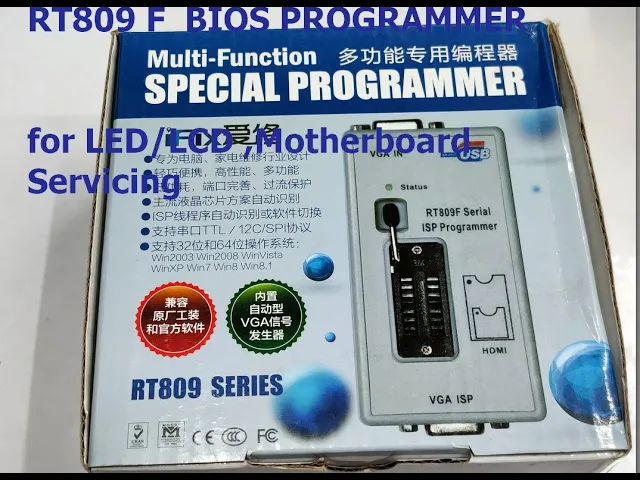
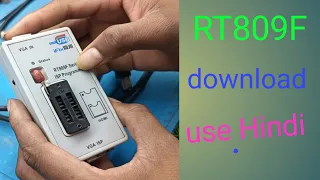
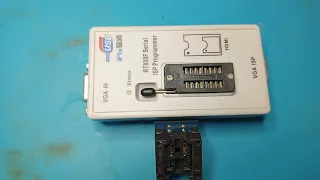
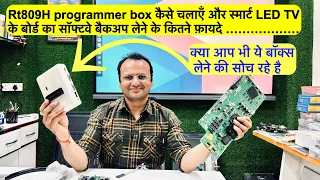
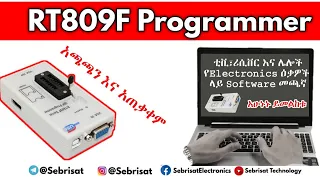
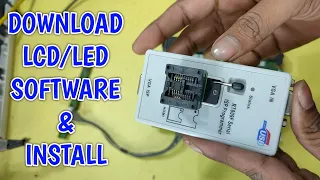
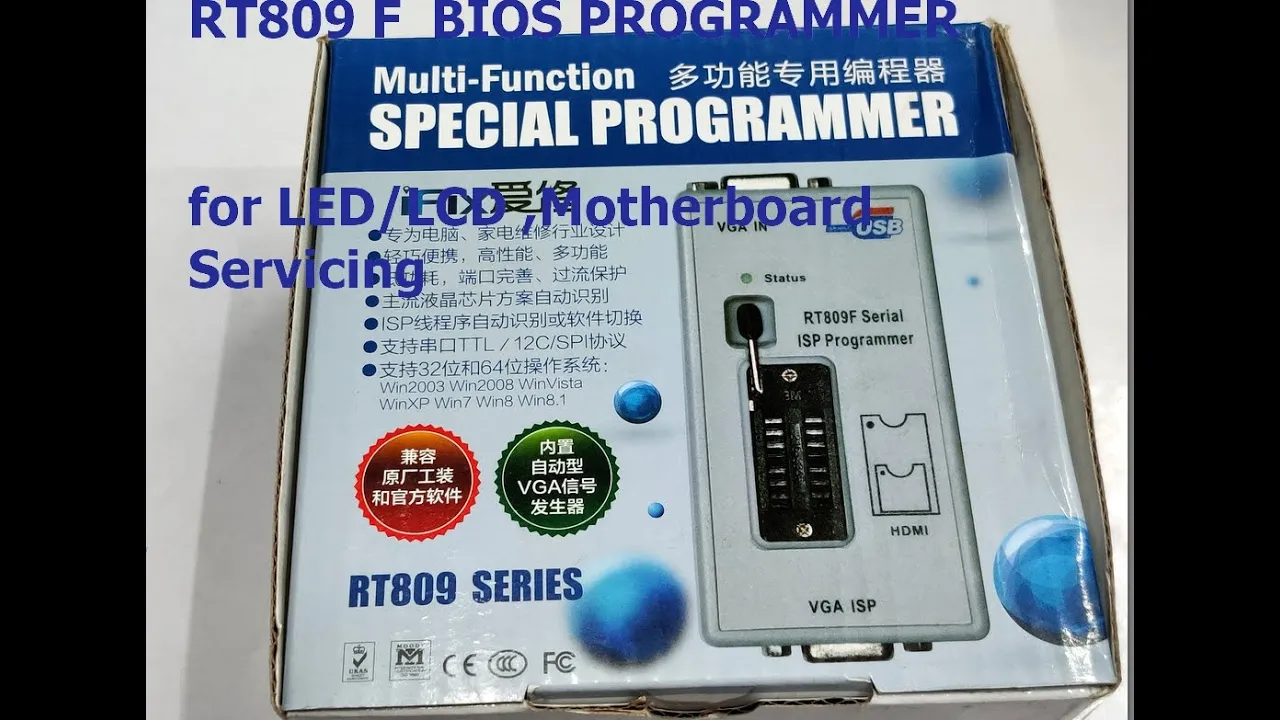
hello all in this video we will see how to use the rt809f bios programmer which is very widely used to program the bios sizes on laptop computer motherboards lcd led motherboards and routers and home appliances the ata rt809f is very popular there is also 809h model which is four to five times costlier than this f model let us unbox the rt809f bias programmer this is a serial isp bios programmer this looks like a small box but very powerful there is a vga in socket female socket and a usb socket to connect to your pc or
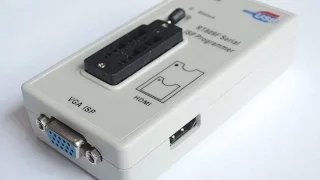
laptop there is a 16 pin zip socket where you can place the target ac 8 pin or 16 pin ics you can place this is zero insertion force there is a set if socket there is also hdmi output but it is for future use we program mostly you through vga isp connector there is also a reset type button but this is not reset this is a color pattern generator switch for testing the vga monitors inside the box there are two cables provided one is the usb cable and the other one is the vga cable vga
male 2 male this is 15 pin 3 row vga cable this vga pin left side in mail pin first pin is from starts from the left side one two three pins or rgb out thirteen pin is a horizontal sync and fourteen pin is vertical sync you can check out the data sheet for the pin connection uh smd pcbs conversion pcbs are also provided along with this box and the converter sockets three important converter sockets are provided with this rt809f eight pin converter sockets two types are provided one is 150 mil and another one is 200
ml 1 ml is equal to 0.001 inch this is a unit of measure of thickness and there is also a 16 pin converter socket now first let us install the software visit the ifix.net dot cn website this is a chinese website this ifix is the company which manufactures the rt809f programmer use google chrome so that it can be translated to english on the top of top you can see the rt809 software download click on that it will take you to the download link under the download link select the rt809f programmer and click download multi-language version
to download the english version of the software and then click on the center tab center button unicom download it you have to click on the verify and download button to download the software the software will be downloaded as a zip file open the location of the file downloader right click and then unzip it to a folder and inside the folder you'll find the exe file dot exe file double click on that to start the installation usually the default installation location is d if you want you can browse and change the location click on next to
start the installation the installation is completed within seconds and then it will start the driver installation now we have not had connected the hardware to the pc so it is complaining that the hardware is not found click on ignore and then on the first screen select the language tab tab and select english as the language and then close the ide now connect the usb cable from pc to the isp programmer and notice the status led green led now open the program again on the top there are buttons smart id auto esp buffer and other buttons
and left hand side the operation buttons read save open right and our top buttons are related to file device operation settings and the help under help you can click on the device list to see the huge list of devices supported by this programmer starting from sst to winbond it supports a huge list of biosizes now let us copy the bios ic from a chinese led tv now i'm having a chinese led tv let us copy the bios ic program through vga without opening the back of the led connect the vga cable to the vga port
of the led tv and then release the stand by using the remote connect the other end of the vga to the vga isp port of the programmer now open the software and then click on auto isp now i am getting an error that chip is not recognized as i am using a long vga cable this error has occurred so always use the short length vg cable provided with the box now click on auto asp i am getting okay the bias ic is recognized now you can click on read to read the bias software now the
ic is recognized as 25 l 32 which is 8 pin soic that is a small outline package ac and the capacity of the ic is 4 mb 4 megabytes everything is displayed and it starts reading the bias program it will take some time depending on the size of the bin file now you will get an option for saving the file give a relevant name i am using a jack martin tv so i'm jack martin underscore 24 and save it as a dot bin file now let us see how to program this bin file onto a
so ic for this we have to use the converter and the ic i'm using is 25q32 this is a small outline package sop smd type ic and there is a dot on the ic which is always pin one the dot represents pin one and you have to place the ic just by pressing the converter socket and place the ic so that the pin one is on the top that is from the that is towards the handle of the socket place the ic and then plug the converter socket onto the this programmer isp programmer at the
bottom side of the programmer you can place the socket like this and then lock the handle so the pin one that is a dot should be near the handle as seen in the diagram you can also place the socket in the reverse direction or by just closing the full 16 pin socket but either way you can place but always the pin one should be on the top so you can place this way or the other way but the ic pin one must be near the handle it doesn't matter how you place the socket on the
isp programmer pin one should be always on the top near the handle now from the ide click on the smart id when the when you place the ic on the socket always click on smart id now the ic is recognized as 25 t32 which is 4mb capacity e-square prompt now click on the open button and browse to the location where we have stored the dot bin file from the chinese tv you can always click on buffer to verify whether the firmware has been loaded onto the buffer now the dot bin file has been loaded onto
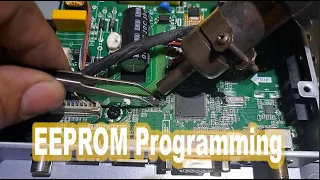
the buffer click on write button to write the dot bin file onto the escape from ic you can see the operations one by one and you can see the green uh progress bar at the bottom first the ic will be erased and it will be it will be checked for blank and then the bin file is written and finally verified all these operations will be uh will go on one by one automatically finally the ic the bin file has been written on the escape from ic now let us see how to program the the universal
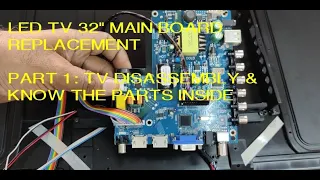
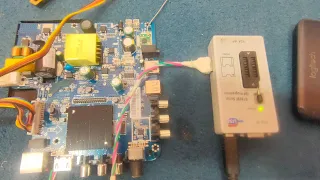
motherboard bios bst56u is widely used universal motherboard which can be matched to any brand tv up to 32 inch and resolution can be set this motherboard is supplied along with the remote and some conversion connector cables the 8 pin ic seen on the board is the bios ac smdic and we can program it through the vga connector the now let us connect the usb cable to the programmer to pc and then connect the vga isp to vga cable one end of the vga cable the other end of the vga cable goes to the vga connector
of the v56 board and there is a keyboard and a sensor remote sensor along with this the cable is supplied there is a one side it's a twin cable other side is a single cable you can easily insert it as it goes in only one direction this is the cable the connector for lvds and the next white cable is for this keyboard plug in the connector and you have to provide a power source to request 12 volt 2 ampere dc i am providing a dc adapter to this motherboard now it is in standby board mode
release it using the remote release the standby the led color will change now open the software and click on auto isp always when you connect the vga cable click on auto isp now the bio size is recognized now you can read or write the e square from ic through jv through the vga cable so this very powerful bias programmer and very useful for led lcd service engineers thank you for watching