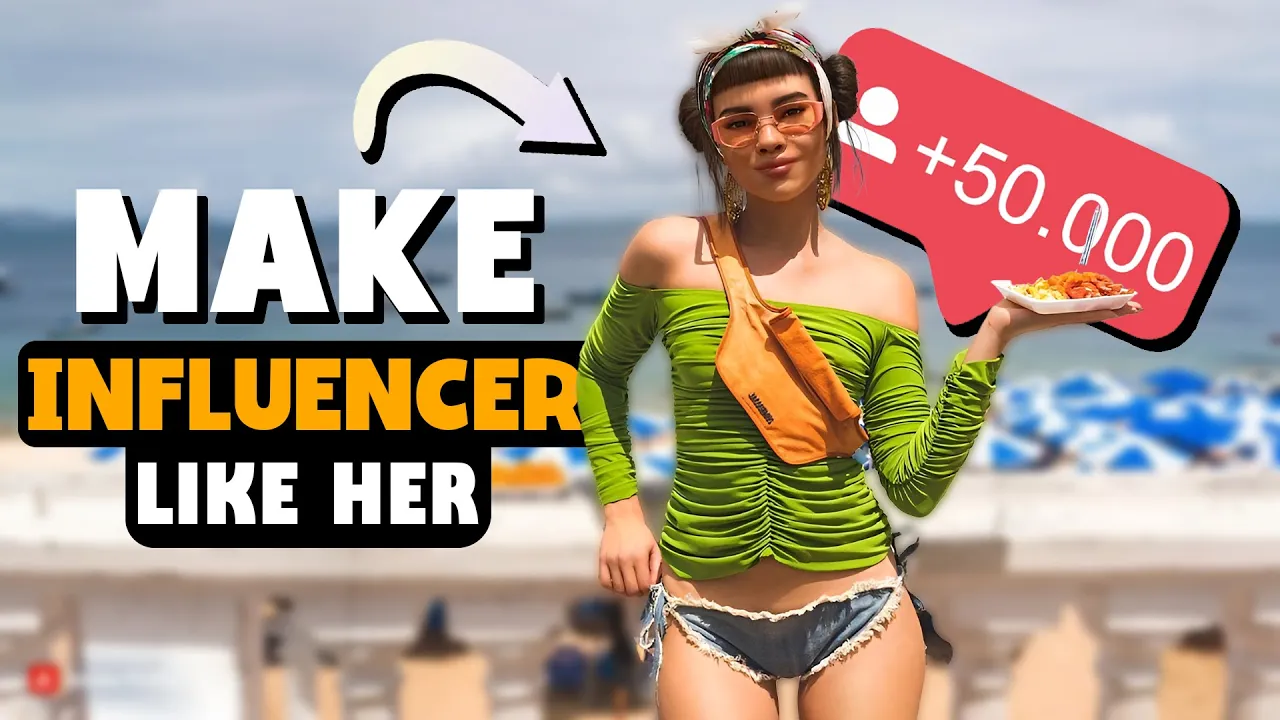
this Instagram model has blown up the internet but she actually doesn't exist in a real life because this is all AI generated and according to some news she's earning $110,000 per post and she has more than 2.6 million Instagram followers but don't worry in this video I'm going to show you how you guys can make your own AI influencer for free in few easy steps so without any further Ado let's dive into the video to create this AI influencer we have four steps step one create your own character for character creation we use Leonardo which
is the best free AI image generator so go to Leonardo a and sign up now scroll down and from category select photography here we need a photo that looks straight ahead that's mean shows the whole face in detail for example if you don't like this character you can copy the prompt from here and make another one for yourself but I like this one and download it now let's move to the second step step two AI influencer Target images now we have to gather the AI influencer Target images and it's just as simple as the previous
step we need to collect images that have preferable a similar body hairstyle and hair color for this step we will use tensor doart AI image generator with this tool you can create an estimated 100 images per day for free this image generator allows to creation of NTFS photos also okay after coming to the tensor dashboard find and select the Epic realism face model [Music] if you scroll down you will find images created by this model select one image similar to your model image created by Leonardo AI I will select this one after selecting the image
click on the remix button from here now do some customization in settings increase the image number to two after that change the aspect ratio after all is set hit the generate button and our image is ready the images are quite similar to our model image now generate more images by removing the base image and changing the prompt from here generate images as many as [Music] possible after generating images download all the images on your device all right I have downloaded all the images on my device but the images do not match exactly with my original
model so we have to go to the third step step three AI image face swapping in this step we need to create a Discord server because we will be using a free AI face swap bot on Discord so go to Discord and login with your account now create a server now we got the server ready the next thing to do is to invite the amazing face swap bot click the GitHub Link in the description now scroll down to find this Discord [Music] link click that link and select the Discord server we just created this way
we are going to add the face swapbot to our [Music] server now go back to the Discord server and look there is the face swap bot let's do the face swapping type slave ID and now enter the the name for your AI influencer I put the name in and for the image I am uploading the main image now press enter wait until it creates your ID now type / swap ID and now enter the name again I will type Mia and now drag a Target image in the box and hit enter wait for 2 seconds
and that's it our image is ready let's perform the same process for all the target [Music] images and over now here are the face swap results before and [Music] after now let's go to the fourth step step four AI influencer video now we need this kind of video for our influencer you can use videos from other people's but I recommend that don't use other people's videos without permission or you can buy these types of videos on Fiverr or Instagram or you can use free videos from pixabay or pexels because this video is educational I downloaded
this video from Instagram and will convert it into our AI influencer now we need to change to this model face to our AI influencer for this go to the Google collab Link in the description now run the first cell by clicking on that play button if you get this warning just click run anyway now it will take between 2 and 3 minutes to finish then you will also see this error message it says that you have to restart the runtime but do not restart the runtime so just ignore that message and run the second cell
this cell will take a few seconds to finish finish now it is time to upload the main image and Target video just go to the left hand side and click on upload icon now here you have to select the main image and Target video to avoid errors please make sure that the file names of the main image and Target video do not contain spaces and then upload it like I said to the folder next you have to go to the last cell and replace the target video path and Source image path just click on the
three dots of your main image and then click copy path and then replace the default Source image path by pasting it do the same process also for the Target video [Music] path next thing left to do is smash that play button of the last cell and let it run now it will take between 2 and 4 minutes for a 7 or 10c [Music] video when the last cell is done you will find a file named swapped MP4 located on the left hand side in the folder if it is not showing up immediately just click the
refresh button now click the three dots and download the file let's watch it [Music] together if you want to generate another video make sure to delete the swap. mpp4 and then upload a new Target video and then replace the target video path and then just run the last cell again it is really [Music] simple this was this week video hope you like it and if you have any question feel free to ask on comment section and if you learn a new thing please subscribe the channel and thanks for watching