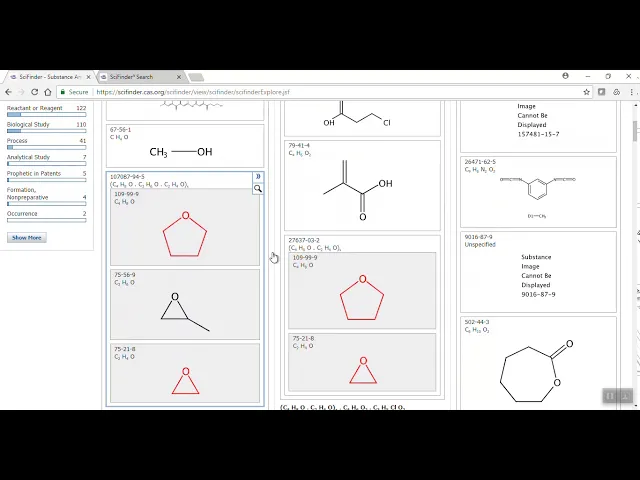
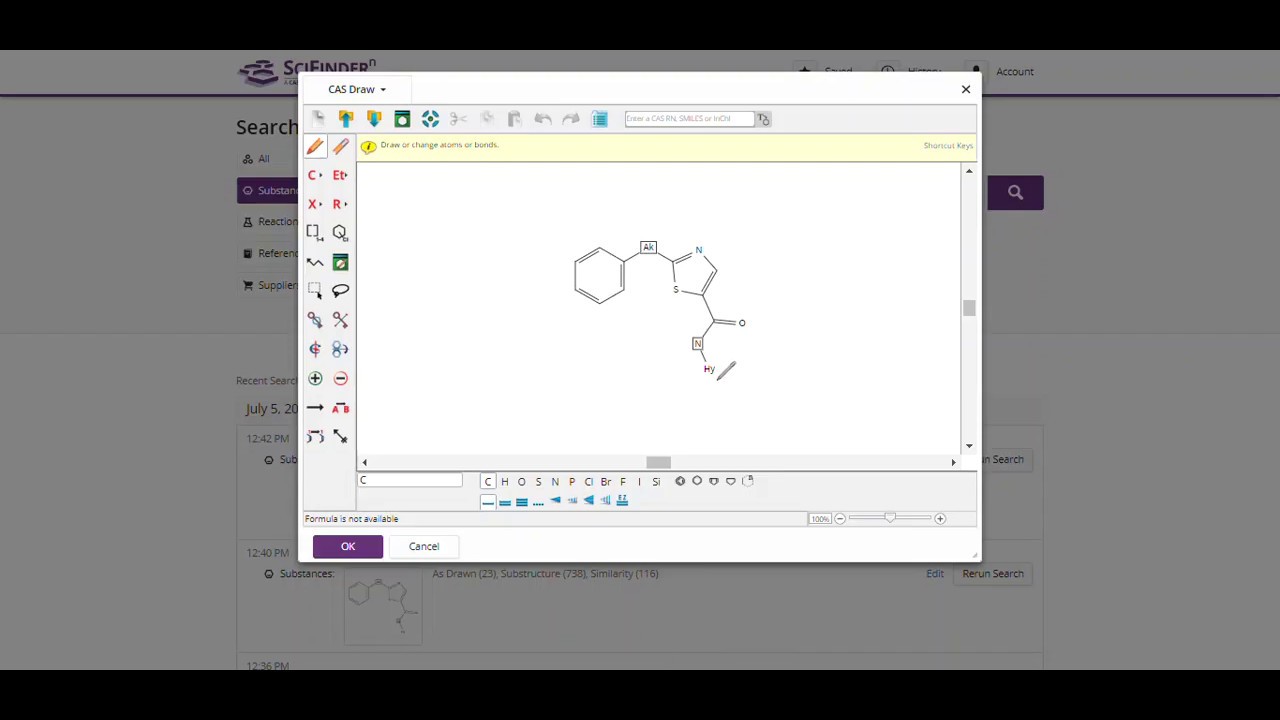
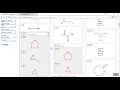
okay let's try a simple polymer search in sciFinder web now what I've got in the structure editor is I have my two monomers so I have my tetrahydrofuran and my oxirane you can see that I'm gonna search this as an exact search you can search substructure of course if you are looking for other things on those ring systems plus plus more so I'm gonna search for an as an exact search it is gonna say that you have multiple fragments but I can continue with that I am gonna choose the class at the beginning for for
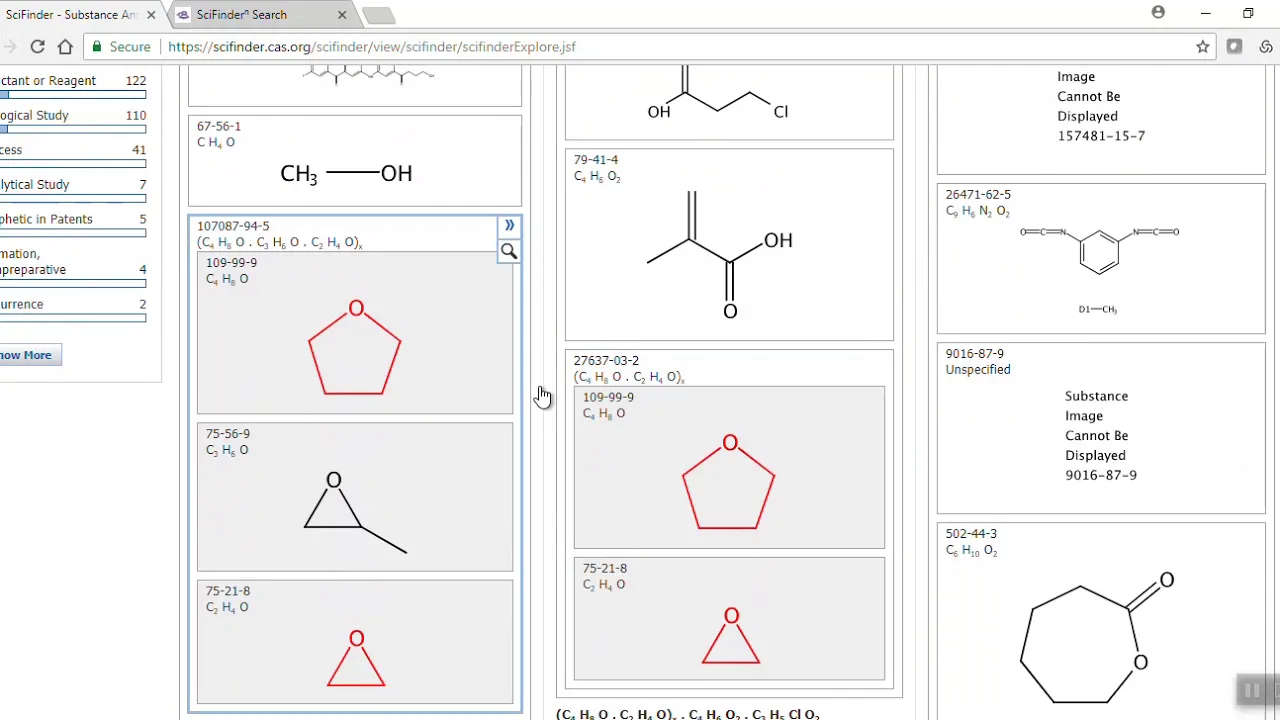
polymers and I'm gonna click on search and let's take a look what we have so we have just over 1200 substances here and yeah it's okay I can see why the sans has been retrieved but I see other things listed here as well and maybe that's not what I want so if I only want to see polymer registrations that have tetrahydrofuran and oxirane what I can do here's something that I can do in sciFinder web is I can come to my my refine and I am going to select our a single component and what that
essentially means is search only what I have in my structure editor and no more so if I click on refine we are now down to five substances five polymer registrations that have those two monomers in there now if we go to sciFinder n for those of you who use this have the same two monomers once more I'm gonna click on OK and search and what I have here is it's slightly different because it is actually going to give me the options of as-drawn and of course I can click on sub structure and so on in
sciFinder n what I need to do now is if I come down to the bottom here I can refine by substance class if I want to and pick on polymer and so forth also if I come to the number of components I can actually limit that to just two components that's all I'm interested in and in fact what we get right here are the same five polymer registrations that retrieved when we were in sciFinder web and that is your search tip for the day