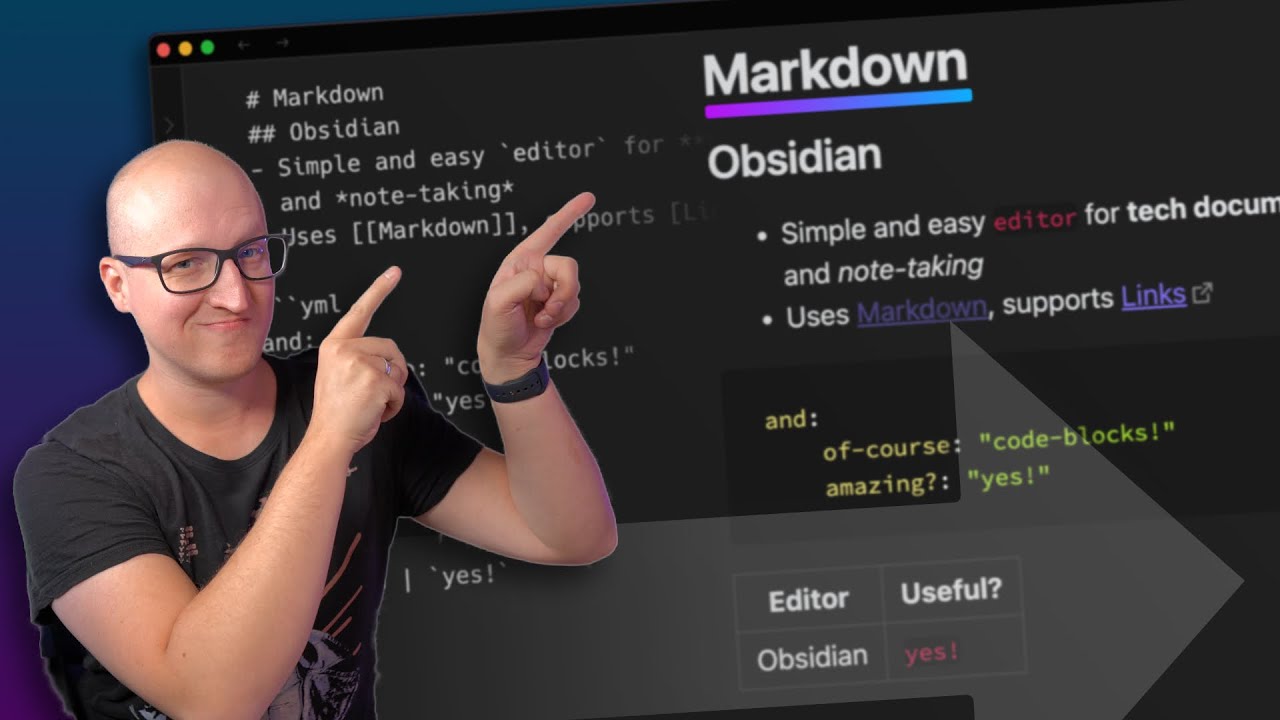
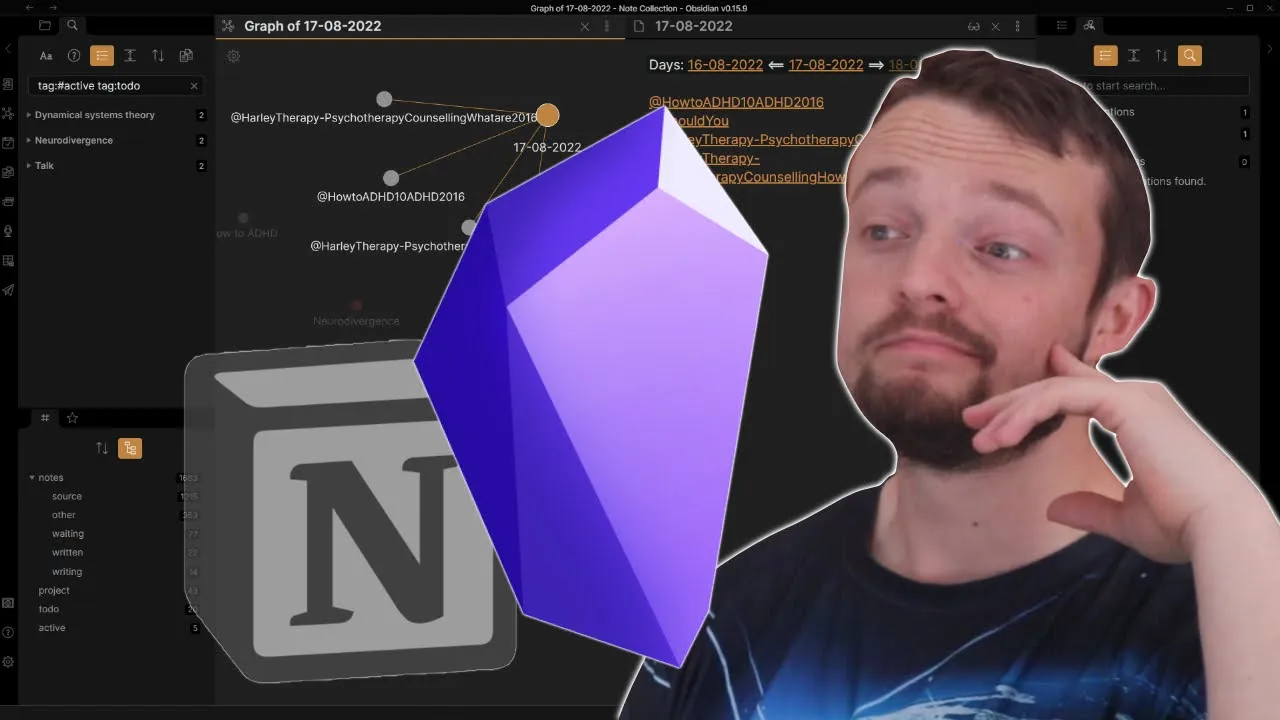
learning understanding following my curiosity and researching questions that come out of absolutely anywhere is what I enjoy doing the most fleshing all of that out exploring interesting ideas but expressing ideas requires a writing tool a video often starts with a bullet point and expands from there I started with simple notes apps and Microsoft Word moving to notion for the majority of my higher education but when I was given the freedom to research more it felt like my curiosity was buffering all of the time waiting for something to load trying to find the location of something going through a manual process to bring ideas together or organizing databases when Rome was the next app on the Block I couldn't see the point in the graph View and the links made no sense to me the code looking interface to be honest scared me away I was happier fiddling with my databases with relations and Roll-Ups in notion then I tried obsidian and I was immediately confused it was fast easy to find things and did everything I wanted and needed but I didn't want to switch I was happy with motion until I wasn't both apps are free obsidian does require payment or a cloud-based workaround for syncing across devices but you don't have control of your data with notion and the cloud-based app does mean the speed is reduced making obsidian faster considerably faster when the services of notion are struggling or just down which brings me to a sense of reliability as much as Microsoft Word is a pain to work in I know my work is safe if I remember to push control s like all the time with notion it saves automatically that I had multiple experiences where things disappear move and go all over the place sometimes but out of nowhere there was never an issue they came back but when there was a delay or a funny moment it did stop my workflow obsidian has the same automatic saving without the glitches once I had experienced the speed fluency and ease of navigating an obsidian there was no going back at the beginning the difference was small and not noticeable but now it's like driving behind someone shouting at them to speed up even though they are doing 38 in a 40. like the difference objectively is really small but subjectively so different now the look of notion is something people myself included love to bring up it is pretty aesthetic minimalistic but I wanted brighter colors and to change some of the things just slightly move things around a bit you can do bits in notion but obsidian makes it far easier Community themes are one option but adding Community plugins with a theme basically means you can change almost every aesthetic part of the tool yes that can be overwhelming for some but sometimes it is the small changes that make the biggest difference I personally only change the colors from the main theme increase the size of the page preview windows so I can see more and add a background highlight to the block I'm working in so I can keep track of where the cursor is my theme download is in the free starter pack LinkedIn description but this brings me to the interface notion like most notes apps give you a page to work on with some giving a sidebar a recent update to notion but obsidian I think was the first or at least first to my knowledge Notes app that allows for multiple Pages vertical horizontal pop-out windows for working in and they are working on adding tabs as well so literally every sort of workspace you may want is available or will be soon the page preview being another great feature to help with viewing information which notion seems to have adopted not quite as nicely in my opinion which I would say is similar to the backlinks and linking in general yes obsidian has faster linking and Link searching but I've already spoken about the speed differences obsidian also allows you to link a heading or section of a note or just a block notion has synced blocks but it isn't the same which I will admit I didn't see the point at first you can look through all my notes from Link in the description but the script for a recent video uses block references to a note and instead of having to find a block each time remembering where those sections are or changing the wording for the script I can just link to the block and open it up when I think I need to reference it the also keeps the original block intact for future reference again I can see this at the same time because of the multiple pages I can have open or use page preview inside of obsidian to my knowledge you can't search for sync blocks or just blocks in general in notion I imagine that will be a feature soon if it isn't already that I can search for Concepts in the script I don't need to go looking anywhere else the general linking between pages is also much easier to look through firstly because the list is where I want it to be not at the bottom not at the top but where I want to put it it is also searchable and allows me to expand for specific context which is very useful if I reference the same page more than once and I can change the name of the backlink to whatever I want in the page or use an alias folder page so it makes search linking and context shifting way easier the unlinked references are a nice feature in obsidian but like the global graph view I don't use it however I do use the local graph view because it tells me what papers I have done a review video on tells me what linked ideas still need to be distilled and makes linking sources to Concepts far easier on a day-to-day basis aesthetically to me it is also nicer than a sorted list of relations in a database I was never a big tag fan in notion Evernote or any app I used before obsidian probably because I had little experience using tags but what got me using them was a simple status tag I can search for them easily what page or block they are located in and even put the saved search in my home workspace meaning I am a couple of key presses away from my to-do list tag search or any advanced search I frequently use a caveat here I do my task management in Morgan not obsidian which I explain in more detail in my course Link in description which moves me nicely onto hotkeys I learned the hotkeys and Notions quickly but I still spent most of my time moving the mouse around the screen pushing on links changing tabs closing things down and most importantly performing actions there are shortcuts in notion but in obsidian I can make them what I want and literally every action has a hotkey open up my home workspace hotkey daily note hockey search an open page hotkey move delete edit blocks hot key import PDF notes from zotero hotkey the only times I use my mouse is to use the outline plugin which will be hot keyboard soon scrolling up and down Pages sometimes spelling Corrections and middle clicking to open up a page as mentioned in a previous video zotero is my go-to capture tool for everything from videos podcast blogs and academic papers and in obsidian I can get all of those highlights links back to the highlights and metadata information all at the push of a hotkey notion doesn't have a PDF reader so clipping is not that useful for me and exporting the note into notion from zotero just adds friction I don't want copy and paste is one thing but when I want things formatted specifically I want the customization the use of pandok for automatic citation Styles is another bonus of using obsidian but that is only useful for those writing academic manuscripts collaboration is a good countable point but for notes collaborative sync volts work wonders I do a podcast about PKM science with John and we collaborate in an obsidian Vault we both add ideas and it works great the only limitation is live editing in the same page but as a lone researcher that doesn't affect me and it hasn't impacted John and I at all in the podcast so far now when discussing the development team firstly notion is a much larger tool with way more developers and team in general I don't know what the number is at right now but it is far more than the obsidian Trio yes just three developers they talk in the community help with bugs errors and issues take in all the ideas from the community to move things forwards and push out updates so fast my video about obsidian beginners was version 0. 1212 yes technically still a Beta app and we are now at 0.
15. 9 still technically a bait wrap that is 79 updates compared to Notions 10.