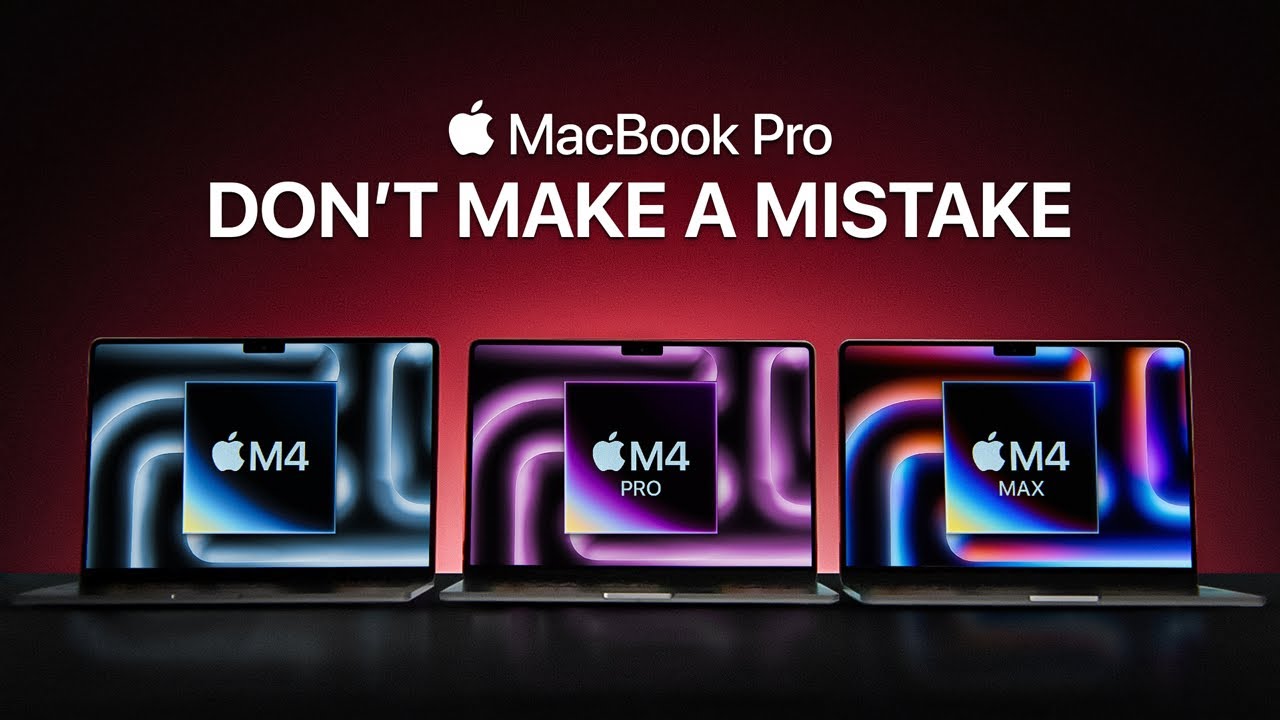
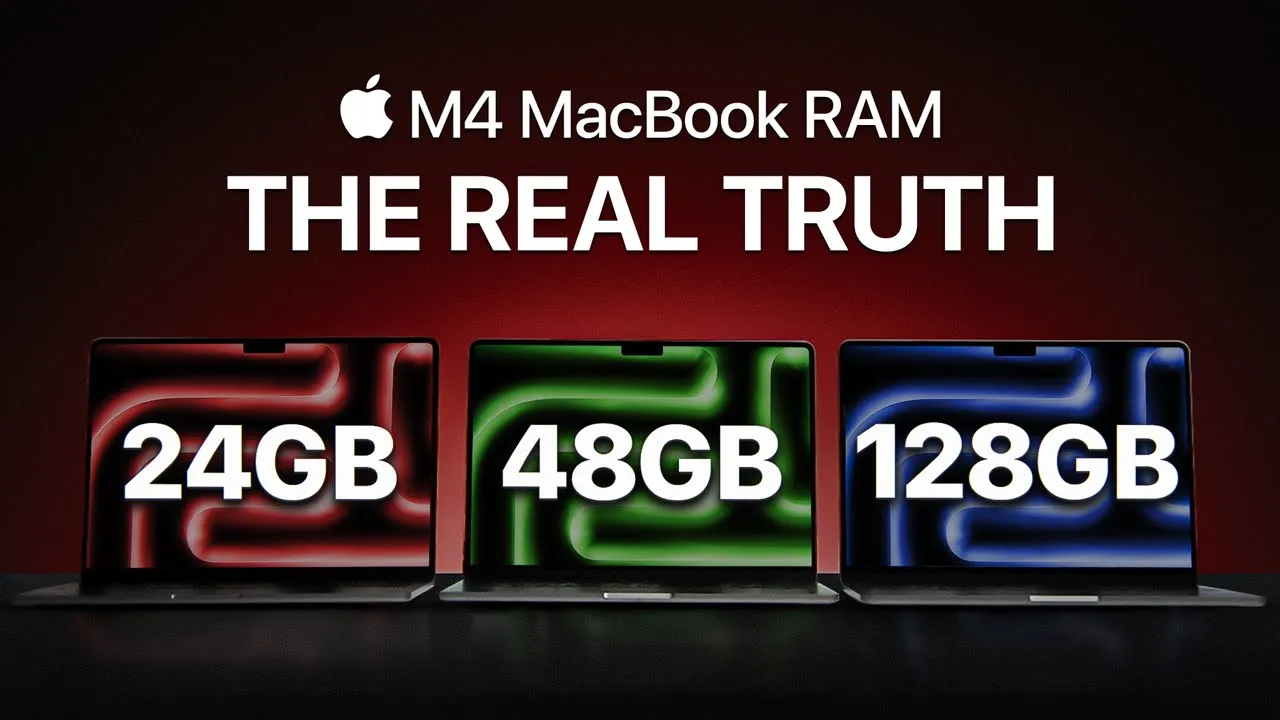
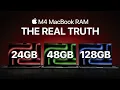
so Apple finally ditched 8 GB as the base RAM on new Max but they didn't make it any easier for us to pick a memory size you might think great 16 gigs in your Baseline so I'm all set well not so fast there is still that big question should you stick with 16 gigs or pay for an upgrade let's break it down so you can make the best call to figure this out we need to understand two things how Max Ram works and what swap is Ram or random access memory is basically your max short-term
memory but Max Ram isn't the same as RAM on say Windows computer back in 2020 Apple shift to Apple silicon introduce something called unified memory this means one high-speed memory module handles both RAM and GPU memory so instead of separate memory poles for the system and Graphics your Mac uses one big memory pole and splits it dynamically based on what you're doing if you're running a complex app it will pull memory from system files app data and even project data in real time same with Graphics if you need GPU power it divides up a chunk
for that now when your Mac's good enough memory to handle everything you're golden but as soon as you start pushing those limits things get spicy and apple keeps this seamless with something called swap what's swap it's kind of the secret sauce behind how modern Max handle memory limits without freezing up if you're maxing out Ram your Max starts using the build in SSD as a backup memory pole offload in files the system isn't currently using sounds great right it is but SDS aren't exactly made to handle endless data swapping swap use a lot of write
and read Cycles on your SSD and over time this can actually wear out the drive so as apps keep growing and apple keeps expanding what the system can do you have to ask yourself are you okay with the potential wear and tear from SWAP so where are we now the lowest unified memory option apple offers is now 16 gigs which is a big upgrade from the 8 gigs they used to push you can still find a refurbished Mac with 8 gigs of RAM like an M2 MacBook Air for around 750 and look I get it
this sounds like a steal but I'll say this don't do it 8 gigs is fine if you're just web browsing or answering emails but for anything more demanding you're just setting yourself up for frustration and while Apple swears by its optimization keep in mind that it's Apple intelligence is only going to get more advanced over time packing in features that will demand more memory and by the way I'm currently thinking of making a video about M chips and how they work but research for that takes time we've all been there Google's colar feels like a
maze Pub met is clunky and don't even get me started and playing all Google sure it's fast but I often end up siting through sketchy blog posts or outdated papers so to make my research easier I settled on consensus the sponsor of today's video it's like a search engine but way smarter it pulls from peer-reviewed sources and actually gives you meaningful insights instead of just dumping results on you The Usual Suspects like Google and Chad gbt are fine if you're looking for broad info but they're not built for academic stuff and then there's Google Scholar
and PubMed which are great for depth but terrible for Speed and usability consensus takes the best parts of all of them and puts it into one package the pro analysis feature offers concise highquality ins sites from multiple papers which is invaluable when diving into a new research topic one of my favorite features is the ask paper toll you can basically talk to a research paper ask it for details clarify methodologies whatever it's like having a research assistant that doesn't charge hourly and if needed there's always consensus meter which visually shows the overall direction of agreement
or disagreement in the research field for specific queries this is something I've never seen in any other toll and is incredibly useful for decision making or argumentation and if you have no idea what to search for consensus gives away a bunch of free digests full of interesting information when I first used consensus I was honestly Blown Away was skeptical at first I mean how much better could it really be but after my first query it was clear this wasn't just another search engine it's fast it's accurate and most importantly actually helpful I got what I
needed in minutes instead of hours it's my honest recommendation from one researcher to another the link is in the description go check it out so yeah 16 GB hands down the weed spot right now I said it last year and here I'm saying it again for most people this is where you want to be hey that's not forever I've been working with 16 or 18 gigs for years now and honestly it's hella well my workflow can be pretty demanding file management video research testing out different AI tools writing scripts the usual grind and then is
the video editing thumbnails all the fun stuff with all that 16 GB still gets me by but I'll admit I'm pushing it my memory usage almost always up in the 90 95% range even with just a few browser tabs open and yeah even then the Mac still dipping into swap I think it does that as kind of backup plan just in case here's the thing about the current MAC lineup though they are really well balanced for most people those 16 gigs are going to be enough and they occasional swap action won't bother them so unless
you're working with huge files or multitasking like crazy most people won't need to throw down $200 for the jump to 24 GB even on the MacBook Air and Bas Mac Mini which still come with that 256 gig SSD don't stress on the Mac Mini they're using two Nan chips instead of one and on the air with 16 gigs of memory SSD speed isn't really an issue at all this brings us to talking about 24 gigs that's thead of default memory on the new M4 Pro MacBooks and it's the first upgrade option for other Macs I've
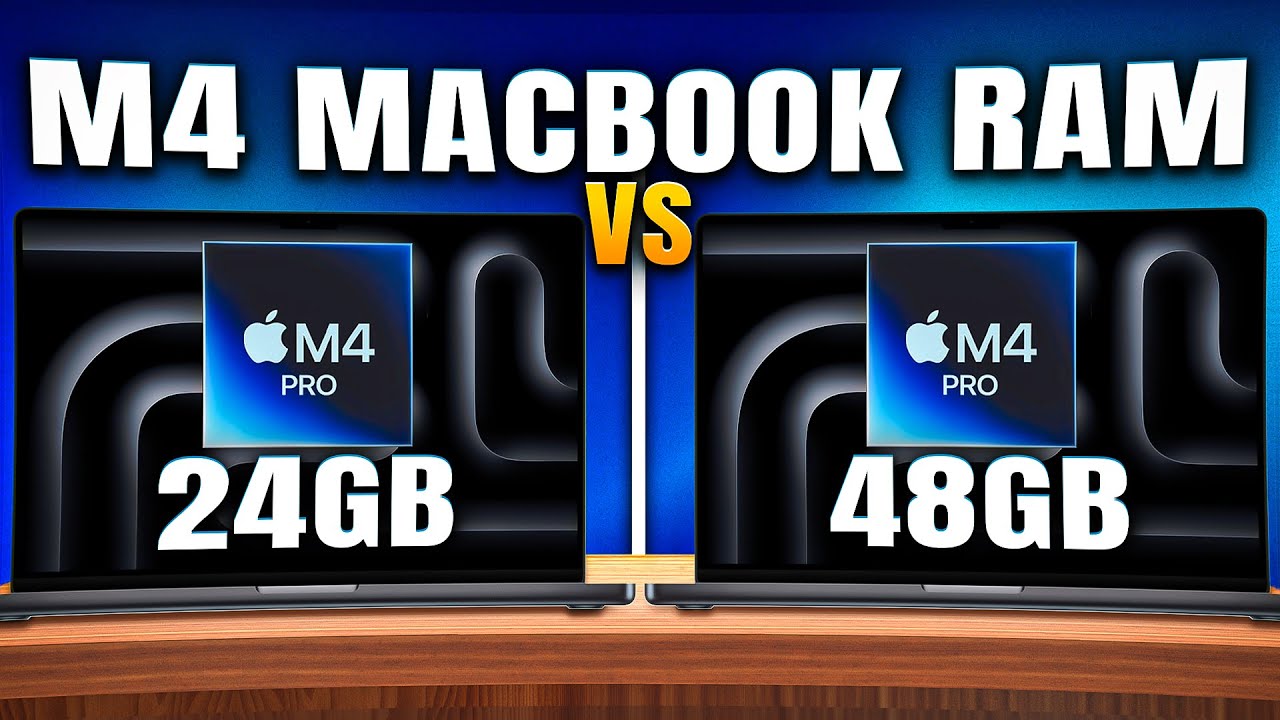
been testing out the M4 Pro 14in MacBook with 24 gigs of memory and I got to say the difference is noticeable it's just snappier all around when I'm multitasking between heavy apps keeping a ton of tabs open or running background apps and the best part swap is pretty much non-existent it's like the Mac doesn't even think about touching the SSD as extra memory so now would I recommend dropping the hash for 24 gigs on something like MacBook Air honestly no way if you're picking a MacBook Air just go with a 16 GB it's going to
cover you just fine for what you're likely doing in air the same goes for the 1600 M4 MacBook Pro the M4 Mac Mini and the M4 iMac but if you're planning to take on more demanding work or want some room to grow your skills M4 Pro MacBook Pro with 24 gigs as the default is really where you want to be this is The Sweet Spot think of 24 gigs today as the new six in gigs from 3 years ago it's plenty for most tasks with room to handle more complex workflows as apps get heavier with
24 GB you're set for a good couple of years everything's going to run smoothly render time stay low and games won't hit any memory bottlenecks now if you're diving into Super advanced stuff like merging massive Panorama shots editing highr video 4K 60 FPS or even 8K or work working on huge projects in xcode then you might want to consider more memory but if you want to go up to 32 gigs on the M4 MacBook Pro it's a $400 upgrade bringing the price up to $22,000 at that point you're honestly better off going for the bass
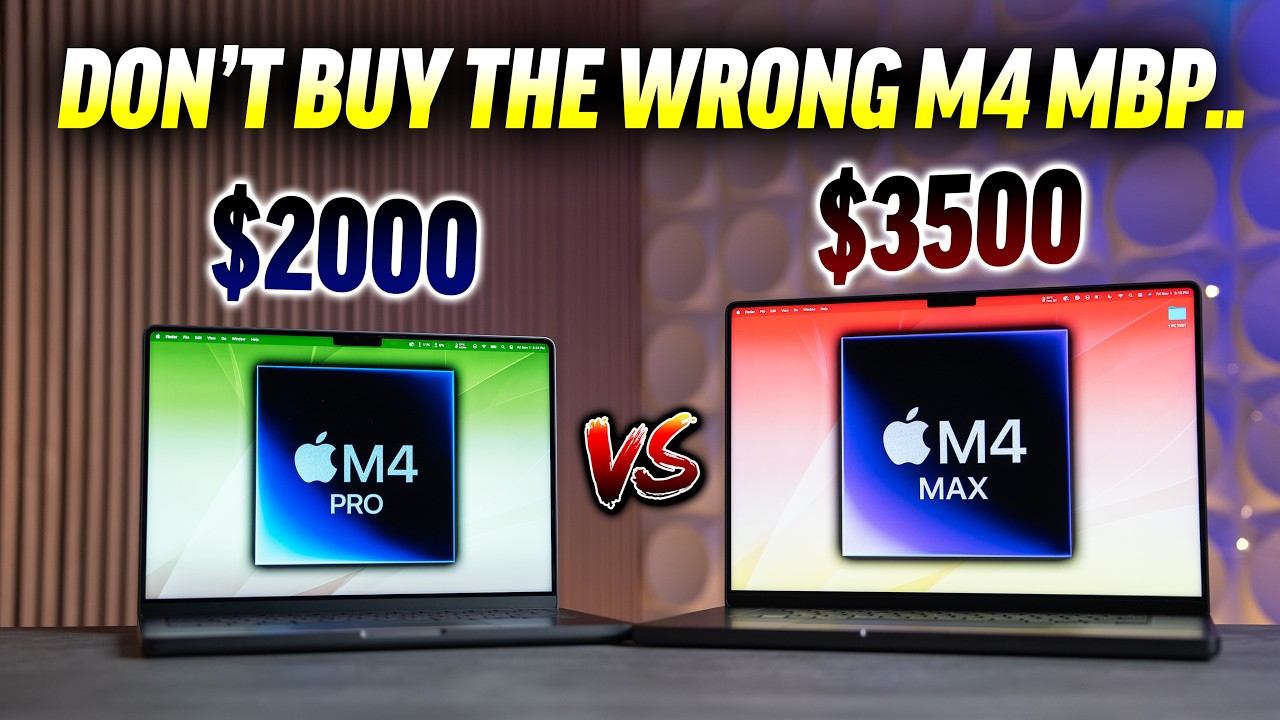
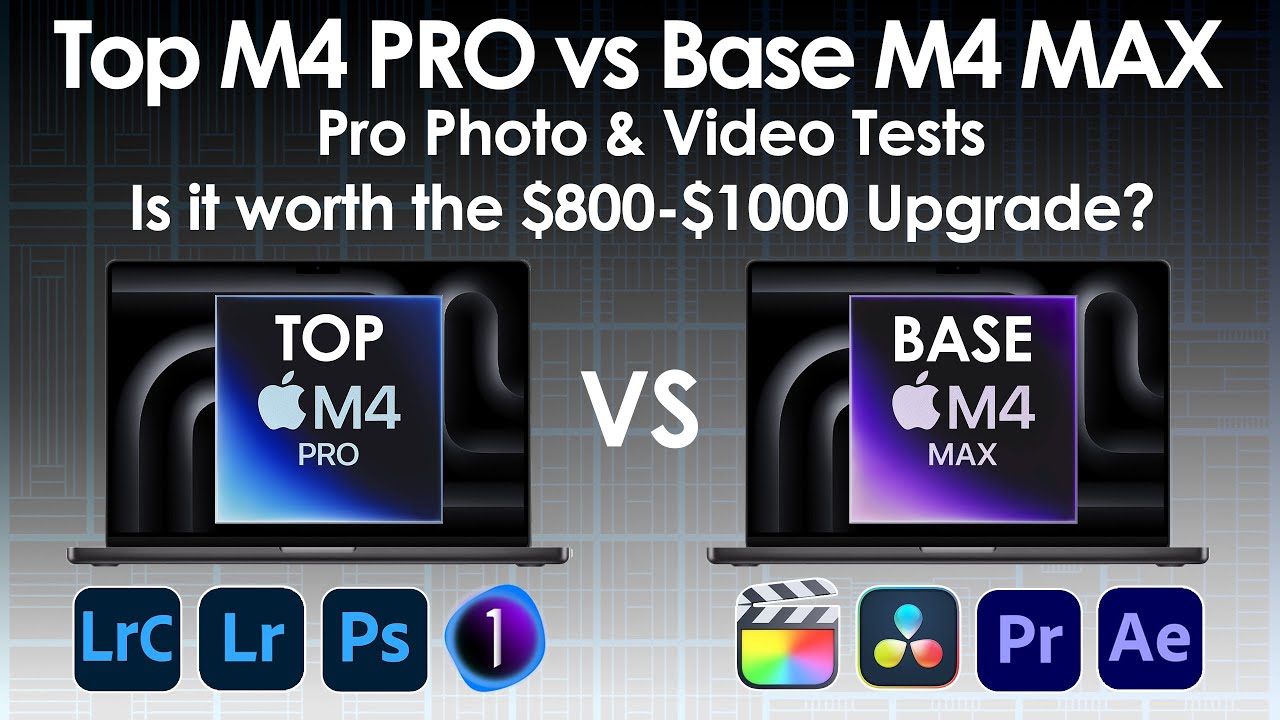
M4 pro 14in model all right so here's my take I'm all for sticking with default memory sizes especially when Apple up them to 24 gigs on the M4 Pro and 36 gigs on the M4 Max for most people this will be the sweet spot for 2025 but if you're eyeing 36 GB you're going to have to step up to the M4 Max which is an $800 jump is it worth it just for the memory no don't do it now if you're going for 48 GB that's another level with that much memory you're set no matter
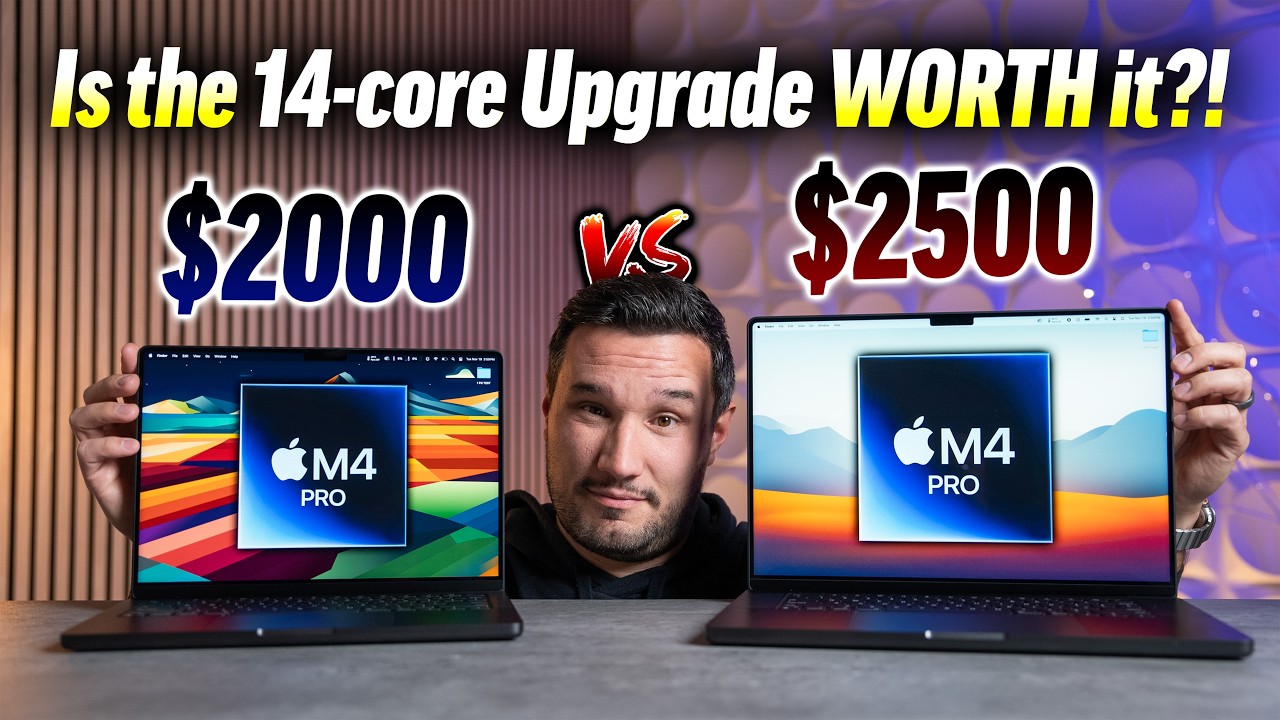
what you throw at your Mac whether you're the type to keep 500 browser tabs open or you are into hardcore game development this will handle it even at 32 or 36 gigs you are solid for complex 3D work fluid simulations physics simulations or gaming should you pay for the upgrade only if you know you need it it's a $400 add-on and it's going to make your MacBook pretty pricey for example 14in MacBook Pro with 48 gigs costs $2400 so for an extra 200 you could step up to a higher end M4 Pro $2,600 total and
at that point you're looking at an ultimate futureproof laptop that will do everything and last you for years the M4 Max with it default 36 G is somewhere in between 36 is great more than enough for just about everything but that upgrade to 64 pretty tempting now Apple of course keeps it confusing on the M4 Pro you max out at 48 gigs then if you are on the bend M4 Max you are limited to 36 gigs no great option to get 64 or more so is it worth it to go for 64 GB it really
depends the unbend M4 Max MacBook Pro kicks off at $33,700 and at least they give you 1 tab of storage for that price the upgrade to 64 gigs is another 200 which sounds almost reasonable at this level and let's be real 64 gigs is a serious amount of memory if you're a professional you know if you need that much but if you're on defense here's a tip if you're already at 36 or 48 gigs and find it limiting then yes jump to 64 that will give you all the head room you need for years to
come with 64 you will max out everything in games all settings will go up and for heavy tasks you won't even think about memory limits badge exporting 100 highres photos in Photoshop while rendering 8K video in the background done and you will barely feel it and that brings us to the last Ram tier in Apple's lineup 120 28 gigs yeah last year's Max was 96 gigs but now they got rid of it leaving only 128 which sounds great until you hear the price tag hold on to your head jumping from 48 gigs to 128 will
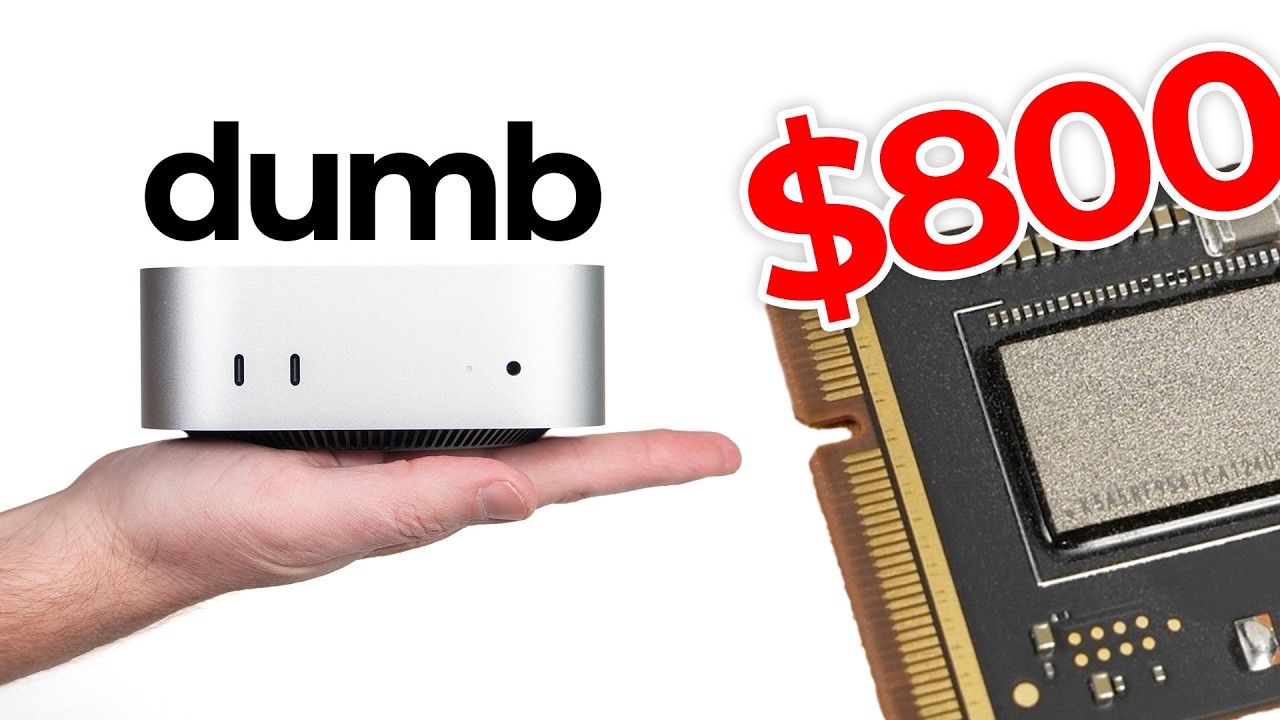
set you back $1,000 that's basically an entire MacBook Air and look let's be real 128 gigs is an Overkill by any standard anything and I mean anything you throw at it will barely make a dent swap you will never see it I'm honestly struggling to think of scenar iOS where You' max out 128 GS unless you're running Hollywood level VFX in a laptop or planning to train an AI model from scratch you don't need this much memory and honestly if you're considering spending that much on the MacBook maybe ha off for the M4 Ultra Max
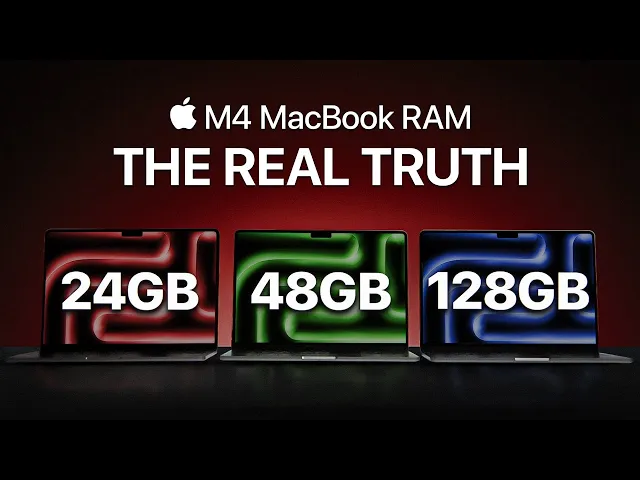
studio maybe at that point having 128 gigs of memory the M4 Max would actually be the bottleneck so it's just a weird Choice all around so where does that leave you here's my advice stick with the base can fix choose your Mac base on the chip nod the memory and just double check your real needs let's quickly sum it up 16 gigs it's the entry point and can handle everything basic with some heavy stuff now and then 24 gigs perfect for future proof in budget to last you a solid few years 36 gigs it's awkwardly
limited to Just One MA config skip it 48 gigs great balance for all types of heavy work without breaking the bank 64 gigs enough for anything but unless you know you need it skip it and 128 gigs let's face it it's just too much for anyone and now you know how much RAM to go for hope this helped and maybe even taught you a thing or two about Mac memory thanks for watching see you in the next video