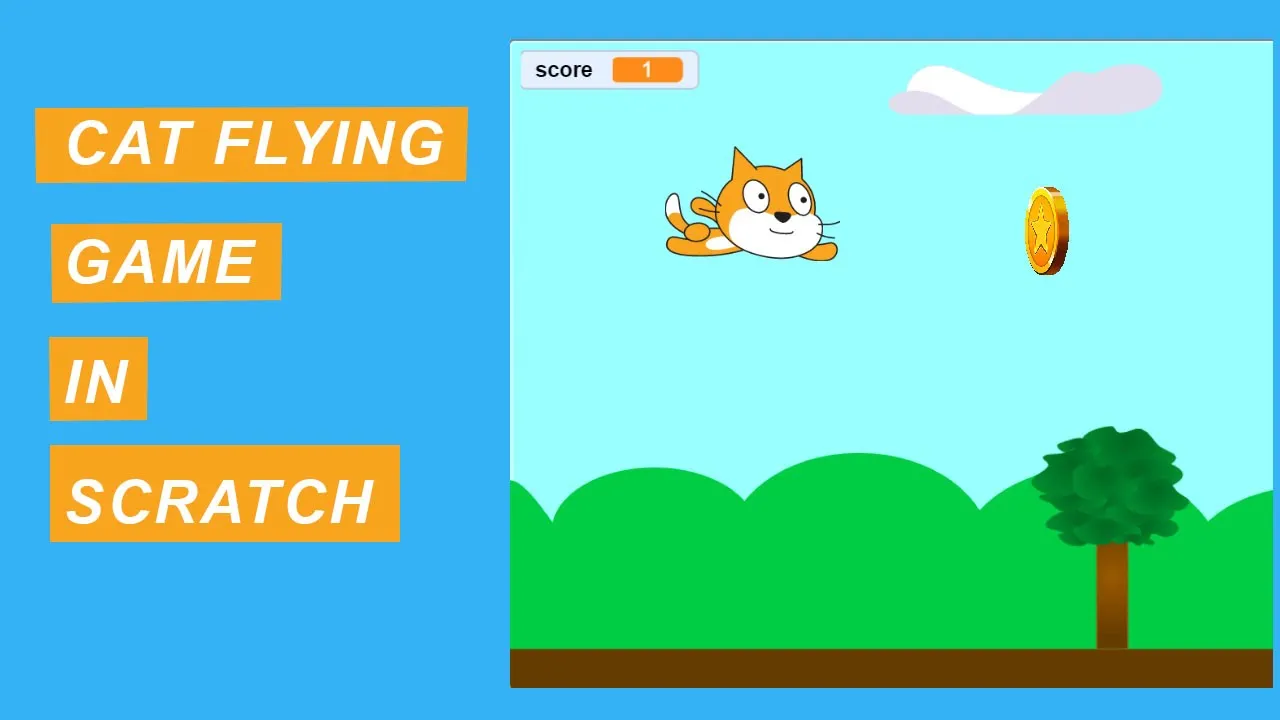
[Music] in this video you will learn how to make a kate flying project in scratch 3.0 so let's start it this is my code area this is all the available blocks this is my stage this is my sprite area and this is my backdrop area so let's start it i don't need this sprite so i'm removing it from here okay good now i next i'm adding a backdrop from choose a backdrop library scratch library so there is an option backdrop that is blue sky so click on it okay good so i have added a backdrop
now add a sprite from a choose a sprite from a scratch library here you can see all the uh sprites so here i have a sprite that is kate fly okay good so this is my uh sprite so let's reduce the size into the 90 percent okay good uh so this is my sprite let's check its costumes okay so here are two costumes for this sprite okay good uh let's start scoring for the sprite uh whenever i click on flake so whenever i click the up arrow uh button on my keyboard so it will move
into the up direction whenever i click on the down arrow button so it will move to the down position whenever i press my right arrow button on my keyboard it will move into the right direction so let's start it for this i am adding a code that is foreverly check whenever i f condition uh and if condition sensing whenever a key pressed that is up arrow pressed so change the costume into gate flying b so it will change the costume so costume are changed from the legs looks blocks so next costume uh so change the
costume kate flying a gate flying b sorry and it will move into the up uh direction for this i'm adding a block that is change y by five so let's try it that's good it's moving uh into the up direction smoothly so uh let's uh duplicate it for the down uh option duplicate it right click on this f block duplicate it and add this block below the if condition so for this whenever i pressed on down arrow change the [Music] the sprite to the gate flying a and change the y position by -5 so let's
do it okay good whenever i pressed up so it moving up in direction whenever i press down it moving into the down direction let's do it for the right and left buttons duplicate it whenever i press on right arrow so it will change the costume to the flying a and it will change x position now change x by 5 and same is the case with the left arrow whenever i press left arrow so it will change its position to change by minus five let's try it that's good now the cats is looking um in the
moving direction okay now we are adding a a tree sprite which will move from the right to left direction every time so for this i will add a sprite to the sprite here i will search our tree sprite you can search it here tree so here is the tree option okay good let's uh put it in here and reduce his size is to 60 okay good that's good now set its position whenever i click on flag it will go to this position so the position is x 195 y minus 1 0 9 so click on
motion block whenever i click flag so it will whenever i click flag it will go to this position now it will foreverly move from right to left direction so for this i will add uh kind click on control block click on forever block so it will move from right to left so it will change its x position into minus so go to motion and change x by minus 5 every time so click on flag that's very good now we we are here we will apply a check here whenever this tree uh uh comes into this
position uh so it will again come from the right position and will again come from the right to left direction every time for this we will add a check f and we will use an operator block that is less than for this i am adding and check that is x position minus 240 so whenever this uh tree comes into this position it will go again to this it will go again into go to x 240 and y minus 1 0 9 so let's try it that's great now it's moving into as you can see it
the tree is moving every time you can also uh so so i have added a tree now we are adding a clouds uh sprite which will move into the up position and move from the right to left position so for this i'm adding a sprite to the sprite you can search it here cloud here on the cloud option you can click on it so that's good you can set the position of cloud here so whenever i click on flag so it will go to this position go to this position go to x so whenever i
click on this this cloud go to will appear in its position okay now it will change from right to left position so for this i will use the same code which i have used here so for this i'm using a forever block and it will also change its position change x position by -5 so let's try it that's great as you can see it here okay same is the case for clouds when the clouds appear here uh goes to this position we will again it will comes into this position and it will goes to the
right to the left position every time so for this we will apply a check if condition and we will use an operator comparison operators minus 240 minus 240 whenever the x position less than minus 240 okay good so it will again go to go to 240 okay good that's great as you can see it here the clouds and the trees are moving in the randomly directions now you can of if you want to improve and more uh make it more interesting so we will add another sprite that is a coin whenever the sprite kit get
collect a coin it will uh make a play a sound and uh and the score will be added so for this chooses uh uploads a sprite i have a coin image coin you can okay the coin has been added let's reduce the size to the 20 okay good okay forever lee this coin will let's check its costumes here are four costumes of this coin whenever i click on flank it will foreverly change its costumes after a few milliseconds so add a weight block that is after every point two second it will change its costume every
time so that's good so we will also add a block that is it will also move into the direction from the right to left and we will also set a position for this coin and we will add a check that is uh height whenever we click on flank it will appear as height after two second it will show okay good now foreverly it will change its x position change x by -5 and we will also apply a if condition here whenever this coin comes into this position less than operator and you can get an x
position that is -240 so it will goes to the go to x to 40 and y y will be 75 okay and after yeah okay let's try it that's good that's print now we will add a check whenever this coin touches get flying so this coin will go to this position and the score will be added so for this i'm adding a block that is whenever flag click foreverly checked foreverly checked if if this coin touches cat if this coin touches flag if this coin touches cat so it will go to the its position and
the score will be added so how to add a score so for score we will click on this variable option and make a variable that is score here you will type score okay score is added whenever this cat touches this coin a score is added that is change score by one and whenever we click on flag so the game will be started and at initial stage the score will be zero set score to zero and we can also play a sound uh play a sound that is coin collecting sound so let's search it for it
click on sound tab okay good start sound coin few games that's good whenever i click on flag so it will goes to the next position and if you want to make him wait after getting every time so you can wait it here okay okay good so uh we will uh now you can also add a foreverly sound that is whenever we click on flagged a sound will be played at the background position sound less sound click on sound tab click on loop here all the available sounds click on this click on code area okay good
so let's play it [Music] as you can see it here the game is giving more interesting so i hope you like this video please subscribe our channel for more informative videos thank you so much