permissions Privileges and Scopes what's the difference does it matter how do these Concepts relate to access control and how does delegated authorization fit into the picture let's spend the next 12 minutes or so finding it [Music] access control is a complex thing it involves users resources and applications and you have to set it up properly to prevent bad surprises however setting up access control is not just a matter of writing code or configuring a system it includes or better it relies on understanding a few basic concepts things can get even more complicated when delegated authorization
comes into the picture such as when using oauth in this context three Core Concepts are usually misunderstood and Confused permissions Privileges and scopes let's try to go to the basics to better understand these Concepts and their relationship consider the scenario with the following actors we have a user The Entity that wants to perform an action on an object we have the resource and the object that the user wants to use we have an application the software that mediates the interaction between the user and the resource in this scenario access control is the selective restriction of
access to a resource it determines who can do what on a resource the relationship between the three actors described contributes to the complexity of Access Control as we'll see in a moment let's look at permissions first usually you have a clear understanding of what a permission is commonly you say that you have the permission to drive your car stuffers loaded in its trunk compartment or boot as as Brits call it inspected Hood clean it sell it and so on these common activities make you think that a permission is something related to you the user actually
in the computer security context a permission is something related to an object to a resource not to the user of that resource a permission is a declaration of an action that can be executed on a resource it describes intrinsic properties of resources which exist independently of the user in the scenarios depicted driving and filling the trunk are actions that you can do with your car they have permissions attached to your car think of it this way if there was no car the permissions would be useless the same happens with the action of accessing your computer
reading your emails and so on they are all permissions on those resources I know that looks weird and a bit pedantic even philosophical in some ways but it's fundamental to accurately Define this concept to understand the rest so if permissions are banned to the resource how can you express the ability to perform an action on that resource how can you express the fact that somebody is authorized to drive their car or do you need a privileges and simply put privileges are assigned permissions when you assign a permission to a user you're granting them the privilege
if you assign the user to permission to read a document you are granting them the privilege to read that document you see the subtle difference I know usually permissions and privileges are used interchangeably but technically they have precise and different meanings in the context of computer security so resources expose permissions users have privileges for Simplicity we'll talk about privileges assigned to users but keep in mind the Privileges can also be assigned to Applications consider for example an application running without user involvement that needs to access a resource now that we have an understanding of the
exact definitions of permissions and privileges we can easily talk about authorization scenarios I mean you can easily understand or imagine a scenario where an entity protects a resource and a user wants to exercise their privilege to use that resource The Entity that protects the resource is responsible for restricting access to it that is it is doing Access Control consider the following example the concierge of a hotel is the entity that supervises the hotel's rooms the resources from authorized access each room has the ability to accommodate one guest and that's a permission and the customer is
assigned one room so they have the privilege of being accommodated in that room when the customer goes for a walk and then comes back to the hotel the concierge checks to see if the customer has been assigned to the permission to be accommodated in that room by Consulting the booking list if everything fits the customer can come in and we're all happy imagine that one day while the customer is out a person shows up a concierge desk and that person says that they were requested by the customer to come into their room to get their
briefcase the concierge doesn't allow them to come in of course they need to do their own verifications to confirm what the person is asserting such as calling the customer on the phone for example however even after everything is clear the concierge needs to make sure that the person will only do what they came to the hotel to do to take the customer's briefcase nothing else the concierge will likely walk the person to the customer's room and make sure that nothing else is done other than what was agreed upon the first scenario looks quite straightforward it
reduces Access Control to comparing the customer booking data with the hotel's booking list the second scenario is a bit more complex it requires an additional checkup on what the person declares and control on what they're allowed to do these two scenarios may seem fictitious but they have an equivalent scenario in authorization systems the first scenario corresponds to the situation where a user attempts to access a protected resource for which they have privileges this is the typical and most known authorization scenario the second scenario represents the case in which a third-party application wants to access a
protected resource on behalf of a user this case is known as a delegated authorization scenario the delegated authorization scenario is the typical scenario introduced by the oauth 2 authorization framework this framework allows a third-party application to operate on a resource on behalf of a user in other words the application exercises the user's privilege to use a resource but how does that happen how can the application be delegated to access the user's resource here Scopes come into the scene Scopes enable a mechanism to Define what an application can do on behalf of the user recalling the
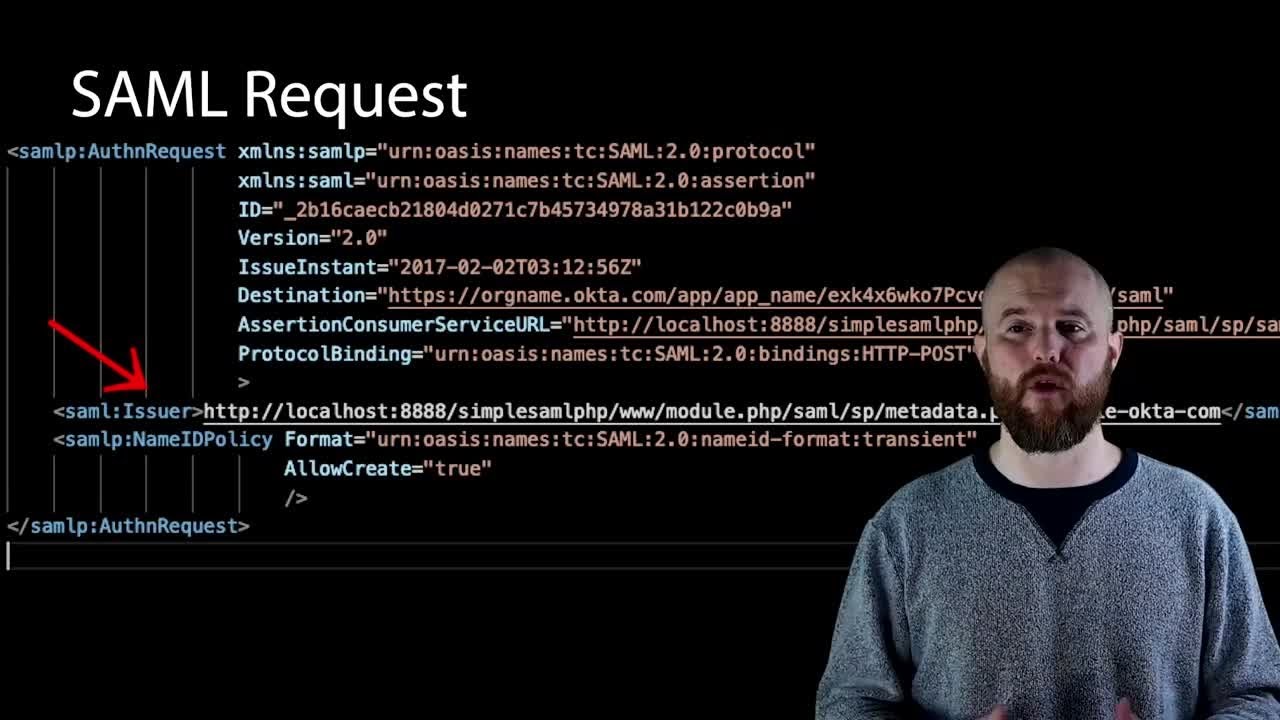
hotel example taking the customer's briefcase is the scope of the person who introduced themselves to the concierge the application requests these Scopes to the authorization server the server responsible for authorizing the third-party application in the delegated scenario Scopes were introduced in oauth 2.0 and are specific to that authorization framework practical terms Scopes are strings that represent what the application wants to do on behalf of the user take a look at this authorization request for example typically Scopes are permissions of a resource that the application wants to exercise on behalf of the user in other words
the application wants to exercise the user's privileges on a resource such as reading their emails actually it's not the authorization server that allows the application to exercise the user's privileges the final word on granting delegated access to the application is the user's own the user can approve or reject delegated access to their resource with specific Scopes by using a consent screen you've probably seen prompts similar to this yourself and why not experience it firsthand by signing up for an author account and securing an application yourself we have libraries for several Technologies I'll leave a link
in the description below to the sign up form and the library documentation so the graded Scopes allow the application to access only the user's resources say their user's emails just as the user cannot access other users emails the application cannot access other users emails either usually the Scopes granted to a third-party application are a subset of the permissions granted to the user keep in mind however that an application can request Scopes corresponding to privileges that the user doesn't have and the user can grant them this may look tricky but it covers situations where the user
doesn't have a given privilege in the moment they Grant the Scopes to the application but might have that privilege when the application exercises that scope the vice versa could happen the user could have a given privilege and Grant that delegated access full of corresponding scope but the user could lose the privilege before the application tries to exercise its scope at the end of the day what is relevant when the application exercises its Scopes is the possession of the corresponding privilege by the user at that time this means that the application can't do more than the
user can do once the user approves the application's request the authorization server communicates the granted Scopes to the application so that it can access the resource with a limited Grant privileges now we have a clearer picture of what permissions Privileges and Scopes are unfortunately this may not be enough in fact these items are strictly related and often this relationship gets confusing let's try to clarify the most common misunderstandings Scopes are just privileges right often developers think that Scopes are applications privileges after all the user granted their consent to use them however they usually miss a
little detail applications are authorized to exercise those privileges on behalf of the user if the user doesn't have a privilege the application cannot exercise it this means that on the resource side users privileges must be checked even in the presence of granted scopes remember that in a delegated authorization scenario the application may act on behalf of a user even when the user is not logged in if the user no longer has those privileges between the time of their consent and exercise by the application the application must be prevented from exercising its delegated access this should
clarify why Scopes should not be considered applications privileges these may look like philosophical issues but they have practical implications we have an article on the nature of Scopes which I'll also add into the description in case you want to learn more about this okay Scopes aren't privileges but you might assume that there's a natural mapping between permissions and scopes in other words if a resource has a permission A and B and the scope's X and Y respectively will exist to allow an application to exercise those permissions on the resource and vice versa while in most
cases permissions are exposed as Scopes this mapping is not strictly correct for a few reasons in a delegated scenario not all are permissions on a resource should be necessarily made available to be requested as scopes you could reserve some permissions for the user and decide that they are not delegatable for example you could decide that the permission to delete a document is never delegated to a third-party application so you might think that this supposed mapping is not between Scopes and permissions but between Scopes and privileges this way you can't map a scope to a permission
not assigned to the user actually this is not accurate either there are scopes that don't have a match among the resources permissions or the user's privileges consider the open ID scope for example defined by openid connect specifications this scope does not correspond to any permission on a specific user's resource it's a request for the authorization server to return an ID token as the result of the user's Authentication the same applies to other Scopes defined by openid connect such as profile email address and phone so you should avoid this unconscious mapping between Scopes and permissions at
the end of this journey we've learned the subtle differences between permissions Privileges and Scopes and their Mutual relationship understanding these Concepts and their thin borders will help you build more secure applications you want to see a neat illustration that summarizes what we've gone through in this video check out the accompanying blog post the link to that is in the description below too the written article covers the same content we've just gone through in this video so feel free to revisit the information there if you need a refresher that's all I have for you in this
video if you found it useful you know the drill hit that like button so YouTube will help other people find this information too and subscribe to keep up to date with all the upcoming content on the old Sarah Channel until next time happy coding [Music]



![The relationship between URLs, URIs, and URNs [The Confused Developer]](https://img.youtube.com/vi/iUzyy8CnPVY/maxresdefault.jpg)






![Encoding IS NOT Encryption! And neither is hashing. [The Confused Developer]](https://img.youtube.com/vi/PNbQ1Ix71Gc/maxresdefault.jpg)