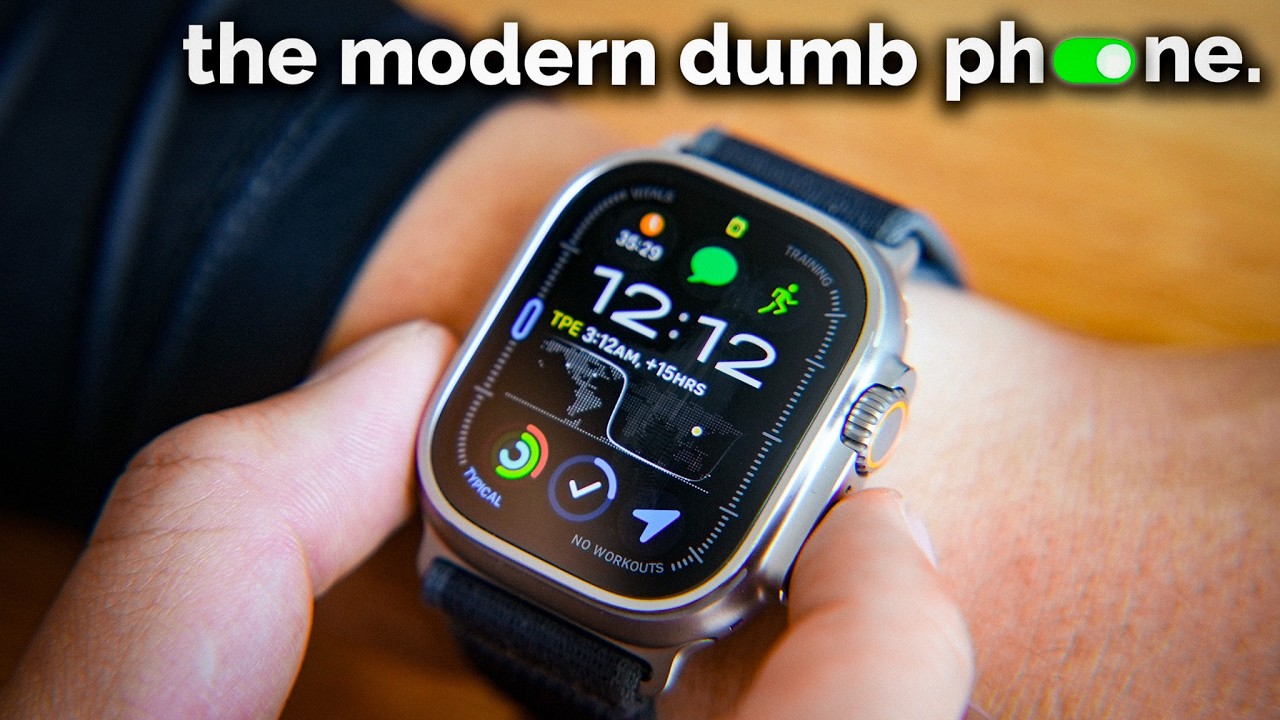
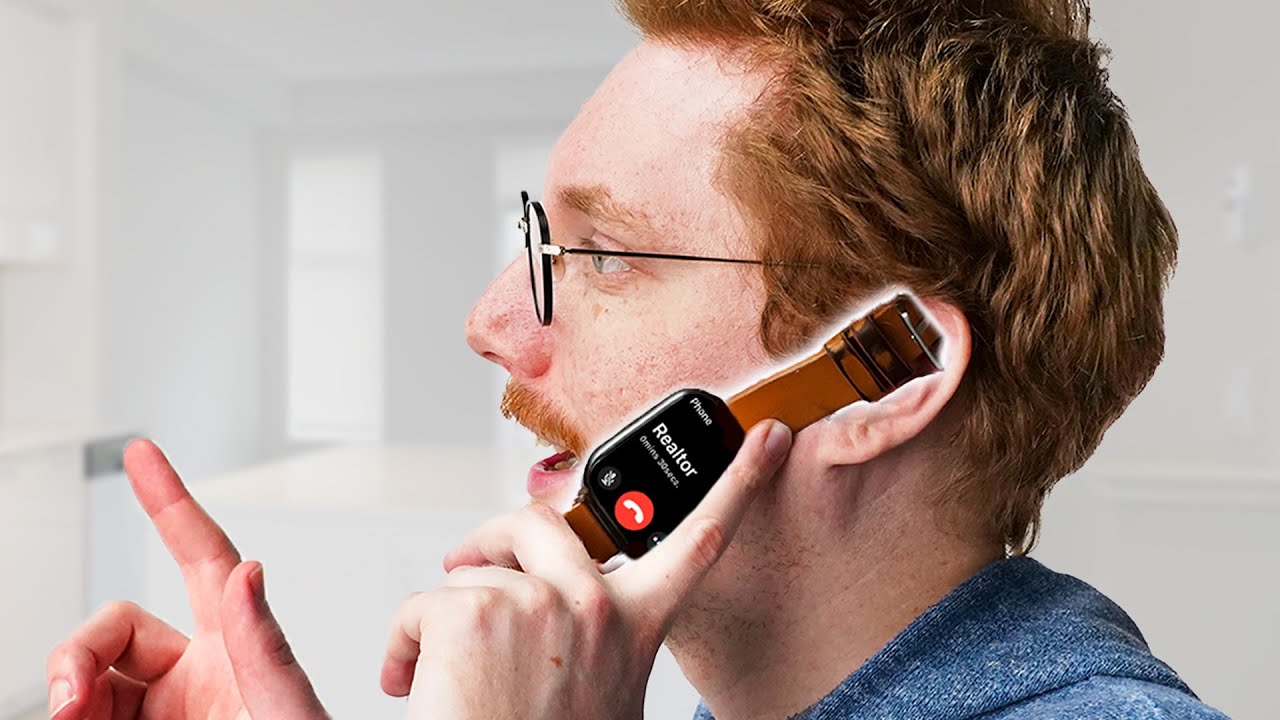
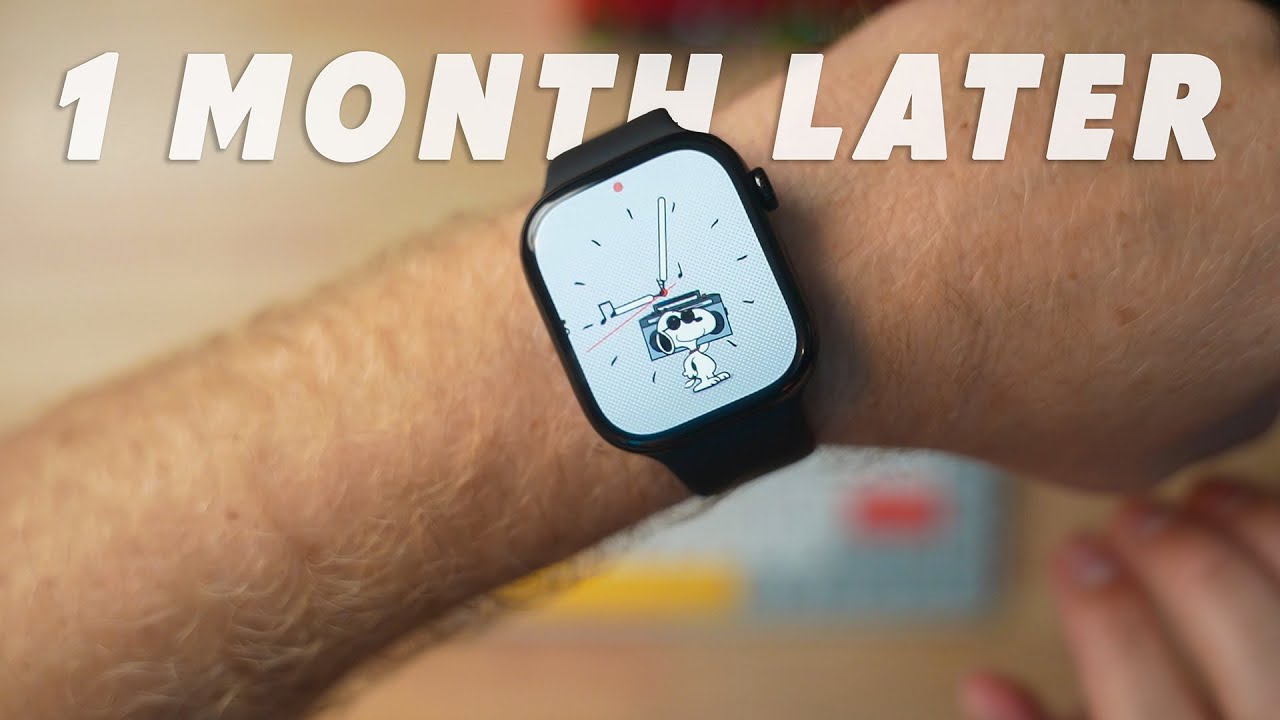
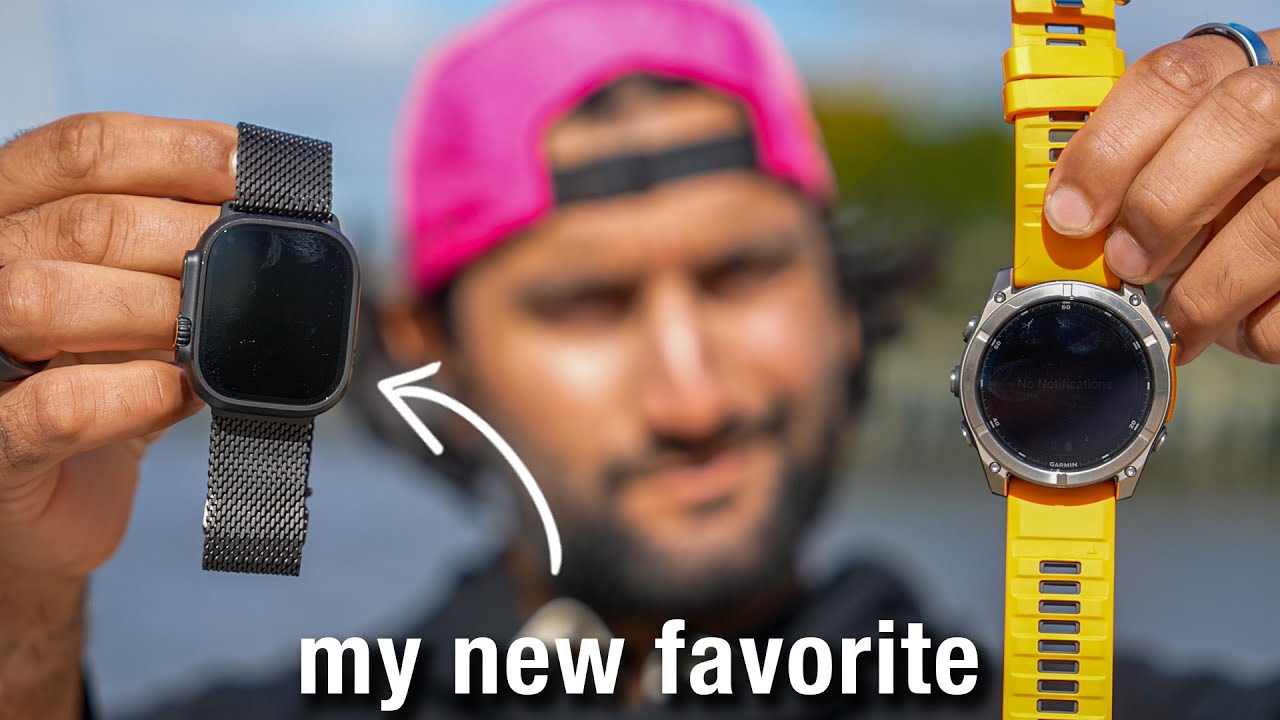
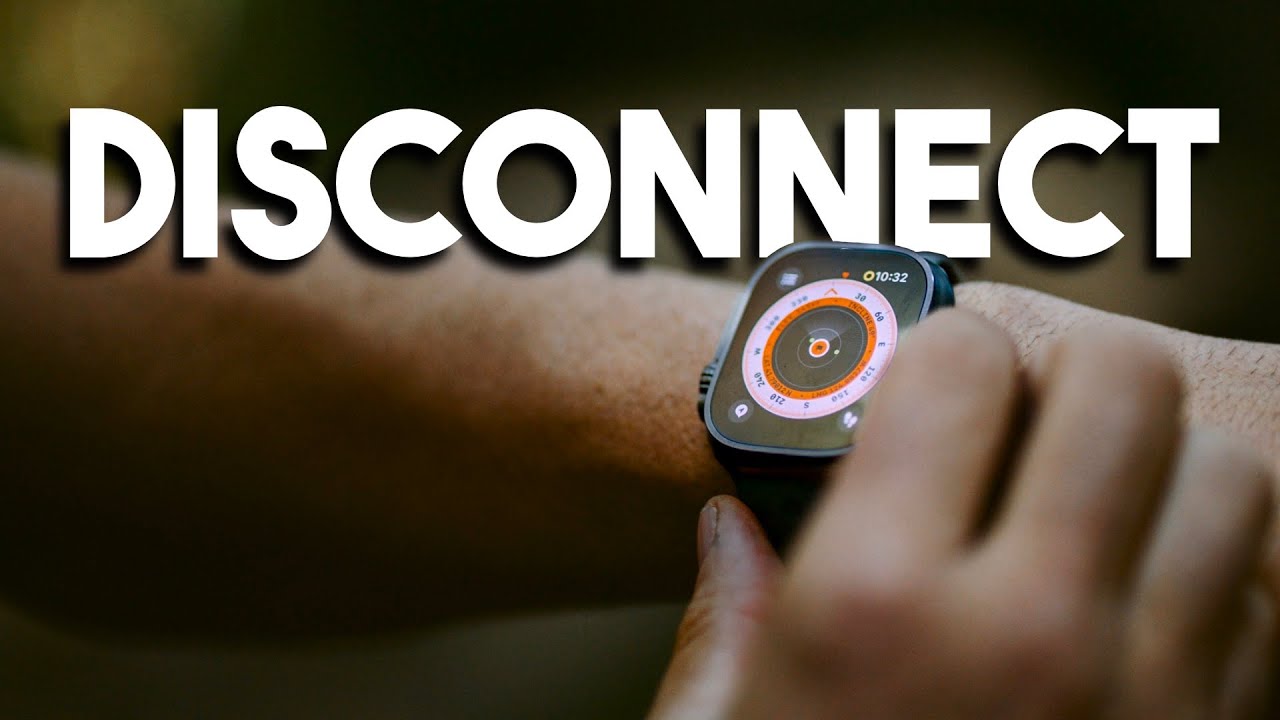
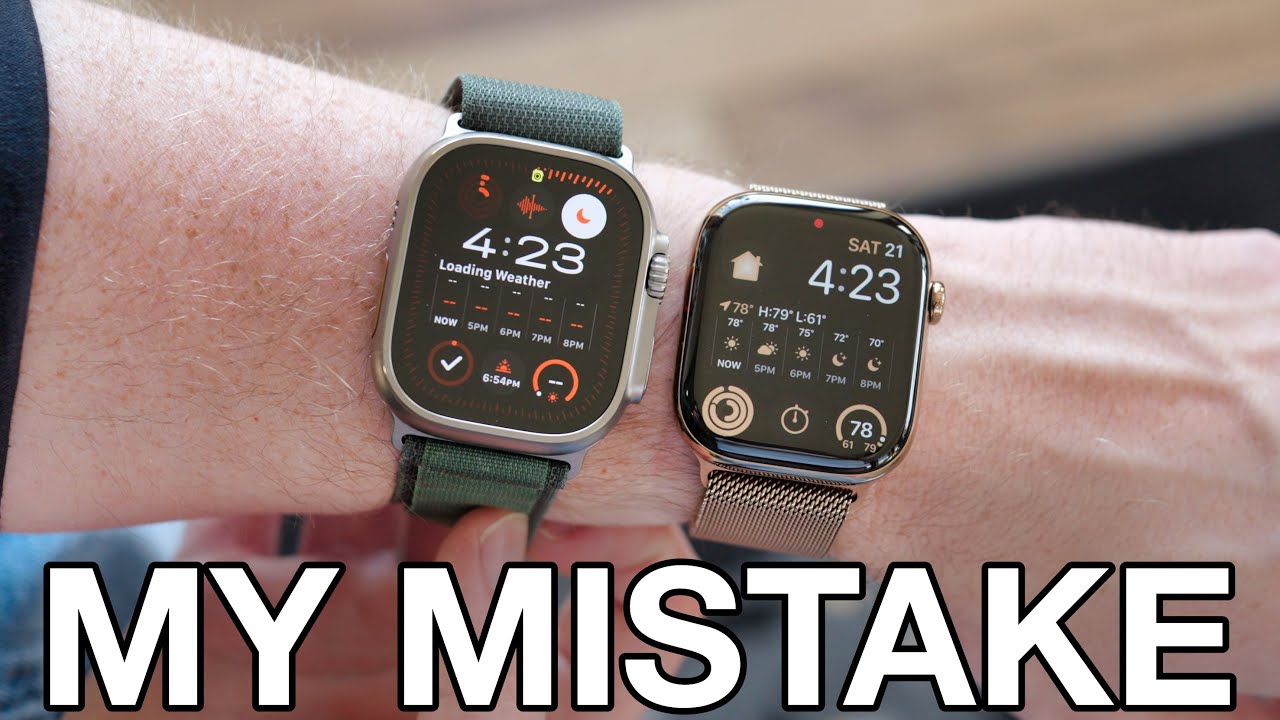
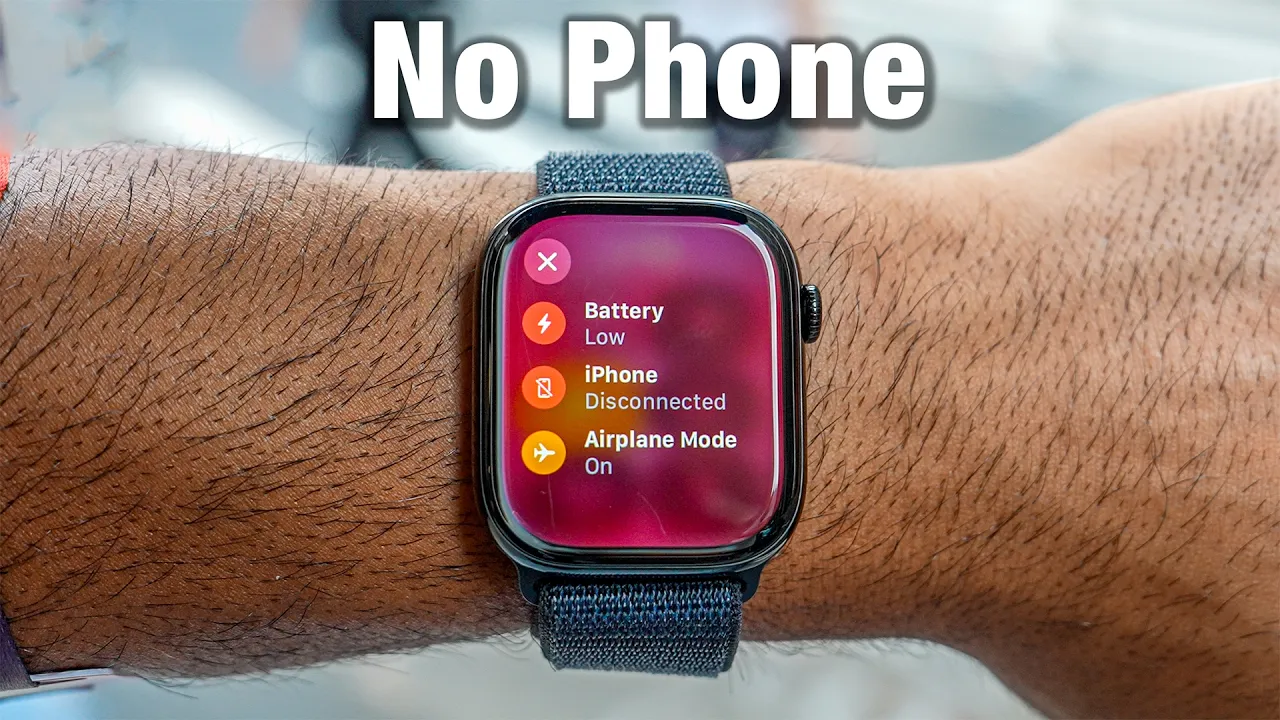
I've always wanted to be as productive as possible but my iPhone tends to get in the way I get distracted with social media notifications I struggle to stay focused at work and I struggle to be present with my friends when we're hanging out so I've always had the dream of replacing my iPhone with an Apple Watch to see if I can go about my day-to-day activities like buying stuff doing Transit working out and communicating all without having this distracting device with me and I've noticed a lot of people don't realize how many things you can
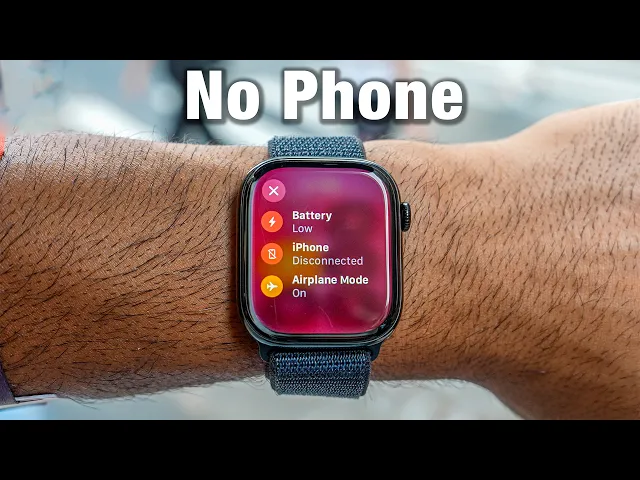
do with the Apple watch this is the new series 10 cuz I want to stay as productive as possible and stay as present as possible with my friends I have some actually visiting today we're going to put it to the test and see if I can survive with the Apple series 10 for 24 hours let's get into it this video is sponsored by Ketone IQ now one of the rules I'm actually going to turn off my iPhone so it doesn't connect and I can only use Wi-Fi with this you can still use Apple pay you
can track your runs your Cycles outside not having Internet connection you could activate cell to do iMessage but I feel like everywhere I go I have Wi-Fi and the next rule is can we see if the battery will out last as long as possible let's head inside and see my sleep status from last night now I got 6 and 1/2 hours of sleep last night it looks like my average has been decreasing to 6 and 1/2 hours I love seeing sleep duration Trends I think that's the most important one because if you're not sleeping enough
everything else doesn't matter I can see my sleep stages as well that's nice to have but I don't think it's important to make life decisions based on that and then there's a new vitals app in watch West 11 and everything from the series six and up can get this data and I can see my resting heart rate respiratory rate temperature as well as sleep duration and see if I'm outside of these typical ranges at all I think that information is valuable if you fall out of range to notice hey I'm sick or I drank or
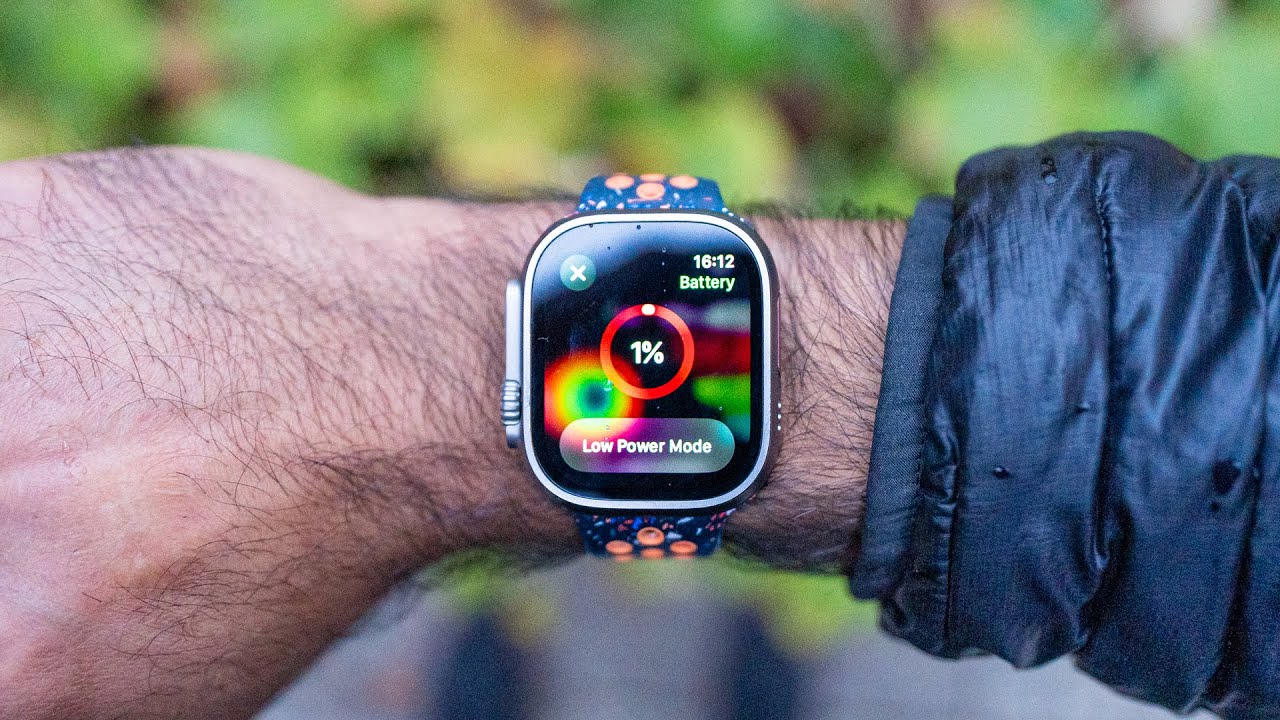
I was traveling just good information and data to keep me healthy and in check it is 155 I did wear this watch to sleep and I charged it where we're at approximately 53% which is halfway so let's see how much it reduces with this excessive use in the next few hours I love that the new Apple watch series 10 with fast charging can get you 8 hours of sleep tracking with just 8 minutes of charge wa who is that hello oh Amy you're here yeah you want to grab coffee I would love to where should
we go I found a place called Cafe floor and I really want to check it out all right let's use Apple Maps to navigate there so we're going to navigate to Cafe floor we're going to go ahead and search it's offline maps right now we're not connected airplane mode disconnected from my iPhone navigate to Cafe floor l f l o f l o r I can tell you right here iPhone disconnected airplane mode is on but we're still a able to use GPS and know our location get turn BYT navigations we're going to go to
Cafe floor we want Direction we don't want driving I actually if I wanted to I could get transit directions but we don't have internet connection so we're just going to go for walking directions right here 16 minutes. 7 miles we'll even be able to see the elevation we got the turn by turn we got the turn by turn directions here as well as the visual and if I had cellular I could have online Maps as well as I'd be able to call directly from the watch one big myth is that you need cellular or internet
connection to use the GPS so for navigations you don't need internet it still works it's tracking us live and these maps are just downloaded offline heading to Cafe floor there's a really cool new translate feature on the watch where let's say I'm traveling somewhere and I don't know how to speak the language I can use my Watch to say something in English and it'll translate that so Amy for example you speak Spanish pretty well so I can have her act like she's a Spanish speaker let's say we're going to Spain or Mexico wherever we want
to go she's going to say something into my watch and it's going to translate to me in English and then I vice versa and it plays it out loud so let's try it hey Amy English or Spanish Cafe Cafe I like to drink coffee and I want to go to Cafe Flor sounds good to me we can start walking there right now Amy AKA your favorite English teacher on YouTube was that translation accurate sounded good to me all right let's head to Cafe floor I just pulled up my phone to look at directions but I
think your watch has it yeah that's the whole part of the video iced chai latte and then can I get an iced oat milk latte please do Apple pay so Amy no iPhone no internet connection can you still use Apple pay of course yep we did that we just finished our coffee and I was able to stay present I had no phone no Internet we were still able to pay with my watch we were able to navigate and get here with my watch it was awesome but you know what I really want to ride bikes
in New York for this part we're going to cheat a little bit and I have to pull out my phone I'm going to pull up the city bike on the lift app it's going to say select City bike so I'm going to do that scan to unlock and actually I need to turn off airplane mode on my watch so I can reconnect to my phone you'll find out why soon I'm going to come here and scan the bike If I Had a Little Hardware piece I could do it without my phone but sadly I can't
but there's another feature that I really like I already put in the address of where I want to go what's nice about the Lift app I can say start navigation use Apple Maps and the value in having Apple Maps is it automatically syns to my watch and that's why I turned my watch off airplan mode I'm going I tap go it's getting biking directions not to my destination but to the actual place where I'm going to park the bike inside of the Lift app so that way I'm near the destination I don't have to pull
up the Lift app while biking and then I can start a workout I wish Apple Maps integrated with the workout app as well but we don't have that yet so we're going to use the Apple Maps to navigate from the watch and start a biking workout on the watch as well now I need to get my first workout in of the day since I can't run today we're are going to bike but I do need a little bit of energy and one of the ways that I stay energized is with keton IQ the sponsor of
this video it is a no sugar no caffeine clean shot of energy well they also launched keton AQ plus caffeine which is 5 G of ketones plus 100 migs of caffeine so if you want that dosage too but personally I love taking the classic Ketone shots instead of an afternoon coffee trying to limit my later in the day caffeine intake and this has been a great way to be energized and focused throughout the day to stay productive I also love to take these before my long run so that gives me a little bit of boost
of energy I'll typically take the Ketone IQ plus caffeine right before I start running on my long runs on Saturdays and then I might put another one in my pouch to run with and then just consumed throughout my run and as soon as I take it it gives me that boost of energy and it feels like all right I'm ready to go let's get this work done let's keep running and get those miles finished not only that I love that team Vima actually uses this they are a top Pro cycling if you've ever watched the
tour to France they won in 2022 2023 and their team uses Ketone IQs and knowing that these professional cyclists use it gives me even more confidence that this stuff actually works save 30% off your first subscription order and get a free sixpack of Ketone IQ by going to Ketone iq.com back/ service it'll also be linked in the description get yours today and thank you Kone IQ for sponsoring this video back to the bike ride because my watch is now connected to the phone again it automatically shows up on my watch I'm going to get turn
by turn navigations and buzzes as well stting outdoor bike I can also play music out loud on the speaker because I forgot my airpods so if I want to jam out that's a new feature on Watch series 10 and Ultra 2 and then once I want to see the map I just need to switch ABS to be able to see both at the same time but I can still pause my workout by pressing these two buttons but I'll have to switch back to un pause and then I need to switch back to maps which is
not ideal but that's kind of the work around that you have to do on this device everything better I can't pain me better now could I have done this with just the Apple watch yes but the seamless integration of lift with the city bike app to Apple Maps to the direct syncing to my Apple watch makes it that much easier so we did it that way we've arrived we'll end the workout here and this is where something called training load has been added to these watch and now it's going to ask me for how did
it feel easy to moderate to all out I'm going to put super easy on this right I was pretty short and now I have a number that's assigned to this workout effort was easy and if so then I can see my training L for the past few week where hey am I steady am I well above what how has the changed been over time my overtraining under trining so this is a very interesting value that I can use it uses my subjective data which is that score I gave you as well as objective data which
is from my workouts in terms of the duration of the workout and the heart rate from those workouts maybe oh he's do you have how do you ride this Subway with my iPhone all right show me I got to do Apple pay well how do you do that okay I just double click oh no oh no we have an issue she double clicks and apple pays all right we got to show her the real way of how it's done all right Amy so what you want to do is go to settings scroll all the way
down to wallet and Apple pay then go down to Express transit card and you want to make sure you select your Express transit card that way you don't even need to double click you just tap your iPhone and if your iPhone dies you can still pay for Express transit for a couple hours I think after the iPhone's dead turn your screen off okay off y now go ahead and tap it like it's a card boom ready to go and then when I have the watch I prefer the watch cuz I don't have to pull my
phone out of my pocket I can just walk up to the thing I got my watch boom done and then I can go right through fun fact you can actually let in I think up to four people for a specific ride with your Apple pay Express transit card and maybe you're like oh oh I want to buy a card so I can get the weekly pass well after I think 12 rides which is whatever the weekly rate is the rides become free so all you need to do is you making sure you're using the same
device and the same card so don't use your Apple watch and your iPhone to inter change them use one device and as long as you do that after 12 rides every ride will be free after that within the same week now we're going to get pizza and you know part of being social and having good relationships is eating food together and when you go to a restaurant sometimes you need to split the bill and in America not like Europe you can't eat EAS just put down everyone's card sometimes one person puts their card down and
then everyone else has to pay that one individual so we're going to go inside and get some pizza and see how this works o they all look good I think I'm going to get the the meat dream I'm probably getting the same exact thing Amy you paying for us thought we were splitting it oh I don't have any money with me of course then Apple pay all right Amy needs to know how much money we're going to pay her because she doesn't want to pay the entire Bill how much was it like $48 I think
and how much do we owe you I guess 24 we split with three people oh three people 48 divided by 30 what is that Siri pay Amy $32 so now the Apple pay cash is supported on the Apple watch so I can send her the money right away look at that it's sending $32 done and if I go to my messages I can actually see that I paid her right here it's sending via Apple cash and it should be in her messages right now did you get the money got it so that's not the only
way I can also pull up the messages app and just tap the plus sign go to Apple cash and then if I need to do a sense I can do that too but it's super easy to just Apple cach people now via your watch now the last last Apple cash use case is let's say I buy something off like Craigslist or Facebook Marketplace and I'm trying to pay someone but I don't want them to know who I am I want to pay them in like apple cache I don't want to use an app like venmo
where they need to know my phone number maybe my username there's a secure way where I can actually Apple cach someone without sending my personal information to them so let me show you that right now so what I need to do is I double tap activate my Apple wallet I'll go to my Apple cash and you just want to scroll down there's tap to Cache this works on the phone as well I can select my amount I can scroll right up to increase let's say I want to put a decimal obviously there it is continue
now I can scroll down here and say appear as and I can include my profile picture or not include my last name or not and then I have to include my first name so now I go back and now we're ready so I want to send this money to someone I'm going to double click to confirm that person is going to bring their phone up to me so Amy's going to bring her phone in I want to stay Anonymous cuz I'm buying something from her from Craigslist or Facebook Marketplace boom it's got a cool animation
sending a dollar it says she just now has to accept it she accepts the cash and done I sent $1 to Amy first name and no other information the location that we exchanged that dollar at thanks shin and I prefer to use this instead of like venmo just cuz I know Apple has my privacy in mind and I'd prefer to kind of do all my money transactions through Apple cash I don't even have the venmo app anymore Sherin you're really the only one who sends me Apple cash have you used any of it tried to
use it in Berlin one time and it got declined but I don't know why so I'm pretty sure Apple cash has zero transaction fees because I when I done my Apple watch travel videos and I forgot my card I'll use apple cash and it was pretty spoton with a conversion rate so you can still use your Apple cache in another country and it converts exactly to the Google conversion rate that I saw I'm going to give that a 87 call me Dave borty all right now we are outside of New York where it's very loud
there's music playing behind me and you can probably hear it through the microphone that's in my chest and I'm going to do a phone call the new Apple watch series 10 still only has one microphone but they're using the neural network to be able to cut out all the background noise I'm going to call Amy I do have to turn my phone back on to do this but if I was on Wi-Fi I could do FaceTime audio hey Amy how's the audio I'm calling for my watch I'm just outside can you hear all the background
noise there's like singing there's background noise and maybe if I rotate and face the music more a truck going on can you hear any of that audio that's coming from the background it's pretty loud here I can't hear anything I can just hear your beautiful voice it's going to be a bit louder are you serious really yeah I don't hear any music no truck I'm literally just talking with my watch up to my wrist I'm not using anything else and it just sounds like it sounds crisp and clear like my I'll talk to you soon
let's go get some I need to find so I'm going to iMessage [Music] you the new MKBHD Adam shoes that just got sent to me today and I want to get a cool photo of them and I want to direct the shot but I'm going to be in the shot so I can't really see the camera so what I'm going to do is open up camera app on my watch right here boom and now it's going to pop up the camera on my phone I'm going to zoom out one issue that I've had actually honestly
for a while now is it takes a lot of load sometimes see how the watch is blocked but my phone is actually showing the camera but if we give it a little bit of time then it connects I've had this issue I don't know it might be a software thing Bluetooth interference thing but there's a bit of a delay kind if I found out that if I unlock the phone first usually there's a higher success rate so now we can tap it we've got photo and video modes so if I want to take a photo
I can and I can use the digital Crown to change the lenses and the zoom that I'm using so that makes it super easy and now I can snap photos of myself and it'll be on my watch so I'm going to post a photo of those shoes on my Instagram @ Shen shares make sure to follow me there if you want to see these before it goes like on YouTube it's Been 4 hours since we left the house and the watch is now at 19% so clearly we're actually excessively using the watch this is not
normal usage where you might get a full 18 hours but I know once the watch dies I can get up to 80% from 0% in 30 minutes with fast charging so that's using the cable that comes with a series 7 watches and newer and then using at least a 5 wat power brake that's USBC all right now we're going to order an Uber cuz some people use this to Transit we're going to request a ride and it should show up as a live activity this also works for flights I know the United Airlines app it
will show my seats the time until I'm boarding and it's live updating oh here we go the watch is just updated says pick up in 1 minute so I put my watch down and then I bring it up there's a live activity I turn my phone off I can tap the Uber app open on iPhone 1 minute away boom it opens the Uber app for me live activities automatically pop up when they're active so if I put my watch away and pull it up the live activity is still there it's not going to go to
the classic watch face until the live activity is over live activities were already supported on iOS last year but now they're officially added to the Apple watch as well hi hello and here's the live activity of our current estimated arrival time that's the other live activity that pops up on the dynamic Island as well like I was saying before there's so many different things that you can do with your watch that people don't actually realize and we got to test them out and show them to you so let me know which ones you've tried which
ones you haven't the last thing I'm going to do is I'm going to go cold plun cuz there's a new water temperature sensor inside this watch we're going to see can I get the actual water temperature I think it's set to 39° F which is like 3° I would guess we're going to test that and it's going to be the last thing and the temperature is set at 38° F and now we're going to see if the depth app will automatically activat so we're going to dip into the cold plunge woo oh oh here we
go there we go 0t 1T 43 it's showing 43° it's 1T underwater 44 oh my God my hand is freezing there we go the depth app now works so we can check the temperature of the coal plunge since you enjoyed this video make sure to subscribe turn notifications I love the test tools and strategies for high performing individuals so I want to be productive and I want to have positive and good relationships with all my friends it looks like the Apple watch does help me disconnect and I can do so many activities with it I
love the Apple watch I've been using it a lot and it helps me disconnect from my name is sh Shar follow me on all the socials we'll see you in the next video peace thank you K IQ for sponsoring this video