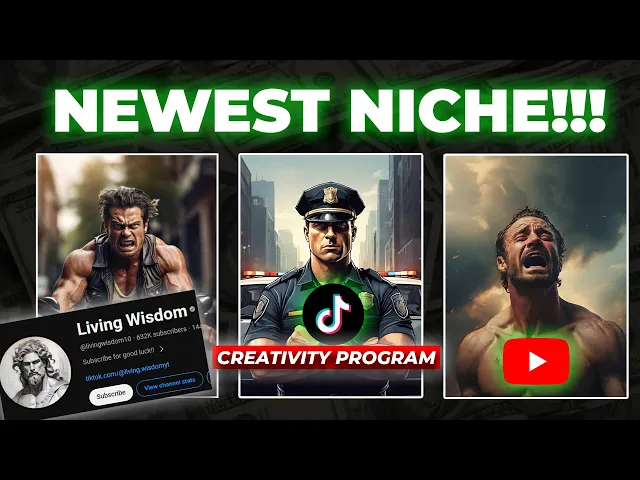
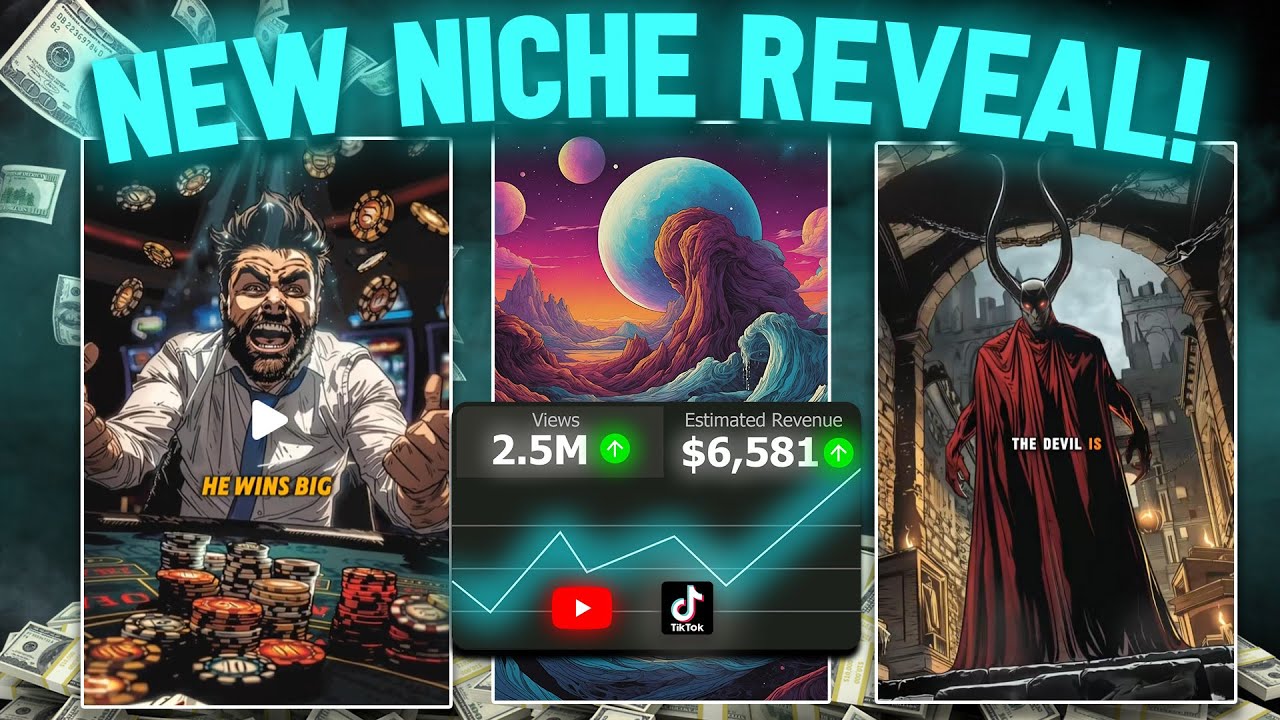
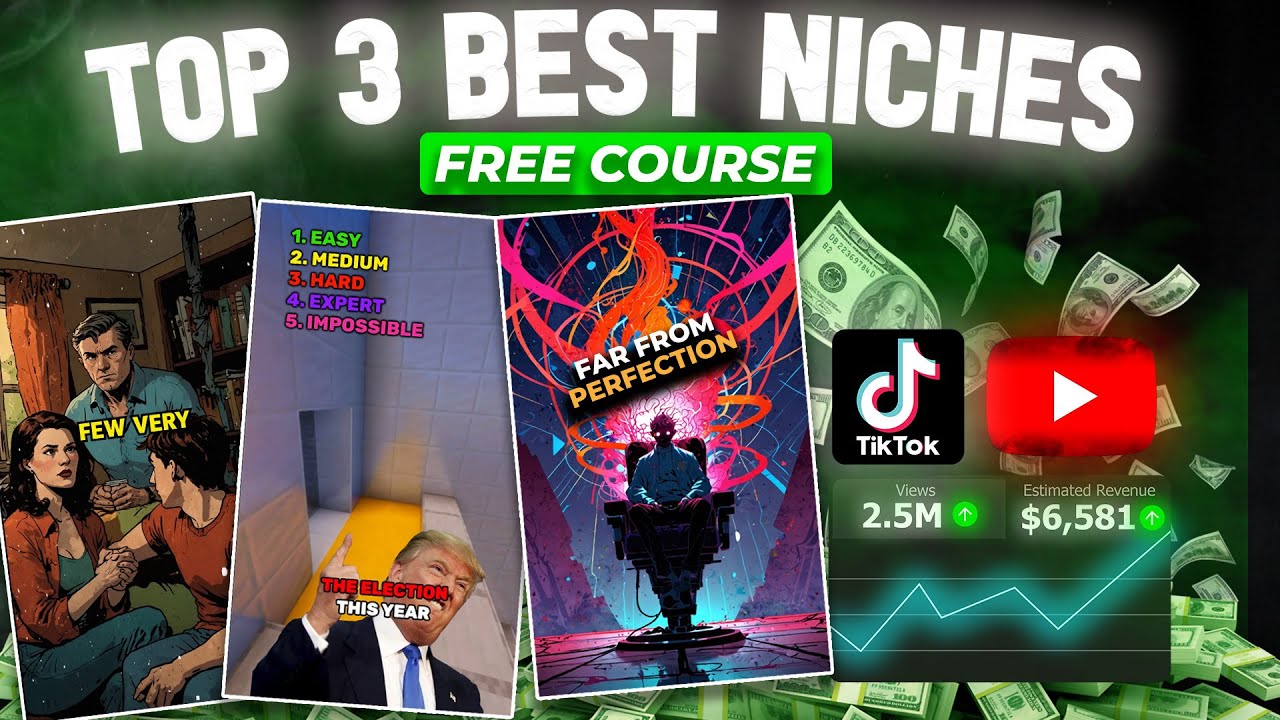
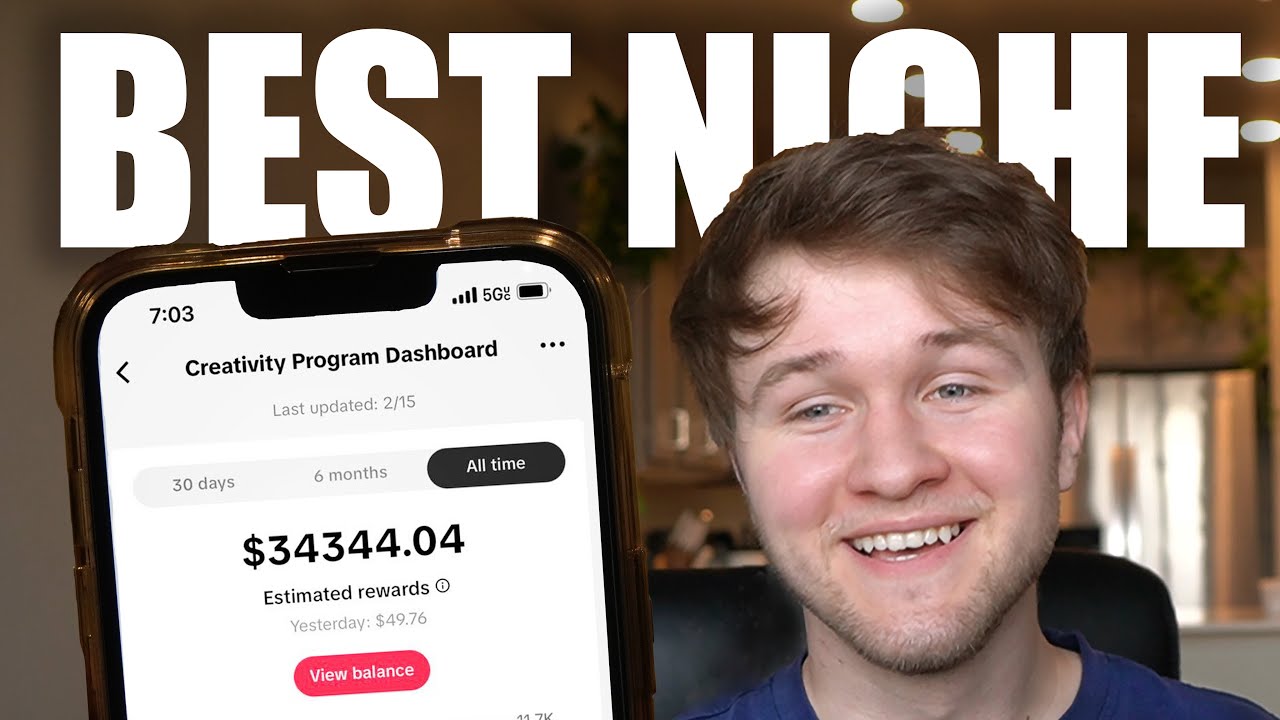
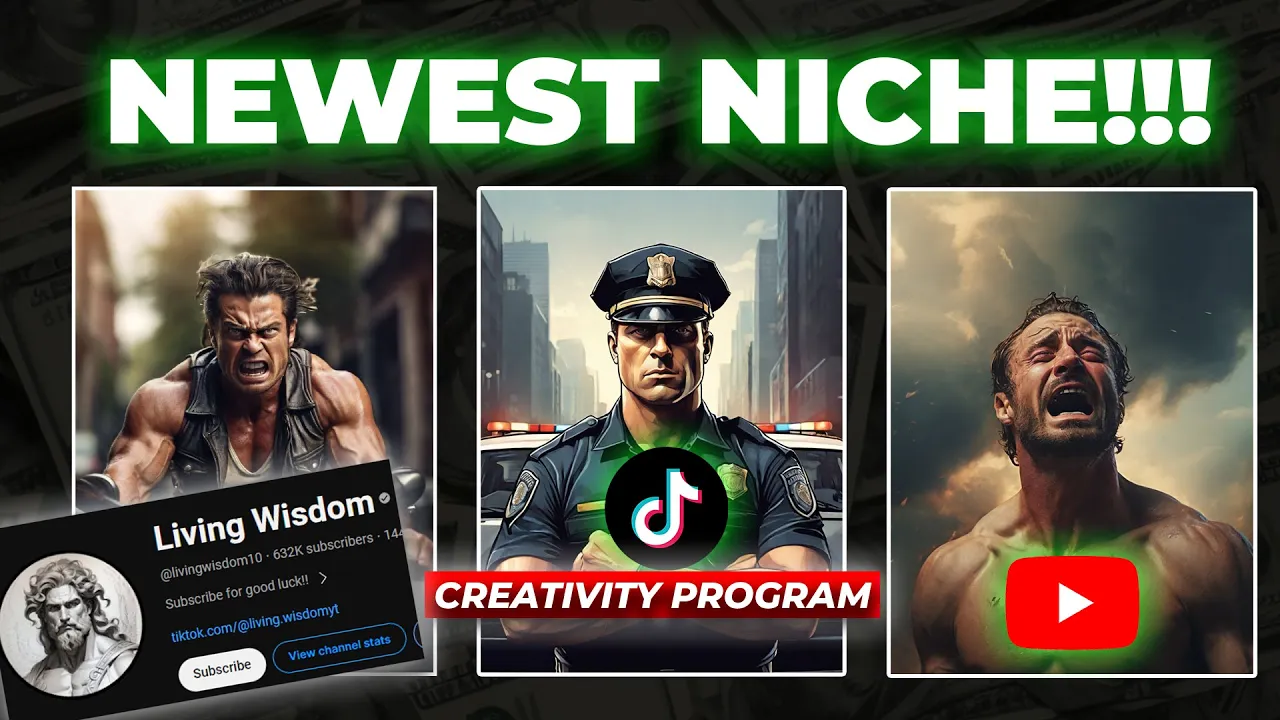
what if I told you that I found one of the best and newest niches for Tik Tok and YouTube that you can go viral with a blink of an eye this YouTube channel has gained 621,000 subscribers within just 6 months they started their channel on July 2023 the crazy thing is all of these videos are created using AI the total number of views of this channel is unbelievable it has approximately 200 million views according to Social blade they are making an average of $33,000 a month this Niche is really good not only for YouTube but
for Tik Tok so if you start this Niche you can upload the same videos on Tik Tok as well then you will be able to double the income because the Tik Tok creativity program will pay you $1 for every 1,000 views so before I reveal this Niche and show you how to create a video for this Niche step by step if you prefer content like this and if my videos really help and motivate you to start your YouTube and Tik Tok Journey please drop a like and comment saying yes I can do it that's all
I asked from you guys so we can call this new niche as wisdom Niche let me explain about it this Niche is about short stories not just stories every story gives a valuable meaning to the society basically these videos show how people's actions destroy their family lives and how to avoid those wrong things and become a good person that's why this Niche is called wisdom these stories can be related to the workplace or something that happened in the market school or hospital as long as it deliver a good message that can improve the wisdom of
people all stories fall under this Niche I hope now you have a clear idea about this Niche so let's start the process if you follow these steps exactly you will be able to monetize your videos on YouTube and Tik Tok you don't have to worry about it the first important thing is that the duration of this video should be 1 minute it's because we are going to upload the same videos to both YouTube and Tik Tok Tik Tok creativity program only applies to videos that have a duration of 1 minute that's why this duration time
is very important first let me show you a sample video that I created then we can start the process once upon a time there was a Sly man named Jack Who tricked people for his own benefit he fooled them with clever schemes and deceitful tricks amassing wealth at the expense of others only for him people believed he wasted other people's lives and he lived from other people's money when the man got old he was left alone and soon he got sick and died he found himself in front of a huge Golden Gate a mysterious ious
man looked at the man and said why did you do all that you cheated a lot of people I have never cheated anyone I am a good man said the man I want you to do something for me and then I will let you into heaven the mysterious man asked the man if you agree that you were wrong I will let you into heaven let's start with the first step which is creating the script for this video we are going to use chat GPT and Google bard it's actually Gemini now because Google rebranded their AI
to Gemini we can compare which AI generates the best script and then use it for our video first I'm going to try chat GPT let's see here is what the prompt will sound like create a story about a cunning man who cheated people all his life for his personal gain after he died he goes to heaven but it's actually hell that was the punishment for doing bad things make this story one minute long don't use complex language use simple easy to understandable words make it more interesting let's generate this so if you read this script
it's actually really good it includes all the details we wanted now let's compare this with Google Gemini AI just copy the same prompt and click generate okay we have the second script now after reading both scripts what I realized is the script from the chat GPT is way better than this if you think Google bard did a better job you can use it for this example video I will go with the first script which was generated by chat GPT if you want to be more creative you you can read the script and convert it into
your own words and make a better script than it using the same story it's up to you the next step is to create voiceovers for the script we created 11 Labs is one of the best and most realistic text speech AI voice generators there are a lot of AI voices in 11 Labs you can even clone your voice with this so you don't have to worry about buying expensive equipment for voice recording and most importantly you can monetize your videos using this voices you can sign up for free it will give free 10,000 characters now
let's check several AI voices and select a suitable one for this video trust yourself you know more than you think you do this one is good for a historical videos not for this one let's check another one allow the world to live as it chooses and allow yourself to live as you choose I don't think this one is suitable either if you click this add voice button and click voice Library you can get access to more voices by selecting suitable keywords from this top menu you can get voices related to each category so I will
select social media let's check this voice experience is not what happens to a man it is what a man does with what happens to him this is really good but let's try another one we have committed the Golden Rule to memory let us now commit it to life yes this one is better click add to voice library and then add to voice now you can go to the previous page and select the voice its name is nightly and then copy and paste the video script and generate the voiceovers it sounds like this here lived a
man who often cheated people he presented himself as a good man but in the end he did Evil so just like this you can create the voiceovers now we need to create suitable images for this video Leonardo AI is one of my favorite text to image generators you don't need to buy the subscription for this they will give 150 free credits every day that's more than enough of three videos so let me explain how this works works so all these images are actually AI models if you look carefully each one of them has different characteristics
first you should decide which type of images you are going to use for your videos then select a suitable AI model based on that for this video I would like to use cartoon and art style images therefore this AI model would be good so if you look closely you will be able to see the prompt that they have used to make this specific art you can get a clear idea about the AI model from it then click generate using this model it will bring you to this page these images are some of the images that
I generated previously just ignore them you can change the size of the images using these Dimensions these specific numbers represent the number of artworks so in this case I will need only one image for each scenario now all you need to do is explain your image in this prompt as for the first image I will explain it like this a cunning man with a muscular body smiling Vector style then click generate you must generate as many as images you can for each scenario using just several images will not get your video monetized so we need
at least 15 to 20 images so read the script carefully and create all the images like this this process will take several minutes to complete after that all we need to do is edit these and create the final output to edit all these you can use either Adobe Premiere Pro or cap cut for this example let's use cap cut it's a free video editor and you can download it to your mobile or computer after you download it follow these steps first start a new project and select a suitable size for your video by clicking this
modify button select 9 to 16 ratio then import all the voiceovers and images to this now drag and drop the voiceovers to the timeline one by one in the correct order this process is very simple anyone can do it after that drag tag the suitable images on top of the voiceovers like this make sure to add a suitable image according to the script use as many as images you want this will take several minutes but it's really simple we can improve the quality of this content by adding animation to this images click the animation in
the side menu and select combo you can find this animation called pendulum it will make this swing animation and add this effect to all the images after that if you want you can add video effects like these it depends on you if you like just add a few effects like this you can add different sound effects suitable for your script to this it will make this video more active go to audio and search for the sound effects you want and add them Tau the suitable places I will add several sound effects alike evil laughs to
this video add as many as sound effects possible you can search and find any sound effects through this finally let's add captions go to text from the top menu and select auto captions make sure to connect your computer to the the internet and generate captions within a few seconds it will generate the captions now you can edit these captions using the side menu let's increase the text size and add some text effects like this lastly select all the text layers like this and go to animation again then select captions from the top menu and select
this effect it will add an animation like this for the captions after that the video editing process is done you can export this video and upload it to Tik Tok and YouTube this process is really simple you all can do that I hope you enjoy this video I will see you in the next one