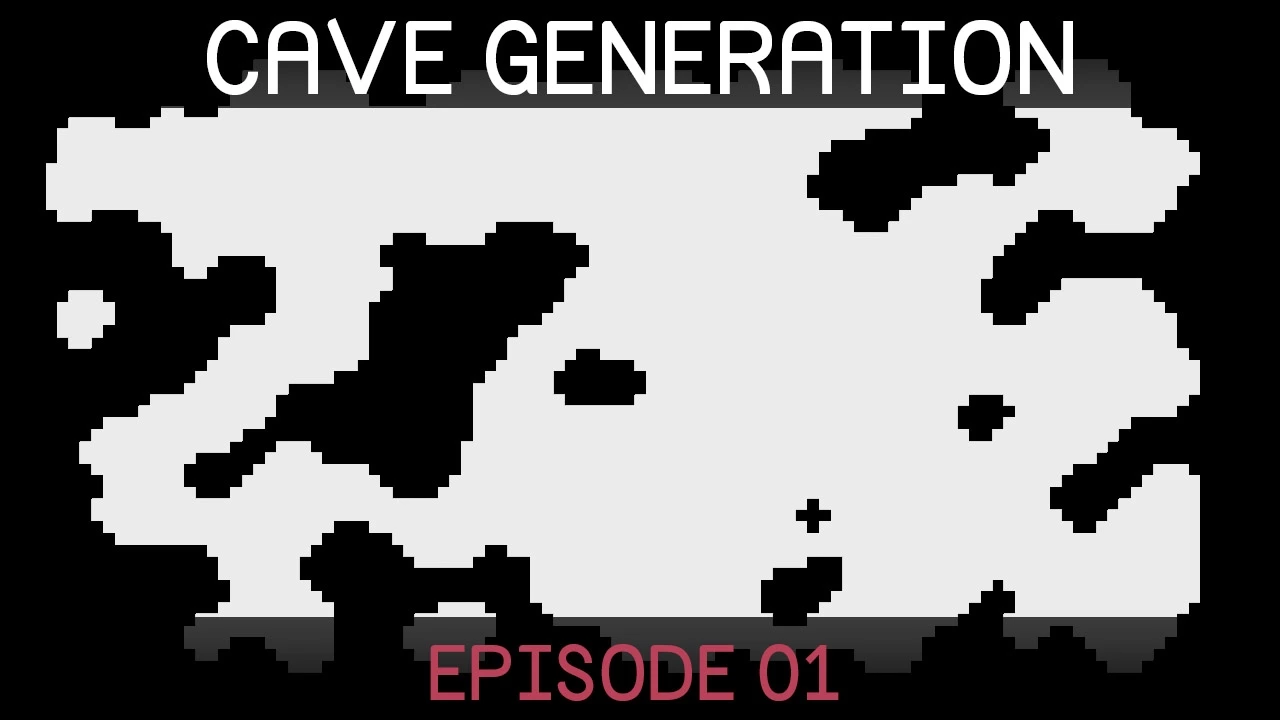
welcome to the series on procedural cave generation so we're going to be generating random cave shapes using a process called cellular automata and from the shapes we'll then use another algorithm called marching squares to actually turn the maps into proper meshes which we can sort of have as objects in our game world all right so to get started I'm going to create a new C shop script which I'll call something along the lines of map generator and we'll create a new empty game object and just drag the map generator script on to that can maybe
just call this something like map generator here we go and I'm going to open up the map generator script and let's just delete everything in here so what one a great is a 2d array of integers so would you say inch square bracket comma close square brackets map and so this basically defines a grid of integers and any tile that is equal to zero in the map will be a sort of empty tile and any tile that's equal to one will be a tile that is occupied by a wall so what we want to do
initially is just to fill this map up with random notes and ones just to give us a sort of starting configuration because how cellular automata really works is we start with this random configuration of walls and spaces and then we sort of go over a number of sort of smoothing iterations in which we make each tile more like its neighbor and you'll see exactly how that works when we get there but what we'd like to do is just create a public integer which we can call something like random full percent so this is just when
we randomly filling the map we wanted to obey some sort of loose guideline of how much should be filled initially with with wall so this is a percentage so let's just add this little command here where we can open square bracket and say range naught comma or 100 so now this integer can only be in the range of not 200 when we were assigning it in the inspector and let's also create a public integer width and a public in height all right so now I'm just going to create a start method and inside the start
method we can simply call a method we're going to create in a moment called generate math and there will just be a void generate map and start with all it needs to do is say map is equal to a new integer and we just say that it's size is width by height all right so if we go into unity now on this game object show we could specify a width and a height so say for example 60 by 80 and you can see we can drag up our random full percent from naught to 100 so
just as a guess we can set it at about 45 for now going back into monodevelop let us now go ahead and create another void called random full map so I'd like to make this random full map method work based on the seed so if we give it the same seed it will always generate the same map so let us create a public string seed and can also make a public pool use random seed in which case we'll just generate its own random seed each time so in the random full map we can say if
use random seed then we can just overwrite the current seed set it equal to I don't know what will change every time we can use maybe time time dot to string all right there we go and we're going to want to create a pseudo-random number generator a Louanne program on ourselves we can actually use the C sharp one if we just say using system that will allow us to say system dot random and we can call this our p rng for pseudo-random number generator this is equal to I suppose we have to say new system
dot random and it wants an integer seed so we need to convert this seed string into an integer so we'll just say seed dot get hash code alright so that will return a sort of unique hash code for the for the seed and now what we can do is we can do a little loop to go through each of the tiles in the map so we can say 4 into x equals not X less than X less than width X plus plus and I'll just copy this quickly and call it Y y less than height
and Y plus plus all right so now for each tile we can say map XY is equal to so now we want to set it equal to either normal one so let's say that if the if the pseudo-random number generator it will it will give us we wanted to give us a number between naught and 100 which we can do by saying what do we call it t and suit of a random number generator but I don't actually like this name really I'm going to call it as something more sensible like pseudo-random pseudo-random next we
can ask for the we can specify basically a minimum value and a maximum value so we want something between nought and a hundred and if that is that is less than our initial four percent that random number then then we want to add in a wall and if it's greater than it then we just want to leave it as a blank tile so um our condition is that it's less than our random full percent let's put that all in brackets and we'll use this fancy if else notation by adding in a little question mark so
if it is less than the random full percent then we want the map to be the map at this tile to be equal to one otherwise which we say by using a little : we want it to be equal to zero and let's just make sure that I don't have any problems with my syntax everything seems to be fine so we should now be having a map that is randomly filled up so to check that this is rarely working as intended let's create a on draw gizmos method and we can just say if the map
is not equal to null then I'm just going to copy this little for loop here then for each of the of each of the tiles in the map we first of all want to set our color armed gizmos dot color is equal to if the map at X comma Y is equal to 1 then that is a wall tile so we can set it to color dot black otherwise : we can set it equal to color white all right and let's create a vector 3 for the position of the gizmo so that would be we
can call that position that's equal to a new vector3 for the x-coordinate will take a negative width over two and we'll add X and just to make sure things are perfectly centered we can also add 0.5 and for the Y we'll just leave that at zero and for the zi- height over two plus y I don't see em just plus 0.5 all right so now we can just draw a gizmo at the position we can say gizmos dot draw cube and for its center we're just passing position and for its size my guess we can
just use vector 3.1 closed brackets semicolon let's go into unity and see if this is working I probably want to go into top view um not really I think the problem most likely is that I've forgotten to call this random full map from the generate map script we could just do that let's try again I'm going to go into top view and I'm also going to change from perspective to orthographic and let's have a look now all right it seems to be generating a nice map and if we change the full percent up to say
80 or 78 you can see it it seems to have the desired effect change a damn something low like 16 yep I think we can pretty much say that it is working oh and also since we haven't turned used random seed on let me just put a seed in here I'll just use my name Sebastian and set this equal to 50 and let's see if we can make sure this is giving us the same result each time it's a little bit difficult but let's just choose a little spot say over here just memorize that and
if we run it again it does seem to be generating same shape and obviously if we click use random seed it should generate a entirely different shape all right so this is our starting point and now as I was mentioning earlier we want to run this through a couple of iterations of smoothing to actually get a proper cave shape out of this alright so going back to our map generator class what I want to do is say that the the tiles around the sort of order of the map are always walls because we don't want
sort of holes in the edge of our map which would look quite strange so here we can say that if the if if X is equal to zero or X is equal to width minus 1 or y is equal to 0 or Y is equal to height minus 1 then map XY is going to be a wall and otherwise we do a little random thing all right and let me also just correct my butchered spelling of pseudo it is a Yi before the U I believe all right um so now we want to do a
bunch of smoothing iterations so let's create a void smooth map and in our generate map method we can do a for loop for into I equals 0 I less than I don't know 5 I plus plus so I mean with this 5 as with really all of the values that we'll be using the smooth map method you can really just experiment with those because different valleys are going to give you different types of of cave shapes so yeah you can really just play around with values and with the rules and see what happens anyway I'm
using five so I'm going to say smooth map and of course I'll be called five times and inside of smooth map let's see if we can steal this little for loop here we're going to want to look at every tile and one piece of information that we want to know is how many neighboring tiles does this tile have which are walls so let's create a little method which can figure this out for us we can call the something like yet surrounding wall count this will obviously want to know for which tile we want to get
this information for so we'll give it an int grid X and an integral Y and we can create an integer wall count which is equal to zero at the beginning and we want to do a little for loop so we'll basically start by creating a interval this neighbor X is equal to grid X minus one while neighbor X is less than or equal to grid X plus one neighbor X increments by one and I'll just copy this for the neighbor Y if I just select this and hit command R and just quickly rename all of
those I'm just remember to change the grid X to grid Y as well of course here and here so this is doing in case your unsession is just sort of looping through a 3x3 grid centered on the tile grid x squared Y so we're looking at all of its neighbors and of course when neighbor X is equal to grid X and neighbor Y is equal to grid Y then we'll be looking at our current tile grid x squared Y and we don't want to consider that so we'll just say if neighbor X is not equal
to crude X or if a neighbor Y is not equal to grid Y then we know that we're not looking at our original tile in which case we'll say wall count plus equals um map neighbor X and neighbor Y so if a map neighbor X neighbor Y is a wall and is equal to 1 then our wall count will increase and if it's an empty tile as you know it's equal to 0 and well they'll have no effect at all at the moment if if grid X was for example equal to 0 then we'd be
trying to get well maybe X initially would be equal to negative 1 and we get all sorts of nasty errors so we must also check that um let's see I may do this check over here if neighbor X is greater than or equal to 0 and neighbor X is less than the width of the map and the neighbor Y is also greater than or equal to 0 and finally the neighbor Y is also less than the height of the map then we know that we are safe inside the map and we can do that calculation
over there if this is an edge tile in other words we're trying to look outside of the map then I just want to increase wall count by one just so we sort of encourage the growth of walls around the edge of the map so in the smooth map we can now say int it's called this neighbor wall tiles is equal to get surrounding wall count X Y and now we can just make up some simple rules let's say that if the vertical that neighbor wall tiles is greater than four then map X comma Y is
going to be a wall else if the neighbor wall tiles is less than four then map X comma Y is going to be an empty tile and if it's equal to four then we'll just stay whatever it was so let us see what this set of rules looks like so let's hold on got an error it looks like I'm not returning yes I did forget to do that at the end here miss just return wall count let's go back into unity they're all yes let's run okay so we have a cool little map and lets
us just always want to develop let's create an object method and let's just say every time that we press the mouse input mouse button down zero every time we press the left mouse button we will generate a new map okay so I'm just going to change the width to say 128 and the height to 72 just so it sort of fits on the screen better and let's play and okay we're getting a pretty nice cave shape um I think the random full percent is a little bit high let's try setting that down to 45 and
yeah these cave shapes are looking much nicer and then we can see what happens if we turn this down to 32 a rectangular type of cave which you know I suppose it's got its uses um you might might want something like that I don't know and going past 50 yeah not so good so probably the range that you're looking for somewhere between 40 47 yeah these are this seems to be sort of generating the best results just as an example of how changing one of the rules can change the type of sort of shapes that
you're getting I'll change this from less than four to less than or equal to four and now if we run let's see you can see that the the types of shapes are much sort of much more I don't really know how to describe it but it's it's less sort of organic it looks more like it's got some sort of man-made elements to it which is maybe something something one would like anyway so you can see how you can just sort of experiment with those rules and not just necessarily the values there but you can also
can also go a little bit further like for example you could for the first couple of steps you could do one set of rules and then after a number of iterations you could change to a different rule set and of course you don't only have to look at the immediate neighbors you could look at like instead of a three by three bridge you could look at a four by four grid whatever you can you can experiment with that if you're interested I want to change this back to how it was with less than four so
just looking at these different shapes been created them you can see that in some cases there are sort of these little isolated parts or let's see if I can get another example here's a good example this sort of like one block walls all of that will probably address in the next episode might either decide to just delete these unconnected or other disconnected caverns or we might connect them up with little automatic passageways see a little either be next episode or maybe we'll look at the at the marching squares first and come back to that I'm
not sure yet but yeah I hope you've enjoyed this is this first episode and down if you have any questions or suggestions either for the series or on other theories or whatever yeah just leave a comment and I will see what I can do alright thanks very much for watching Cheers
![[Unity] Procedural Cave Generation (E02. Marching Squares)](https://img.youtube.com/vi/yOgIncKp0BE/maxresdefault.jpg)








![[Unity] Procedural Object Placement (E01: poisson disc sampling)](https://img.youtube.com/vi/7WcmyxyFO7o/maxresdefault.jpg)