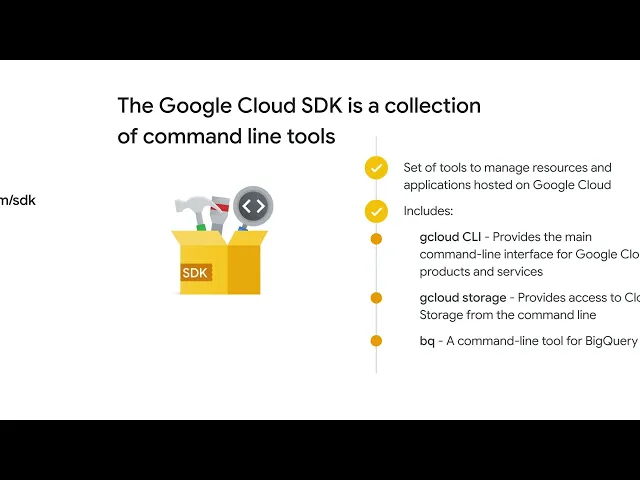
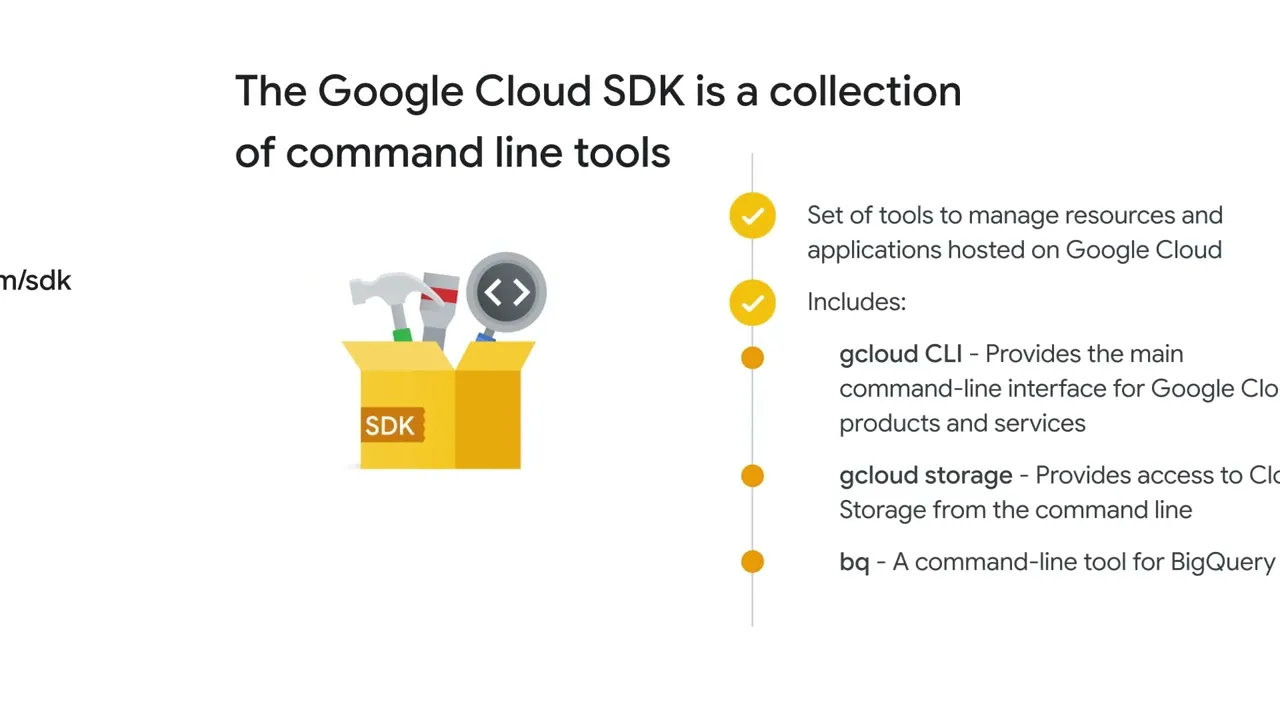
Now let’s explore the Cloud Software Development Kit (SDK), which lets users run Google Cloud command-line tools from a local desktop. The Google Cloud SDK is a set of command-line tools that you can use to manage resources and applications hosted on Google Cloud. These include: the gcloud CLI, which provides the main command-line interface for Google Cloud products and services, gcloud storage, which lets you access Cloud Storage from the command line, and bq, a command-line tool for BigQuery.
When installed, all of the tools within the Google Cloud SDK are located under the bin directory. To install the Google Cloud SDK to your desktop, go to cloud. google.
com/sdk and select the operating system for your desktop; this will download the SDK. Then follow the instructions specific to your operating system. After the installation is complete, you’ll need to configure the Google Cloud SDK for your Google Cloud environment.
Run the gcloud init command. You will be prompted for information including your login credentials, default project, and default region and zone.