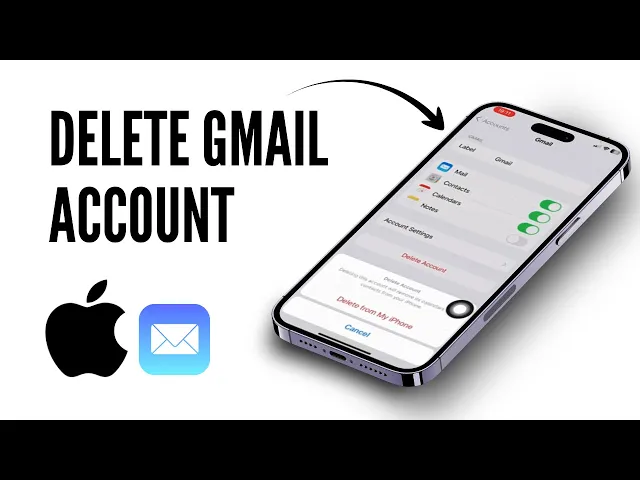
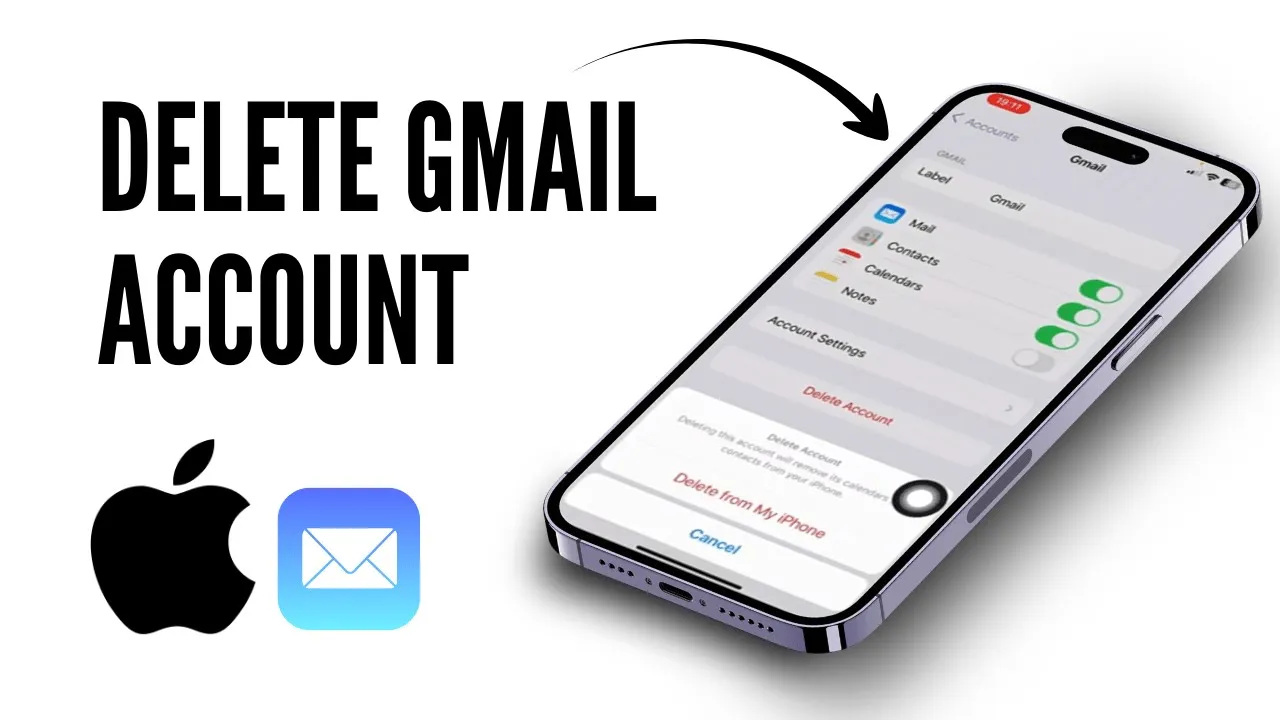
So, hello guys! Welcome back to my YouTube channel. In this video, I'll be showing you how to delete your Gmail account from your iPhone.
The first thing you want to do is simply head over to your settings. Once you're inside your settings, scroll all the way down until you see the "Mail" option. Simply click on it.
From here, you can see the "Account" section. So, simply click on that option. If you have already added your Gmail account, you can simply click on "Gmail.
" If you want to keep only iCloud, then click on Gmail. From here, you can simply click on "Delete Account. " Once you click on "Delete from my account," your Gmail account will be successfully removed from your device.
Hope this video was helpful, guys! If it was, don't forget to like and subscribe to the channel. See you on the next one!