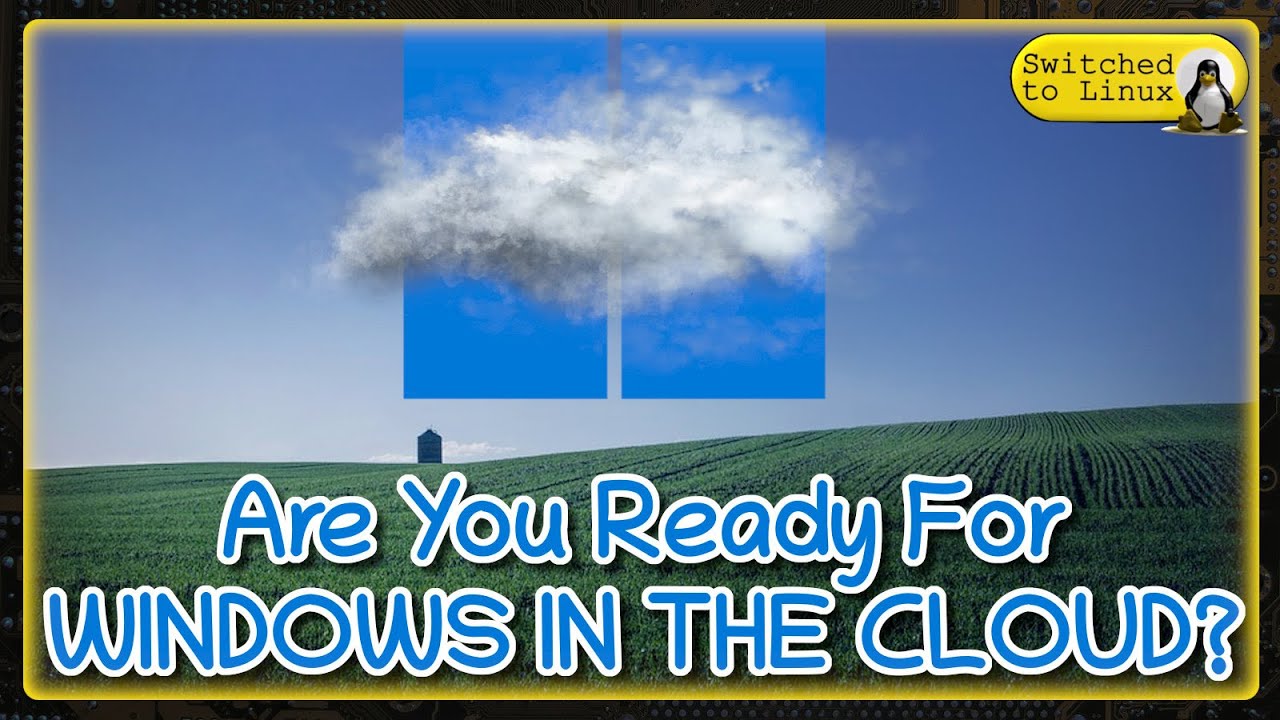
[Music] and here was a nice video by Vanna Marchi who gratuitously offended your Windows by saying that it was ugly and fat in reality it actually wouldn't have been completely wrong because Windows has aspects that as we will see shortly are really, really ugly aspects that Microsoft never wanted to remedy, luckily someone thought of it but I want to tell you a secret we already knew the software I'm about to present to you except that it had some defects it took them almost a year and a half to resolve them But I guarantee you that they did it great and we will be able to improve dramatically with it But for real our Windows and then let's not waste even another second and let's go and see it together and then if you feel ready let's start let's proceed Yes but with the utmost caution and then let's go and execute How as usual with all the trappings and bows our apotropaic ritual to try to appease on the one hand and maybe even make us a little friends the fearful divinities of the tube disclaimer the contents of this video they are exposed for purely informative and educational purposes let's move on go and move on but let's immediately clarify one thing that in my opinion is a matter of taste Naturally the light Windows theme really cannot be seen and what I have exceptionally activated now is that it appears to me when I work especially for a long time on the computer like literally an eyesore and then what do I normally do I go here at the top in the settings and write theme settings and go to set the Windows theme then switching from Light mode to the decidedly more restful and usable dark mode I open a parenthesis you noticed that here at the top of on the right on many Windows the buttons have disappeared I think it is the latest update Let me know if this thing happens on your computer too because if you move to the top right corner pretending that the button exists and click to close How you see the window closes regularly but let's get back to us the dark theme is such a beautiful thing If it weren't for the fact that unfortunately it brings with it some errors I'll show you an example if you open a window it will be beautiful set with the dark theme But if you go for example, to open the control panel this returns to the theme clearly a decidedly ugly thing to look at and which Microsoft has never wanted to remedy, fortunately, however, as I said at the beginning, there are those who have thought of it and then we just need to download a small app which in reality is not really an app but a mod of Windows to solve the problem to do it as always we open our browser and in the search engine we type gentiluomo digital we carry out our search and as always we refer to the first result or the one relating to the domain gentiluomo digital. it we click to open the site and here in top let's move to the downloads section And here we are but before continuing a necessary clarification since it was pointed out to me by someone in the comments Petrus it was Petrus who I would have given in his opinion and it is very true a nice snip at the downloads page I simply wanted to say that it is true I had to lighten the downloads page because otherwise it would have been too heavy to load and would have significantly slowed down navigation but all the downloads are always present on our site and to find them As I say And I recommend in every video just go here at the top of the magnifying glass and type the name of the program, if possible without making any mistakes, of which you have seen the video you are looking for and cannot find by browsing below, in any case I remember it too, it is written here in black and white So no problem if you can't find some program related to a previous video because you can always find it using the magnifying glass but let's get back to us because what I want to offer you today is this download here rectify Eleven But be careful in the new version to go and download it we must click on the File Download button and we will be transported directly to the rectify Eleven page and this for a very specific reason, namely that it is always very important to have the latest version of this mod, let's click so on the button in this case version 3. 2 which is a huge 170.
6 MB and we wait for the loading of our file to finish which as you can see will take a few minutes [Music] And here we are actually it took exactly one banana as promised time but as you can see I keep another one aside because during the video you never know we click to open the compressed folder that we have just downloaded and we can close the back page of the browser which we no longer need Naturally for install our rectify veven will be enough for us to double click on the only file present inside the compressed Acc folder, we will allow the appropriate changes to be made to our system. But be careful, as you can see, you may be asked to install the dnet desktop runtime on your computer if If this is missing, to do it we click on the Pul download it now button and wait for the automatic download to start and finish. Once finished we just need to launch the relevant application by clicking on it by clicking on the Run button and then clicking on the Install button and waiting for it to finish.
Of course, in the meantime we will be able to close the browser window again which no longer has any use. As you can see, the installation was successful and we can click on the Close button. In this case, let's reopen our compressed folder and double click on the file again.
rectify Eleven installer we accept once again that the changes are made to our device And as you can see the installation of our rectify El will start so we click on the install button now we click on the Next button we click on accept and here we are going to highlight or rather select everything let's do it for all the entries and click on the next button now let's choose the theme we prefer, as you well know, I prefer the dark theme and click on the next button at this point you will have to choose the type of menu you prefer to use, frankly I prefer this one here the second one But don't worry about choosing this time because as we will see in a moment you can later change your selection and experiment with all the menus until you find the one that's right for you. click on the next button again and please leave the create a point of reference checkbox checked. restore then click on Install button and we wait for some fruits of [Music] time and that's it, it took exactly one banana and half an orange with which I also messed up my sweater.
But luckily the video can't be seen, let's click on Finish and let's restart our device And here we are, our PC has restarted and what I advise you to do now is to remove this check mark on Show this Window etc. etc. and click on Turn on on this button here once these operations have been done click on the close button to close this window but let's see what happened.
As you can already see, the appearance of Windows has improved a lot at first glance. Furthermore, this icon will appear on our desktop. Here is the one that allows us to open the window by double clicking.