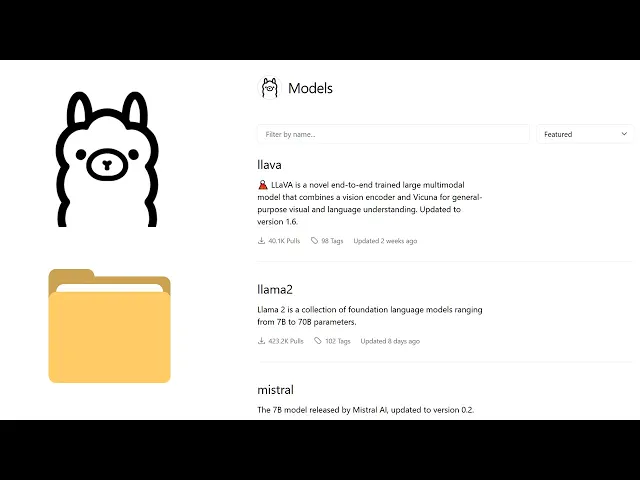
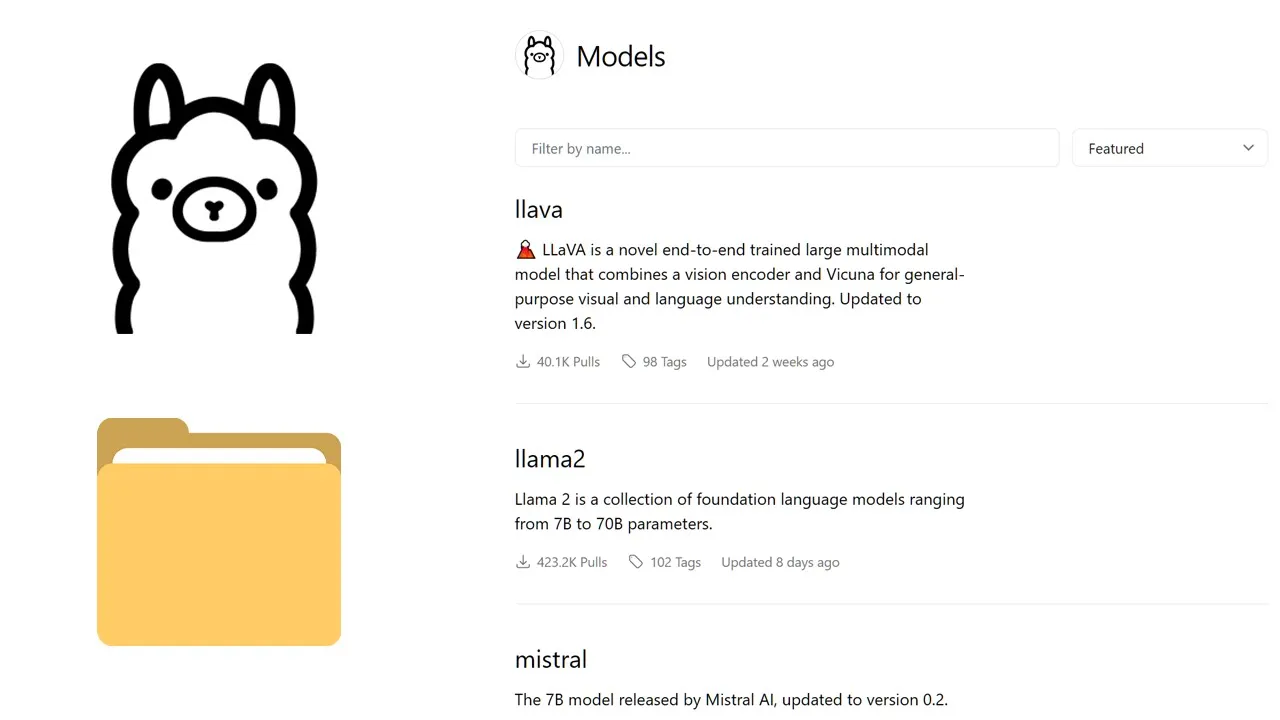
all right so when you install a Lama on your Windows PC and if you install a model what is a big model small model doesn't matter the model file is going to get saved on the users followed by your username Follow by this. folder and inside this folder you're going to see this models folder and if we just quickly look at the file size and right now in my directory all these files belongs to a single model that I downloaded now say on my PC I have a separate uh Drive dedicated for storage now instead
of using my C drive I want to uh change the save location and to do that so first want to uh open the environment varable window they want to click on environment variables in the system variables section want to create a new variable for the variable name you want to make sure that you name this Asama underscore models and make sure that the variable name is in uppercase then we can assign the new path we want to uh save the model file so for example let's say I want to uh change the default directory to
my H drive under AMA models so I'm going to Simply copy the F path and I'll assign the F path to the variable value and okay now make sure that you create the AMA server and wave maybe fly uh 30 seconds en la theama Ser again and here you can see that the block folder got created automatically so next time we download a model foras website the model files are going to get saved in this new directory so I hope this video is useful please don't forget to like the video and subscribe to the channel
I'll see you guys in the next video