if notebook LM wasn't enough for you Google has another free tool where you can generate AI podcasts and in this video I'm going to explain what this tool is and how you guys can access it so be sure to stick around to the very end so if you're new to the channel welcome my name is Ryan and my mission here is to help you navigate the overwhelming world of artificial intelligence so if you have any thoughts on this topic be sure to let me know in the comments below but now let's dive back into another
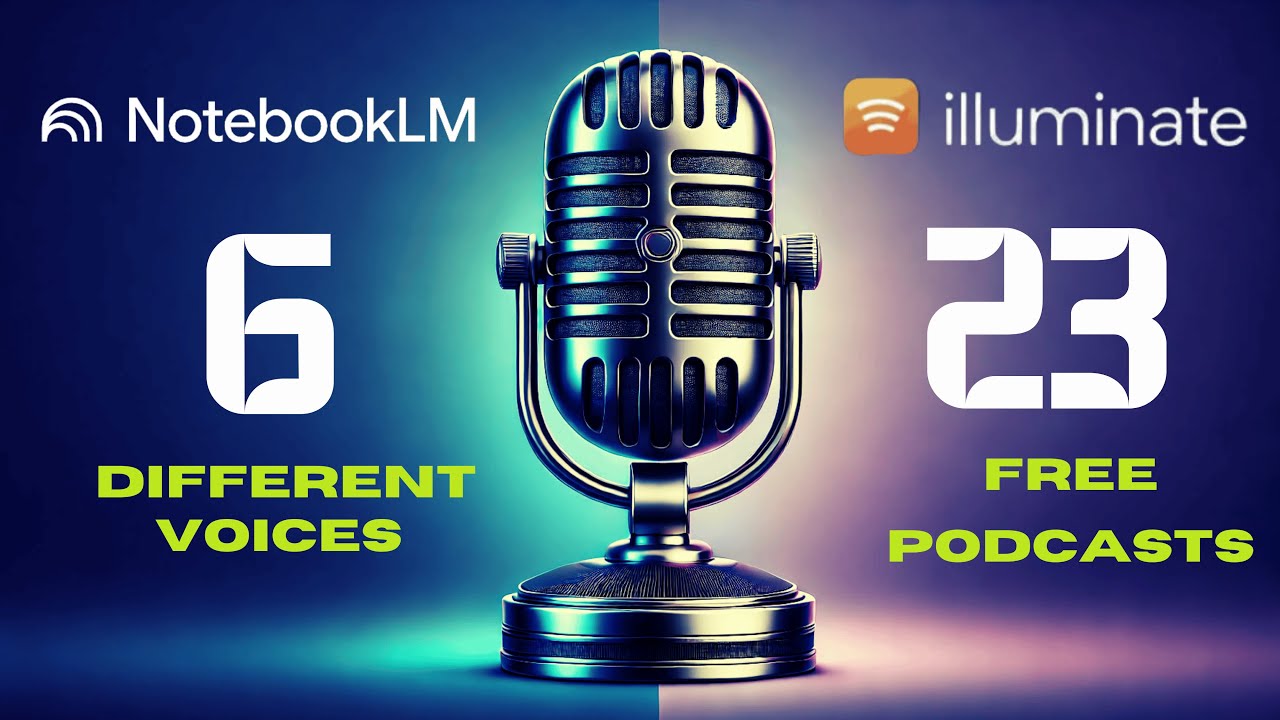
free AI podcast generator offered by Google so as you probably we saw in the beginning this tool is called illuminate and I'll leave a link to this website in the video description below you can access this with a free Google account similar to notebook LM and before I kind of dive in and show you how to use this I want to play a Quick Clip so you guys can understand what this sounds like and future directions what immediately strikes you about this Technology's potential chat gpt's ability to generate humanlike text is truly remarkable it's not
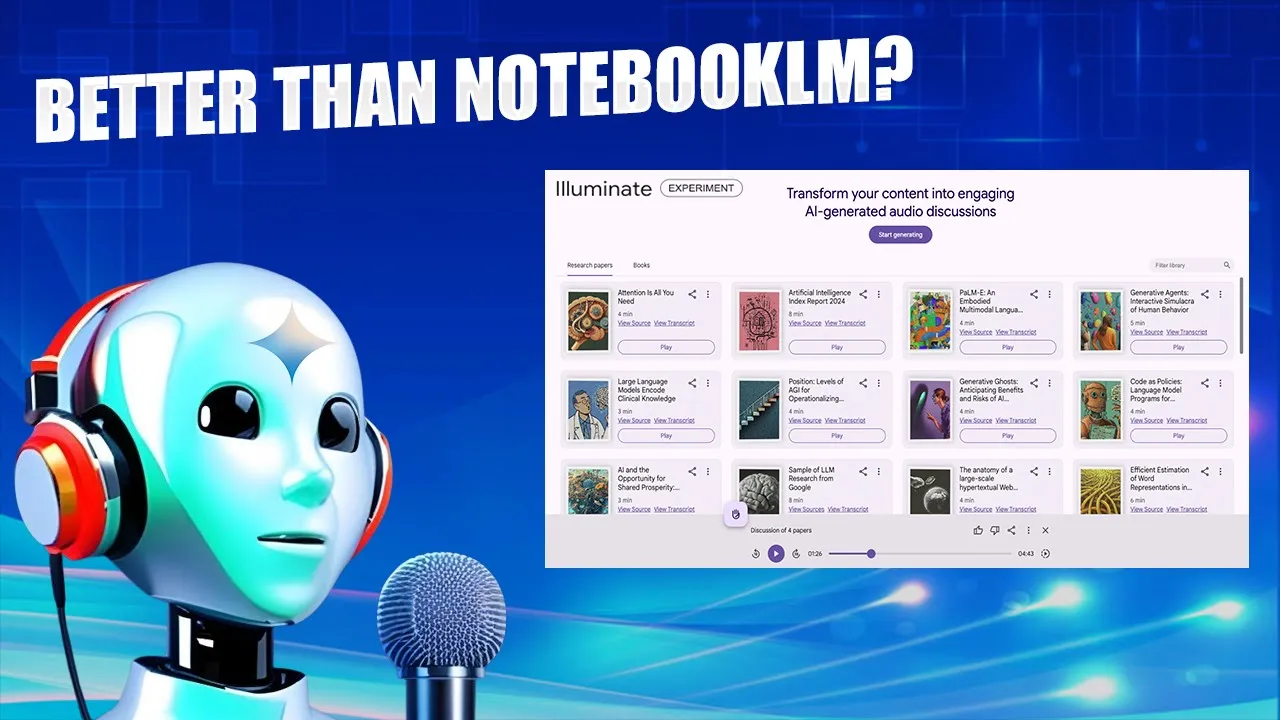
just mimicking it's demonstrating a level of so you guys get the idea very similar to notebook LM and same here what you can do is download this and I believe this actually downloads into a MP3 file so instead of a WAV file you get an MP3 file from illuminate uh you can share it just like you could with notebook LM so it's very similar so what is the difference here between illuminate and notebook LM well as you'll see right here on the home screen there are dozens and dozens of these research papers there's books there's
popular books that it has AI generated audio discussions of versus notebook LM you have to upload your own sources and you can make AI podcast based on the sources that you upload and that is the difference here with illuminate you have access to all of these different research papers in goo at Google's database or wherever they're getting this from whereas here you probably wouldn't be able to find these sources on the internet some of them sure maybe uh but this is more catered towards academic research stuff so let's see what this looks like before I
just keep rambling so if I click gener you'll see here you have the option to search for a topic or paste a PDF a URL of a PDF so in this example I'm just going to do Bitcoin I spelled it wrong but it still came up correctly and then you'll have this list of options of research papers that you can choose to help generate this AI generated podcast and so what I'm going to do is I'm just going to check let's see how many I can check here looks like you can only check four so
I'm going to check four click add and you'll see the sources here on the left now this is important you can craft a prompt basically how you want the output to sound on the audio version so here it says create a discussion tailored for a general audience with a medium duration the tone should be semi-professional uh so let's say you want an advanced audience so we could do that for an advanced audience not sure if you can actually edit the looks like you can only edit uh these text box here so create a discussion tailored
for an advanced audience with a medium duration Let's do let's do a short duration the tone should be semi-professional uh let's do nonprofessional I'm curious to see what this sounds like and then that's done or you can click I'm feeling lucky and it'll just respin the entire prompt for you uh let's just click generate and see what happens and so it says your audio is being generated this should take about 30 seconds so I'm going to skip ahead and wait till this is complete all right so here is the audio creation that was generated by
those four research papers on Bitcoin now one thing I noticed right away is you can view your sources that's kind of cool but more importantly you can view the transcript right here so versus notebook LM you'd have to download the WAV file upload it into a tool like descript and then get the transcript taking that extra step so it looks like illuminate just has the transcript right here and you can do whatever with it so that is extremely beneficial in my opinion so let's go ahead and play this and I want to see what this
sounds like really quickly bitcoin's technological foundations public private key cryptography proof of work it's economic aspects press volatility environment environment are there any viable alternatives to so again very similar to the output that you hear in Notebook LM with that man in that woman talking about particular topics so one thing that's important to mention here is it says paste a PDF URL now unfortunately if you try to do that I'm going to I tried this in an earlier example and it didn't work so I want to be transparent about what works and what doesn't work
with this tool and you come back here and paste a PDF URL and click enter you're going to get an error message here that says we only support PD PDF links from the following domains and there's only four domains that Google illuminate supports PDF URLs from so you cannot do that if you want to upload a PDF and make an audio file from it you have to use notebook LM for that so that's a use case for Notebook LM but that is Google illuminate the last thing that I want to mention is that this is
what's part of called labs. gooogle and I would recommend bookmarking this website and if you scroll down you'll see emerging AI tools so right here notebook LM we have image effects music effects video effects I might have to dive into these more like this music and video one and if you scroll to the right this is where I actually found illuminate so text fxs gen type code there's all sorts of these new AI tools that Google is releasing on this labs. gooogle website to just make sure that you're keeping your eye out for the latest
and greatest when it comes to Google AI so that's it guys I know this was a super quick video on Google illuminate and notebook LM probably has a lot more use cases in the real world than Google illuminate but I just want to bring you these Quick videos of new tools as I see them and hopefully you guys can find some value in them so I have other videos on my Channel about notebook LM if you're interested how to generate AI podcasts I talk about five real world use cases for Notebook LM so I'll be
sure to leave links to all of those in the video description below but again guys this is Ryan appreciate you if you've made it this far be sure to like this video leave me a comment below but most importantly I hope you all have a great day
![Google Notebook LM Tutorial - [Become A Power User in 15 min]](https://img.youtube.com/vi/UG0DP6nVnrc/maxresdefault.jpg)