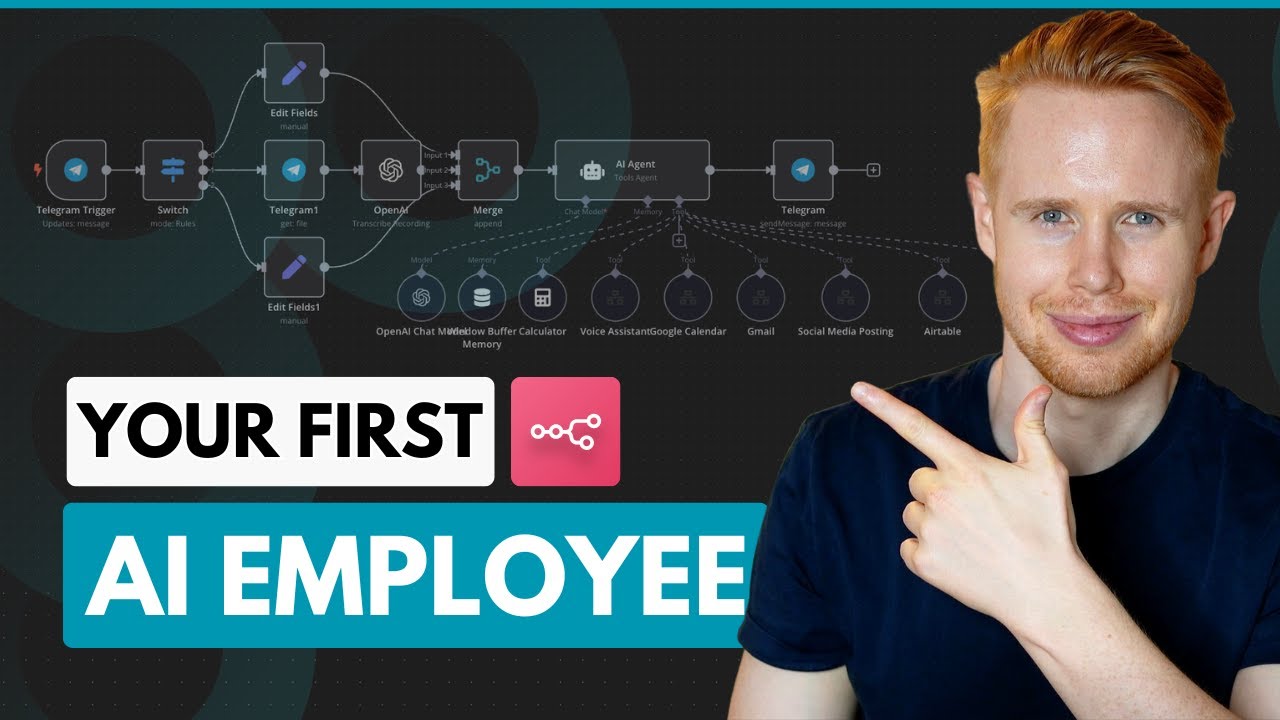
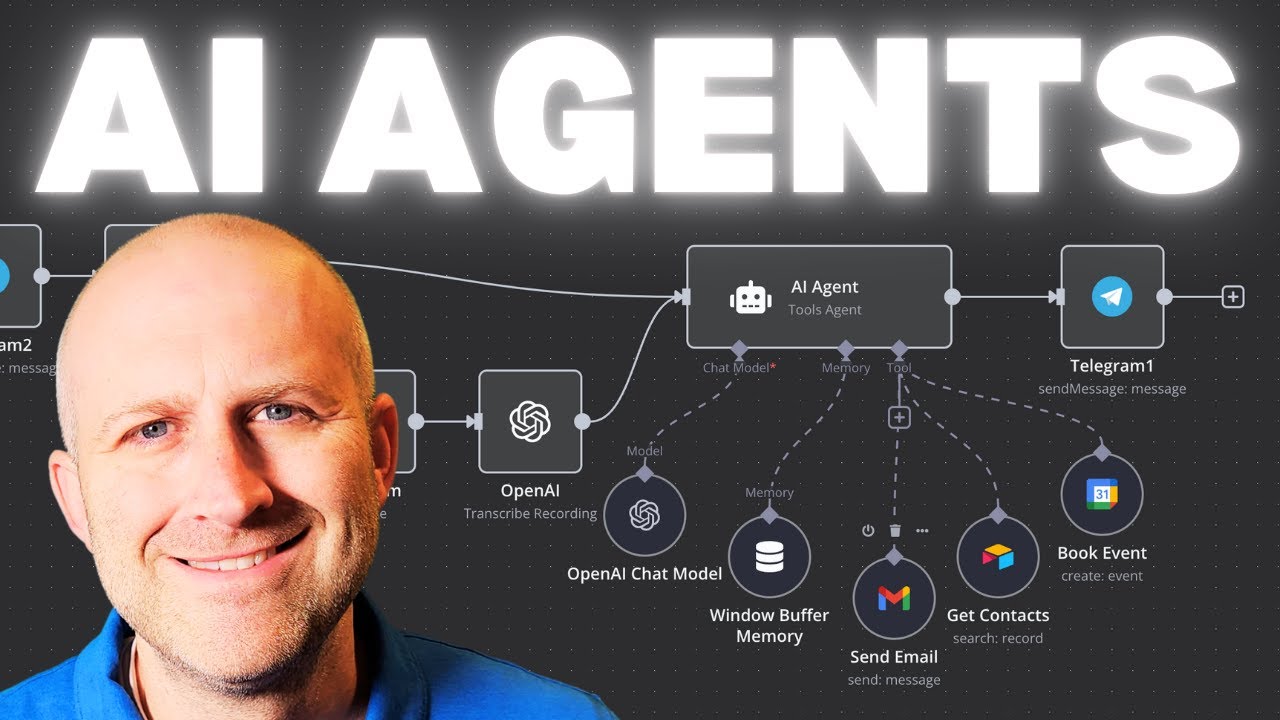
so you're looking at self-hosting N I tested out four different platforms so that you don't have to this is by far the best option for automatic updates low maintenance and no hassle let's jump straight into it so we're going to be using Alesa which is effectively a fully managed Cloud platform that hosts your various software so they've preset up a lot of applications that you might need to set up in the future for your Sal and one of those is n8n some of the key benefits of Hosting through something like aleso versus deploying your own
Docker container and manually updating are the alesio manages everything or nearly everything for you so it's almost like running it on na10 cloud itself except you own the software instance and it's incredibly cheap we're talking around 10 to $15 per month depending on the provider that you decide to go with not only that lso manages all the Hass all the hassle and all the technical parts for you so through a quick setup you're able to get software updates and security patches done for you all through all through elsio so we'll go through the setup process
now so when you are setting up you want to go to aleso so it's .io and what we're going to go for is the free trial so if we click on the free trial we'll be taken up to a sign up page P obviously I've already signed up so you will sign up as a new user and that's incredibly straightforward you're just going to log in with your Google mail or email or GitHub or whatever route you decide it's then going to give you a verification email and that will bring you then to the dashboard
which looks a lot like this so it will be dash. alis.io and what you see here is what you'll see here is is nothing because you've activated a new account so we're going to go to services on the left hand side side here you can see I've already got Ann set up that's my container here but we're going to go through and create a new one so we'll go create a new service in the left hand side and the great thing about this is we don't need to worry about all the infrastructure because actually they've
predefined and set up an N almost like infrastructure for na already on alis.io so all we're going to do is type in NN you can see that they've got this node here here we're going to select that what we have to do now is choose our cloud service provider so I wouldn't worry too much about this if you don't understand the intricacies but effectively there are various different cloud service providers and they will host our server that we're going to be using much like if you would sign up to ncloud it would be n using
probably one of these service providers to host your instance hetson is a really solid and cheap bet and if I scroll down here you can see see that the estimated monthly price is about $15 and I've been experiencing about $15 to $16 depending on my usage for the smallest instance so you can have a click through these see the different prices digital ocean is slightly cheaper but I just recommend going for the basic hetner super reliable decent size plan and that won't fail you and it you'll Contin to get updates we're then going to select
the service Cloud region but again I would actually just leave it as the default we don't want to worry about this and it's probably going to depending on where your base select a server that's closer to you so I'm based in the UK so I've got one in Germany here that's fine and again the service plan we're just going to go for the the basic the bog standard medium 2 CPU 4 GB RAM and that's plenty plenty enough for what we going to need for your first instance so we're going to select that there or
it's pre-selected going to go down to the bottom it gives you some details around uh latest versions Etc here and size but take my word for it this is plenty enough for your first instance of n so we'll go down here and we'll click next what we're then going to do is give it a name so for example Sate we're just going to call it an test will have your email already we don't need to worry about configuring a Network volume so we leave that off and with we then going to just go for the
basic Level One support which means 7even Days of our data is backed up in NN itself we will just go for the level one support which will give us seven days of use we're then going to go down here on the right hand side and you can't see it but there's a button called create service that's then done it's going to now deploy the service for us and what it's going to return is a link that we can go to and log into our na service so you can see that we're now deploying this n
test and the service is starting this might take I know 10 15 minutes or so for this to become active but we can then go inside that you'll be able to if you go to overview go show admin UI you'll have the URL that your service will be deployed at so all you need to do is go and click on that and it will take you to this page where you will sign up with your email and your password and that will be your first na instance deployed as simple as that if you like this
video please leave a comment below of what videos you like to see in the future and give it a like thanks very much