In this Shopify tutorial you can be up and running with your first Shopify store in the time it takes most people to figure out how to say my last name Joshua Umbergang Joshua Veebergang Joshua Oobergang Joshua Ubergung. To prove it, I'll set up a new shop by store in 15 minutes, and every minute I go over, I'll give away a copy of my new course Clear Cut growth, to help grow your Shopify store, worth over $1,000 each. And I guarantee to give away at least one copy.
Start the Timer [Music] I don't need this! Before I can design my store I need a new Shopify account. You can start with a free trial to set everything up before you need to choose a paid plan.
Use my link in the description to create a Shopify account which gives you a discount on the first 3 months. I'll enter my store name in settings, general which will become the default Shopify URL. I'm making a pet store because people will starve themselves before they don't buy the latest cute toy for their pet.
Pet Toyz Australia~~ I'll add a custom domain later. First, I pick a theme that fits my brand requirements. Ah, my brand requirements.
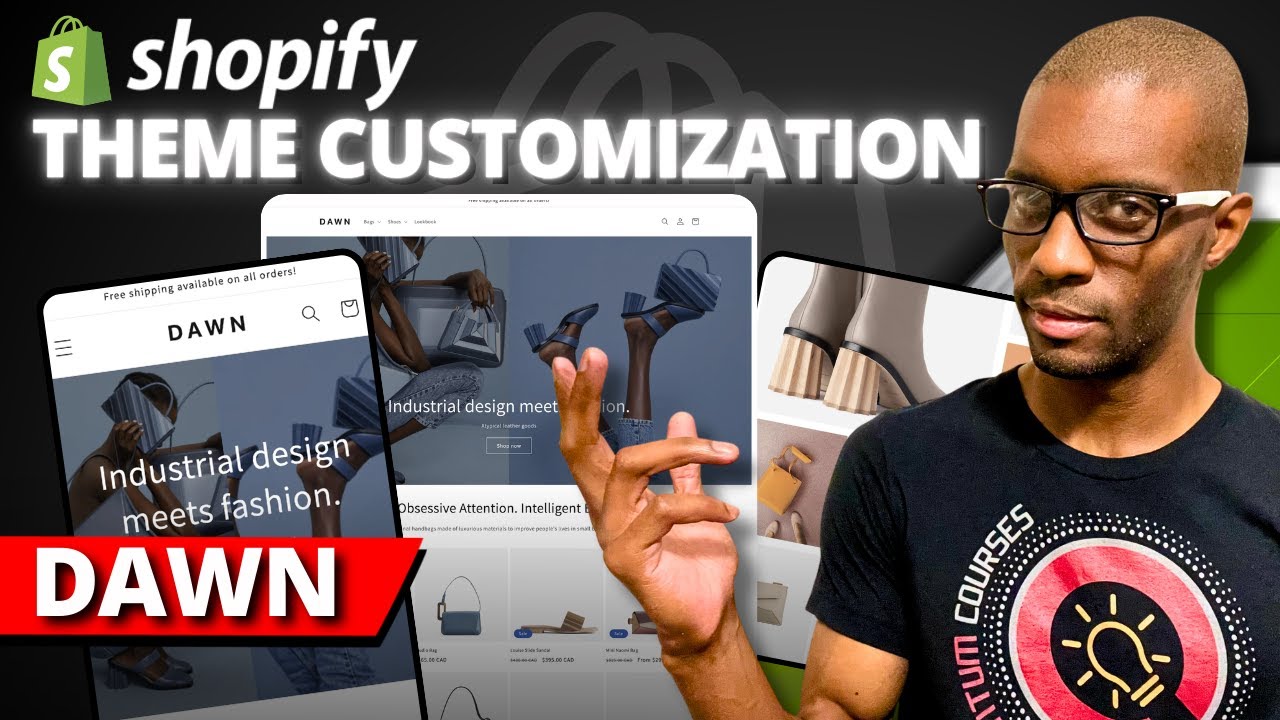
The free default Dawn theme is great so I'll stick with it just to save time. I'll customize the theme with a new logo, a banner image, and store description. You can tweak the design until the cows come home but if this is your first store the endless customizations and integrations in Shopify are often distractions and roadblocks to getting that all important first sale.
Tutorials can be Googled when you need them. Instead I'm focusing on the main Shopify task to get set up fast. We're getting this bad boy done in 15 minutes!
Product pages are the shelves or display racks of your store. Without them you have nothing to sell. To add products manually, you'd go to products, add product and fill in details like title, description, price, and images.
You click this button to have Shopify's new AI integration called 'Shopify magic' to generate a suggested description for you. Magic. .
. real magic. .
. Since I don't have have any products for this store, I'm going to use a drop shipping model. Drp shipping allows you to sell products without holding any inventory.
There are many drop shipping apps available, like DSers, that can help you find products to sell, and upload them to your store quickly. Check out my video on drop shipping to learn the truths about it and the biggest risks. I'll link DSers directly to AliExpress to get some cheap products from China China China China China.
Signing up to DSers then linking a new AliExpress account is probably the most time consuming part of this whole [Music] process. I'll find some pet toys from China China China I love 'em! [Music] Them pick a few products I like the look of.
. . Oh I like the look of that one.
This will work. That will sell like hot cakes. And push them to the [Music] store.
On our products page, I'll select all my dog toys and add a tag to make setting up collections in the next step a breeze. You click the three dots and add tags. I'll name the tag 'dog toy', then I'll select all the cat toys and create a tag named cat toy for them.
If products are the shelves or display racks of your store, collections are the different departments within your store. They help customers navigate your store and will be easy wins for SEO rankings in Google later on. First, I'll delete the default collection on the homepage that's always there.
Now I'll create a collection, name it 'dog toys', and add a cover image and an SEO optimized description. Here's one I made earlier. And here is where our tags help us.
I select automated and make the product category equal to dog tags. Boom the category is automatically populated with any product that has the tag instead of having to add them manually for each product. I'll rinse and repeat for my other collections cat toys.
We're making good progress but getting those products took a little bit longer than I was expecting. To help people easily find what they want in our store, I'll set up a filter using the tags I made. In online store, navigation I add the free Shopify 'search and discovery' plugin.
I add a filter using tags as the source, set the logic to 'or' and select my tags. Now if I preview my store by hitting the eyeball near the online store then go to collections. .
. there's my filters! By the way if you appreciate this concise format for tutorials like and subscribe.
Now we need some pages to make my site look somewhat reputable and trustworthy. Handmade in Italy hand stolen in Stepney. In online store, pages, I'll create an about us page to share my business story and build trust.
Thanks chat GPT! Magic. Then I'll create an FAQ page to address common customer questions and save time answering those pesky customers who give me their hard- earned money.
Finally I'll create some policy pages. Shopify provides templates for these under settings, policies. There's a privacy policy, return policy, shipping policy and terms of service.
Then in the theme editor, footer we can check 'show policy links', and it will update the footer for all pages. To get the other pages to show on the main menu, I'll go to online store, navigation, then main menu, and add menu item. Find the pages I just set up and then preview.
And there they are! Now in online stores, themes, customize, I'll modify the pages. Since this is the first page customers see I want a hero headline, description and banner that represents my store.
Following that, a list of products people can buy. I'll add a collection list to easily feature the collections I made [Music] earlier. The best thing brands can do on the homepage is to simplify.
Cut out the garbage like blog posts, Instagram previews, and a million product suggestions. Your conversions will increase and your homepage, normally the slowest and most visited page, will load fast. I'm happy to keep it simple since I've only got a few minutes left.
We're on to the home stretch. These are the final bits I need to configure before I can launch a functional store. I need to name my store.
I'll go to settings, store details, and add a store name, and make sure these other settings are correct. In brand, I'll update my logo and brand colors, which I made up just then. Thanks Gemini.
I need a checkout station so customers can complete their purchase. I'll go to payments and choose a payment provider and enter the required information. I usually recommend Stripe as they generally have cheaper fees for customers and you'll get more sales by being able to offer Shop Pay, Google pay and Apple pay.
Next, I'll go to settings, shipping and delivery and set up shipping zones and rates. I'll do a flat-fee shipping rate in my homeland Australia for now. On our website, we have a free tool that can help you calculate when it makes sense to offer a free shipping deal.
In tax settings, set up the tax rates based on my location and where I'll be selling, which are both the same. [Applause] Australia has a simple flat 10% GST rate. I feel sorry for those who have to deal with the messy state taxes in the US.
There are Shopify apps for more complex tax configurations. I've only got 30 seconds left. Now you need a domain.
You can choose either the default Shopify domain which has my shopify. com in it, or a new domain you buy through Shopify, or an existing domain of yours. I've got to use the default domain.
Finally! So I I'll go to online store, preferences and add a homepage title in the description, and choose a plan so I can remove my storefront's password, and launch the store. [Music] [Applause] Finally.
Normal people would review all the pages from the Shopify dashboard by clicking the eye icon near the online store to make sure your site is ready for customers, and it looks good on mobile as well as desktop. You also include a test purchase by enabling test mode to make sure payments and the shopping cart work. I'm out of time.
Phew, we did it, and only 3 minutes overtime. That means I'll be giving giving away three free copies of Clear Cut Growth to help scale your Shopify store to people who comment with something they learned, or your own tip for getting Shopify set up fast. Now that I've got my store set up, I guess I need to generate some sales?
Hmmm if only there was a complete course to help me scale my Shopify store. . .
.

![How To Build A Shopify Dropshipping Store In MINUTES [Full Guide]](https://img.youtube.com/vi/_2a_-R49ygc/maxresdefault.jpg)